
What You Can Achieve with Free Online Design Tools
The world of digital design has never been more accessible. With a plethora of free online design tools at your disposal, creating stunning visual content without a hefty price tag is now a reality. These tools cater to various design needs, from simple social media graphics to complex digital art. But which ones are worth your time, and how can you maximize their potential?
Exploring the Landscape of Free Online Design Tools
The array of free online design tools is vast, with each offering unique features and capabilities. Some focus on user-friendliness, making design accessible to beginners. Others provide advanced functionalities for more experienced users. This diversity raises an important question: how do you choose the right tool for your specific needs?
A Glimpse into Popular Free Online Design Tools
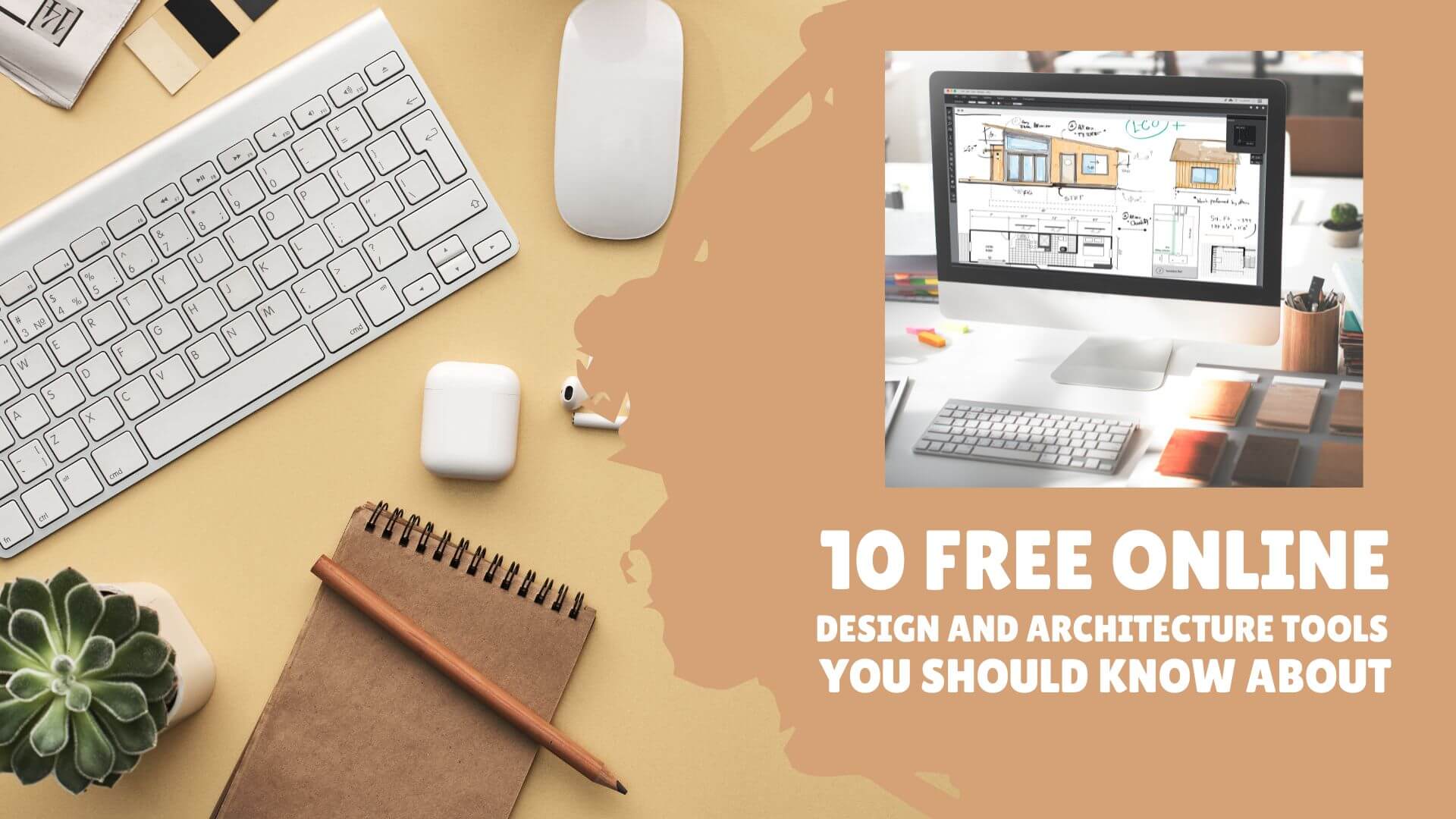
Several tools stand out in the crowded market of free online design solutions. Canva, for instance, is renowned for its intuitive interface and extensive template library. GIMP (GNU Image Manipulation Program) offers a more robust set of features, appealing to those familiar with photo editing software. Other notable mentions include Adobe Spark, Figma, and Vectr, each with its strengths and user base.
Balancing Features and Usability
When evaluating free online design tools, two critical factors come into play: features and usability. A tool may offer an impressive array of functionalities, but if it's cumbersome to use, it quickly becomes frustrating. Conversely, a highly user-friendly tool might lack advanced features. Finding a balance is key.
Feature-Rich vs. User-Friendly: A Comparison
| <strong>Tool</strong> | <strong>Features</strong> | <strong>Usability</strong> |
|---|---|---|
| Canva | Extensive template library, easy design tools | Highly user-friendly |
| GIMP | Advanced photo editing features, customizable | Steeper learning curve |
| Adobe Spark | Professional-looking templates, easy to use | User-friendly, with a focus on simplicity |
Practical Applications and Real-World Scenarios
To truly appreciate the value of free online design tools, let's consider a few practical scenarios. Imagine you're a small business owner looking to create engaging social media posts. Canva's template library and drag-and-drop interface make this task straightforward. On the other hand, if you're a freelance graphic designer tasked with creating a complex digital illustration, GIMP's advanced features might be more suitable.
Insights from Users and Experts
What do users and experts have to say about these tools? According to a survey by Design Milk, Canva is a favorite among non-designers and small business owners for its ease of use and versatility. Meanwhile, professionals often praise GIMP for its depth of features and customization options.
"The best design tool is one that you enjoy using and meets your project's needs. Don't be afraid to experiment with different tools until you find the one that feels right." - Smashing Magazine
Making an Informed Decision
With so many free online design tools available, making an informed decision requires understanding your needs and evaluating tools based on those needs. Here are a few questions to consider:
- What is the primary purpose of your design project?
- What is your level of design experience?
- Are you looking for simplicity and ease of use, or advanced features?
Frequently Asked Questions
Q: Are free online design tools really free?
Most free online design tools offer a basic version for free, with optional paid upgrades for additional features or to remove watermarks.
Q: Can I use free online design tools for commercial projects?
It depends on the tool's terms of service. Some allow commercial use, while others may require a paid subscription or have restrictions.
Q: Do I need to download software to use free online design tools?
Many free online design tools are web-based, requiring no download. However, some may offer desktop versions or require a download for additional functionality.
Q: Are free online design tools secure to use?
Reputable free online design tools prioritize user data security. Always review a tool's privacy policy and terms of service before using it.
Closing Thoughts
Free online design tools have democratized access to digital design, offering a range of solutions for various needs and skill levels. By understanding your requirements, exploring the features and usability of different tools, and considering real-world applications, you can find the perfect tool to elevate your visual content. Whether you're a beginner looking for simplicity or a professional seeking advanced features, there's a free online design tool out there for you.
Related: Find Your Perfect Task Manager: Checklist App Free Download
