
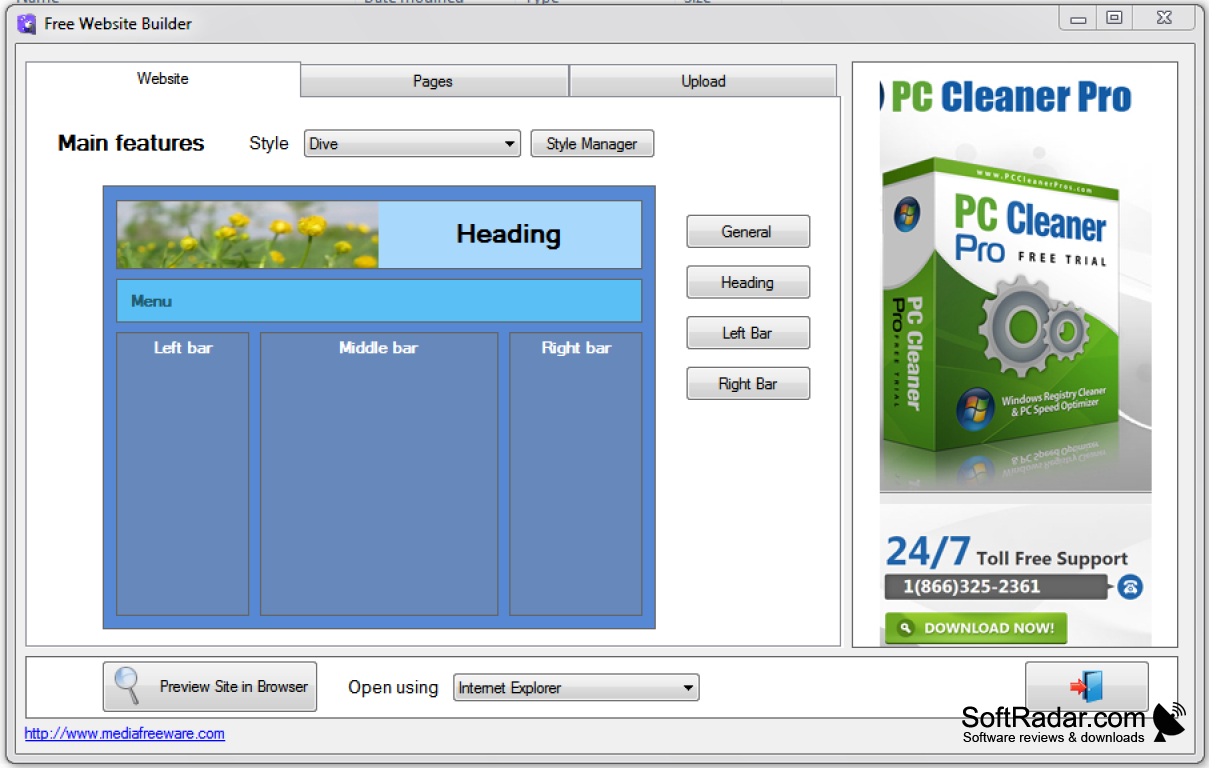
The Hunt for the Perfect Free Website Builder
When you're looking to create a website without breaking the bank, free website builders seem like a great place to start. But with so many options available, it can be tough to know which one to choose. As someone who's navigated the world of website creation, I've learned a thing or two about what makes a good free website builder. Let's dive into the world of free website builders and explore what you need to know.
What to Expect from a Free Website Builder
Free website builders often come with limitations, but that doesn't mean you can't create a great website. These platforms usually offer a range of templates, drag-and-drop editors, and basic features like contact forms and social media integration. However, you might encounter restrictions on storage space, bandwidth, or e-commerce functionality.
A Quick Reality Check
Before we proceed, it's essential to understand that free website builders are not created equal. Some may have hidden costs or limitations that can impact your website's performance. Be cautious of:
Limited customization options
Restricted storage and bandwidth
Ads on your website
Limited customer support

Top Free Website Builders to Consider
Here are some popular free website builders that are worth considering:
| Website Builder | Storage | Bandwidth | Customization | E-commerce |
|---|---|---|---|---|
| Wix | 500 MB | Unlimited | High | Limited |
| Weebly | 500 MB | Unlimited | Medium | Limited |
| WordPress.com | 3 GB | Unlimited | High | Limited |
| Strikingly | 10 MB | Limited | Low | Limited |
| Google Sites | Unlimited | Unlimited | Low | No |
As you can see, each website builder has its strengths and weaknesses. Wix and Weebly offer a lot of customization options, while WordPress.com provides a robust platform with a wide range of integrations.

Practical Considerations for Choosing a Free Website Builder
When choosing a free website builder, there are several practical considerations to keep in mind:
Ease of use: How easy is it to create and edit your website?
Customization options: Can you customize your website's design and layout?
Integration with third-party tools: Can you integrate your website with other tools and services?
Customer support: What kind of support does the website builder offer?
A Word of Caution
Be wary of website builders that claim to offer "unlimited" storage or bandwidth. These claims are often buried in fine print, and you may find yourself facing unexpected costs or limitations.
Real-World Examples of Free Website Builders in Action
Let's take a look at a few real-world examples of free website builders in action:
Personal blog: If you're looking to create a simple blog, WordPress.com or Wix might be a good choice. Both platforms offer a range of customizable templates and easy-to-use editors.
E-commerce site: If you're looking to create an online store, Weebly or Wix might be a better option. Both platforms offer e-commerce integrations and a range of customizable templates.
"The key to creating a great website is to keep it simple and focus on your core message. Don't get caught up in trying to create a perfect website – just get started and iterate as you go." – Anonymous
Common Mistakes to Avoid
When using a free website builder, there are several common mistakes to avoid:
Not reading the fine print: Make sure you understand the limitations and restrictions of your chosen website builder.
Not customizing your website: Take the time to customize your website's design and layout to reflect your brand.
- Not testing your website: Test your website on different devices and browsers to ensure it looks and works as expected.
Frequently Asked Questions
Q: What is the best free website builder?
The best free website builder depends on your specific needs and goals. Wix, Weebly, and WordPress.com are popular options.
Q: Can I create an e-commerce website with a free website builder?
Yes, but be aware that e-commerce functionality may be limited on free plans.
Q: Are there any hidden costs associated with free website builders?
Yes, be cautious of hidden costs or limitations that can impact your website's performance.
Q: Can I transfer my website to a paid plan if I need more features?
Yes, most website builders allow you to upgrade to a paid plan if you need more features or storage.
Conclusion
Choosing the right free website builder can be a daunting task, but by understanding your needs and doing your research, you can create a great website without breaking the bank. Remember to keep it simple, focus on your core message, and iterate as you go. With the right tools and a little bit of know-how, you can create a website that you're proud of.
