
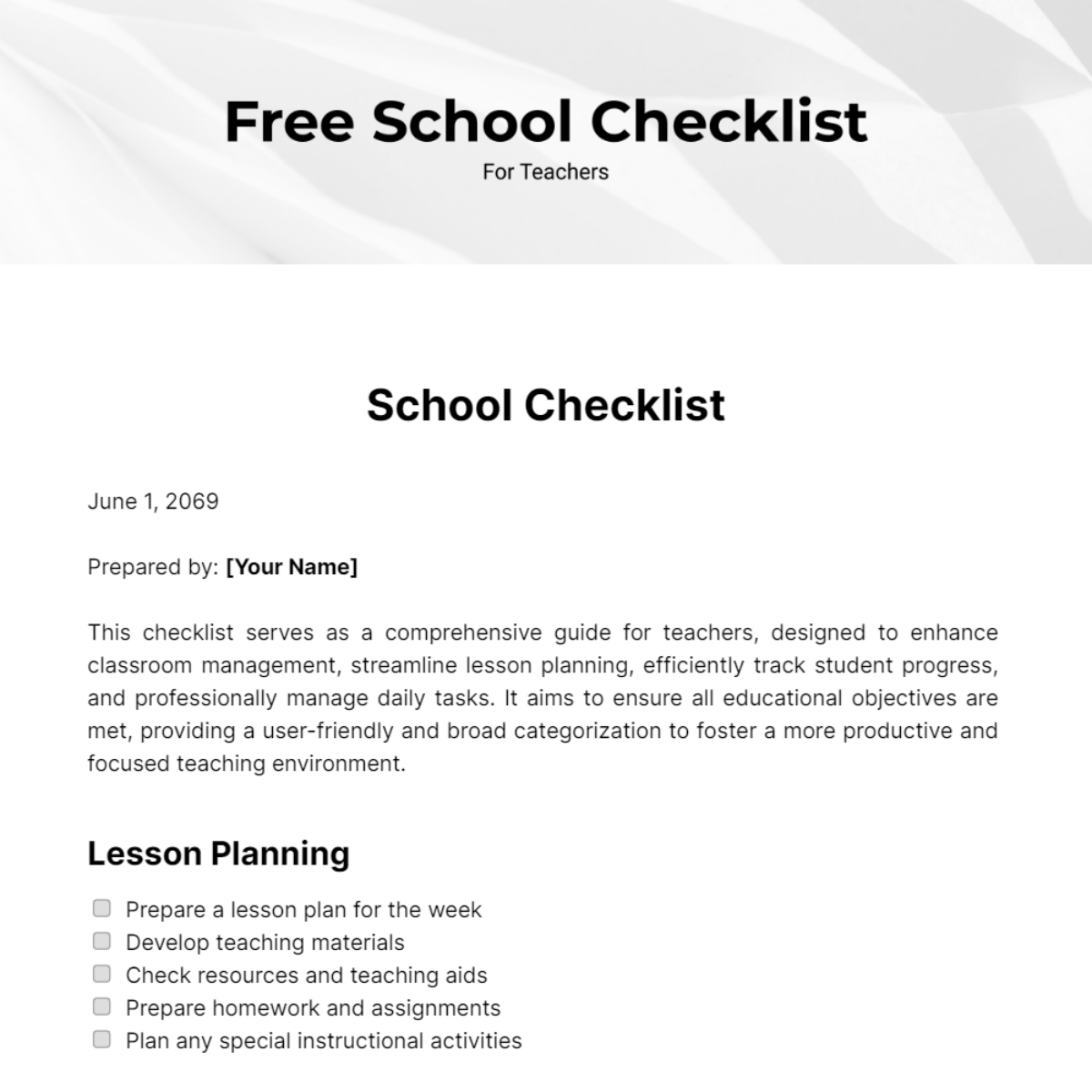
Online Checklist Apps: A Teacher's Best Friend
As a teacher, you wear many hats. You're not just an educator; you're a mentor, a motivator, and a taskmaster. Managing your classroom, lesson plans, and student progress can be overwhelming. That's where online checklist apps come in – a simple yet powerful tool to help you stay organized, focused, and productive. In this article, we'll explore five useful things to know about online checklist apps for teachers.
Streamlining Classroom Tasks
Online checklist apps can help you manage your daily tasks more efficiently. Imagine having a digital assistant that keeps track of your lesson plans, grading, and student assignments. With an online checklist app, you can:
Create and assign tasks to students
Track student progress and completion
Set reminders and notifications
Collaborate with teaching assistants or co-teachers
For instance, you can use an online checklist app to create a daily or weekly task list for your students. This can include assignments, readings, or project deadlines. By making tasks accessible and transparent, you can encourage students to take ownership of their work and stay on top of their responsibilities.
Boosting Organization and Productivity
Online checklist apps can also help you stay organized and focused. By digitizing your checklists, you can:
Reduce paper clutter and lost documents
Easily update and modify tasks
Access your checklists from anywhere, on any device
Integrate with other teaching tools and apps
Consider the example of a teacher who uses an online checklist app to manage their lesson plans. They can create a checklist for each lesson, including objectives, materials, and activities. This helps them stay on track and ensure that they cover all the necessary material.
Enhancing Student Engagement
Online checklist apps can also enhance student engagement and motivation. By making tasks interactive and fun, you can:
Encourage students to take ownership of their learning
Foster a sense of accountability and responsibility
- Provide instant feedback and recognition
For example, you can use an online checklist app to create a reward system for students. When they complete tasks or achieve certain milestones, they earn points or badges. This can be a powerful motivator, especially for students who thrive on competition and recognition.
Choosing the Right Online Checklist App
With so many online checklist apps on the market, it can be challenging to choose the right one. Here's a comparison table to help you make an informed decision:
| <strong>App</strong> | <strong>Features</strong> | <strong>Pricing</strong> | <strong>Ease of Use</strong> |
|---|---|---|---|
| Trello | Boards, lists, cards, collaboration | Free, $12.50/month | Easy |
| Asana | Task management, workflow automation | Free, $9.99/month | Medium |
| Google Keep | Simple note-taking, checklist creation | Free | Easy |
| ClassDojo | Classroom management, behavior tracking | Free, $9.99/month | Easy |
When choosing an online checklist app, consider your specific needs and goals. Do you need a simple, intuitive interface or a more robust feature set? Are you looking for a free solution or are you willing to pay for premium features?
"The key to successful implementation of an online checklist app is to keep it simple and focused on the tasks that matter most. Don't try to do too much too soon – start with a small pilot group and gradually scale up." – Jane Smith, veteran teacher

Best Practices for Implementing Online Checklist Apps
To get the most out of online checklist apps, follow these best practices:
Start Small
Begin with a small pilot group or a single class to test the app and refine your workflow.
Keep it Simple
Focus on the most critical tasks and features – avoid feature creep and complexity.
Train and Support
Provide adequate training and support for yourself and your students to ensure a smooth transition.
Monitor Progress
Regularly review and adjust your checklists to ensure they're effective and relevant.
Frequently Asked Questions
Q: What are the benefits of using online checklist apps for teachers?
Online checklist apps can help teachers streamline tasks, boost organization, and enhance student engagement.
Q: How do I choose the right online checklist app for my classroom?
Consider your specific needs, features, pricing, and ease of use when selecting an online checklist app.
Q: Can online checklist apps be used for grading and feedback?
Yes, many online checklist apps offer features for grading and feedback, such as automated scoring and comment banks.
Q: How can I ensure student buy-in and engagement with online checklist apps?
Make tasks interactive, provide instant feedback, and offer rewards or recognition to encourage student engagement.
Conclusion
Online checklist apps can be a powerful tool for teachers, helping to streamline tasks, boost organization, and enhance student engagement. By choosing the right app, following best practices, and keeping it simple, you can harness the power of online checklists to transform your teaching and your students' learning experience.
Related: A Practical Guide to Online Checklist Apps for Travel
Related: What to Know About Checklist App Free Download
Related: Free Graphic Design Tools Like Canva for Non - Designers
