
Finding the Right Checklist App for Your Needs
When searching for a free checklist app, it's easy to get overwhelmed by the numerous options available. With so many apps promising to boost productivity and organization, how do you choose the best one for your needs? In this article, we'll explore five useful things to know about the best free checklist apps, helping you make an informed decision and get the most out of your chosen app.
Key Features to Look for in a Free Checklist App
Not all checklist apps are created equal. When evaluating a free checklist app, look for the following essential features:
Ease of use: A user-friendly interface is crucial for a checklist app. You want to be able to create and manage your lists quickly and efficiently.
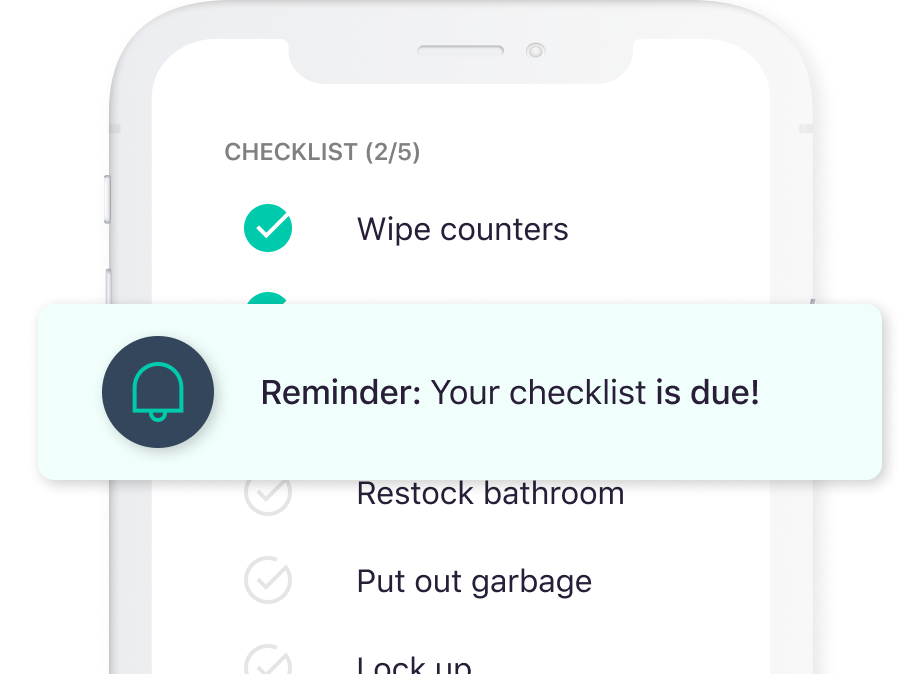
Customization options: A good checklist app should allow you to tailor your lists to your specific needs. This includes adding or removing fields, changing layouts, and setting reminders.
Collaboration features: If you work with a team or need to share lists with others, look for an app that offers real-time collaboration and sharing capabilities.
Integration with other tools: Consider an app that integrates with your existing workflow, such as Google Drive, Trello, or Slack.
Top Free Checklist Apps to Consider
Here are some of the top free checklist apps to consider:
| App Name | Features | Platforms |
|---|---|---|
| Trello | Kanban boards, customizable lists, collaboration features | Web, iOS, Android |
| Wunderlist | Simple and intuitive interface, reminders, collaboration features | Web, iOS, Android |
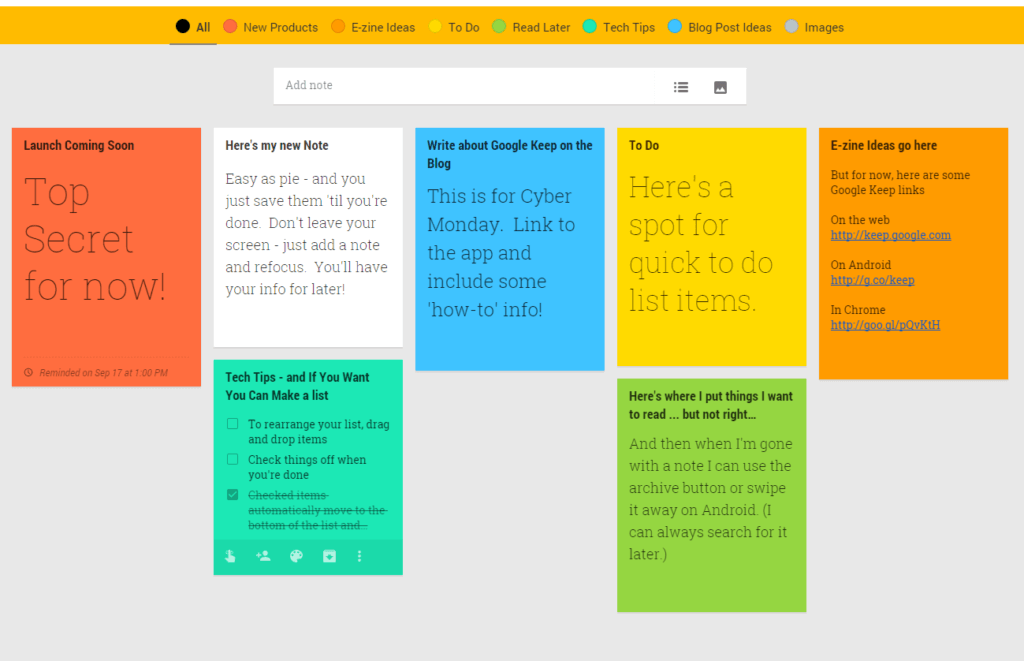
| Google Keep | Minimalist design, color-coded notes, integration with Google Drive | Web, iOS, Android |
| Any.do | Task management, customizable lists, collaboration features | Web, iOS, Android |
| Todoist | Advanced features like prioritization and labeling, integration with other tools | Web, iOS, Android |
Real-World Scenarios for Using a Checklist App
Checklist apps can be applied to various aspects of life and work. Here are a few examples:
Personal projects: Use a checklist app to manage tasks and deadlines for personal projects, such as home renovations or planning a vacation.
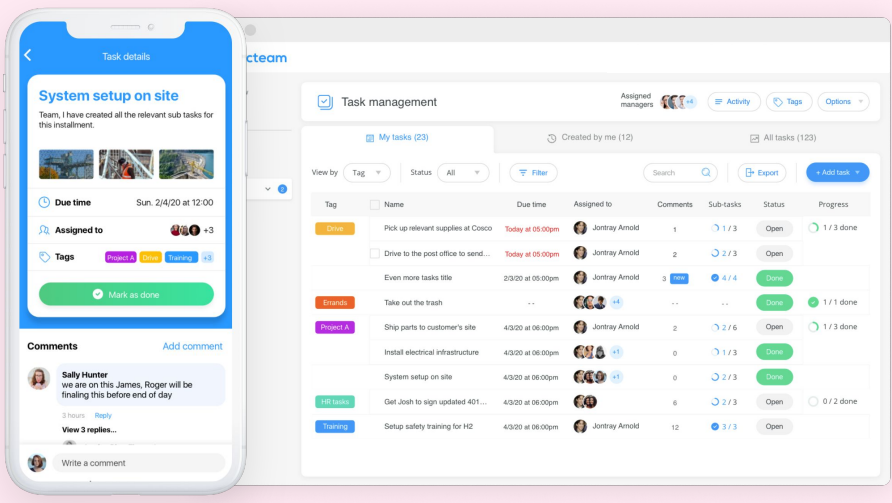
Workplace organization: Implement a checklist app to streamline workflows, assign tasks, and track progress in a team setting.
Daily routines: Create a checklist app to manage daily routines, such as exercise, medication, or household chores.
Maximizing the Benefits of Your Checklist App
To get the most out of your chosen checklist app, follow these best practices:
Start small: Begin with a simple list and gradually add more features and complexity as needed.
Customize your lists: Tailor your lists to your specific needs and workflow.
Set reminders: Use reminders to stay on track and ensure timely completion of tasks.
Review and adjust: Regularly review your lists and adjust them as needed to ensure they remain relevant and effective.
Common Mistakes to Avoid When Using a Checklist App
When using a checklist app, avoid the following common mistakes:
Over-complicating your lists: Keep your lists simple and focused on essential tasks and information.
Not setting reminders: Failing to set reminders can lead to missed deadlines and forgotten tasks.
Not reviewing and adjusting your lists: Regular review and adjustment of your lists are crucial to ensure they remain relevant and effective.
Frequently Asked Questions
Q: What is the best free checklist app for teams?
Trello and Any.do are popular options for teams, offering collaboration features and integration with other tools.
Q: Can I use a checklist app for personal projects?
Yes, checklist apps like Wunderlist and Google Keep are suitable for personal projects, offering simple and intuitive interfaces.
Q: How do I choose the right checklist app for my needs?
Consider the features you need, such as customization options, collaboration features, and integration with other tools.
Q: Can I use a checklist app on multiple devices?
Most checklist apps offer cross-platform compatibility, allowing you to access your lists on multiple devices.
Conclusion
Choosing the right free checklist app can significantly impact your productivity and organization. By considering key features, evaluating top options, and following best practices, you can maximize the benefits of your chosen app. Avoid common mistakes, and don't hesitate to explore different apps until you find the one that suits your needs. With the right checklist app, you'll be able to streamline your workflow, stay on top of tasks, and achieve your goals more efficiently.
Related: 5 Useful Things to Know About Online Course Web Templates
Related: Free Website Builder with Templates
