
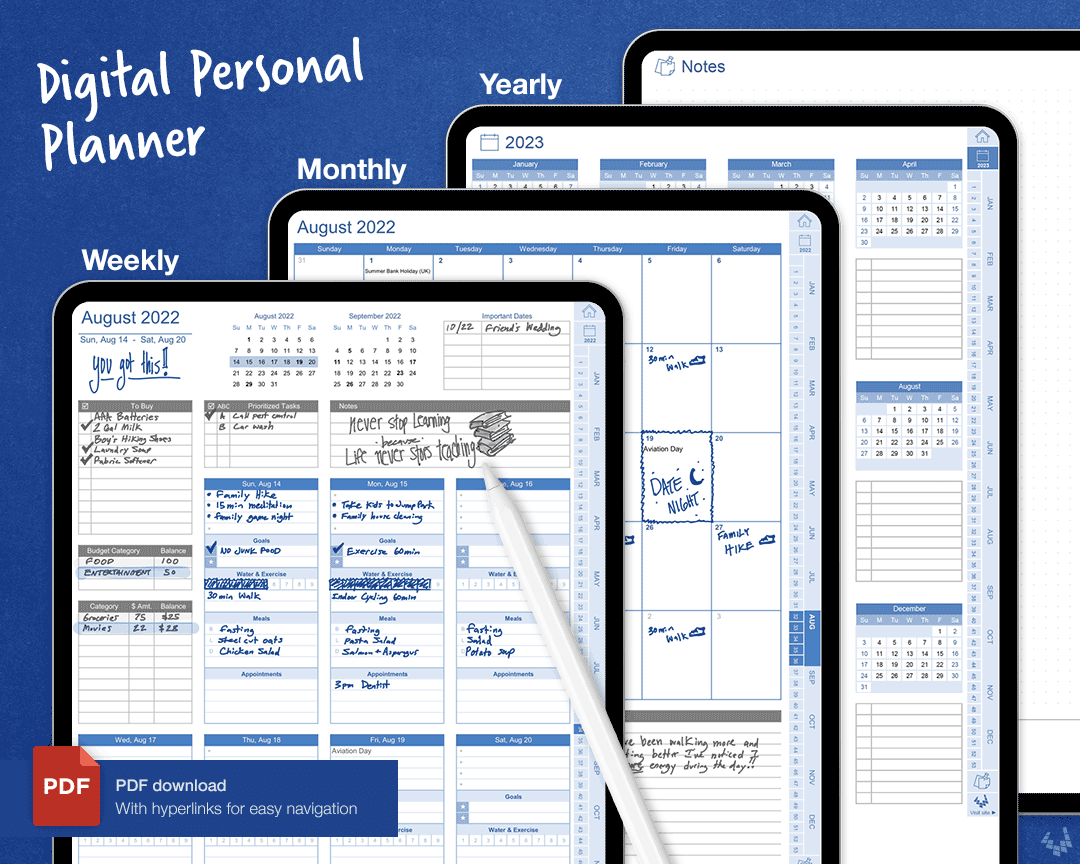
What is a Digital Planner and Why Do You Need One?
A digital planner is a virtual tool that helps you organize your tasks, appointments, and goals in a single place. It's an excellent alternative to traditional paper planners, offering more flexibility, accessibility, and features. With a digital planner, you can easily schedule events, set reminders, and track your progress, all from your device. This makes it an essential tool for anyone looking to boost their productivity and stay organized.
Benefits of Using a Free Digital Planner
Using a free digital planner can have a significant impact on your daily life. Here are some benefits you can expect:
Increased productivity: A digital planner helps you prioritize tasks, set deadlines, and focus on what's important.
Improved organization: Keep all your tasks, appointments, and goals in one place, making it easier to manage your time and resources.
Enhanced collaboration: Many digital planners allow you to share your schedule and tasks with others, making it easier to work together.
Better time management: A digital planner helps you understand how you spend your time, making it easier to optimize your schedule.
Top Features to Look for in a Free Digital Planner
When choosing a free digital planner, there are several features to consider. Here are some of the top features to look for:
User-friendly interface: A simple and intuitive interface makes it easier to navigate and use the planner.
Customization options: Look for a planner that allows you to customize the layout, add your own templates, and create custom fields.
Integration with other tools: Consider a planner that integrates with other tools and apps you use, such as Google Calendar or Trello.
Accessibility: Choose a planner that's accessible on multiple devices, including your computer, tablet, and smartphone.
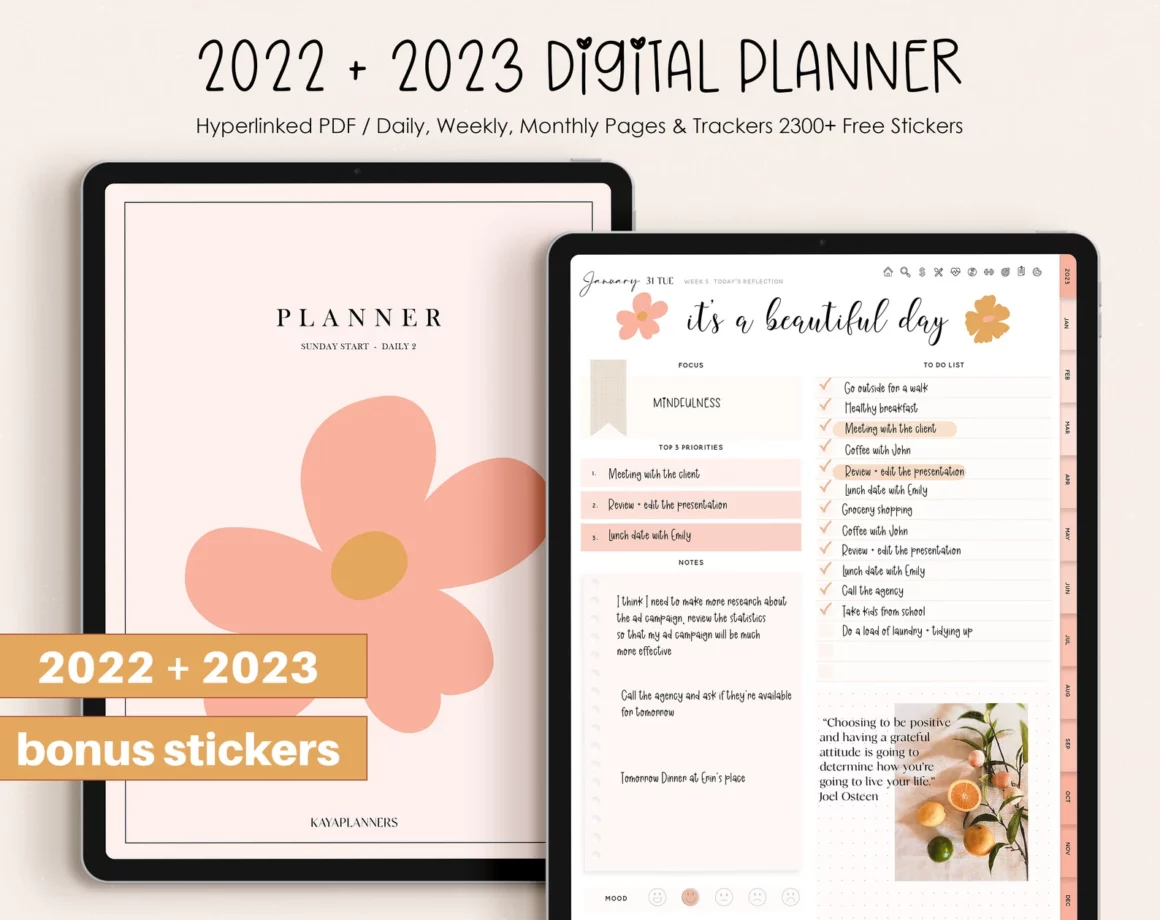
Comparison of Top Free Digital Planners
Here's a comparison table of some top free digital planners:
| Digital Planner | Features | Platforms | Customization |
|---|---|---|---|
| Google Calendar | Scheduling, reminders, integration with other Google apps | Web, Android, iOS | Limited |
| Microsoft To Do | Task management, integration with Outlook | Web, Android, iOS | Limited |
| Any.do | Task management, calendar integration, collaboration features | Web, Android, iOS | High |
| Trello | Project management, board-based layout, integration with other apps | Web, Android, iOS | High |
| Evernote | Note-taking, task management, integration with other apps | Web, Android, iOS | High |
How to Choose the Best Free Digital Planner for Your Needs
Choosing the Best free digital planner depends on your specific needs and preferences. Here are some steps to follow:
- Identify your goals: What do you want to achieve with your digital planner? Do you need to manage tasks, schedule appointments, or track goals?
- Assess your workflow: How do you currently manage your time and tasks? What tools and apps do you use?
- Research options: Look for digital planners that meet your needs and preferences. Read reviews, compare features, and try out a few options.
- Test and refine: Test your chosen digital planner and refine your workflow as needed.
Tips for Maximizing the Benefits of Your Free Digital Planner
Here are some tips for getting the most out of your free digital planner:
Start small: Begin with a simple setup and gradually add more features and complexity.
Be consistent: Use your digital planner regularly to track your progress and make adjustments.
Customize: Tailor your digital planner to your needs and preferences.
Integrate with other tools: Connect your digital planner with other apps and tools to streamline your workflow.
Common Mistakes to Avoid When Using a Free Digital Planner
Here are some common mistakes to avoid when using a free digital planner:
Over-complicating: Avoid adding too many features or complexity to your digital planner.
Not using it consistently: Make sure to use your digital planner regularly to track your progress and make adjustments.
- Not customizing: Tailor your digital planner to your needs and preferences to get the most out of it.
Frequently Asked Questions
Q: What is the best free digital planner?
The best free digital planner depends on your specific needs and preferences. Some popular options include Google Calendar, Microsoft To Do, and Any.do.
Q: Can I use a digital planner on multiple devices?
Yes, most digital planners are accessible on multiple devices, including computers, tablets, and smartphones.
Q: How do I choose the right digital planner for my needs?
Identify your goals, assess your workflow, research options, and test and refine your chosen digital planner.
Q: Can I customize my digital planner?
Yes, many digital planners offer customization options, such as adding your own templates, creating custom fields, and integrating with other apps.
Final Tips and Next Steps
Finding the best free digital planner can be a game-changer for your productivity and organization. By considering your needs, researching options, and customizing your planner, you can maximize its benefits and achieve your goals. Take the first step today and start exploring the world of digital planners. With a little practice and patience, you'll be on your way to becoming more organized, productive, and successful.
Related: A Practical Guide to Finding the Best Online Courses Platform
Related: What to Know About Choosing the Right Website Template
Related: 5 Useful Things to Know About Online Course Web Templates
Related: Mastering Design with Free AI Tools: A Practical Guide
