
Getting Started with Website Builders
As a beginner, creating a website can seem like a daunting task. You may have a great idea for a website, but don't know where to start. That's where website builders come in – platforms that allow you to create a website without needing to learn how to code. With so many options available, it can be hard to choose the right one. In this guide, we'll walk you through the process of choosing the best website builder for beginners.
What to Look for in a Website Builder
When choosing a website builder, there are several factors to consider. Here are a few key things to look for:
Ease of use: A user-friendly interface is essential for beginners. Look for a website builder with a drag-and-drop editor or a visual builder that makes it easy to create and customize your website.
Customization options: A good website builder should offer a range of templates, themes, and customization options to help you create a unique website.
Features and integrations: Consider the features you need for your website, such as e-commerce functionality, contact forms, and social media integration.
Support and resources: Look for a website builder that offers good customer support, including tutorials, documentation, and customer service.
Top Website Builders for Beginners
Here are some of the top website builders for beginners:
Wix: Wix is a popular website builder that offers a drag-and-drop editor and a wide range of templates and customization options. It's easy to use and offers a free plan, making it a great option for beginners.
Squarespace: Squarespace is a stylish website builder that's easy to use and offers a range of modern templates. It's a great option for creatives and small businesses.
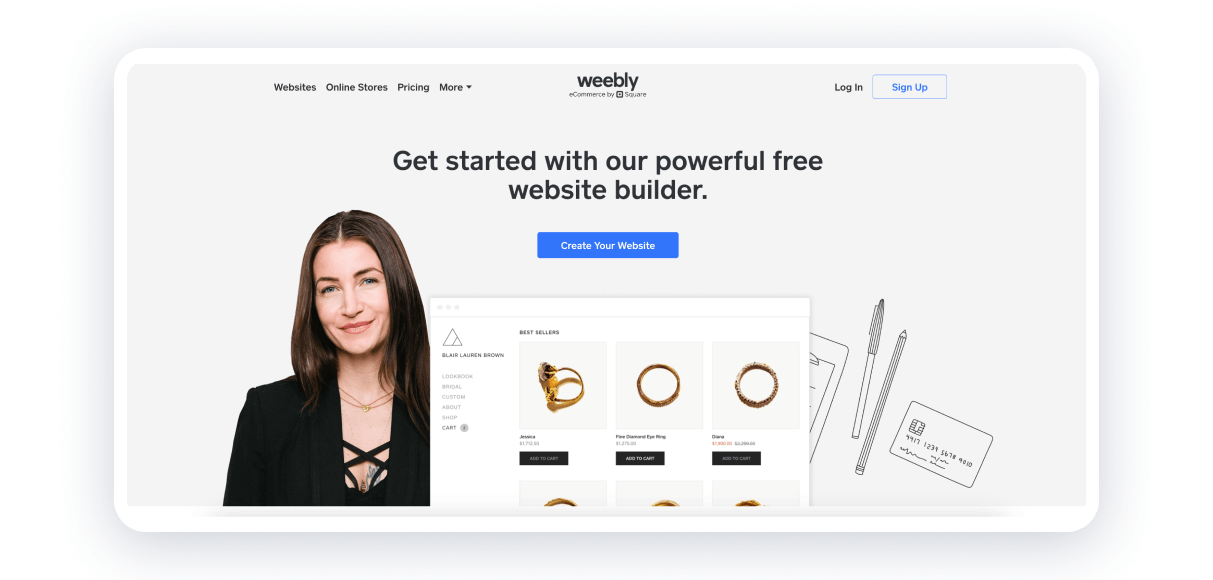
Weebly: Weebly is a user-friendly website builder that offers a drag-and-drop editor and a range of customization options. It's a great option for small businesses and e-commerce websites.
Shopify: Shopify is an e-commerce website builder that's designed specifically for online stores. It's easy to use and offers a range of features and integrations.
Comparison of Top Website Builders
| Website Builder | Ease of use | Customization options | Features and integrations | Pricing |
|---|---|---|---|---|
| Wix | 9/10 | 8/10 | 8/10 | $14-$25/month |
| Squarespace | 8/10 | 9/10 | 8/10 | $14-$26/month |
| Weebly | 9/10 | 8/10 | 8/10 | $12-$25/month |
| Shopify | 8/10 | 8/10 | 9/10 | $29-$299/month |
Practical Example: Creating a Website with Wix
Let's say you want to create a simple website using Wix. Here's how you can do it:
- Sign up for a Wix account and choose a template.
- Customize your template using Wix's drag-and-drop editor.
- Add text, images, and other elements to your website.
- Publish your website and make it live.
Wix offers a user-friendly interface and a wide range of templates and customization options, making it easy to create a website with minimal hassle.
Common Mistakes to Avoid
When choosing a website builder, there are several common mistakes to avoid:
Not considering your needs: Make sure you choose a website builder that meets your needs and offers the features and integrations you require.
Not reading reviews: Read reviews from other users to get a sense of a website builder's strengths and weaknesses.
Not trying before you buy: Try out a website builder before committing to a paid plan.
Trust-Building: What to Expect from a Website Builder
When choosing a website builder, you want to make sure you're working with a reputable company that offers good support and resources. Here are a few things to expect:
Good customer support: Look for a website builder that offers good customer support, including tutorials, documentation, and customer service.
Regular updates: A good website builder should offer regular updates and new features to keep your website fresh and secure.
Security: Make sure your website builder offers good security features, including SSL certificates and backups.
Frequently Asked Questions
Q: What is the best website builder for beginners?
The best website builder for beginners depends on your needs and goals. Wix, Squarespace, and Weebly are popular options that offer ease of use and a range of customization options.
Q: Do I need to know how to code to use a website builder?
No, you don't need to know how to code to use a website builder. Most website builders offer a drag-and-drop editor or visual builder that makes it easy to create and customize your website.
Q: Can I create an e-commerce website with a website builder?
Yes, many website builders offer e-commerce functionality, including Shopify and Weebly.
Q: How much does it cost to create a website with a website builder?
The cost of creating a website with a website builder varies depending on the platform and features you need. Most website builders offer a free plan or a trial period, and paid plans start at around $10-$20/month.
Conclusion
Choosing the best website builder for beginners can seem overwhelming, but by considering your needs and goals, you can find a platform that meets your requirements. Wix, Squarespace, and Weebly are popular options that offer ease of use and a range of customization options. By following the tips and advice in this guide, you can create a website with minimal hassle and achieve your online goals.
Related: What to Know About Free Content Calendar Templates in Excel
