
Why a Content Calendar Matters
In the chaos of content creation, it's easy to lose track of deadlines, publishing schedules, and team assignments. A content calendar is a lifesaver, helping you plan, organize, and execute your content strategy with ease. By visualizing your content plan, you can ensure consistency, reduce last-minute scrambles, and make data-driven decisions. And what better tool to create one than Excel, with its flexibility and familiarity?
Setting Up Your Content Calendar Template
Before diving into the nitty-gritty, let's start with the basics. To create a content calendar on Excel, you'll need a template. You can either create one from scratch or use a pre-designed template. Here's a simple outline to get you started:
| Column A | Column B | Column C | Column D | Column E |
|---|---|---|---|---|
| Date | Title | Type | Author | Status |
This basic template will help you track the date, title, type of content (e.g., blog post, social media, video), author, and status (e.g., draft, published, scheduled). Feel free to add or remove columns as per your requirements.
Choosing the Right Format for Your Content Calendar
Your content calendar can take many forms, depending on your team's needs and preferences. Here are a few popular options:
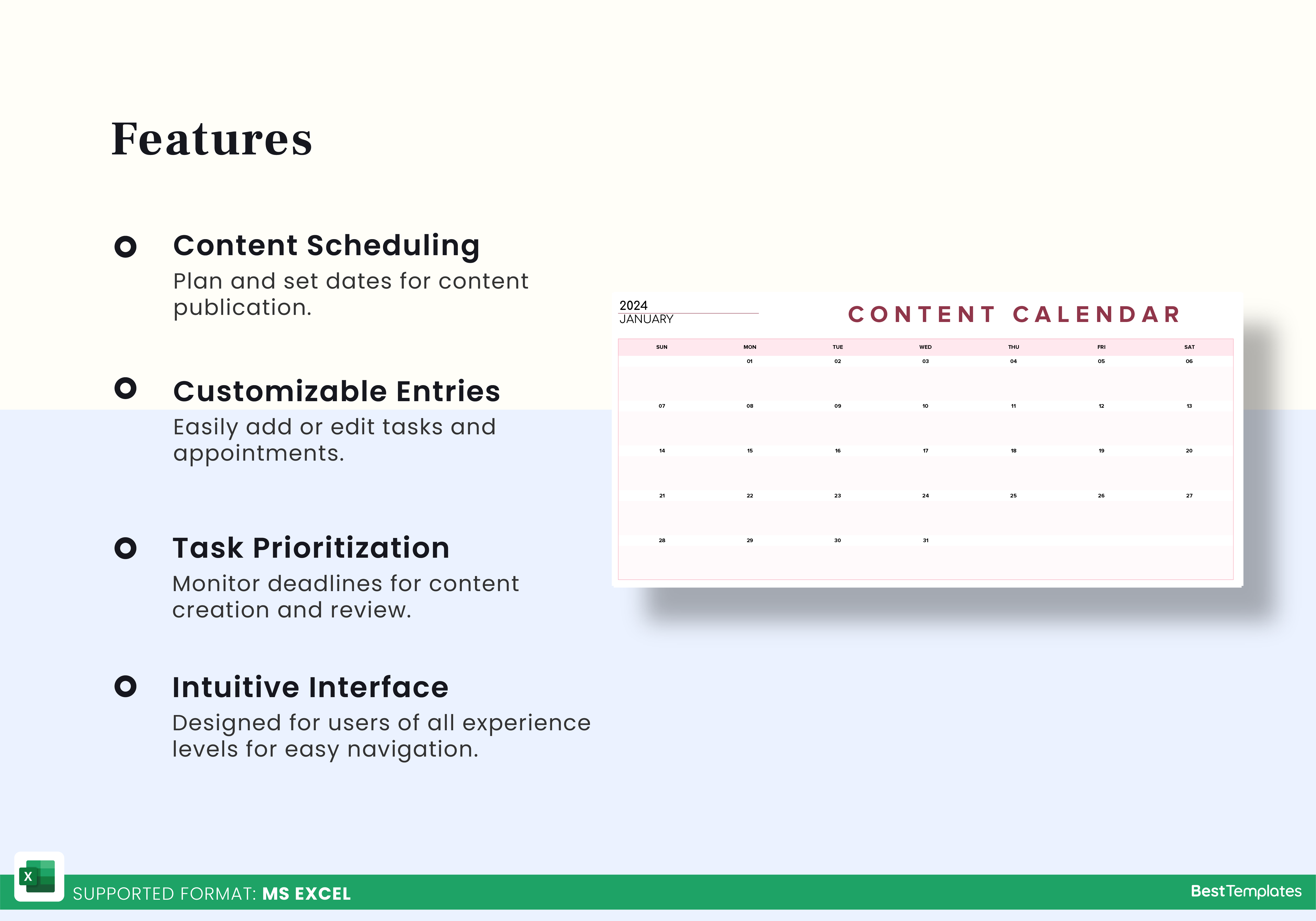
Monthly view: A bird's-eye view of your content plan, with each row representing a day or week.
Weekly view: A more detailed plan, with each row representing a specific day or task.
Project-based view: A template focused on specific projects, with columns for tasks, deadlines, and team members.
Which format works best for you? It ultimately comes down to your team's workflow and the type of content you create.
Tips for Populating and Maintaining Your Content Calendar
Now that you have a template, it's time to fill it with content. Here are some tips to keep in mind:
Start with a content audit: Take stock of your existing content, including blog posts, social media, and other marketing materials.
Plan ahead: Schedule content at least 2-3 weeks in advance, considering factors like seasonality, holidays, and team availability.
Assign tasks and deadlines: Clearly define responsibilities and deadlines for each piece of content.
Update regularly: Regularly review and update your content calendar to reflect changes, cancellations, or new additions.
Using Excel Formulas and Features to Streamline Your Content Calendar
Excel offers a range of tools to make your content calendar more efficient. Here are a few examples:
Conditional formatting: Highlight cells based on specific conditions, such as upcoming deadlines or published content.
Formulas: Use formulas to automatically calculate dates, such as the number of days until a deadline.
Filters: Quickly filter your content calendar by author, type, or status.
By leveraging these features, you can save time and reduce errors.
Advanced Tips for Power Users
If you're comfortable with Excel, here are some advanced tips to take your content calendar to the next level:
Integrate with other tools: Connect your content calendar to other tools, such as Google Calendar or Trello, for seamless workflow integration.
Use pivot tables: Analyze your content performance by creating pivot tables to summarize data by author, type, or date.
Create a dashboard: Visualize your content performance with a dashboard, using charts and graphs to illustrate key metrics.

Common Mistakes to Avoid
Even with the best intentions, content calendars can go awry. Here are some common mistakes to avoid:
Not updating regularly: Failing to update your content calendar can lead to confusion, missed deadlines, and wasted resources.
Not assigning clear responsibilities: unclear roles and responsibilities can result in duplicated effort or neglected tasks.
Not considering seasonality: Failing to account for seasonal fluctuations can lead to irrelevant or ineffective content.
FAQs
Here are some common questions about creating a content calendar on Excel:
Q: How do I create a content calendar in Excel?
Start by setting up a template with columns for date, title, type, author, and status. You can use a pre-designed template or create one from scratch.
Q: What are the benefits of using a content calendar?
A content calendar helps you plan, organize, and execute your content strategy, ensuring consistency, reducing last-minute scrambles, and enabling data-driven decisions.
Q: Can I integrate my content calendar with other tools?
Yes, you can integrate your content calendar with other tools, such as Google Calendar or Trello, for seamless workflow integration.
Q: How do I maintain my content calendar?
Regularly review and update your content calendar to reflect changes, cancellations, or new additions.
Putting it All Together
Creating a content calendar on Excel is a straightforward process that can greatly benefit your content strategy. By following these tips and best practices, you can streamline your publishing process, improve team collaboration, and drive better results. Whether you're a seasoned marketer or just starting out, a content calendar on Excel is an essential tool to help you succeed.
Related: Website Builder Login Tips
