
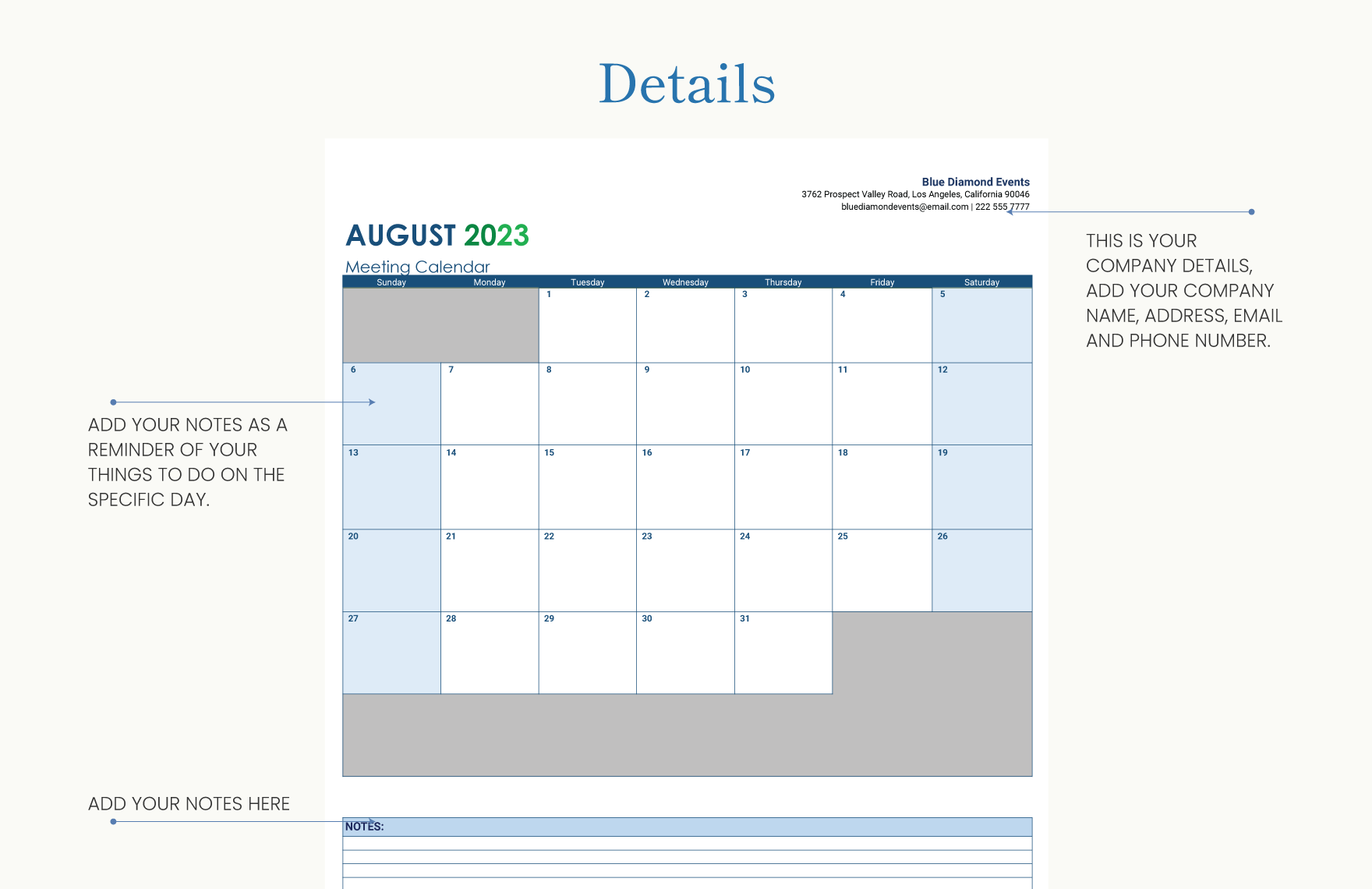
Understanding the Importance of a Content Calendar
As a content creator, managing multiple projects, deadlines, and teams can be overwhelming. A content calendar is an essential tool that helps you organize, plan, and schedule your content in advance. It ensures consistency, reduces stress, and improves collaboration among team members. A well-crafted content calendar template can make a significant difference in your content creation process.
Choosing the Right Content Calendar Template
When it comes to creating a content calendar template, there are several options to consider. You can use a spreadsheet, a project management tool, or a dedicated content calendar software. Each option has its pros and cons.
Spreadsheet vs. Project Management Tool vs. Dedicated Software
| <strong>Option</strong> | <strong>Pros</strong> | <strong>Cons</strong> |
|---|---|---|
| Spreadsheet | Easy to use, flexible, and cost-effective | Limited collaboration features, prone to errors |
| Project Management Tool | Robust collaboration features, customizable workflows | Steep learning curve, may be overkill for small teams |
| Dedicated Software | Specifically designed for content calendars, user-friendly interface | Limited integration with other tools, may require training |
Creating a Basic Content Calendar Template
To create a basic content calendar template, you'll need to include the following columns:
Date: The publication date of the content
Content Type: The type of content (blog post, social media, video, etc.)
Topic: The topic or theme of the content
Author: The person responsible for creating the content
Status: The current status of the content (draft, in review, published)
You can use a spreadsheet or a project management tool to create this template. Here's an example of what it might look like:
| Date | Content Type | Topic | Author | Status |
|---|---|---|---|---|
| 2023-03-01 | Blog Post | SEO Strategy | John | Draft |
| 2023-03-03 | Social Media | Marketing Tips | Jane | Scheduled |
| 2023-03-05 | Video | Product Demo | Bob | In Review |
Customizing Your Content Calendar Template
As your content creation process becomes more complex, you may need to add more columns or features to your template. Consider including:
Keywords: The target keywords for the content
Meta Description: The meta description for the content
Images: The images or graphics required for the content
CTAs: The calls-to-action (CTAs) for the content
You can also use conditional formatting to highlight important deadlines or upcoming publications.
Integrating Your Content Calendar with Other Tools
To maximize the effectiveness of your content calendar, integrate it with other tools and software. For example:
Google Calendar: Sync your content calendar with Google Calendar to ensure everyone on the team is on the same page
Project Management Tool: Integrate your content calendar with a project management tool like Asana or Trello to streamline workflows
SEO Tool: Connect your content calendar with an SEO tool like Ahrefs or SEMrush to track keyword performance
Tips for Effective Content Calendar Management
To get the most out of your content calendar, follow these best practices:
Regularly update the calendar: Ensure that the calendar is up-to-date and reflects the current content creation process
Communicate with the team: Share the calendar with the team and ensure everyone understands their roles and responsibilities
Review and adjust: Regularly review the calendar and adjust as needed to ensure it aligns with changing priorities and goals
Common Mistakes to Avoid
When creating and managing a content calendar, avoid the following common mistakes:
Not updating the calendar regularly: Failing to update the calendar can lead to confusion and missed deadlines
Not communicating with the team: Failing to communicate with the team can lead to misunderstandings and delays
Not reviewing and adjusting: Failing to review and adjust the calendar can lead to stagnation and decreased productivity
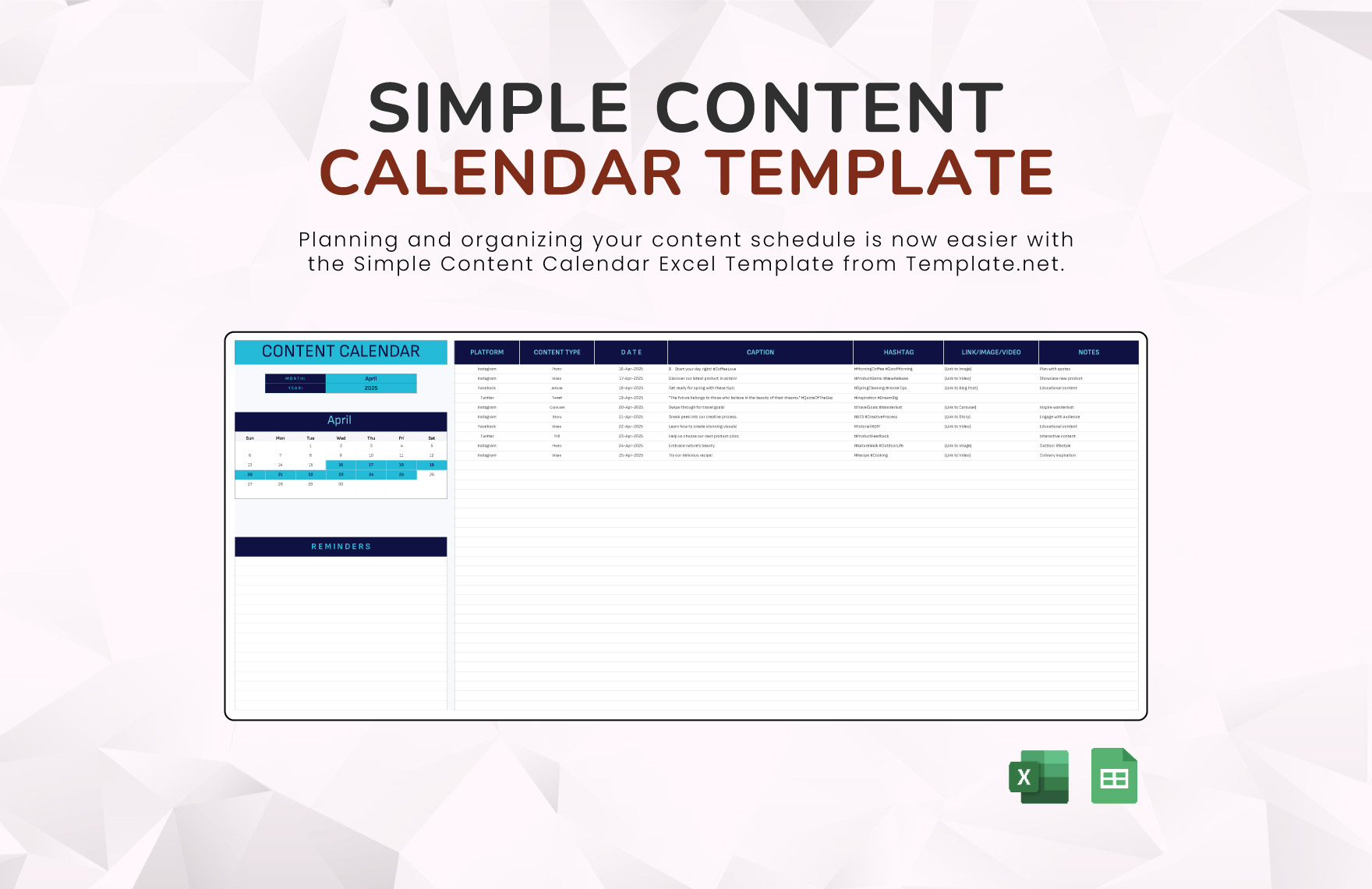
FAQs
Q: What is a content calendar template?
A content calendar template is a tool used to plan, organize, and schedule content in advance.
Q: Why do I need a content calendar template?
A content calendar template helps ensure consistency, reduces stress, and improves collaboration among team members.
Q: How do I create a content calendar template?
You can create a content calendar template using a spreadsheet, project management tool, or dedicated software.
Q: What columns should I include in my content calendar template?
Essential columns include date, content type, topic, author, and status.
Conclusion
A well-crafted content calendar template is an essential tool for any content creator. By understanding the importance of a content calendar, choosing the right template, and customizing it to your needs, you can streamline your content creation process and improve your SEO strategy. Remember to integrate your calendar with other tools, follow best practices, and avoid common mistakes to get the most out of your content calendar. With a little planning and effort, you can create a content calendar that helps you achieve your goals and grow your business.
Related: A Practical Guide to Online Template Downloads for Resumes
Related: A Practical Guide to Low Competition Online Business Ideas
