
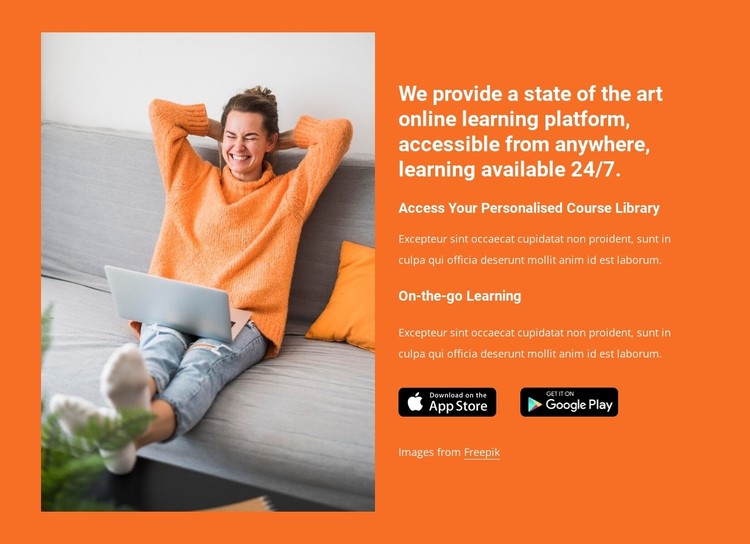
Getting Started with Your Online Learning Platform Template
When it comes to creating an online learning platform, having a well-designed template is crucial for providing an engaging and effective learning experience. A good template can help you organize your content, streamline navigation, and make your platform more user-friendly. In this article, we'll explore the essential features, design tips, and best practices for creating an online learning platform template that meets your needs.
Understanding Your Target Audience
Before designing your template, it's essential to understand your target audience. Who are your learners? What are their needs, goals, and preferences? What type of content will you be offering? Knowing your audience will help you create a template that caters to their needs and provides an optimal learning experience.
For example, if your platform is geared towards younger learners, you may want to incorporate more interactive elements, gamification, and mobile-friendly design. On the other hand, if your platform is designed for professionals, you may want to focus on more straightforward navigation, clear typography, and concise content.
Essential Features of an Online Learning Platform Template
A good online learning platform template should include the following essential features:
Course catalog: A clear and organized catalog that allows learners to browse and search for courses
Course player: A user-friendly player that allows learners to play video, audio, and interactive content
Progress tracking: A system that tracks learners' progress, including course completion, quizzes, and assessments
Discussion forums: A space for learners to interact with each other, ask questions, and share experiences
Mobile responsiveness: A design that adapts to different screen sizes and devices

Design Tips for an Engaging Online Learning Platform Template
When designing your template, keep the following tips in mind:
Keep it simple and clean: Avoid clutter and focus on clear typography, ample white space, and intuitive navigation
Use a consistent color scheme: Choose a palette that reflects your brand and is visually appealing
Make it mobile-friendly: Ensure that your template adapts to different screen sizes and devices
Use interactive elements: Incorporate gamification, animations, and interactive content to engage learners
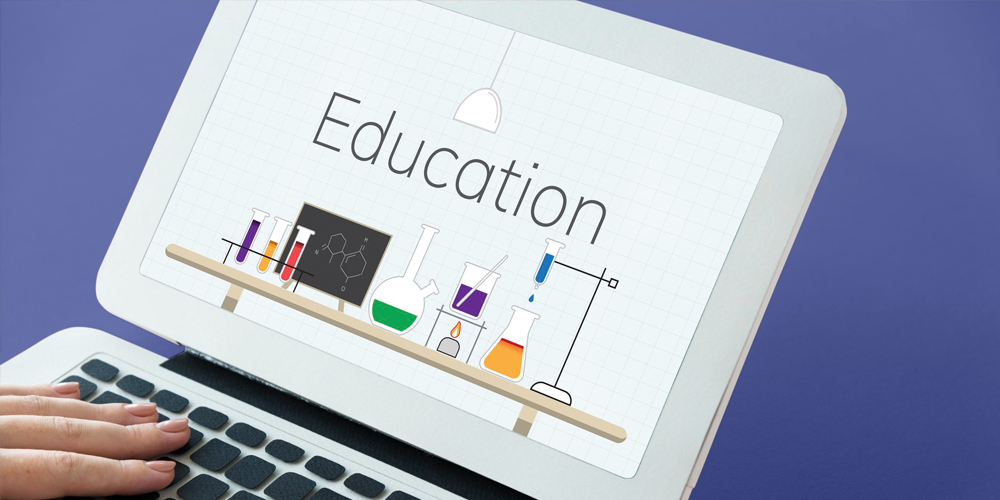
Best Practices for Creating a Seamless User Experience
To create a seamless user experience, follow these best practices:
Conduct user testing: Test your template with real users to identify areas for improvement
Gather feedback: Collect feedback from learners and instructors to inform design decisions
Iterate and refine: Continuously iterate and refine your template to ensure it meets the evolving needs of your learners
Comparison of Popular Online Learning Platform Templates
Here's a comparison of popular online learning platform templates:
| Template | Features | Pricing | User Experience |
|---|---|---|---|
| Template A | Course catalog, course player, progress tracking | $100/month | 4/5 |
| Template B | Course catalog, course player, discussion forums | $200/month | 4.5/5 |
| Template C | Course catalog, course player, progress tracking, discussion forums | $300/month | 5/5 |
Practical Section: Creating a Custom Online Learning Platform Template
Creating a custom online learning platform template requires careful planning, design, and development. Here's a step-by-step guide to get you started:
- Define your requirements: Identify your needs, goals, and target audience
- Choose a template framework: Select a framework that meets your needs, such as WordPress, Moodle, or Canvas
- Design your template: Create a wireframe, mockup, and prototype of your template
- Develop your template: Build your template using HTML, CSS, and JavaScript
- Test and iterate: Test your template with real users and iterate based on feedback
FAQs
Here are some frequently asked questions about online learning platform templates:
Q: What is the best online learning platform template for beginners? For beginners, we recommend starting with a simple and user-friendly template, such as Template A or Template B.
Q: How do I customize my online learning platform template?
To customize your template, you can use a template framework, hire a developer, or use a drag-and-drop builder.
- Q: What are the most important features of an online learning platform template?
The most important features include a course catalog, course player, progress tracking, and discussion forums.
Conclusion
Creating an effective online learning platform template requires careful planning, design, and development. By understanding your target audience, incorporating essential features, and following design tips and best practices, you can create a template that provides a seamless user experience and supports learner engagement. Whether you're a seasoned educator or a newcomer to online learning, this guide has provided you with the practical knowledge and insights you need to create a successful online learning platform template.
Related: Choosing the Right Online Course Website Template for Your
Related: Courses Website Template Free
