
Choosing the Right Template for Your Resume
When you're on the hunt for a job, your resume is often the first impression you make on a potential employer. It's crucial that it's not only well-written but also professionally designed. A free online template for a resume can be a great starting point, but with so many options available, how do you choose the right one?
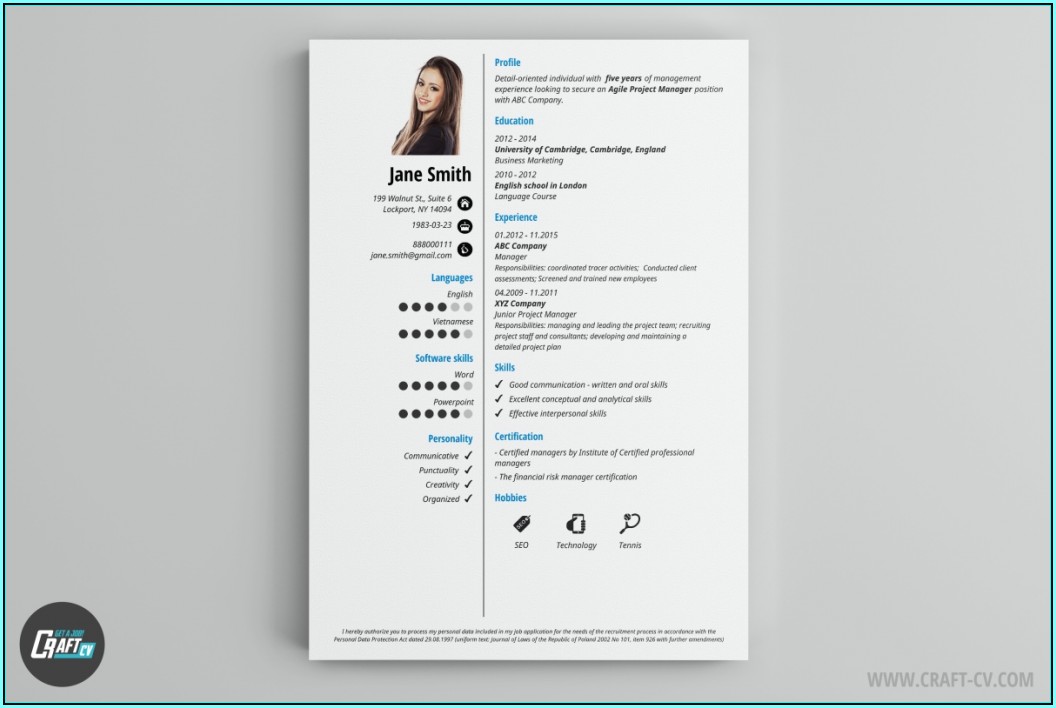
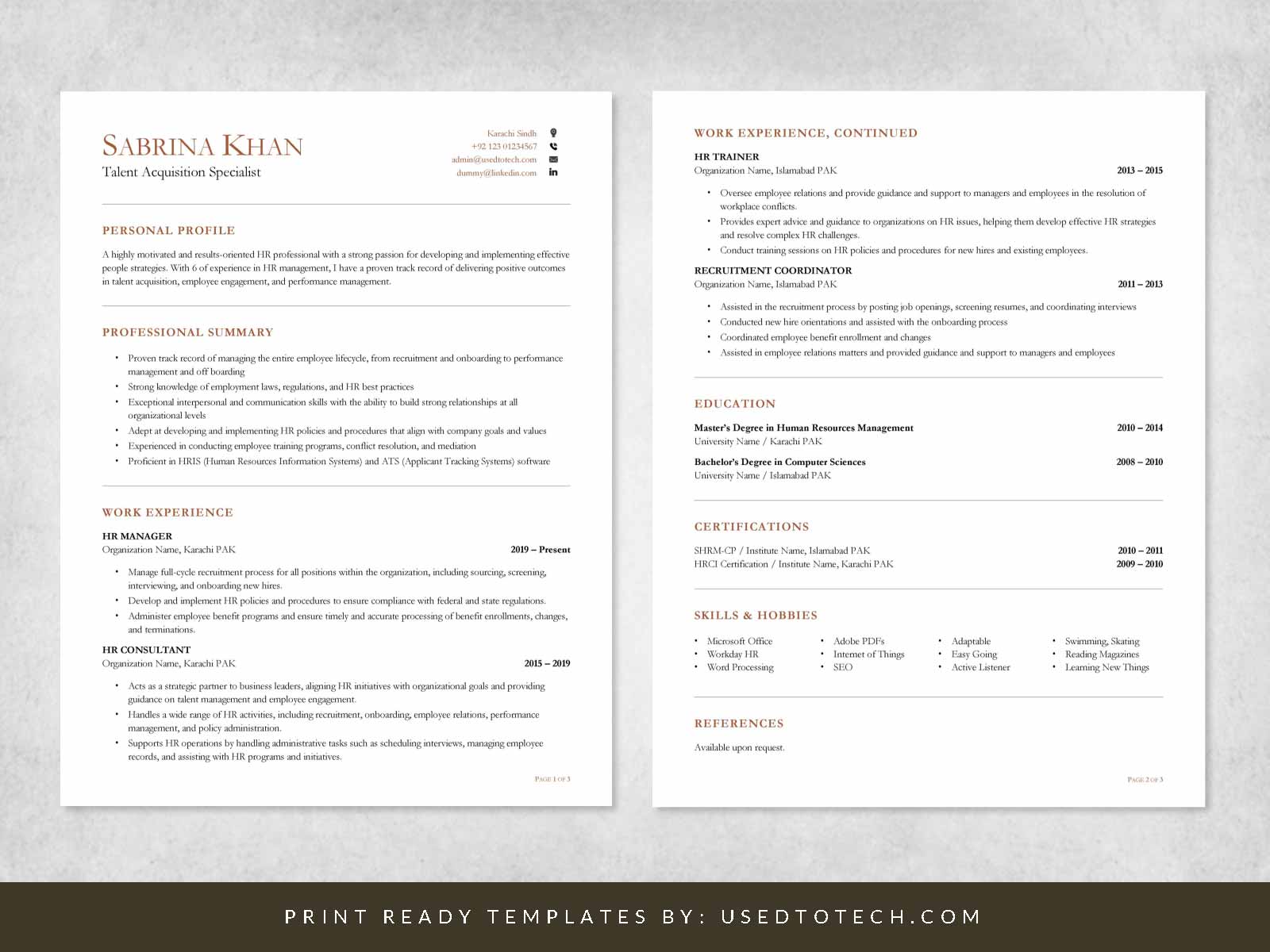
The key is to select a template that complements your experience and the industry you're applying to. For instance, if you're in a creative field, a template with a bit of flair might be appropriate. On the other hand, if you're in a more traditional industry, a clean and straightforward design is usually best.
Benefits of Using Free Online Resume Templates
Using a free online template for your resume comes with several benefits. Firstly, it saves you time. You don't have to spend hours designing a layout from scratch. Secondly, it provides you with a professional structure that you can customize to fit your needs. Many free templates are designed by professionals, ensuring that your resume looks polished and well-organized.
Time-Saving
- Quick Turnaround: With a template, you can quickly fill in your information and make adjustments as needed.
- Focus on Content: Instead of worrying about the design, you can focus on crafting a compelling narrative about your career.
Professional Appearance
- Industry-Specific Designs: There are templates designed specifically for different industries, ensuring your resume meets the expectations of your field.
- Easy Customization: Most templates are easy to customize, allowing you to add or remove sections as necessary.
Where to Find Free Online Resume Templates
There are numerous websites offering free online resume templates. Here are some popular sources:
- Canva: Offers a wide range of customizable templates and a user-friendly interface.
- Microsoft Templates: Provides a variety of professional and modern templates that are compatible with Microsoft Word.
- Google Docs Templates: If you prefer working in Google Docs, there are numerous templates available directly through Google's template gallery.
Customizing Your Resume Template
Once you've chosen a template, it's essential to customize it to reflect your experiences and skills accurately. Here are some tips:
- Tailor Your Objective: Make sure your resume's objective or summary aligns with the job you're applying for.
- Highlight Relevant Skills: Emphasize the skills and experiences that are most relevant to the position.
- Quantify Achievements: Use numbers to demonstrate your impact, e.g., "Increased sales by 25% in one quarter."
Common Mistakes to Avoid
When using a free online template for your resume, there are a few common mistakes to avoid:
- Overloading with Information: Keep your resume concise and focused on the most relevant information.
- Ignoring the Job Description: Make sure your resume reflects the requirements and keywords from the job posting.
- Using a Generic Template: While templates are helpful, using one that's too generic can make your resume blend in.
Tips for Standing Out
To make your resume stand out, consider the following:
- Use Action Verbs: Begin each bullet point with a strong action verb like "managed," "created," or "developed."
- Add Relevant Sections: If you have relevant certifications or projects, make sure to include them.
- Use Keywords: Many companies use applicant tracking systems (ATS) that scan for keywords. Make sure your resume includes terms from the job description.
Comparison of Popular Template Sites
| <strong>Template Site</strong> | <strong>Variety of Templates</strong> | <strong>Customization Options</strong> | <strong>Ease of Use</strong> |
|---|---|---|---|
| Canva | High | Extensive | Easy |
| Microsoft Templates | Medium | Moderate | Medium |
| Google Docs Templates | Medium | Moderate | Easy |
FAQs
Q: Are free online resume templates really free?
Yes, most websites offering free online resume templates do not charge for them. However, some may offer premium options or require you to create an account.
Q: Can I use a free template for a professional resume?
Absolutely. Many free templates are designed professionally and can be used for job applications. Just make sure to customize it appropriately.
Q: How do I choose the best template for my industry?
Consider the norms of your industry. For creative fields, a more vibrant template might be suitable, while traditional industries might prefer a more conservative design.
Q: Can I edit a free online template in Microsoft Word?
Many templates are compatible with Microsoft Word, but it's essential to check before downloading. Some templates might be designed for Google Docs or Canva.
Finalizing Your Resume
After customizing your template and drafting your resume, take the time to proofread. A well-written, error-free resume is crucial for making a good impression. Consider asking a friend or mentor to review it as well. They might catch something you've missed.
With a free online template for a resume, you have a solid foundation for creating a professional and compelling resume. By choosing the right template, customizing it to fit your needs, and avoiding common mistakes, you can significantly boost your chances of landing an interview.
Related: Online Template Download for Resume: What Actually Makes
