

Finding the Right Design Template for Your Project
When you're working on a design project, time is of the essence. You need to create something visually appealing, engaging, and effective, all while meeting a tight deadline. One way to speed up the process is by using a design template. With a template, you can skip the groundwork and focus on customizing the design to fit your needs. But where do you find these templates, and how do you choose the right one?
Benefits of Using Free Design Templates
Free design templates can be a lifesaver for designers and non-designers alike. They offer a range of benefits, including:
Time-saving: Templates save you time and effort, allowing you to focus on the creative aspects of your project.
Cost-effective: Free templates are, well, free. You can allocate your budget to other areas of your project.
Inspiration: Templates can spark ideas and inspire your creativity.
Top Sources for Free Design Templates
Finding the right template can be overwhelming, especially with the numerous options available. Here are some top sources for free design templates:
Template.net: A vast collection of free templates for various design needs, including Word documents, PowerPoint presentations, and graphic design.
Canva: A popular design platform offering a wide range of free templates for social media graphics, presentations, and more.
Creative Market: A marketplace for creative assets, including free design templates.
How to Choose the Right Design Template
With so many templates available, it's essential to choose one that fits your project's needs. Consider the following factors:
Purpose: What is the template for? (e.g., presentation, social media graphic, brochure)
Style: Does the template match your brand's style and aesthetic?
Customizability: Can you easily customize the template to fit your needs?
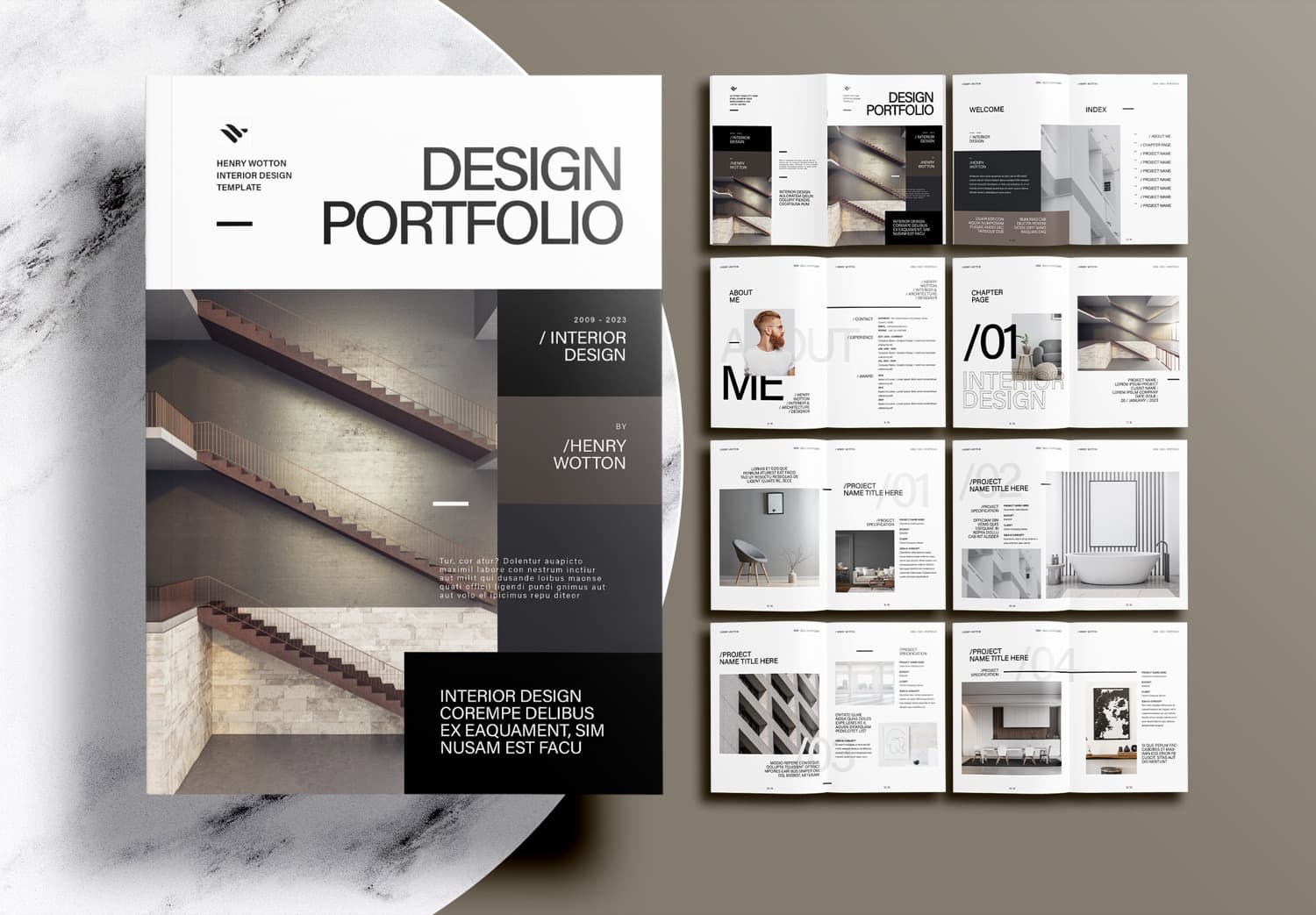
Customizing Your Design Template
Once you've chosen a template, it's time to customize it. Here are some tips:
Keep it simple: Don't overcomplicate the design. Focus on the essential elements.
Use your brand's colors: Ensure the template aligns with your brand's color scheme.
Add your own content: Replace the template's content with your own.
Common Mistakes to Avoid When Using Free Design Templates
While free design templates can be a great resource, there are common mistakes to avoid:
Not checking the licensing terms: Make sure you're allowed to use the template for commercial purposes.
Over-customizing: Don't overdo it. Keep the design clean and simple.
- Not testing the template: Test the template in different environments to ensure it works as expected.
Comparison of Popular Design Template Sources
| <strong>Source</strong> | <strong>Template Variety</strong> | <strong>Customizability</strong> | <strong>Cost</strong> |
|---|---|---|---|
| Template.net | High | Medium | Free |
| Canva | High | High | Free |
| Creative Market | Medium | High | Free/Paid |
FAQs About Free Design Templates
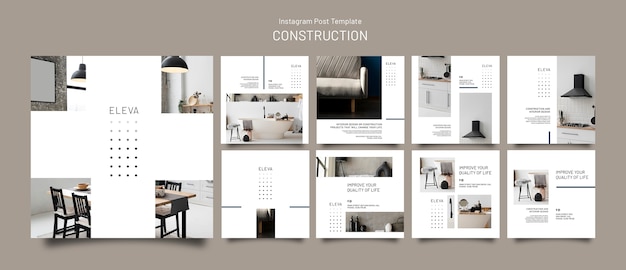
Q: Are free design templates really free?
Yes, but make sure to check the licensing terms to ensure you're allowed to use the template for commercial purposes.
Q: Can I customize a free design template?
Yes, most free design templates can be customized to fit your needs.
Q: Are free design templates suitable for professional projects?
Yes, but make sure to choose a high-quality template and customize it properly.
Q: Can I use a free design template for commercial purposes?
It depends on the template's licensing terms. Always check before using.
Conclusion
Free design templates can be a valuable resource for designers and non-designers alike. By choosing the right template and customizing it properly, you can save time, boost your creativity, and create a professional-looking design.
