
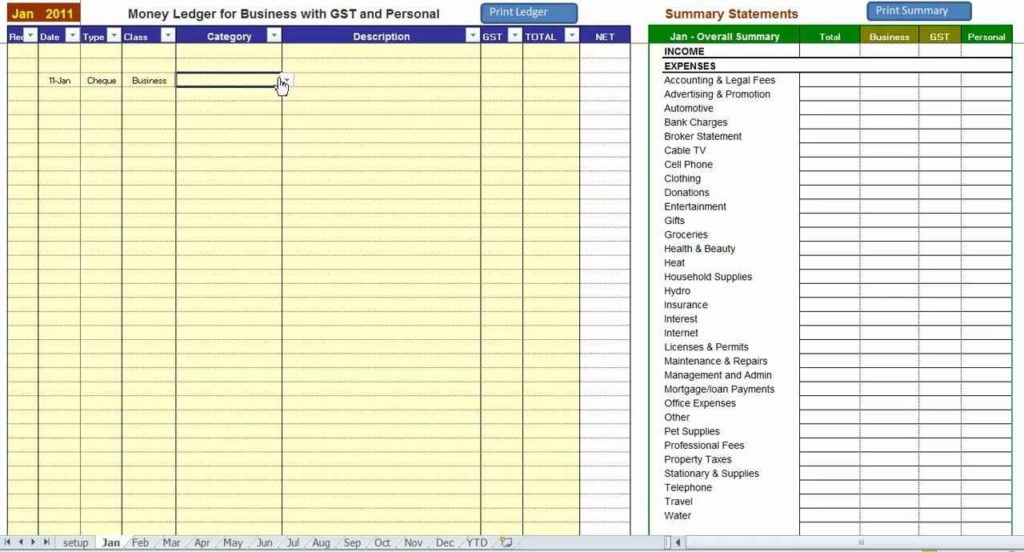
Getting Started with Free Excel Templates
As a small business owner, you wear many hats. Managing operations, keeping track of finances, and ensuring customer satisfaction are just a few of the many tasks on your plate. Microsoft Excel is a powerful tool that can help you streamline many of these tasks, but creating templates from scratch can be time-consuming and costly. That's where free Excel templates come in – pre-built spreadsheets that can help you manage various aspects of your business.
Free Excel templates can help you save time, reduce errors, and increase productivity. From invoicing and expense tracking to project management and inventory control, there's a template available for almost every business need. In this guide, we'll explore the benefits of using free Excel templates, how to find and use them, and provide tips for customizing them to suit your business needs.
Benefits of Using Free Excel Templates
Using free Excel templates can bring numerous benefits to your small business. Here are a few:
Save time: Templates save you the time and effort of creating spreadsheets from scratch.
Reduce errors: Pre-built templates reduce the likelihood of errors and ensure consistency in your data entry.
Increase productivity: With templates, you can focus on higher-level tasks and leave the tedious work of creating spreadsheets behind.
Improve organization: Templates help you stay organized and keep your data in one place.
Finding and Using Free Excel Templates
There are many sources for free Excel templates, both online and offline. Here are a few options:
Microsoft Template Gallery: Microsoft offers a wide range of free Excel templates on its website, covering various business needs such as invoicing, project management, and inventory control.
Template websites: Websites like TemplateLab, Vertex42, and Excel-Easy offer a vast collection of free Excel templates for various business applications.
Online marketplaces: Online marketplaces like Etsy and Creative Market offer a range of Excel templates, both free and paid.
To use a free Excel template, simply download it and open it in Microsoft Excel. Most templates are easy to use and require minimal setup. You can customize the template to suit your business needs by adding your logo, changing colors and fonts, and modifying the layout.
Customizing Free Excel Templates
While free Excel templates can save you time and effort, customizing them to suit your business needs is crucial. Here are some tips for customizing free Excel templates:
Add your branding: Add your company logo, change colors and fonts to match your brand identity.
Modify the layout: Rearrange the layout to suit your business needs, add or remove sections as necessary.
Update formulas and calculations: Update formulas and calculations to ensure they align with your business requirements.
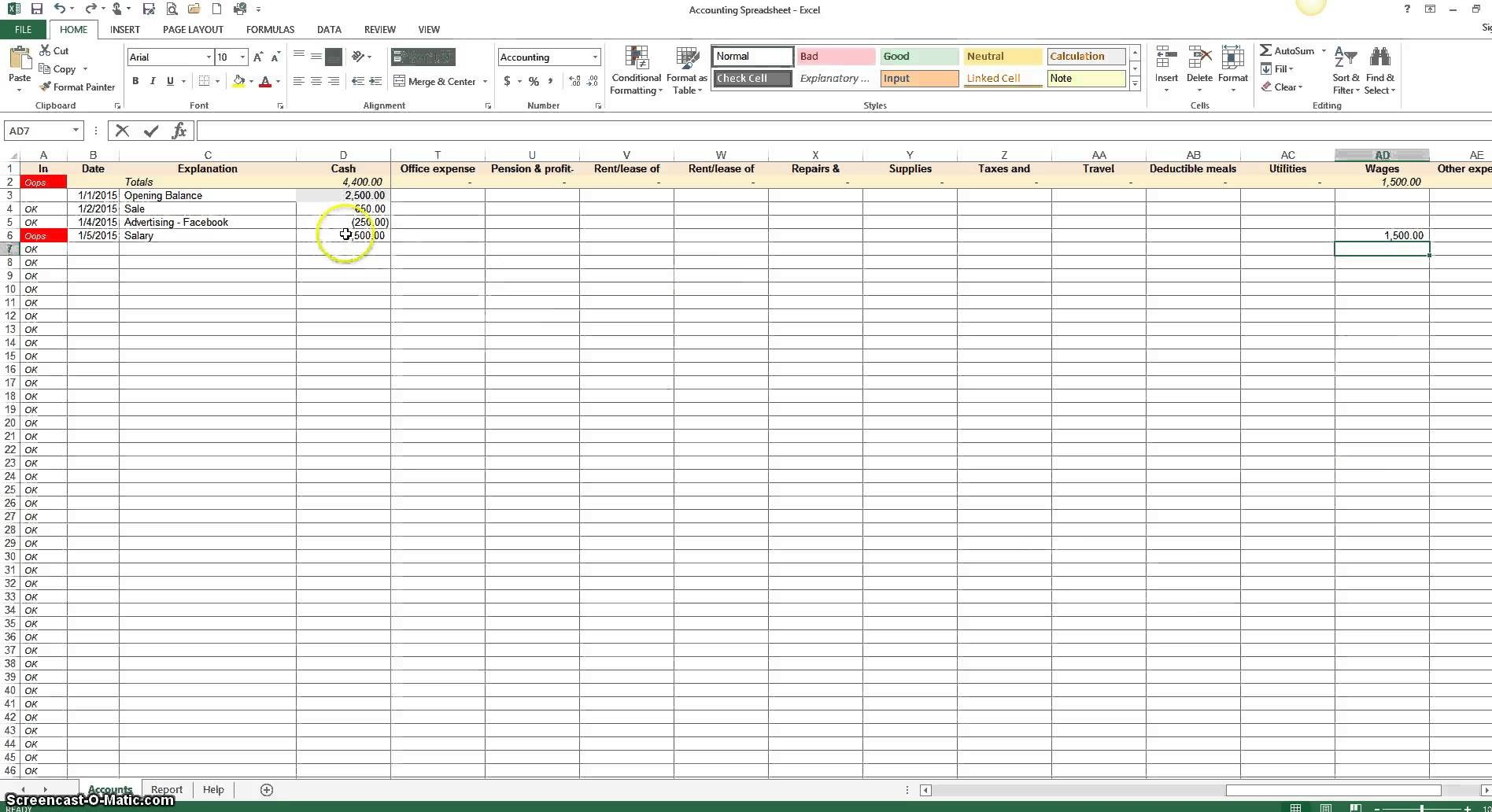
Practical Applications of Free Excel Templates
Free Excel templates can be applied to various aspects of your small business. Here are a few practical examples:
Invoicing and Accounting
Invoice template: Use a free invoice template to create professional-looking invoices, track payments, and manage customer accounts.
Expense tracking template: Use an expense tracking template to monitor business expenses, categorize expenses, and generate reports.
Project Management
Project management template: Use a project management template to plan, track, and manage projects, including tasks, timelines, and resources.
Gantt chart template: Use a Gantt chart template to visualize project timelines, track progress, and identify dependencies.
Inventory Control
Inventory management template: Use an inventory management template to track inventory levels, monitor stock movements, and generate reports.
Comparison of Free Excel Templates
With so many free Excel templates available, it can be challenging to choose the right one for your business. Here's a comparison table to help you make an informed decision:
| Template | Features | Benefits | Drawbacks |
|---|---|---|---|
| Invoice Template | Professional-looking invoices, payment tracking, customer account management | Saves time, reduces errors, improves cash flow | Limited customization options |
| Project Management Template | Task management, timeline tracking, resource allocation | Improves project planning, increases productivity, reduces risks | Steep learning curve |
| Inventory Management Template | Inventory tracking, stock movement monitoring, reporting | Improves inventory control, reduces stockouts, increases efficiency | Limited scalability |
"Free Excel templates have been a game-changer for our small business. We've saved countless hours on invoicing, project management, and inventory control, and have been able to focus on higher-level tasks." - Rachel, Owner of a small retail business
Checklist for Implementing Free Excel Templates
To ensure a smooth implementation of free Excel templates in your small business, follow this checklist:
Identify your business needs and goals
Research and select a suitable template
Customize the template to suit your business requirements
Train staff on using the template
Monitor and evaluate the effectiveness of the template
Frequently Asked Questions
Q: Are free Excel templates reliable?
Yes, free Excel templates can be reliable if you source them from reputable websites and customize them to suit your business needs.
Q: Can I use free Excel templates for commercial purposes?
Most free Excel templates are available for commercial use, but it's essential to check the licensing terms and conditions before using them.
Q: How do I customize a free Excel template?
You can customize a free Excel template by adding your branding, modifying the layout, and updating formulas and calculations.
Q: Can I use free Excel templates on a Mac?
Yes, you can use free Excel templates on a Mac, as long as you have Microsoft Excel or a compatible spreadsheet software installed.
Conclusion
Free Excel templates can be a powerful tool for small businesses, helping you streamline operations, save time, and increase productivity. By understanding the benefits, finding and using templates, and customizing them to suit your business needs, you can take your business to the next level. Whether you're looking to improve invoicing, project management, or inventory control, there's a free Excel template available to help you achieve your goals.
