
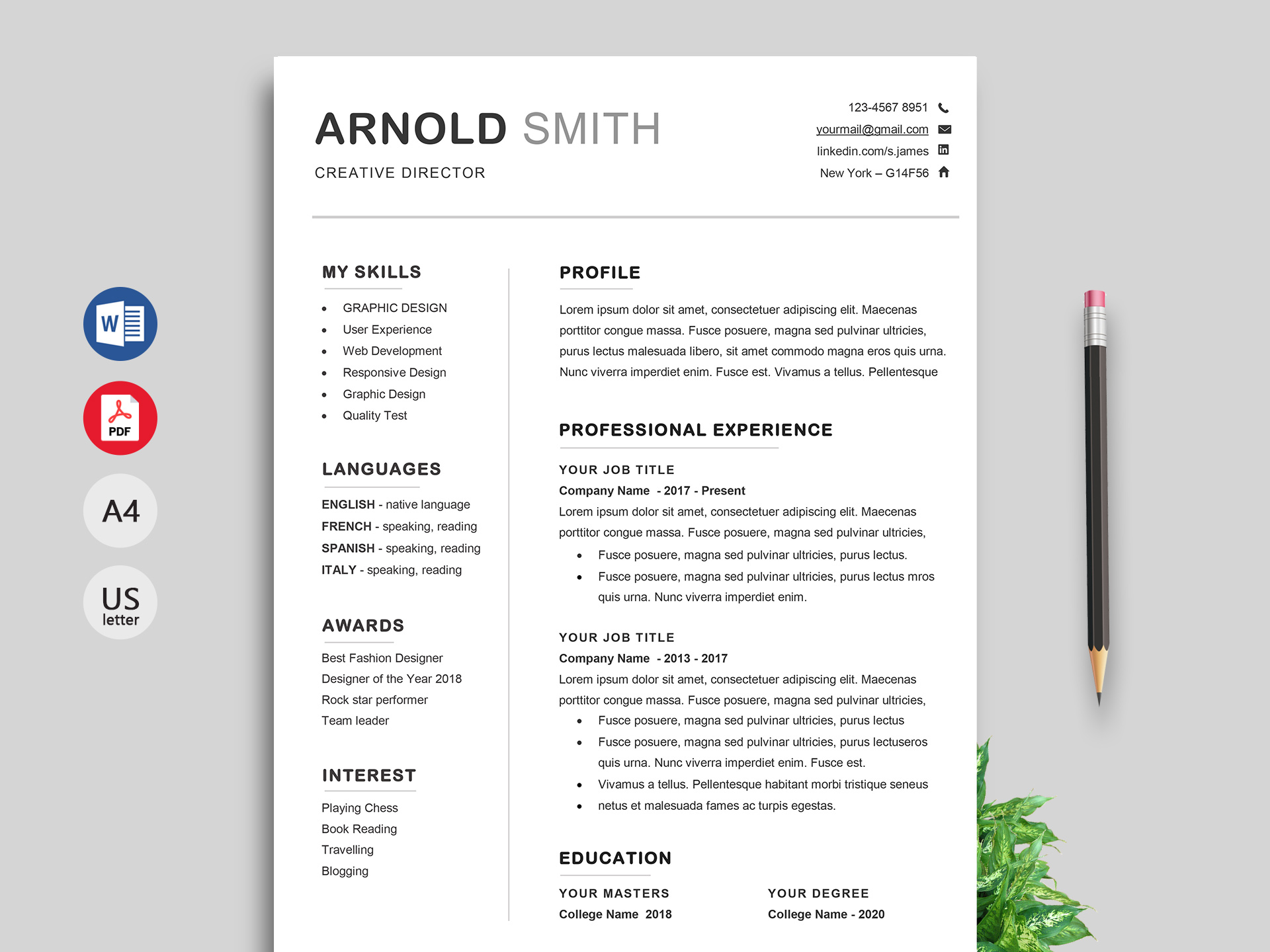
Finding the Perfect Free Resume Template
When you're on the hunt for a job, your resume is often the first impression you make on a potential employer. You want it to be perfect, but not everyone has the design skills or resources to create a stunning resume from scratch. That's where free resume templates come in – and with the help of AI, you can create a professional-looking resume in no time.
free resume templates are a great starting point, but with so many options available, it can be overwhelming to choose the right one. You want a template that's easy to read, visually appealing, and tailored to your industry. And, of course, you want to make sure it's free.
How AI Can Enhance Your Resume
Artificial intelligence (AI) is changing the way we create resumes. With AI-powered tools, you can get help with everything from suggesting the most relevant keywords to designing a visually appealing layout. AI can even help you tailor your resume to a specific job description, increasing your chances of getting past applicant tracking systems (ATS) and in front of a human recruiter.
But how does AI actually work in resume building? Some AI tools use machine learning algorithms to analyze job descriptions and suggest relevant keywords and phrases. Others use natural language processing (NLP) to help you craft a compelling summary and skills section.
Top Free Resume Templates for Your Job Search
Here are some top free resume templates that you can use to create a stunning resume:
Google Docs Templates: Google offers a range of free resume templates that you can access directly from Google Docs. These templates are clean, simple, and easy to customize.
Microsoft Word Templates: Microsoft Word also offers a range of free resume templates that you can download and use. These templates are more comprehensive than Google's, with more design options and layout choices.
Canva Templates: Canva is a popular design platform that offers a range of free resume templates. These templates are visually appealing and easy to customize, even if you have no design experience.
Comparison of Free Resume Templates
| Template | Industry | Design Options | Customization |
|---|---|---|---|
| Google Docs | General | Limited | Easy |
| Microsoft Word | General | Extensive | Moderate |
| Canva | Creative | Extensive | Easy |
As you can see, each template has its own strengths and weaknesses. Google Docs templates are simple and easy to use, but limited in terms of design options. Microsoft Word templates offer more design choices, but can be overwhelming for those with no design experience. Canva templates are visually appealing and easy to customize, making them a great choice for creative industries.
Choosing the Right AI Tool for Your Resume
With so many AI tools available, it can be hard to choose the right one for your resume. Here are some factors to consider:
Keyword suggestions: Look for an AI tool that offers keyword suggestions based on the job description.
Design help: Consider an AI tool that offers design help, such as suggesting a layout or color scheme.
Customization options: Choose an AI tool that allows you to customize your resume to fit your needs.
Some popular AI tools for resume building include:
Resume-io: Resume-io uses AI to help you create a professional-looking resume. It offers keyword suggestions, design help, and customization options.
ResumeCompanion: ResumeCompanion uses AI to help you craft a compelling summary and skills section. It also offers keyword suggestions and design help.
Practical Tips for Using Free Resume Templates and AI Tools
Here are some practical tips for using free resume templates and AI tools:
Tailor your resume to the job description: Use AI tools to suggest relevant keywords and phrases based on the job description.
Keep it simple: Choose a template that's easy to read and visually appealing.
Customize your resume: Use AI tools to customize your resume to fit your needs and industry.
Common Mistakes to Avoid
When using free resume templates and AI tools, there are some common mistakes to avoid:
Overusing keywords: Don't stuff your resume with too many keywords – it can look spammy.
Using a template that's too generic: Choose a template that's tailored to your industry and experience.
Not customizing your resume: Take the time to customize your resume to fit your needs and industry.
FAQs
Q: Are free resume templates really free?
Yes, free resume templates are really free. However, some templates may offer premium options or upgrades for a fee.
Q: Can AI tools really help me get a job?
AI tools can help you create a professional-looking resume and increase your chances of getting past ATS. However, they can't guarantee you a job.
Q: How do I choose the right AI tool for my resume?
Consider factors such as keyword suggestions, design help, and customization options. Choose an AI tool that fits your needs and industry.
Q: Can I use AI tools to create a resume from scratch?
Some AI tools can help you create a resume from scratch, but it's still a good idea to have a solid understanding of resume writing and design principles.
Final Tips and Next Steps
Creating a stunning resume with free templates and AI tools takes time and effort. Here are some final tips and next steps:
Take your time: Don't rush through the process – take your time to choose the right template and AI tool.
Customize your resume: Use AI tools to customize your resume to fit your needs and industry.
- Get feedback: Show your resume to friends, family, or a career counselor to get feedback and improve.
By following these tips and using free resume templates and AI tools, you can create a professional-looking resume that helps you stand out in a competitive job market.
