
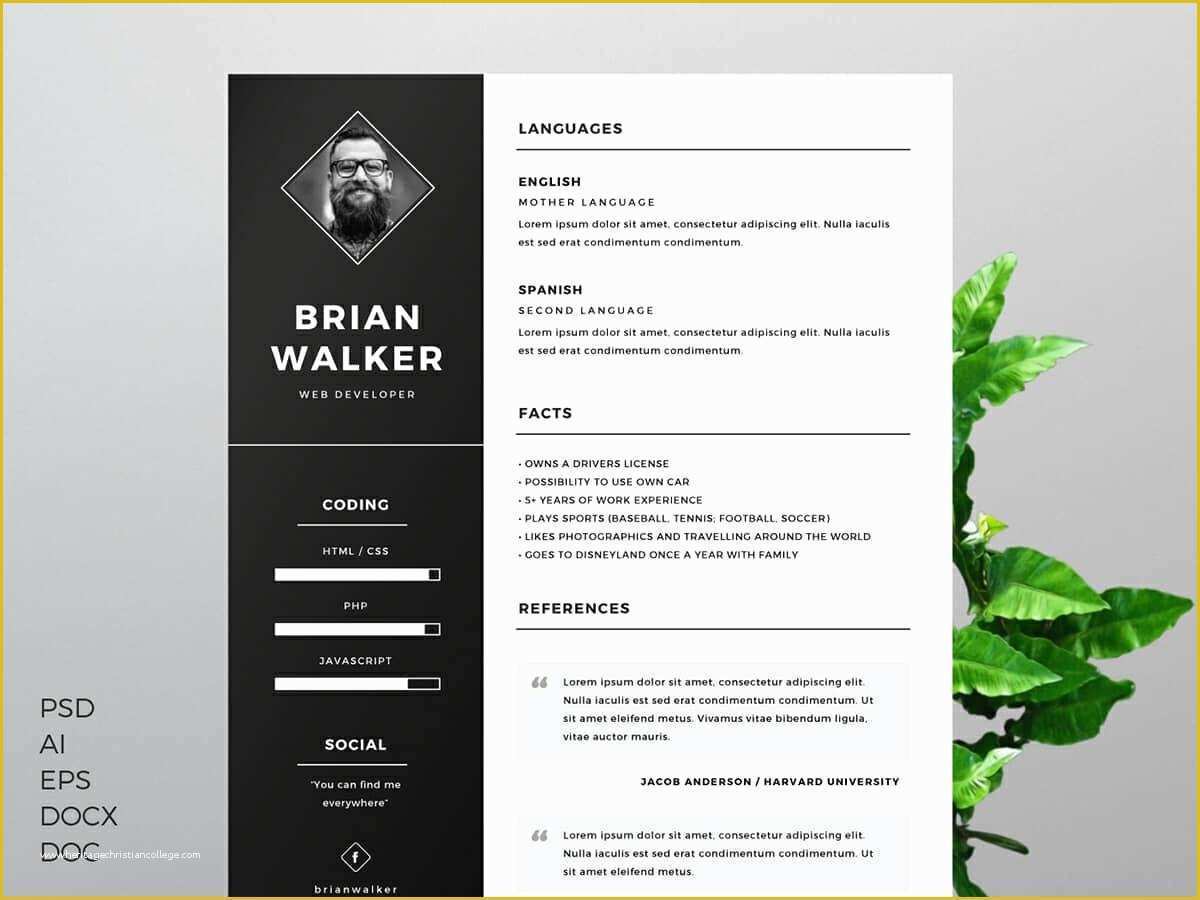
Finding the Perfect Free Resume Template
When you're on the hunt for a job, your resume is often the first impression you make on a potential employer. That's why it's crucial to have a well-designed, effective resume that showcases your skills and experience. But not everyone has the budget or design skills to create a stunning resume from scratch. That's where free resume templates come in – a practical solution to help you stand out in a competitive job market.
Benefits of Using Free Resume Templates
Using a free resume template can save you time, effort, and money. Here are some benefits to consider:
Time-saving: With a template, you don't have to start from scratch. You can simply fill in your information and customize the design as needed.
Professional design: Free resume templates are often designed by professionals, ensuring your resume looks polished and modern.
Cost-effective: As the name suggests, free resume templates won't dent your wallet.
Choosing the Right Free Resume Template
With so many free resume templates available, it's essential to choose one that suits your needs. Consider the following factors:
Industry: Different industries have different expectations when it comes to resume design. For example, a creative field may allow for more artistic freedom, while a corporate job may require a more traditional approach.
Experience level: If you're entry-level, a simpler template may be more suitable. For more experienced professionals, a template with more sections and details may be necessary.
Format: Decide on a format: chronological, functional, or a combination. This will help you narrow down your template options.
Top Sources for Free Resume Templates
Here are some top sources for free resume templates:
Canva: Offers a wide range of customizable templates, with a user-friendly interface and a vast design library.
Resume Genius: Provides a variety of templates, including some tailored to specific industries, along with resume writing tips and advice.
Hloom: Features over 500 free resume templates, with a focus on modern designs and easy customization.
Customizing Your Free Resume Template
Once you've chosen a template, it's essential to customize it to make it your own. Here are some tips:
Tailor your objective: Make sure your objective statement aligns with the job you're applying for.
Highlight your achievements: Emphasize your achievements and accomplishments rather than just listing job responsibilities.
Use keywords: Use keywords from the job posting to help your resume pass through applicant tracking systems (ATS).
Key Sections to Include
When customizing your template, make sure to include the following essential sections:
Contact information: Make it easy for employers to get in touch with you.
Professional summary: Provide a brief overview of your experience and skills.
Work experience: List your relevant work experience, focusing on achievements and accomplishments.
Education: Include your educational background, relevant courses, and any certifications.
Comparison of Popular Free Resume Templates
| Template | Industry | Experience Level | Format |
|---|---|---|---|
| Canva's Modern Resume | Creative, Marketing | Entry-level, Mid-level | Chronological |
| Resume Genius's Traditional Resume | Corporate, Finance | Mid-level, Senior | Traditional |
| Hloom's Creative Resume | Creative, Design | Entry-level, Mid-level | Combination |
"A well-designed resume is not just about aesthetics; it's about communicating your value and showcasing your expertise in a clear and concise manner." – Jane Doe, Career Coach
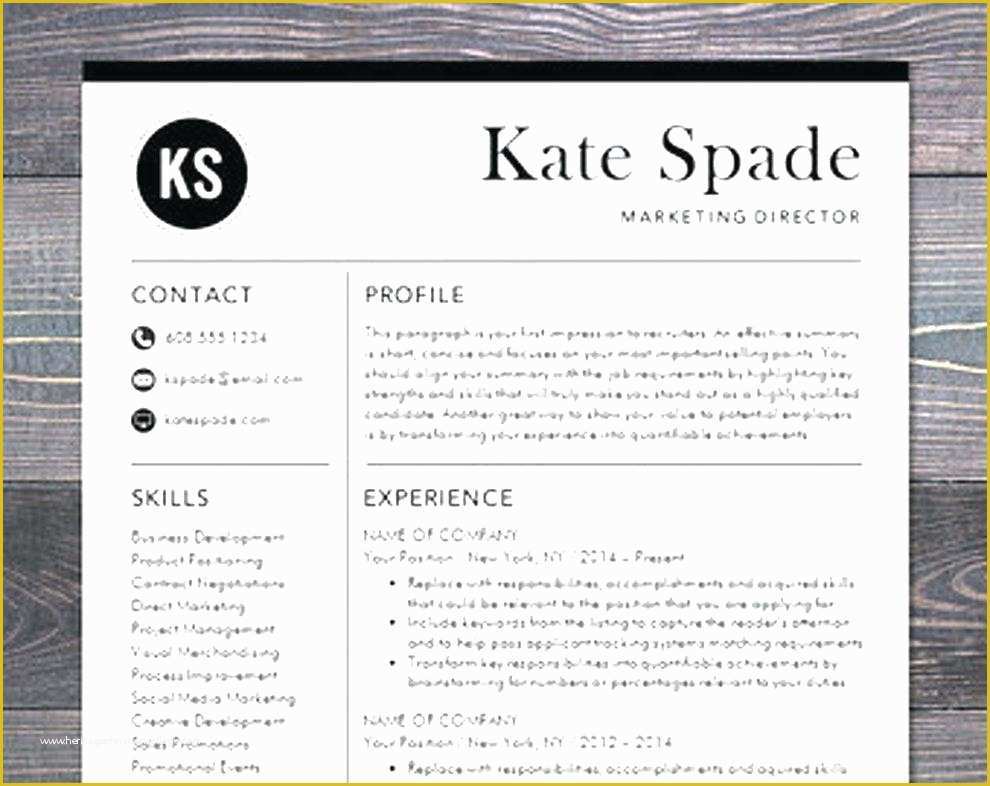
Common Mistakes to Avoid
When using free resume templates, avoid the following common mistakes:
Over-customization: Don't overdo it with fonts, colors, and graphics. Keep it clean and professional.
Lack of relevance: Make sure your resume is tailored to the job you're applying for.
Typos and grammar errors: A single mistake can make a negative impression.
FAQs
Q: Are free resume templates really free?
Yes, the templates themselves are free to download and use. However, some websites may offer additional services or features for a fee.
Q: Can I use a free resume template for any job application?
While a free resume template can be a great starting point, it's essential to tailor your resume to each job application. Customize your template to match the job requirements and industry.
Q: How do I know which free resume template is best for me?
Consider your industry, experience level, and the job you're applying for. Choose a template that aligns with these factors and is easy to customize.
Q: Can I edit a free resume template in Microsoft Word?
Most free resume templates are compatible with Microsoft Word. However, some templates may be designed for other software or online platforms.
Final Tips and Next Steps
Your resume is a crucial tool in your job search arsenal. By using a free resume template and customizing it to showcase your skills and experience, you'll increase your chances of landing an interview. Remember to:
Keep it concise: Keep your resume to one or two pages.
Proofread: Carefully proofread your resume to catch any typos or grammar errors.
Get feedback: Ask a friend or mentor to review your resume and provide feedback.
With these tips and a free resume template, you'll be well on your way to creating a stunning resume that helps you stand out in a competitive job market.
Related: A Practical Guide to Content Planning Calendar Ideas
Related: What to Know About Free Resume Templates for Professionals
Related: Streamline Your Marketing with a Free Content Calendar
