
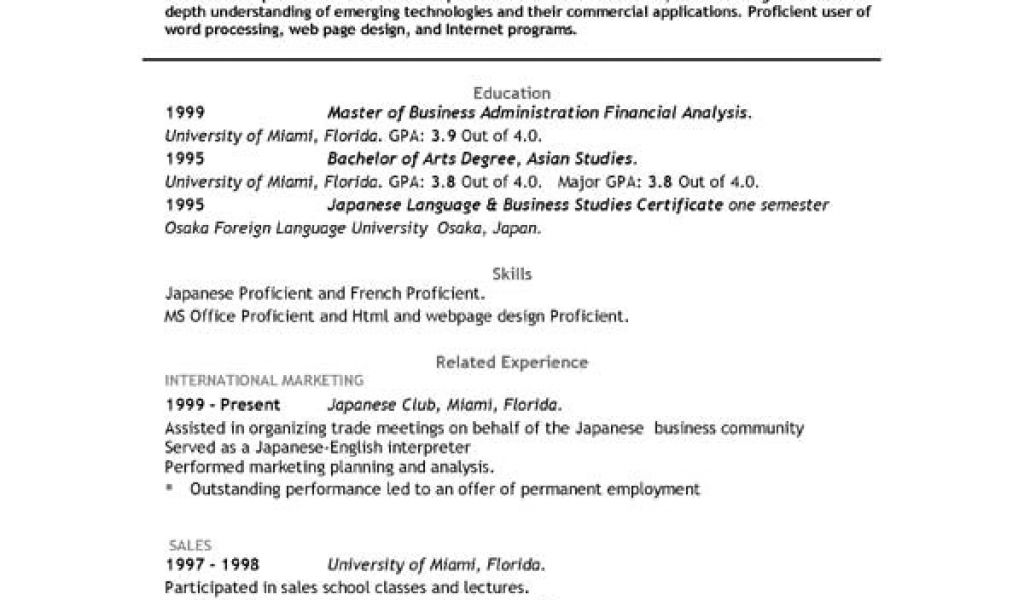
Finding the Right Template
When searching for free resume templates for Word, it's easy to get overwhelmed by the numerous options available. With a simple search query, you're presented with thousands of results, ranging from basic templates to more elaborate designs. But what makes a good resume template, and how do you choose one that suits your needs?
Benefits of Using Free Resume Templates
Using free resume templates can save you time and effort in creating a well-structured resume. A good template provides a clear layout, helping you organize your information and highlight your strengths. Here are a few benefits of using free resume templates:
Time-saving: Templates provide a pre-designed structure, allowing you to focus on the content rather than the layout.
Professional appearance: A well-designed template can give your resume a professional look, even if you're not a design expert.
Customization: Most templates are customizable, enabling you to tailor your resume to your specific needs and style.
Top Sources for Free Resume Templates Word Download
There are several reliable sources where you can find high-quality, free resume templates for Word. Here are some top options:
Microsoft Template Gallery: Microsoft's official template gallery offers a wide range of free resume templates for Word. You can browse through various categories, including modern, classic, and creative designs.
Canva: Canva is a popular design platform that provides a vast collection of free resume templates. You can choose from various designs, customize them, and download them in Word format.
Resume Genius: Resume Genius offers a range of free resume templates, including modern and traditional designs. Their templates are designed to help you stand out from the competition.
How to Download and Customize Your Template
Once you've found a template you like, it's time to download and customize it. Here's a step-by-step guide:
- Download the template: Click on the download button to save the template to your computer.
- Open in Word: Open the template in Microsoft Word.
- Customize the content: Replace the placeholder text with your own information, including your name, contact details, and work experience.
- Adjust the layout: Adjust the layout to suit your needs, adding or removing sections as necessary.
Tips for Creating a Standout Resume
A well-designed resume is essential, but it's not enough to guarantee success. Here are some tips to help you create a standout resume:
Tailor your resume: Customize your resume for each job application, highlighting the skills and experience that match the job requirements.
Use keywords: Use relevant keywords from the job description to help your resume pass through applicant tracking systems (ATS).
Keep it concise: Keep your resume concise and easy to read, focusing on the most important information.
Common Mistakes to Avoid
When creating a resume, it's easy to make mistakes that can hurt your chances of getting hired. Here are some common mistakes to avoid:
Typos and grammar errors: A single typo or grammar error can make a negative impression on the hiring manager.
Poor formatting: A poorly formatted resume can be difficult to read and may not pass through ATS.
Lack of relevance: Failing to tailor your resume to the job requirements can make it seem like you're not a strong candidate.
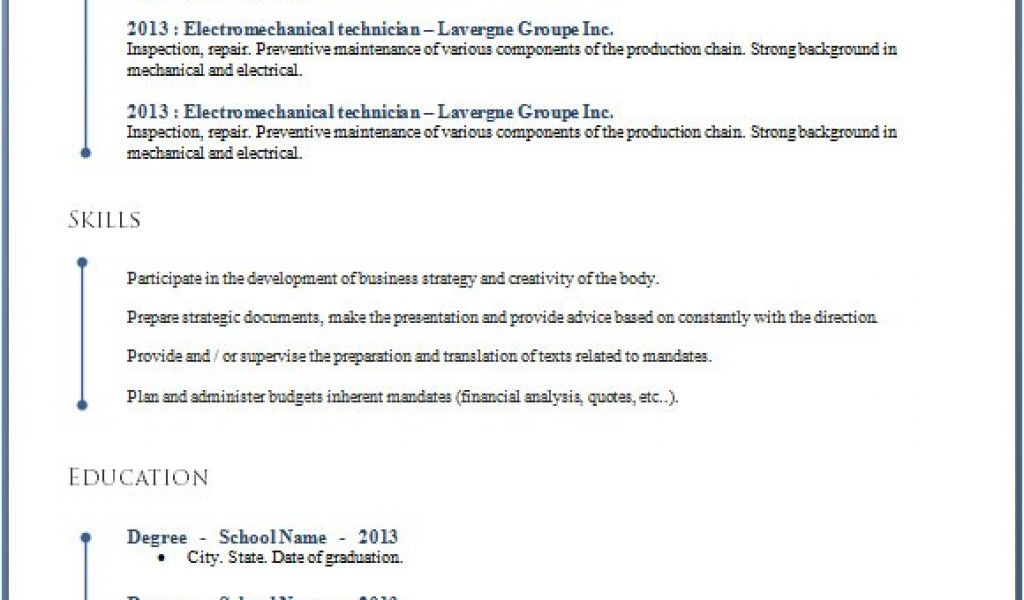
Comparison of Popular Resume Templates
| Template Name | Description | Pros | Cons |
|---|---|---|---|
| <strong>Microsoft Modern Resume</strong> | A clean and modern template with a simple layout | Easy to read, customizable | Limited design options |
| <strong>Canva Creative Resume</strong> | A creative template with a bold design | Visually appealing, customizable | May not be suitable for traditional industries |
| <strong>Resume Genius Traditional Resume</strong> | A traditional template with a classic layout | Easy to read, suitable for most industries | Limited design options |
Frequently Asked Questions
Q: Are free resume templates really free?
Yes, free resume templates are indeed free to download and use. However, some templates may offer premium features or customization options for a fee.
Q: Can I customize a free resume template?
Yes, most free resume templates are customizable. You can adjust the layout, add or remove sections, and replace the placeholder text with your own information.
Q: Will a free resume template help me get hired?
A well-designed resume is essential, but it's not a guarantee of getting hired. A free resume template can help you create a professional-looking resume, but you need to tailor it to the job requirements and highlight your relevant skills and experience.
Q: Can I use a free resume template for a LinkedIn profile?
While free resume templates are designed for Word, you can use them as a guide to create a strong LinkedIn profile. However, LinkedIn has its own built-in templates and design options, which may be more suitable for a profile.
Final Tips and Next Steps
Creating a standout resume takes time and effort, but with the right template and a bit of guidance, you can increase your chances of success. Remember to tailor your resume to each job application, use relevant keywords, and keep it concise and easy to read. With these tips and a free resume template, you'll be well on your way to landing your dream job.
