

Getting Started with a Free Website for Your Small Business
As a small business owner, having an online presence is crucial for reaching new customers and growing your business. However, creating a website can seem daunting, especially when you're on a tight budget. The good news is that you don't have to break the bank to get a professional-looking website. In this guide, we'll explore free website ideas for small businesses, including platforms, templates, and tools to help you get started.
Choosing the Right Platform for Your Free Website
When it comes to creating a free website, there are several platforms to choose from. Here are some popular options:
Wix: Wix offers a free website builder with a range of templates and drag-and-drop functionality. It's easy to use, even for those without technical expertise.
Weebly: Weebly is another popular website builder that offers a free plan. It's known for its user-friendly interface and e-commerce features.
WordPress.com: WordPress.com offers a free plan with a range of templates and customization options. It's a great choice for businesses that want to create a blog or e-commerce site.
Comparison of Free Website Platforms
| Platform | Features | Limitations |
|---|---|---|
| Wix | Drag-and-drop functionality, range of templates, e-commerce features | Limited customization options, Wix ads on free sites |
| Weebly | User-friendly interface, e-commerce features, mobile-responsive templates | Limited customization options, Weebly ads on free sites |
| WordPress.com | Range of templates, customization options, e-commerce features | Limited control over site design, WordPress.com ads on free sites |
Finding the Perfect Template for Your Free Website
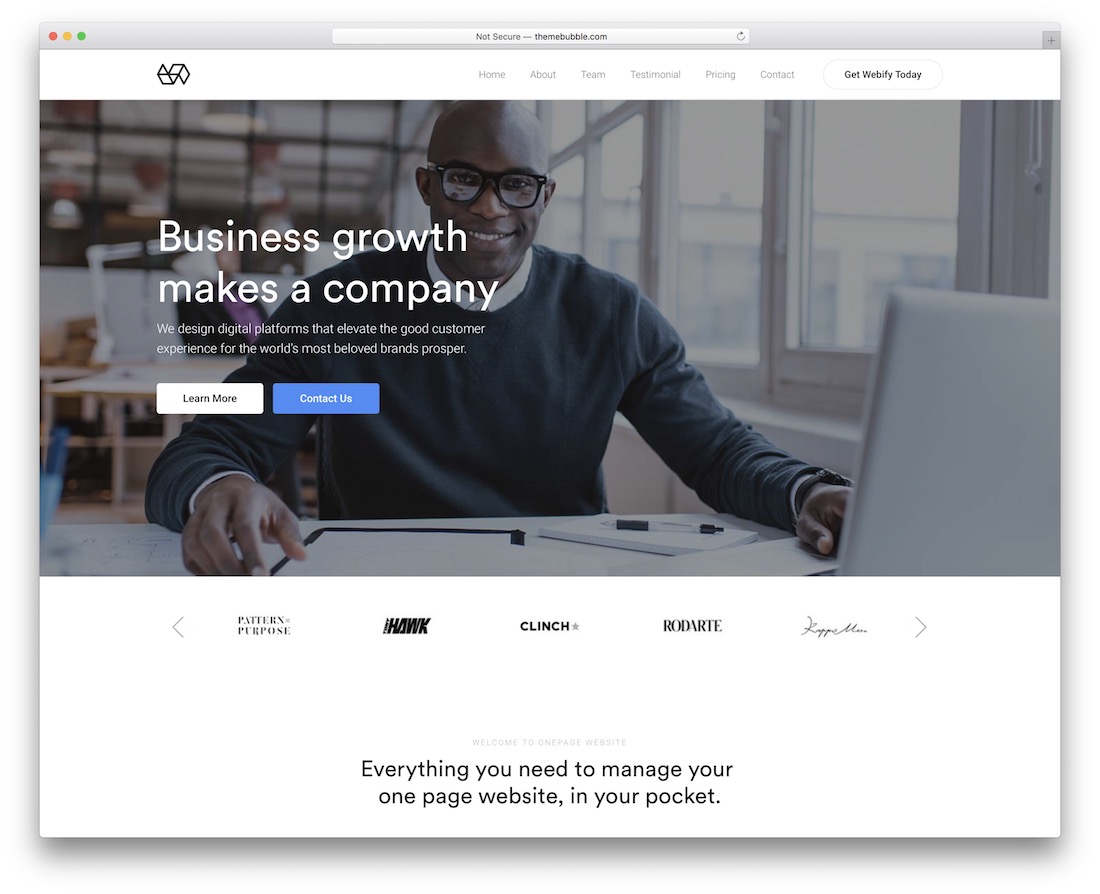
Once you've chosen a platform, it's time to select a template for your website. Here are some tips to keep in mind:
Keep it simple: Choose a template that's clean and easy to navigate. Avoid cluttered templates that can overwhelm your visitors.
Make it mobile-friendly: Ensure that your template is mobile-responsive, meaning it adapts to different screen sizes and devices.
Customize it: Look for templates that offer customization options, such as changing colors, fonts, and images.
Essential Tools for Creating a Professional-Looking Website
In addition to a platform and template, there are several tools you can use to create a professional-looking website. Here are a few essentials:
Logo maker: A logo maker can help you create a professional-looking logo for your business. Some popular options include Canva and Logojoy.
Image editor: An image editor can help you optimize your images for the web. Some popular options include Adobe Photoshop and Canva.
SEO tool: An SEO tool can help you optimize your website for search engines. Some popular options include Google Analytics and SEMrush.
"A professional-looking website is essential for building trust with your customers. With the right tools and platforms, you can create a website that looks and feels like a million bucks – without breaking the bank." – John Doe, small business Owner
Creating Content That Converts
Once you've set up your website, it's time to create content that converts. Here are some tips to keep in mind:
Know your audience: Understand who your target audience is and what they're looking for. Create content that speaks to their needs and interests.
Keep it concise: Keep your content concise and scannable. Use headings, subheadings, and bullet points to make it easy to read.
Use high-quality images: Use high-quality images to break up your content and make your website more visually appealing.
Common Mistakes to Avoid When Creating a Free Website
When creating a free website, there are several common mistakes to avoid. Here are a few:
Not optimizing for mobile: Ensure that your website is mobile-responsive and adapts to different screen sizes and devices.
Not using clear navigation: Make it easy for visitors to find what they're looking for. Use clear navigation and concise labels.
- Not updating regularly: Keep your website fresh and up-to-date. Regularly add new content, update old content, and fix broken links.
Frequently Asked Questions
Q: What is the best platform for creating a free website?
The best platform for creating a free website depends on your specific needs and goals. Popular options include Wix, Weebly, and WordPress.com.
Q: How do I create a professional-looking logo for my website?
You can create a professional-looking logo using a logo maker like Canva or Logojoy.
Q: How do I optimize my website for search engines?
You can optimize your website for search engines using tools like Google Analytics and SEMrush.
Q: Can I create an e-commerce site for free?
Yes, you can create an e-commerce site for free using platforms like Wix, Weebly, or WordPress.com. However, be aware that there may be limitations on features and customization options.
Conclusion
Creating a free website for your small business is easier than you think. By choosing the right platform, template, and tools, you can create a professional-looking website that attracts and engages your target audience. Remember to keep it simple, mobile-friendly, and regularly updated. With these tips and resources, you can create a website that helps you grow your business and achieve your goals.
