
Getting Started with Free Website Small Business Ideas
As a small business owner, having a professional website is crucial for attracting customers and growing your brand. However, creating a website can be expensive, especially for those just starting out. The good news is that there are many free website small business ideas that can help you establish an online presence without breaking the bank.
One of the most popular free website ideas is to use a website builder platform. These platforms offer a range of templates, drag-and-drop tools, and easy-to-use interfaces that make it easy to create a professional-looking website. Some popular website builder platforms include Wix, Weebly, and WordPress.com. These platforms offer a range of free features, including customizable templates, drag-and-drop editors, and integration with social media.
Choosing the Right Free Website Idea for Your Small Business
With so many free website ideas to choose from, it can be overwhelming to decide which one is right for your small business. Here are a few factors to consider:
E-commerce platforms: If you plan to sell products online, you'll want to choose an e-commerce platform that offers features such as payment gateways, shopping carts, and inventory management. Shopify and WooCommerce are two popular e-commerce platforms that offer free plans.
Service-based sites: If you offer services such as consulting, coaching, or freelancing, you may want to choose a website builder that offers a simple, one-page design. This type of design is perfect for showcasing your services and portfolio.
Blog-based sites: If you plan to create content and build a community around your brand, a blog-based site may be the way to go. WordPress.com and Blogger are two popular platforms that offer free blog-based sites.

Creating a Professional-Looking Website on a Budget
Just because you're on a budget doesn't mean your website has to look cheap. Here are a few tips for creating a professional-looking website on a budget:
Choose a clean and simple design: A clean and simple design is not only easy on the eyes, but it's also easy to navigate. Look for a website builder that offers a range of customizable templates that can be tailored to your brand.
Use high-quality images: High-quality images can make a big difference in the look and feel of your website. Look for free image resources such as Unsplash, Pexels, or Pixabay.
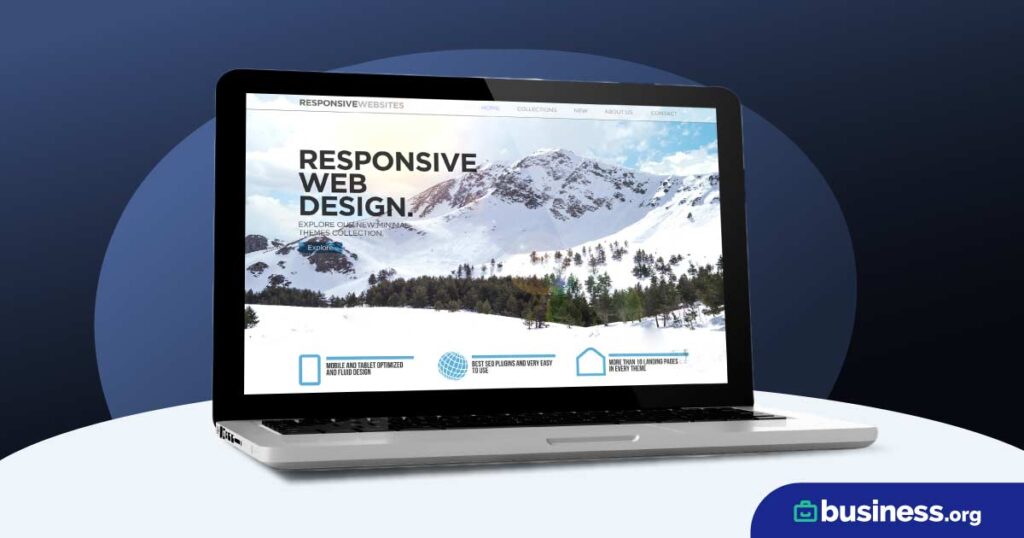
Keep it mobile-friendly: With more and more people accessing websites on their mobile devices, it's essential to have a mobile-friendly website. Look for a website builder that offers mobile-responsive designs.
Free Website Builders for Small Businesses
Here are some popular free website builders that are perfect for small businesses:
| Website Builder | Features | Pricing |
|---|---|---|
| Wix | Drag-and-drop editor, customizable templates, integration with social media | Free plan available, paid plans start at $14/month |
| Weebly | Drag-and-drop editor, customizable templates, integration with social media | Free plan available, paid plans start at $12/month |
| WordPress.com | Customizable templates, drag-and-drop editor, integration with social media | Free plan available, paid plans start at $4/month |
SEO Optimization for Free Websites
Search engine optimization (SEO) is crucial for getting your website noticed by search engines. Here are a few SEO optimization tips for free websites:
Use keywords: Use relevant keywords in your website's content, meta tags, and titles to help search engines understand what your website is about.
Optimize images: Use descriptive alt tags and file names for your images to help search engines understand what they are.
- Regularly update content: Regularly updating your website's content can help search engines understand that your website is active and relevant.
Case Study: How a Small Business Used a Free Website to Grow Their Online Presence
Meet Jane, a freelance writer who wanted to create a professional online presence without breaking the bank. She used WordPress.com to create a simple website that showcased her services and portfolio. She also used social media to promote her website and attract new clients.
Within a few months, Jane's website was getting hundreds of visitors per month, and she was landing new clients through her website. She was able to grow her business and increase her income without spending a lot of money on marketing.
Frequently Asked Questions
Q: What are the best free website builders for small businesses?
Some popular free website builders for small businesses include Wix, Weebly, and WordPress.com. These platforms offer a range of customizable templates, drag-and-drop editors, and integration with social media.
Q: How can I create a professional-looking website on a budget?
To create a professional-looking website on a budget, choose a clean and simple design, use high-quality images, and keep it mobile-friendly. You can also use free website builders and customize templates to fit your brand.
Q: Do I need to have coding skills to create a website?
No, you don't need to have coding skills to create a website. Many website builders offer drag-and-drop editors and customizable templates that make it easy to create a website without coding.
Q: How can I optimize my website for search engines?
To optimize your website for search engines, use relevant keywords in your content, meta tags, and titles. You can also optimize images, regularly update content, and use social media to promote your website.
Conclusion
Creating a professional online presence doesn't have to break the bank. With free website small business ideas, you can establish an online presence and attract new customers without spending a lot of money. By choosing the right website builder, creating a professional-looking website, and optimizing for search engines, you can grow your business and increase your income.
