
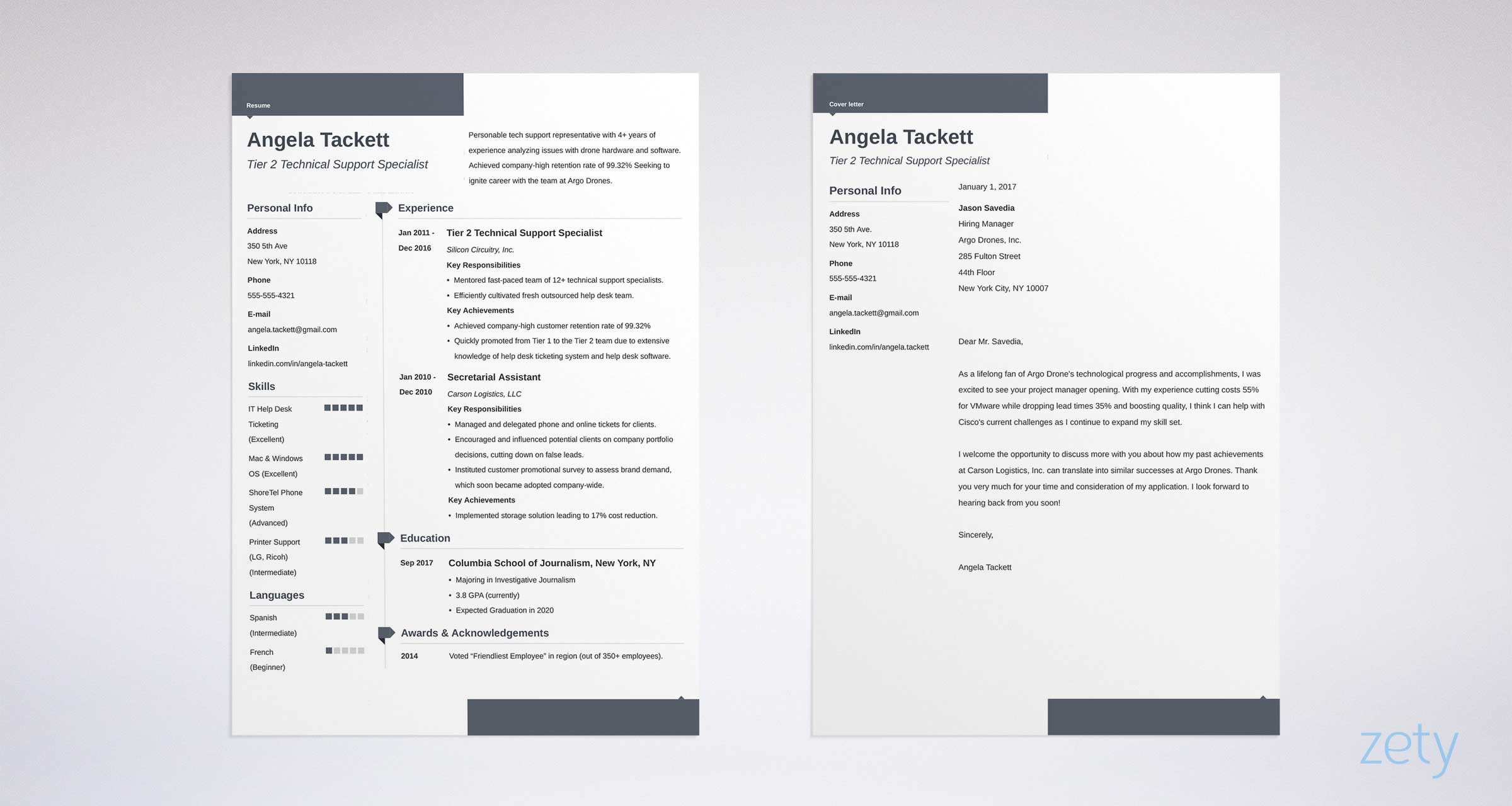
Finding the Perfect Free Word Resume Template
When searching for a free Word resume template online, it's easy to get overwhelmed by the numerous options available. To streamline your search, focus on reputable websites that offer high-quality, professionally designed templates. Some popular sources include Microsoft's official template gallery, Canva, and Resume Genius.
These websites offer a wide range of templates in various formats, including Word (.docx) and PDF. When selecting a template, consider the industry you're applying to and the level of formality you want to convey. For example, a creative field may allow for more innovative and colorful templates, while a corporate job may require a more traditional and simple design.
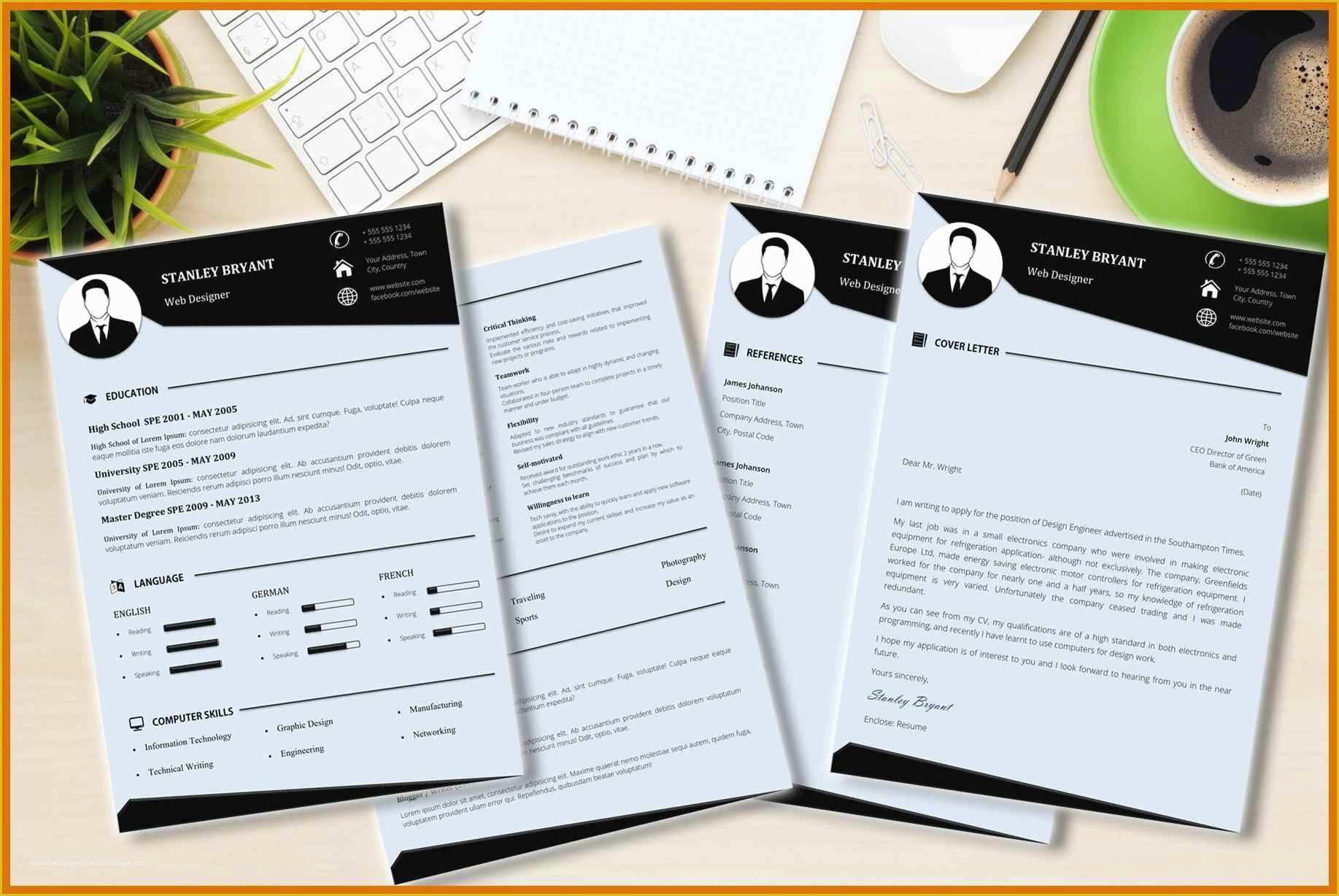
Customizing Your Free Word Resume Template
Once you've downloaded a template, it's essential to customize it to showcase your skills, experience, and achievements. Here are some key areas to focus on:
Header: Include your name, email address, phone number, and LinkedIn profile (if applicable).
Summary/Objective: Write a brief overview of your experience, skills, and career goals.
Work Experience: List your previous work experience in reverse chronological order, highlighting achievements and responsibilities.
Education: Include your educational background, relevant courses, and academic achievements.
Skills: List your relevant technical, language, and soft skills.
When customizing your template, keep the following tips in mind:
Use a clear and concise writing style.
Use bullet points to break up large blocks of text.
Use action verbs (e.g., managed, created, developed) to describe your achievements.
Quantify your achievements by including numbers and statistics.
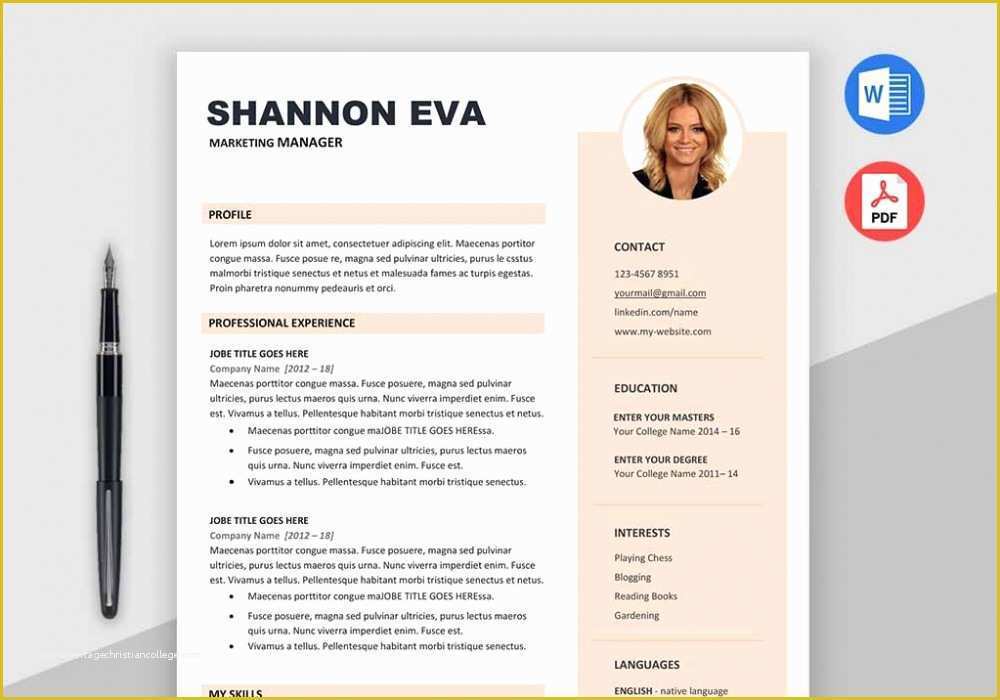
Choosing the Right Template Design
With so many template designs available, it's crucial to select one that aligns with your personal brand and style. Consider the following factors:
Layout: Choose a template with a clean and easy-to-read layout.
Font: Select a font that is professional and easy to read, such as Arial, Calibri or Helvetica.
Color scheme: Stick to a simple color scheme that reflects your personal brand.
Here's a comparison of popular template designs:
| Template Design | Industry | Level of Formality |
|---|---|---|
| Modern | Creative, Marketing | Informal |
| Classic | Corporate, Finance | Formal |
| Simple | Entry-level, Education | Neutral |
Expert Tips for Resume Writing
To increase your chances of getting noticed by hiring managers, follow these expert tips:
Tailor your resume: Customize your resume for each job application to highlight relevant skills and experience.
Use keywords: Use keywords from the job description to help your resume pass through applicant tracking systems (ATS).
Proofread: Carefully proofread your resume to ensure error-free writing and formatting.
Trustworthy Sources for Free Word Resume Templates
When searching for free Word resume templates online, it's essential to rely on trustworthy sources. Here are some reputable websites to consider:
Microsoft Template Gallery: Offers a wide range of free Word templates, including resume templates.
Canva: Provides a vast library of free and paid templates, including resume templates.
Resume Genius: Offers a range of free resume templates and expert advice on resume writing.
Frequently Asked Questions
Q: What is the best free Word resume template website? Some popular websites for free Word resume templates include Microsoft's official template gallery, Canva, and Resume Genius.
Q: How do I customize a free Word resume template?
Customize a free Word resume template by adding your information, tailoring your content to the job description, and adjusting the layout and design.
- Q: What are the most important sections to include in a resume?
The most important sections to include in a resume are your header, summary/objective, work experience, education, and skills.
Conclusion
Finding the perfect free Word resume template online can be a daunting task, but by focusing on reputable sources and customizing your template to showcase your skills and experience, you can increase your chances of landing your dream job. Remember to tailor your resume for each job application, use keywords from the job description, and proofread your resume carefully to ensure error-free writing and formatting. With these expert tips and trustworthy sources, you'll be well on your way to creating a standout resume that gets noticed.
Related: A Practical Guide to the Best Free Design Tools
Related: A Practical Guide to Resume Templates for Freshers Free
