
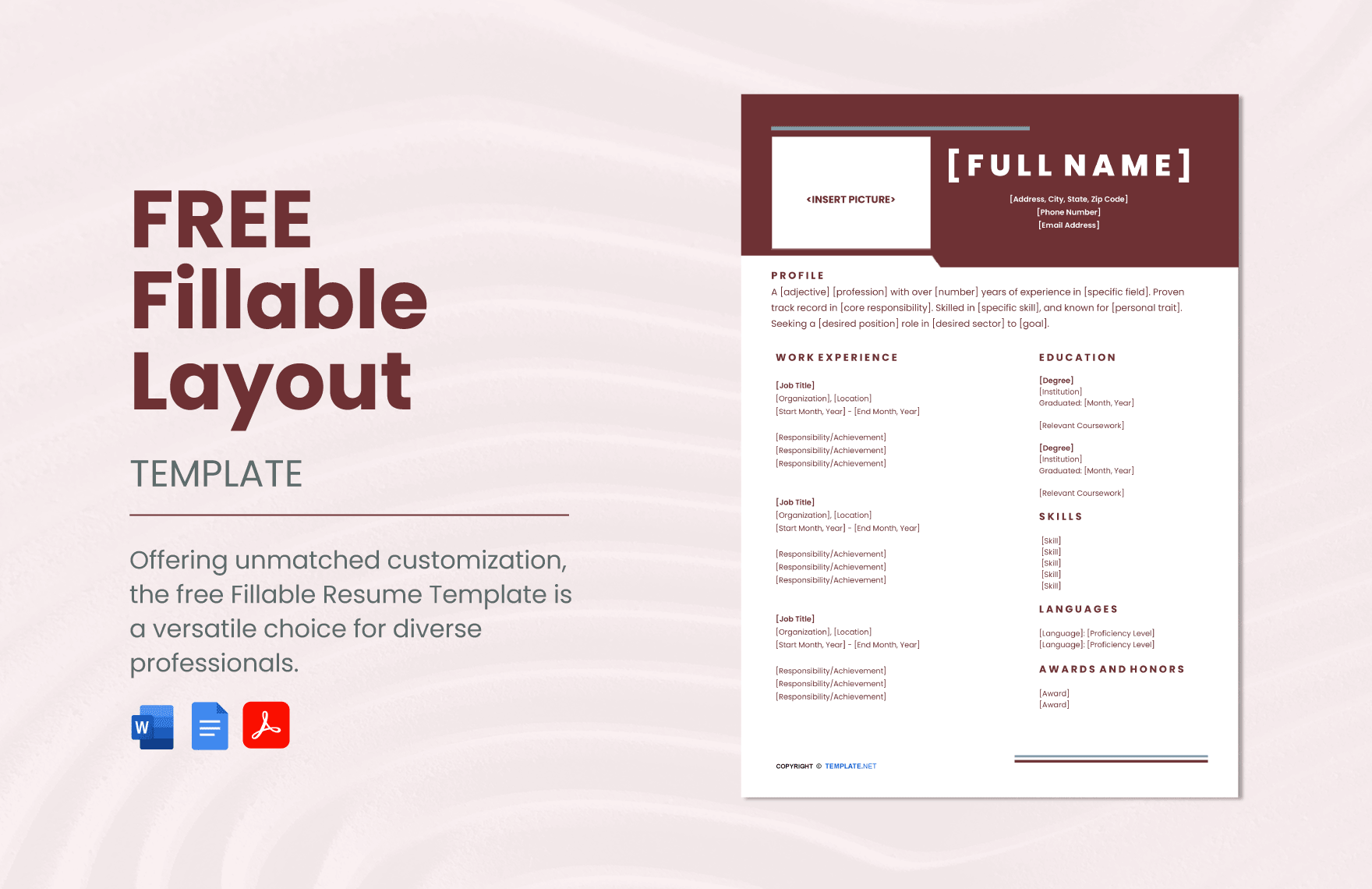
Finding the Right Template for Your Resume
When it comes to creating a strong resume, having a solid foundation is key. This is where online template downloads come in – they provide a structure that you can customize to showcase your skills, experience, and achievements. With countless options available, it's essential to choose a template that aligns with your industry, experience level, and personal style.
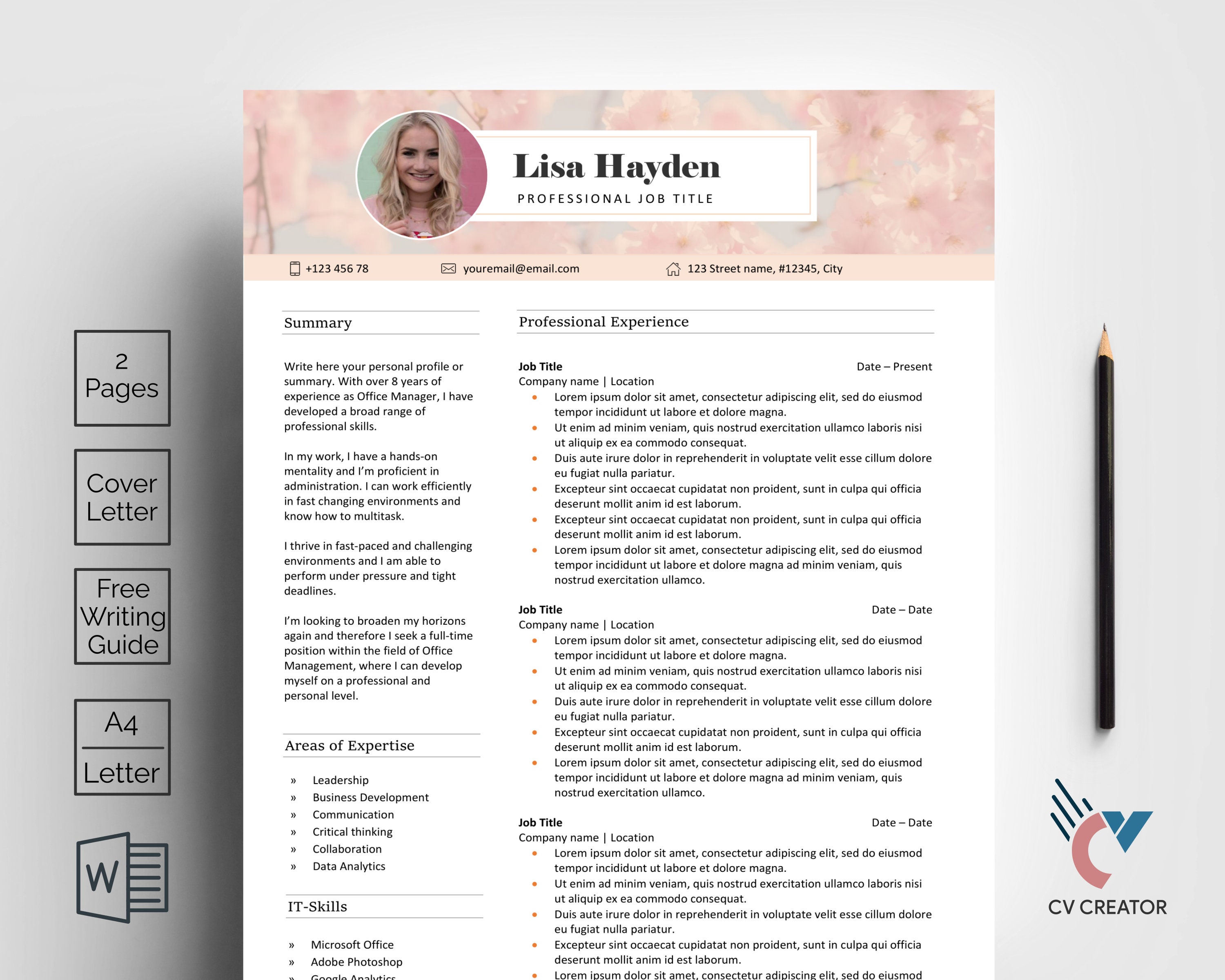
For instance, if you're in a creative field, you might opt for a template that allows for more visual elements, such as images or unique typography. On the other hand, if you're in a more traditional industry, a clean and straightforward template might be more suitable.
Some popular websites for online template downloads include:
Microsoft Templates
Google Templates
Canva
Resume Genius
Hloom
Customizing Your Template
Once you've downloaded a template, it's time to make it your own. This involves tailoring the content, formatting, and design to reflect your personal brand and highlight your strengths.
Here are some tips for customizing your template:
Tailor your objective: Begin by crafting a compelling objective statement that sets the tone for your resume. This should be a brief summary of your career goals and relevant experience.
Emphasize achievements: Rather than just listing your job responsibilities, focus on the specific achievements and results you've achieved in your previous roles.
Use keywords: Incorporate relevant keywords from the job posting into your resume, especially in your summary, skills section, and work experience.
The Importance of ATS Optimization
Many companies use applicant tracking systems (ATS) to screen resumes before they're even seen by a human recruiter. To increase your chances of getting past the ATS, it's crucial to optimize your resume with the right keywords and formatting.
Here are some ATS optimization tips:
Use a clear format: Use a clean and easy-to-read format with bullet points, clear headings, and white space to make your resume easy to scan.
Incorporate keywords: Use keywords from the job posting in your resume, especially in your summary, skills section, and work experience.
Save in a compatible format: Save your resume in a format that's compatible with ATS, such as a Word document or PDF.
Common Mistakes to Avoid
When it comes to online template downloads, there are a few common mistakes to avoid:
Over-customization: While it's essential to make your template your own, be careful not to over-customize. Too many fonts, colors, or graphics can make your resume look cluttered and unprofessional.
Lack of relevance: Make sure your template is relevant to the job you're applying for. A template that's too generic or doesn't align with the job requirements can hurt your chances of getting noticed.
Choosing the Best Template for Your Needs
With so many online template downloads available, it can be challenging to choose the right one. Here's a comparison of some popular template options:
| Template | Industry | Experience Level | Customization Options |
|---|---|---|---|
| Microsoft Templates | Traditional | Entry-level to senior | Limited |
| Canva | Creative | Entry-level to senior | Extensive |
| Resume Genius | Traditional | Entry-level to senior | Moderate |
| Hloom | Traditional | Entry-level to senior | Limited |
Frequently Asked Questions

Q: What is the best format for a resume?
The best format for a resume is a clean and easy-to-read format with bullet points, clear headings, and white space.
Q: How do I choose a template that aligns with my industry?
Consider the industry you're in and the type of job you're applying for. For example, if you're in a creative field, you might opt for a template that allows for more visual elements.
Q: Can I use a template for a senior-level position?
Yes, but make sure to customize the template to reflect your experience and achievements.
Q: How do I optimize my resume for ATS?
Use keywords from the job posting, incorporate them into your summary, skills section, and work experience, and save your resume in a compatible format.
Final Tips and Next Steps
Creating a strong resume takes time and effort, but with the right template and customization, you can increase your chances of getting noticed by recruiters and hiring managers. Remember to:
Keep it concise: Keep your resume to one or two pages, depending on your level of experience.
Proofread: Carefully proofread your resume to catch any spelling or grammar errors.
Get feedback: Ask a friend or mentor to review your resume and provide feedback.
By following these tips and using online template downloads effectively, you can create a standout resume that helps you land your dream job.
Related: What to Know About Online Course Creation Tools for Beginners
