
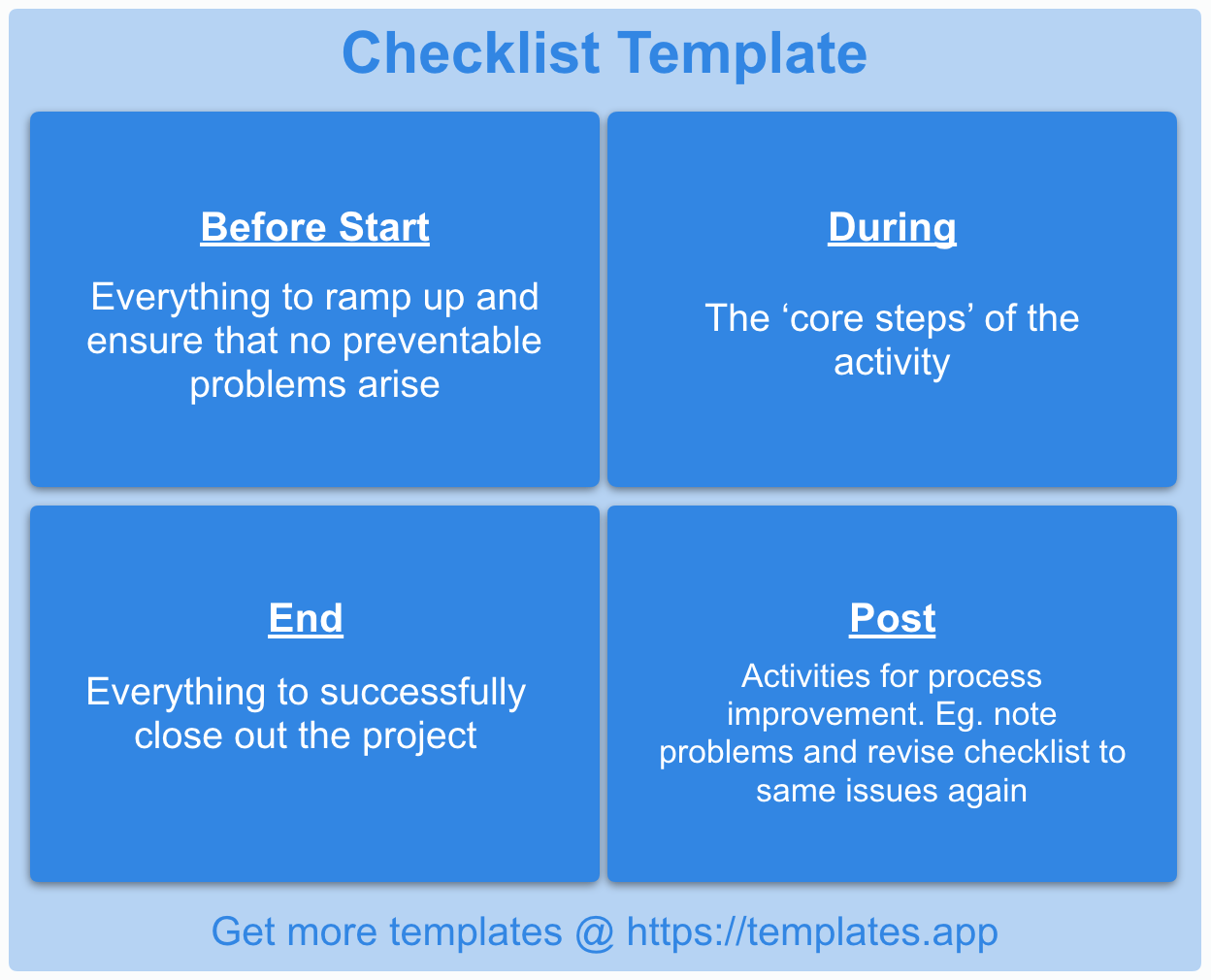
Finding the Perfect Checklist Template App
In our increasingly busy lives, staying organized is more crucial than ever. One of the simplest yet most effective tools for organization is the humble checklist. However, not all checklists are created equal, and the right app can make all the difference. Whether you're a student juggling assignments, a professional managing projects, or someone simply trying to keep track of daily tasks, there's a checklist app out there for you.
What Makes a Great Checklist Template App?
So, what do you look for in a checklist template app? First and foremost, usability is key. The app should be easy to navigate, with a clean interface that makes creating and managing checklists a breeze. Customization options are also crucial; you should be able to tailor your checklists to fit your specific needs, whether that means adding different categories, colors, or tags. Integration with other tools and apps you use is another important factor; for instance, being able to sync your checklists across devices or share them with team members can significantly enhance productivity.
Top Apps for Checklist Templates
Several apps stand out in the realm of checklist templates, each with its unique strengths.
Todoist
Todoist is a powerhouse when it comes to task management. It offers a wide range of features, including the ability to create detailed checklists, set deadlines, and track progress. Its clean interface and user-friendly design make it a favorite among individuals and teams alike.Trello
Trello uses a card-based system that can be adapted for checklist templates. It's highly visual and offers a lot of flexibility in terms of organization. Trello boards can be used for everything from project management to personal to-do lists.Any.do
Any.do combines task management with calendar integration, making it easy to schedule and prioritize tasks. It also allows for collaborative checklists, which is great for team projects.Checklist.com
As its name suggests, Checklist.com is specifically designed for creating and managing checklists. It's straightforward, easy to use, and offers a variety of templates for different scenarios.Google Keep
Google Keep is a simple note-taking app that can also be used for checklists. Its integration with Google Drive makes it easy to access your lists across devices.Comparison of Top Checklist Apps
| App | Usability | Customization | Integration | Cost |
|---|---|---|---|---|
| Todoist | 9/10 | 8/10 | 9/10 | $3-$5/month |
| Trello | 8.5/10 | 9/10 | 9/10 | Free-$17.50/month |
| Any.do | 8/10 | 7.5/10 | 8/10 | Free-$2.99/month |
| Checklist.com | 9/10 | 8/10 | 7/10 | Free-$4.99/month |
| Google Keep | 9/10 | 6/10 | 8/10 | Free |
Choosing the Right App for Your Needs
With so many great options available, how do you choose the best app for your checklist needs? Start by identifying your priorities. Do you need an app that's highly customizable, or one that integrates well with other tools you use? Are you looking for something simple and straightforward, or a more comprehensive task management solution?
Practical Tips for Implementing Checklist Templates
Once you've chosen an app, here are a few practical tips for getting the most out of your checklist templates:
- Start simple: Don't try to create the perfect checklist on your first try. Start with a basic template and adjust as needed.
- Be specific: Instead of listing tasks like "clean the house," break them down into smaller, actionable steps like "vacuum living room," "wipe down kitchen counters," etc.
- Use recurring tasks: For tasks you need to perform regularly, set them up as recurring to save time and ensure consistency.
Insight: The Power of Checklists
"Checklists are a tool for our brains to free up mental resources. They offload the cognitive work of remembering everything we need to do, allowing us to focus on the task at hand." - Atul Gawande, author of "The Checklist Manifesto"
Common FAQs
Q: Can I use these apps for team projects?
Absolutely. Most of the apps mentioned, such as Todoist, Trello, and Any.do, offer features for team collaboration, including shared checklists and task assignments.
Q: Are there any free checklist template apps?
Yes, several apps offer free versions, including Google Keep, Checklist.com, and Trello. These free versions often come with limitations but can be a good starting point.
Q: Can I integrate these apps with my calendar?
Many of the apps mentioned, such as Any.do and Todoist, offer integration with calendar apps like Google Calendar or Apple Calendar.
Q: How do I choose the best checklist app for my business?
Consider your specific needs, such as the size of your team, the type of tasks you need to manage, and any existing tools you use. Look for an app that meets those needs and offers good usability and customization options.
Finalizing Your Checklist App Choice
Finding the best app for checklist templates is a personal decision that depends on your specific needs and preferences. By considering factors like usability, customization, and integration, you can choose an app that not only meets your needs but also enhances your productivity. Whether you're managing personal tasks or leading a team, the right checklist app can make all the difference in staying organized and achieving your goals. Take the time to explore the options available, and don't be afraid to try out a few different apps until you find the one that feels like the best fit.
Related: free budget planner template for beginners
Related: What to Know About Free Excel Templates for Small Business
Related: A Practical Guide to Finding the Best Free Daily Checklist App
