
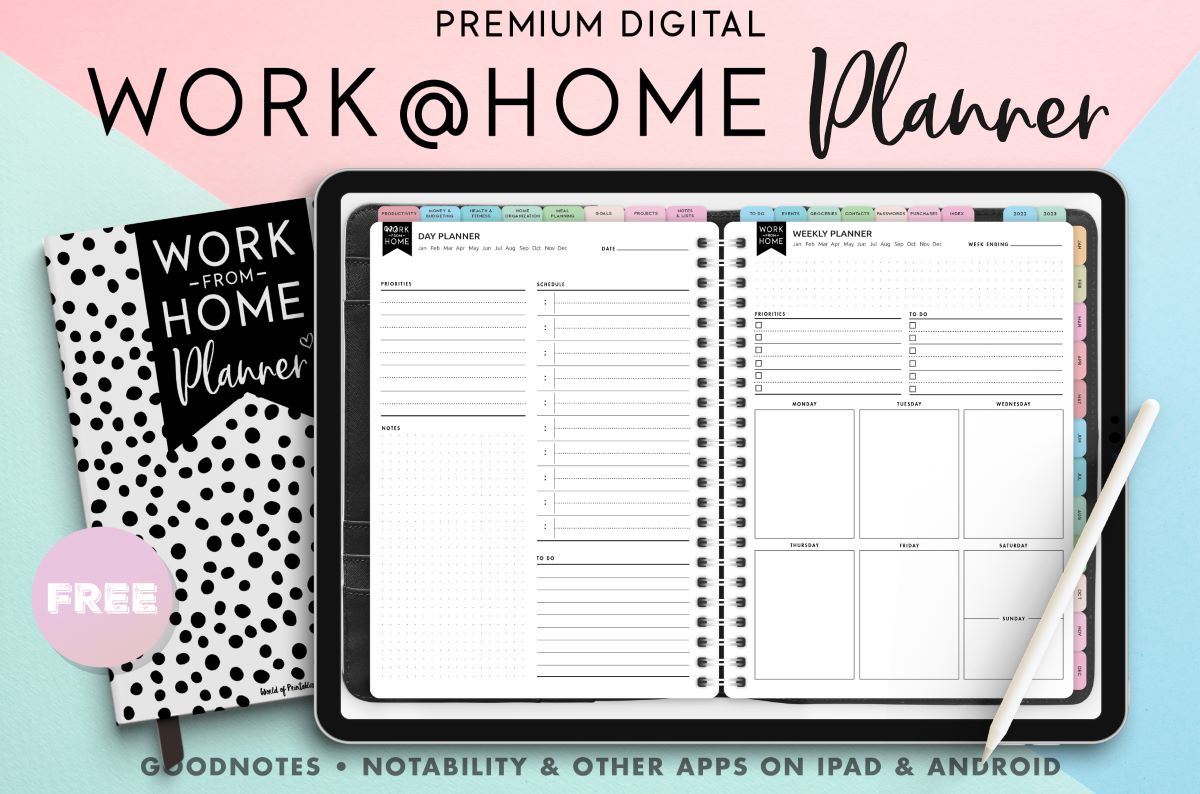
What is a Digital Planner and Why Do You Need One?
A digital planner is essentially a digital version of a traditional paper planner, designed to help you organize your tasks, appointments, and goals. It's a tool that allows you to plan and manage your time more efficiently, stay organized, and boost your productivity. With the rise of remote work and digital nomadism, digital planners have become an essential tool for anyone looking to stay on top of their work and personal life.
Benefits of Using a Digital Planner
Digital planners offer a range of benefits over traditional paper planners. For one, they're more convenient and accessible, allowing you to access your planner from anywhere, at any time, as long as you have a device with an internet connection. They're also more customizable, allowing you to tailor your planner to your specific needs and preferences. Additionally, digital planners are more eco-friendly, reducing the need for paper and minimizing waste.
Top Free Digital Planners
So, what are the best free digital planners out there? Here are some of our top picks:
Google Calendar: A popular and widely-used digital calendar that allows you to schedule appointments, events, and reminders. It's free, easy to use, and integrates seamlessly with other Google apps.
Trello: A visual project management tool that uses boards, lists, and cards to help you organize your tasks and projects. It's highly customizable and offers a free version that's perfect for individuals and small teams.
Any.do: A task management app that allows you to create and manage your to-do lists, set reminders, and collaborate with others. It offers a free version with basic features, as well as a premium subscription with advanced features.
Microsoft To Do: A task management app that allows you to create and manage your to-do lists, set reminders, and integrate with other Microsoft apps. It's free, easy to use, and offers a range of features to help you stay organized.
Evernote: A note-taking app that allows you to capture, organize, and store information. It's a powerful tool that offers a free version with basic features, as well as a premium subscription with advanced features.
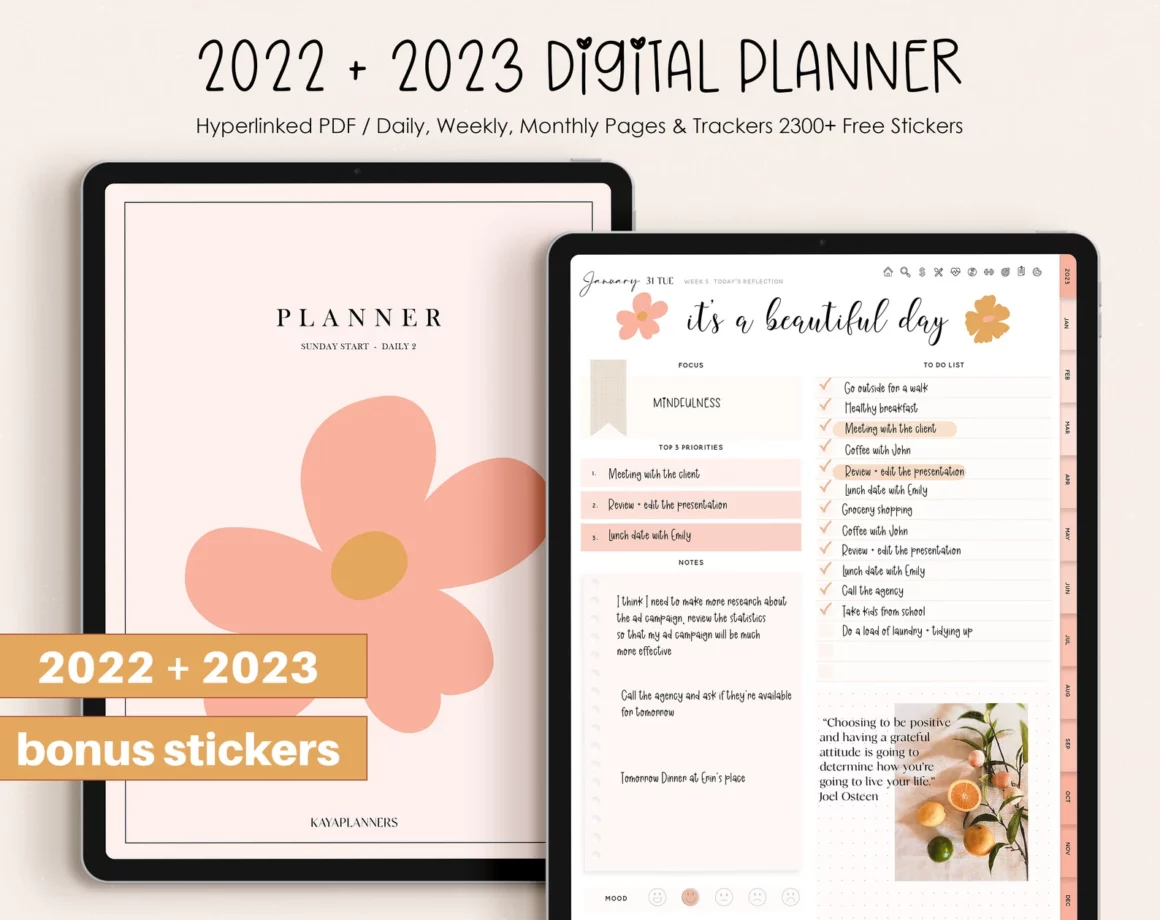
Comparison of Free Digital Planners
| Digital Planner | Features | Ease of Use | Customization |
|---|---|---|---|
| Google Calendar | Scheduling, reminders, integration with Google apps | Easy | Limited |
| Trello | Visual project management, boards, lists, cards | Medium | High |
| Any.do | Task management, reminders, collaboration | Easy | Medium |
| Microsoft To Do | Task management, reminders, integration with Microsoft apps | Easy | Medium |
| Evernote | Note-taking, organization, storage | Medium | High |
How to Choose the Right Digital Planner for You
With so many free digital planners out there, how do you choose the right one for you? Here are some factors to consider:
Your needs: What do you need a digital planner for? Do you need to manage tasks, schedule appointments, or organize your notes?
Ease of use: How easy is the digital planner to use? Is it intuitive, or do you need to spend a lot of time learning how to use it?
Customization: How much customization do you need? Do you want to be able to tailor your planner to your specific needs and preferences?
Integration: Does the digital planner integrate with other apps and tools you use?
Tips for Getting the Most Out of Your Digital Planner
Once you've chosen a digital planner, here are some tips for getting the most out of it:
Set clear goals: What do you want to achieve with your digital planner? Set clear goals and use your planner to help you achieve them.
Use it consistently: Make using your digital planner a habit. Try to use it at the same time every day or week.
Customize it: Tailor your digital planner to your specific needs and preferences. Add custom fields, labels, or tags to help you organize your information.
Review and adjust: Regularly review your digital planner and adjust your approach as needed.
Common Mistakes to Avoid When Using a Digital Planner
Here are some common mistakes to avoid when using a digital planner:
Not setting clear goals: Without clear goals, it's easy to get overwhelmed and lose focus.
Not using it consistently: Consistency is key when it comes to using a digital planner. Try to use it at the same time every day or week.
Not customizing it: Don't be afraid to customize your digital planner to your specific needs and preferences.
Frequently Asked Questions
Q: What is the best free digital planner?
The best free digital planner for you will depend on your specific needs and preferences. Some popular options include Google Calendar, Trello, Any.do, Microsoft To Do, and Evernote.
Q: Can I use a digital planner on my phone?
Yes, most digital planners offer mobile apps that allow you to access your planner on your phone.
Q: Can I share my digital planner with others?
Yes, many digital planners offer collaboration features that allow you to share your planner with others.
Q: Is a digital planner secure?
Most digital planners offer robust security features to protect your information. However, it's always a good idea to use a strong password and enable two-factor authentication.
Conclusion
Finding the right digital planner can be a game-changer for your productivity and organization. With so many free options available, there's no excuse not to give one a try. By considering your needs, ease of use, customization, and integration, you can choose the perfect digital planner for you. Happy planning!
Related: What to Know About Finding the Best Website Builder Near Me
