
A Practical Guide to the Best Free Online Design Tools
Getting Started with Free Online Design Tools
As a creator, you don't need to break the bank to produce high-quality visual content. The web is awash with free online design tools that can help you craft stunning graphics, logos, and more. But with so many options available, it can be tough to know where to start. In this guide, we'll walk you through some of the best free online design tools to help you elevate your visual content.
Graphic Design Powerhouses
When it comes to graphic design, a few tools stand out from the rest. Here are three top-notch free online design tools to get you started:
Canva: With over 50 million users, Canva is one of the most popular design tools on the web. This intuitive platform offers a vast template library, a user-friendly interface, and a wide range of design assets. Whether you're creating social media graphics, presentations, or posters, Canva has got you covered.
GIMP: For those looking for a more advanced design experience, GIMP (GNU Image Manipulation Program) is a free and open-source raster graphics editor. Offering many of the same features as Adobe Photoshop, GIMP is perfect for editing photos, creating digital art, and designing graphics.
SVG-Edit: If you're working with vector graphics, SVG-Edit is a fantastic free online design tool. This web-based editor allows you to create and edit SVG files directly in your browser, making it perfect for designing logos, icons, and more.
Design Tools for Specific Needs
While the above tools are great for general graphic design, sometimes you need something more specialized. Here are a few free online design tools catering to specific needs:
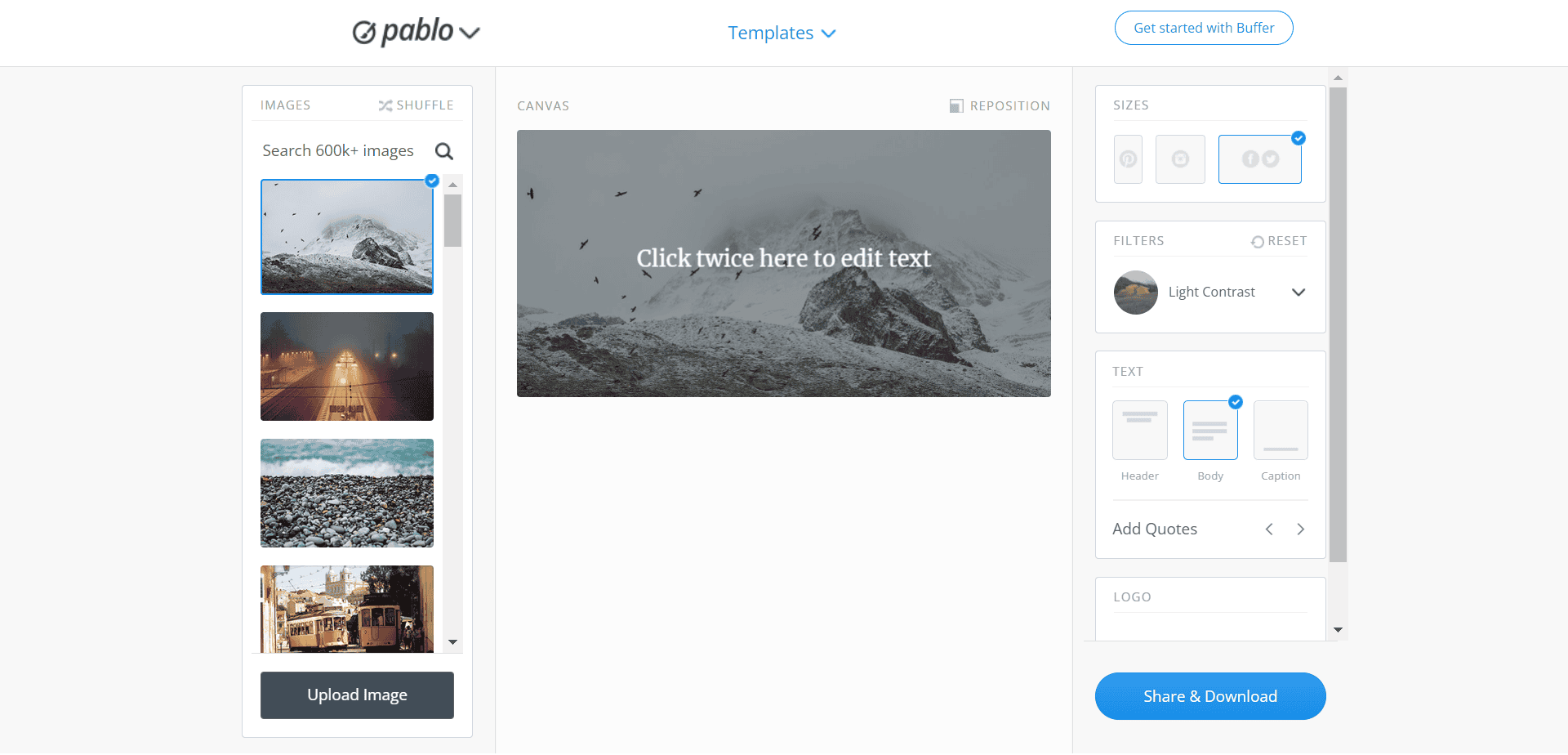
Logo Design
LogoMakr: With LogoMakr, you can create professional-looking logos in minutes. This free online design tool offers a vast library of templates, shapes, and icons to help you craft a unique logo for your brand.
Infographic Creation
Piktochart: Piktochart is a popular free online design tool for creating infographics, presentations, and reports. With a range of templates and design assets, you can create stunning visual content without any design experience.
Digital Art
Krita: For digital artists, Krita is a free and open-source painting and illustration tool. Offering a wide range of brush engines, Krita is perfect for creating stunning artwork, from sketches to full-color paintings.
Comparison Time: Which Tool is Right for You?
With so many free online design tools available, it can be tough to choose the right one. Here's a quick comparison of some of the tools mentioned above:
| Tool | Best for | Features | Ease of use |
|---|---|---|---|
| Canva | General graphic design, non-designers | Template library, user-friendly interface, wide range of design assets | Easy |
| GIMP | Advanced graphic design, photo editing | Advanced features, customizable interface | Medium |
| SVG-Edit | Vector graphics, logo design | Web-based editor, SVG file support | Medium |
| LogoMakr | Logo design | Template library, shapes, and icons | Easy |
| Piktochart | Infographic creation, presentations | Template library, design assets | Easy |
| Krita | Digital art, painting | Brush engines, customizable interface | Medium |
Tips for Getting the Most Out of Free Online Design Tools
While free online design tools can be incredibly powerful, here are a few tips to help you get the most out of them:
Start with a clear idea: Before you begin designing, have a clear idea of what you want to create. This will help you choose the right tool and streamline your design process.
Experiment and play: Don't be afraid to try new things and experiment with different tools and features. This is a great way to learn and discover new design possibilities.
- Keep it simple: While it's tempting to add lots of design elements, sometimes less is more. Keep your design simple, clean, and focused on your message.
Real-World Example: Creating a Social Media Graphic with Canva
Let's say you need to create a social media graphic to promote a new product. With Canva, you can choose from a range of templates, add your own text and images, and customize the design to fit your brand. Here's a quick example of how to create a social media graphic with Canva:
- Sign up for a free Canva account and choose the social media graphic template.
- Select a template that matches your brand and product.
- Add your own text, images, and design elements.
- Customize the design to fit your brand.
- Download and share your graphic.
Frequently Asked Questions
Q: Are free online design tools really free?
Yes, the tools mentioned in this guide are completely free to use. However, some may offer premium features or subscriptions for additional functionality.
Q: Can I use free online design tools for commercial projects?
Yes, most free online design tools can be used for commercial projects. However, always check the terms and conditions of each tool to ensure you're allowed to use it for commercial purposes.
Q: Do I need design experience to use free online design tools?
No, many free online design tools are designed to be user-friendly and accessible to non-designers. However, having some design experience can certainly help you get the most out of these tools.
Q: Can I export my designs in high-resolution?
Yes, most free online design tools allow you to export your designs in high-resolution. However, the exact resolution and file format will depend on the tool you're using.
Conclusion
Free online design tools have come a long way in recent years. With a range of powerful tools available, you can create stunning visual content without breaking the bank. Whether you're a seasoned designer or a non-designer, there's a free online design tool out there for you. By following the tips and examples outlined in this guide, you can elevate your visual content and take your design skills to the next level.
Related: 5 Useful Things to Know About Website Builder Templates Free
