
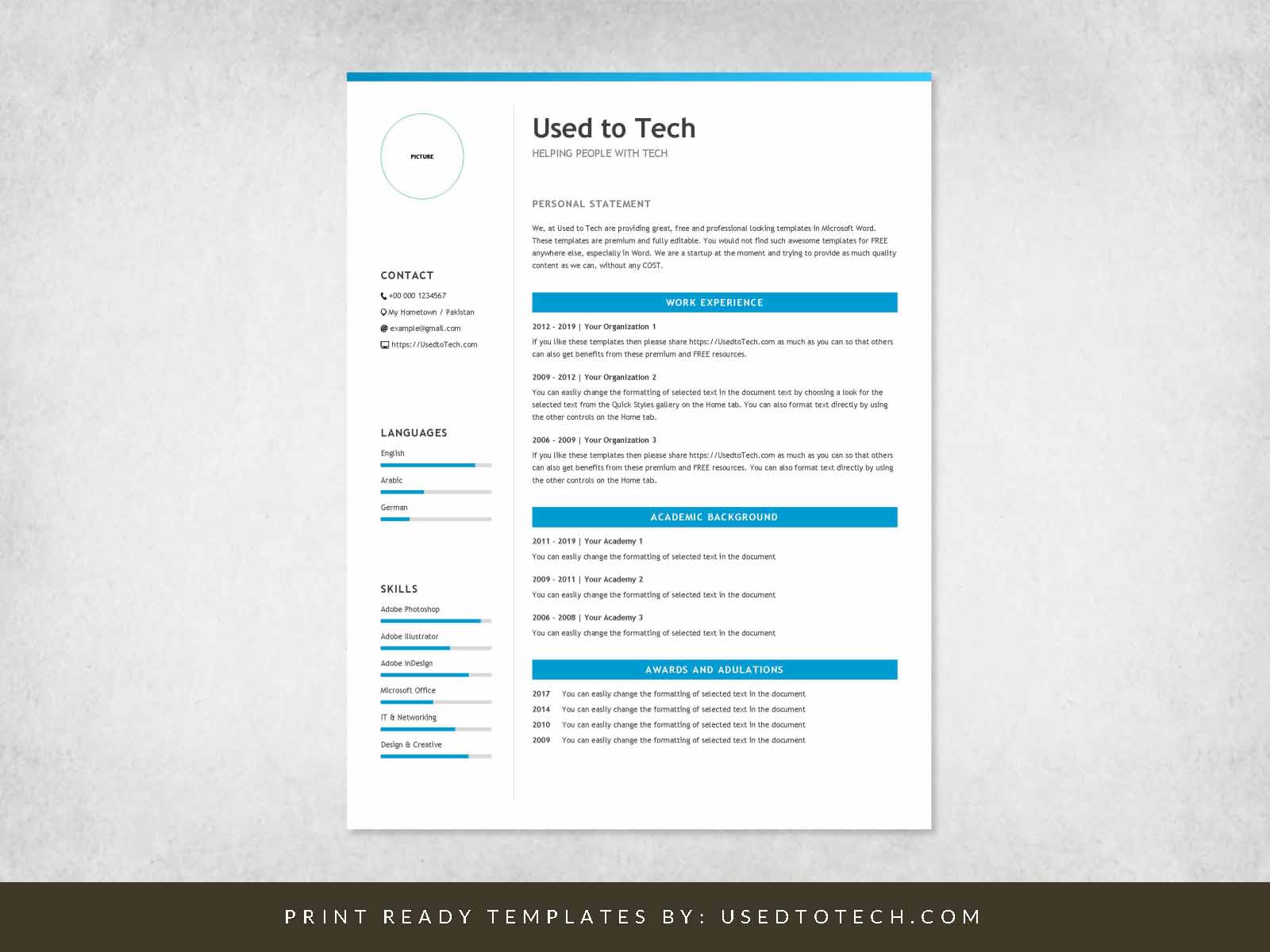
Landing Your Dream Job Starts Here
When you're on the hunt for a new job, your resume is often the first impression you make on a potential employer. You want to make sure it's a good one. A well-crafted resume can be the difference between getting an interview and having your application tossed in the trash. But what if you're not a design expert or don't have the budget for fancy templates? Don't worry, we've got you covered. In this article, we'll explore the best free resume templates to help you create a stunning CV that showcases your skills and experience.
What Makes a Great Resume Template?
A great resume template is more than just a pretty design. It's a clear and concise way to present your qualifications, experience, and achievements in a way that's easy for hiring managers to scan. Here are some key elements to look for:
A clean and simple layout
Clear headings and sections
Ample white space to make your content pop
A professional font that's easy to read
Customizable fields to make it your own
Top Free Resume Templates
We've scoured the web to find the best free resume templates that meet these criteria. Here are some of our top picks:
Resume-io: This template offers a clean and modern design with a range of customization options. It's available in Word and Google Docs formats.
Canva: Canva offers a wide range of free resume templates, from simple and classic to more elaborate designs. You can customize them to fit your needs and download them in PDF or Word format.
Hloom: Hloom offers a vast library of free resume templates, including some great options for creative fields. Their templates are available in Word and Google Docs formats.
TemplateLab: TemplateLab offers a range of free resume templates, including some great options for professionals and creatives. Their templates are available in Word and Google Docs formats.
Choosing the Right Template for You
With so many great options out there, how do you choose the right template for you? Here are a few things to consider:
Industry: If you're in a creative field, you may want to choose a template that's more visually striking. If you're in a more traditional field, a simple and classic template may be a better fit.
Experience level: If you're just starting out, a template with a stronger focus on education and skills may be a good choice. If you're more experienced, a template that highlights your achievements and work history may be more suitable.
Personal style: Choose a template that reflects your personality and style. If you're a bit quirky, a template with a bit of flair may be a good fit. If you're more traditional, a classic template may be a better choice.

How to Customize Your Template
Once you've chosen a template, it's time to make it your own. Here are some tips for customizing your template:
Tailor your objective: Your objective should be specific to the job you're applying for. Use keywords from the job description to help your resume pass through applicant tracking systems (ATS).
Highlight your achievements: Instead of just listing your job responsibilities, focus on the specific achievements and results you've achieved in your previous roles.
Use action verbs: Use action verbs like "managed," "created," and "developed" to describe your achievements.
Proofread: Make sure to proofread your resume multiple times to catch any spelling or grammar errors.
Common Mistakes to Avoid
When creating your resume, there are a few common mistakes to avoid:
Typos and grammar errors: A single mistake can make a negative impression on a hiring manager.
Lack of customization: Make sure to tailor your resume to the specific job you're applying for.
Inconsistent formatting: Use a consistent font and formatting throughout your resume.
Comparison of Top Free Resume Templates
| Template | Industry | Experience Level | Customization Options |
|---|---|---|---|
| Resume-io | Professional | All levels | Word and Google Docs formats |
| Canva | Creative | All levels | Wide range of templates and customization options |
| Hloom | Creative | All levels | Word and Google Docs formats |
| TemplateLab | Professional | All levels | Word and Google Docs formats |
FAQs
Q: What is the best free resume template?
The best free resume template is one that is clean, simple, and easy to customize. Some popular options include Resume-io, Canva, and Hloom.
Q: How do I choose a resume template?
Choose a template that reflects your industry, experience level, and personal style. Consider the job you're applying for and tailor your template accordingly.
Q: Can I use a free resume template for a job application?
Yes, you can use a free resume template for a job application. Just make sure to customize it to fit your needs and the job you're applying for.
- Q: How do I make my resume stand out?
To make your resume stand out, focus on highlighting your achievements and results. Use action verbs and specific examples to demonstrate your skills and experience.
Final Tips and Next Steps
Your resume is often the first impression you make on a potential employer. By choosing a great free resume template and customizing it to fit your needs, you can increase your chances of landing an interview and getting the job you want. Remember to tailor your resume to the specific job you're applying for, highlight your achievements, and proofread multiple times to catch any errors. Good luck in your job search!
Related: 5 Useful Things to Know About Cheap Resume Templates in Moscow
