
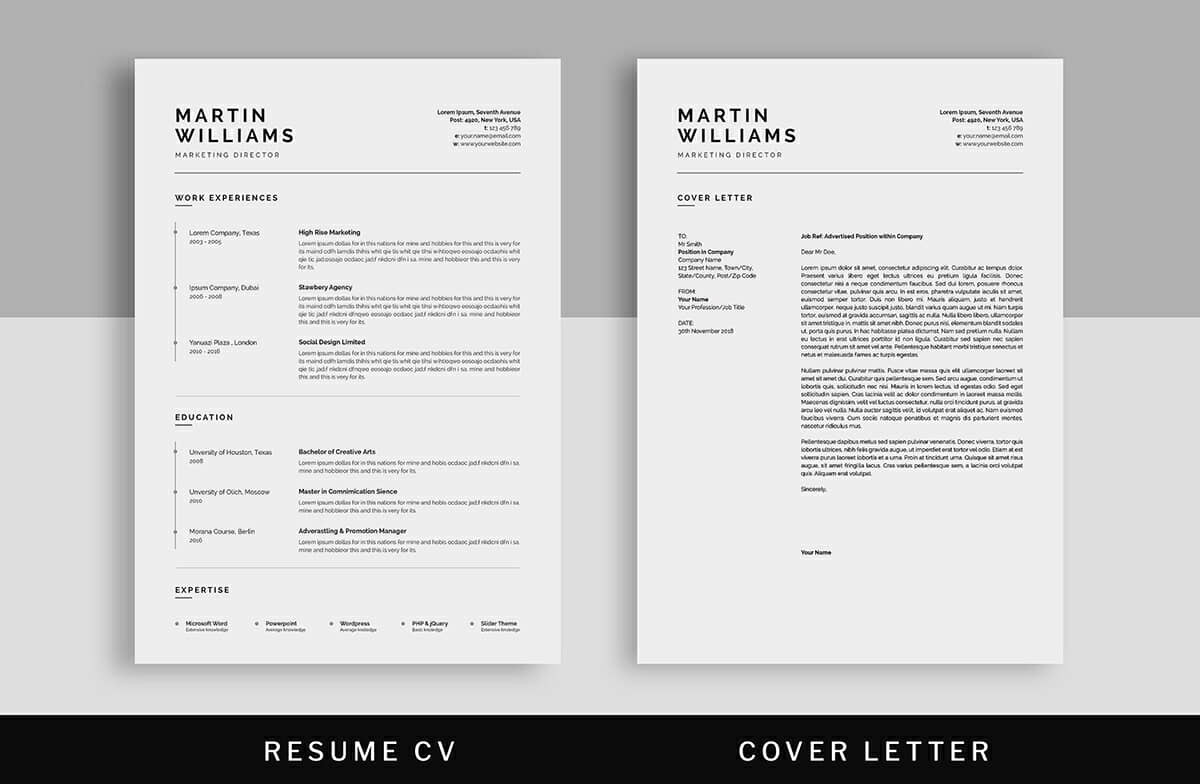
A Practical Guide to Finding the Best Resume Templates Free
Why a Great Resume Template Matters
When you're job hunting, your resume is often the first impression you make on a potential employer. A well-crafted resume can open doors, while a poorly designed one can lead to rejection. That's where a great resume template comes in – it can be a game-changer in showcasing your skills and experience. But you don't have to break the bank to get a professional-looking template. In this guide, we'll explore the best free resume templates and provide tips on how to use them effectively.
What to Look for in a Resume Template
Before we dive into the best free resume templates, let's discuss what makes a great template. Here are some key factors to consider:
Clean design: A simple, clean design that makes your content easy to read.
Customizability: The ability to easily customize the template to fit your needs.
Relevance: A template that's relevant to your industry or job you're applying for.
ATS-friendliness: A template that's compatible with applicant tracking systems (ATS).
Top Free Resume Templates
Here are some of the best free resume templates available:
1. Google Docs Templates
Google Docs offers a range of free resume templates that are clean, simple, and easy to use. You can access these templates by opening Google Docs, clicking on "Template Gallery," and searching for "resume."
2. Microsoft Word Templates
Microsoft Word also offers a range of free resume templates that you can download and use. Simply open Word, click on "File," and search for "resume templates."
3. Canva Templates
Canva is a popular design platform that offers a range of free resume templates. You can choose from a variety of designs, customize them to fit your needs, and download them as a PDF or Word document.
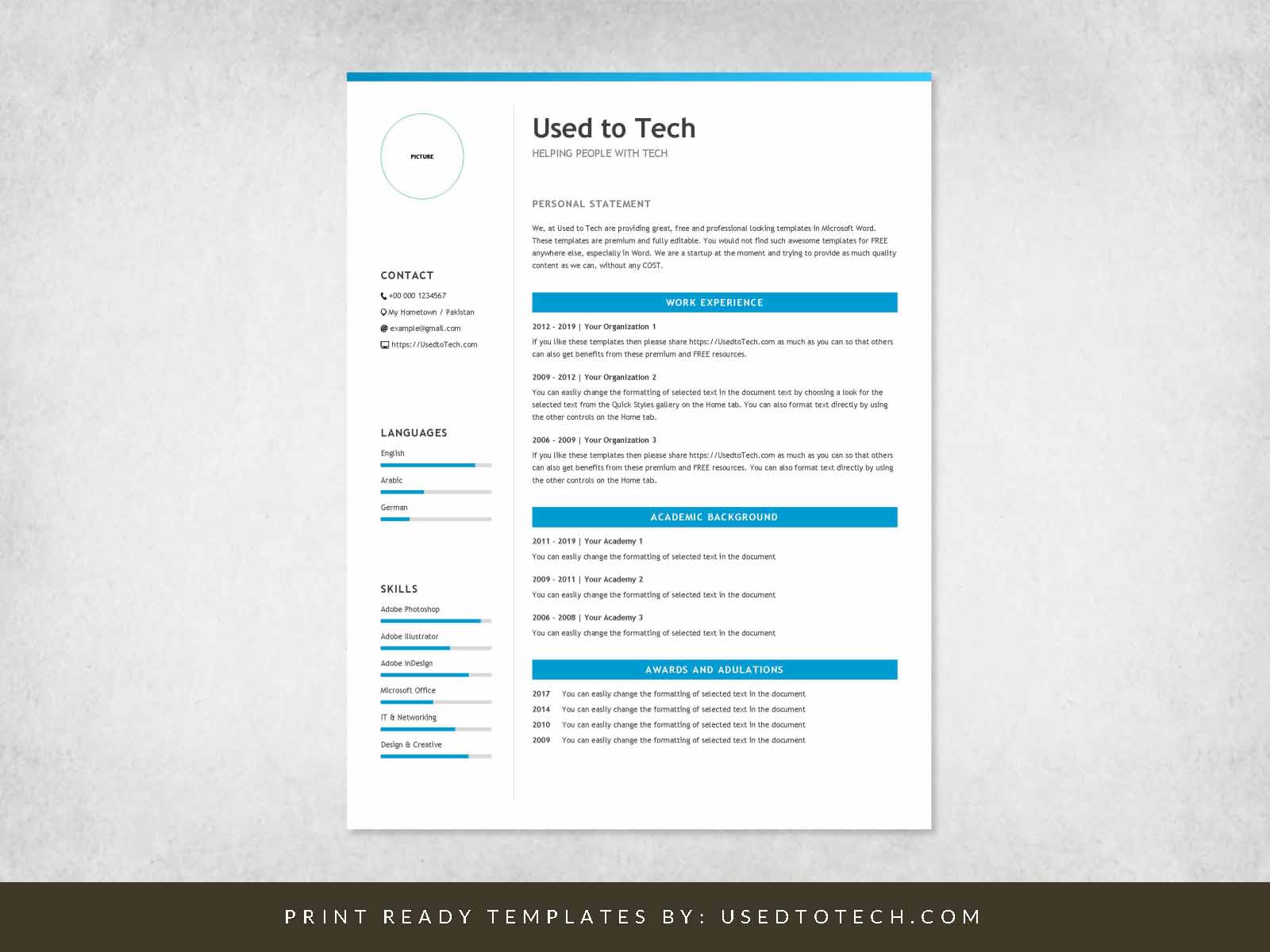
4. Hloom Templates
Hloom offers a range of free resume templates that are designed to help you stand out. Their templates are clean, simple, and easy to use.
Comparison of Top Free Resume Templates
| Template | Design | Customizability | ATS-Friendliness |
|---|---|---|---|
| Google Docs | Simple, clean | Easy | Yes |
| Microsoft Word | Professional, traditional | Medium | Yes |
| Canva | Creative, modern | High | Limited |
| Hloom | Clean, simple | Easy | Yes |
"A great resume template is like a strong foundation for a house – it provides a solid base for you to showcase your skills and experience."
How to Customize Your Resume Template
Once you've chosen a template, it's time to customize it to fit your needs. Here are some tips:
Tailor your objective: Make sure your objective statement is tailored to the job you're applying for.
Highlight your skills: Highlight your relevant skills and experience.
Use keywords: Use keywords from the job description to help your resume pass through ATS.
Tips for Using Free Resume Templates
Here are some additional tips for using free resume templates:
Keep it simple: Avoid over-designing your resume – keep it simple and easy to read.
Use a standard font: Stick to standard fonts like Arial, Calibri or Helvetica.
Proofread: Always proofread your resume for spelling and grammar errors.
Common Mistakes to Avoid
Here are some common mistakes to avoid when using free resume templates:
Not customizing the template: Make sure you customize the template to fit your needs.
Using a template that's too generic: Choose a template that's relevant to your industry or job you're applying for.
Not proofreading: Always proofread your resume for spelling and grammar errors.
FAQs
Here are some frequently asked questions about free resume templates:
Q: Are free resume templates really free?
Yes, the templates mentioned in this guide are completely free to use.
Q: Can I use a free resume template for any job?
While you can use a free resume template for any job, it's best to choose a template that's relevant to your industry or job you're applying for.
Q: How do I know if a template is ATS-friendly?
Look for templates that are designed to be ATS-friendly, or test your resume by uploading it to an ATS.
Conclusion
Finding the right resume template can make a big difference in your job search. By choosing a clean, customizable, and ATS-friendly template, you can showcase your skills and experience in the best possible light. Remember to tailor your template to fit your needs, use keywords, and proofread your resume for errors. With these tips and the best free resume templates, you'll be well on your way to landing your dream job.
Checklist: Key Takeaways
Choose a clean, simple design
Customize your template to fit your needs
Use keywords from the job description
Proofread your resume for errors
- Select a template that's ATS-friendly
By following these tips and using one of the best free resume templates, you can create a standout resume that helps you land your dream job.
Related: Best Resume Templates for Experienced Professionals - Free
