
A Practical Guide to Finding the Best Website Builder for Free
====================================================================================
Your Website, Without the Hefty Price Tag
Creating a website doesn't have to break the bank. With numerous website builders offering free plans, you can launch a professional-looking site without spending a dime. But which one is right for you? In this guide, we'll explore the best website builders that are free, their features, limitations, and help you make an informed decision.
What to Expect from a Free Website Builder
Before diving into our top picks, it's essential to understand what you can expect from a free website builder. Typically, free plans come with limitations, such as:
Limited storage and bandwidth
Restricted design templates and customization options
Advertisements on your site (in some cases)
Limited e-commerce features
Keep in mind that these limitations vary across website builders. Some free plans are more generous than others, so it's crucial to assess your needs and choose a builder that meets them.
Top Free Website Builders
Here are our top picks for free website builders:
1. Wix: A User-Friendly Website Builder with a Generous Free Plan
Wix offers a remarkably comprehensive free plan, complete with a website builder, hosting, and a range of templates. With Wix, you can create a stunning site without coding skills. The free plan includes:
500 MB of storage
1 GB of bandwidth
Wix ads on your site
Limited features, but still a great starting point
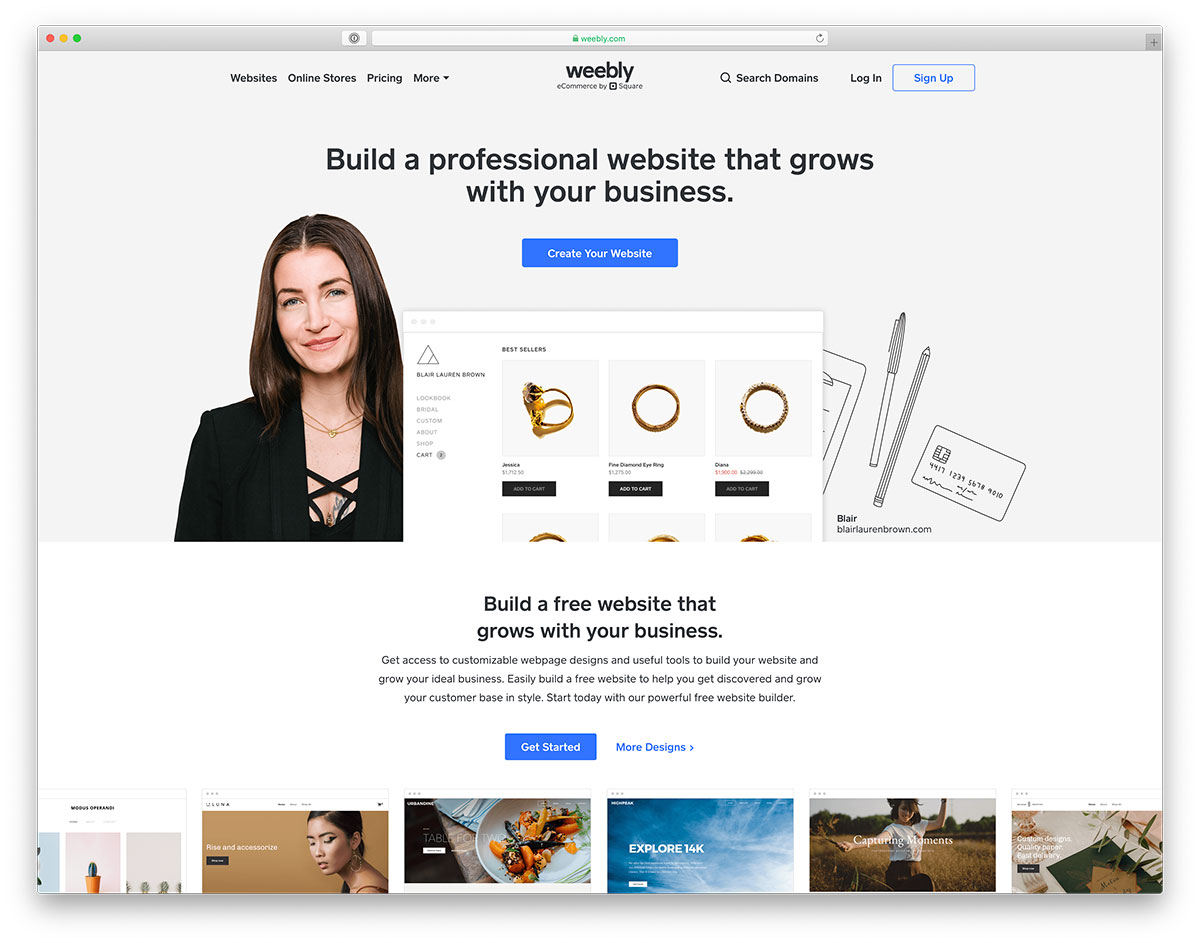
2. Weebly: A Simple, Intuitive Website Builder with E-commerce Features
Weebly's free plan is ideal for small businesses and e-commerce sites. You get:
500 MB of storage
Unlimited bandwidth
Weebly ads on your site
Basic e-commerce features
3. WordPress.com: A Flexible Website Builder with a Wide Range of Templates
WordPress.com offers a free plan that's perfect for blogs, portfolios, and small businesses. Features include:
3 GB of storage
Unlimited bandwidth
WordPress.com ads on your site
Access to hundreds of free templates
4. Strikingly: A One-Page Website Builder with a Focus on Mobile Responsiveness
Strikingly's free plan is great for simple, one-page websites. You get:
10 MB of storage
10 pages
Strikingly ads on your site
Mobile-responsive templates
Comparison Time: Wix vs. Weebly vs. WordPress.com vs. Strikingly
| Website Builder | Storage | Bandwidth | Ads | E-commerce Features |
|---|---|---|---|---|
| Wix | 500 MB | 1 GB | Wix ads | Limited |
| Weebly | 500 MB | Unlimited | Weebly ads | Basic |
| WordPress.com | 3 GB | Unlimited | WordPress.com ads | Limited |
| Strikingly | 10 MB | Limited | Strikingly ads | No |
Practical Considerations: Choosing the Right Website Builder for Your Needs
When selecting a free website builder, consider the following:
Ease of use: How comfortable are you with website creation? Choose a builder with an intuitive interface.
Design flexibility: Do you need a high degree of customization? Opt for a builder with a wide range of templates and design options.
E-commerce features: Do you plan to sell products or services online? Select a builder with robust e-commerce features.
Scalability: Will your site grow in the future? Choose a builder that offers seamless upgrades to paid plans.
Real-World Example: Launching a Website with Wix
Let's say you're a freelance writer looking to launch a portfolio site. With Wix, you can:
- Sign up for a free account
- Choose a template (e.g., a writing portfolio template)
- Customize the design and content
- Add your writing samples and projects
- Publish your site
FAQs
Q: Are there any hidden fees with free website builders?
Some free website builders may have hidden fees, such as charges for additional features or upgrades. Be sure to review the terms and conditions before signing up.
Q: Can I use a free website builder for e-commerce?
While some free website builders offer basic e-commerce features, they often come with limitations. If you plan to sell products or services online, consider upgrading to a paid plan or choosing a builder with more robust e-commerce features.
Q: How do I remove ads from my free website?
To remove ads from your free website, you'll typically need to upgrade to a paid plan. Some website builders may offer ad-free plans or custom solutions.
Q: Can I transfer my website to a paid plan or another platform?
Most website builders allow you to upgrade to a paid plan or transfer your website to another platform. However, be sure to review the migration process and any potential limitations before making a decision.
Your Free Website Awaits
With these top free website builders, you can create a stunning site without breaking the bank. Remember to assess your needs, consider the limitations, and choose a builder that meets your requirements. Happy website building!
Related: 5 Useful Things to Know About Free Checklist Apps for PC
Related: 5 Useful Things to Know About Finding the Best Website
