
The Importance of Cleaning Your Phone's Charging Port
A clogged charging port can be frustrating, especially when you're in a hurry. Dirt, dust, and debris can accumulate in the port, preventing your phone from charging properly. Cleaning your phone's charging port regularly can help maintain its performance and extend its lifespan. However, it's crucial to do it safely to avoid damaging the port or other internal components.
Understanding the Risks of Improper Cleaning
Using the wrong cleaning methods or tools can damage your phone's charging port or harm the internal components. For instance, using a metal object to clean the port can cause a short circuit or damage the charging pins. Similarly, using liquids or chemicals can seep into the phone and damage the electronics. It's essential to use gentle and safe cleaning methods to avoid these risks.
Safe Cleaning Methods
There are several safe and effective ways to clean your phone's charging port. Here are a few methods:
Compressed Air: Use compressed air to blow out dust and debris from the charging port. Hold the can upright and spray the air into the port for a few seconds. Repeat this process a few times to ensure the port is clean.
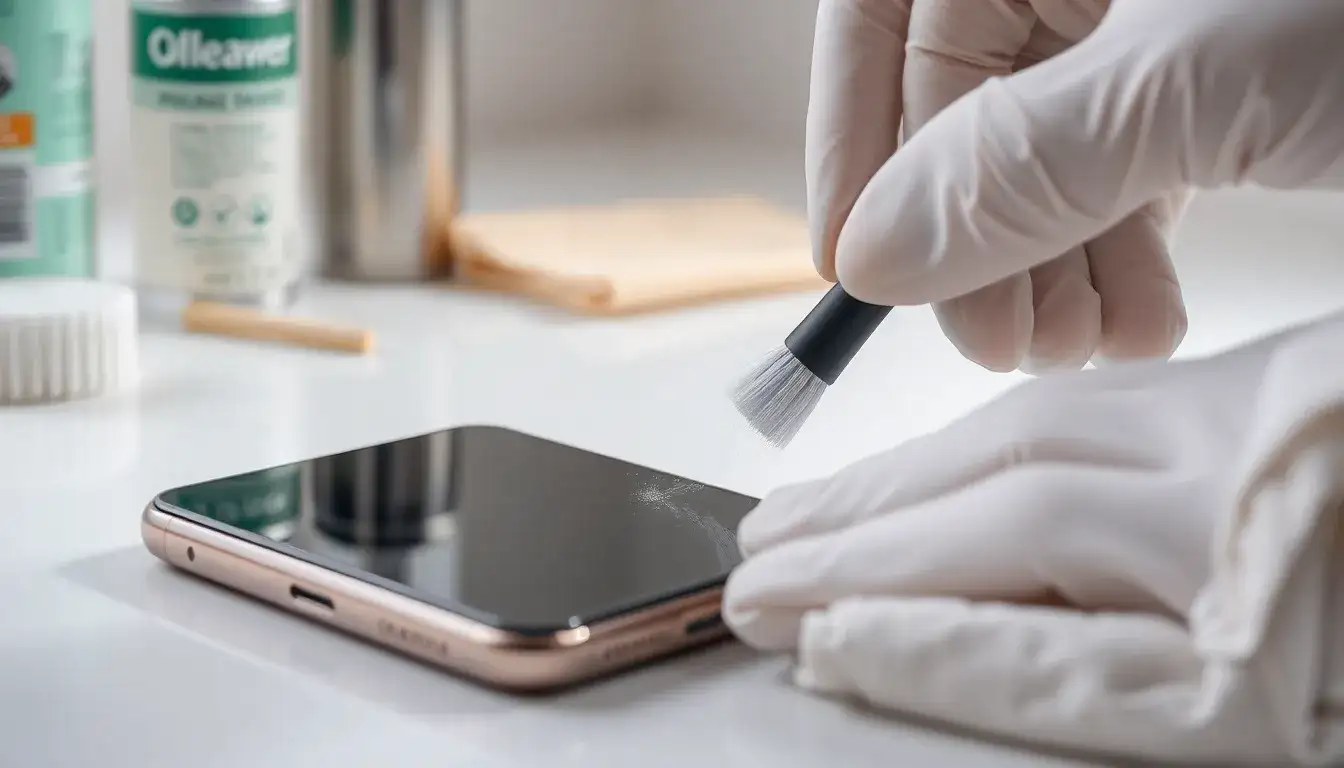
Soft Brush: Use a soft-bristled brush, such as a small paintbrush or a makeup brush, to gently sweep away dust and debris from the port.
Cotton Swab: Use a dry cotton swab to clean the port. Gently insert the swab into the port and rotate it to pick up any debris.
Comparison of Cleaning Methods
| Method | Effectiveness | Safety | Ease of Use |
|---|---|---|---|
| Compressed Air | High | High | Easy |
| Soft Brush | Medium | High | Easy |
| Cotton Swab | Medium | Medium | Easy |
While all three methods are safe and effective, compressed air is the most effective way to remove debris from the charging port. However, it may not be suitable for phones with a tightly sealed port. A soft brush or cotton swab can be used as an alternative.
Common Mistakes to Avoid
When cleaning your phone's charging port, it's essential to avoid common mistakes that can cause damage. Here are a few mistakes to watch out for:
Using Metal Objects: Avoid using metal objects, such as paper clips or screws, to clean the port. These can cause a short circuit or damage the charging pins.
Using Liquids or Chemicals: Avoid using liquids or chemicals, such as water or cleaning solutions, to clean the port. These can seep into the phone and damage the electronics.
Using Excessive Force: Avoid using excessive force when cleaning the port. This can damage the charging pins or other internal components.
When to Seek Professional Help
If you're unsure about how to clean your phone's charging port or if the issue persists after cleaning, it's best to seek professional help. A professional technician can diagnose the issue and provide a solution. Additionally, if your phone is still under warranty, it's best to contact the manufacturer or authorized service provider for assistance.
Maintaining Your Phone's Charging Port
To prevent debris from accumulating in your phone's charging port, it's essential to maintain it regularly. Here are a few tips:
Use a Port Cover: Use a port cover or a charging port protector to prevent debris from entering the port.
Clean the Port Regularly: Clean the port regularly using one of the safe methods mentioned earlier.
- Avoid Exposure to Dust and Water: Avoid exposing your phone to dust and water, as these can accumulate in the port and cause issues.
Frequently Asked Questions
Q: How often should I clean my phone's charging port?
It's recommended to clean your phone's charging port every 1-2 months, or more often if you use your phone in dusty or dirty environments.
Q: Can I use a toothbrush to clean my phone's charging port?
While a toothbrush can be used to clean the port, it's not the most effective tool. A soft-bristled brush or compressed air is a better option.
Q: What if I'm still having issues with my phone's charging port after cleaning it?
If you're still having issues with your phone's charging port after cleaning it, it's best to seek professional help from a technician or the manufacturer's authorized service provider.
Q: Can I use a cleaning solution to clean my phone's charging port?
No, it's not recommended to use a cleaning solution to clean your phone's charging port. Liquids can seep into the phone and damage the electronics.
Closing
Cleaning your phone's charging port safely and effectively requires the right tools and techniques. By following the methods outlined in this article, you can maintain your phone's performance and extend its lifespan. Remember to avoid common mistakes, such as using metal objects or liquids, and seek professional help if you're unsure or if the issue persists. Regular maintenance, such as using a port cover and cleaning the port regularly, can also help prevent debris from accumulating in the port.
Related: musician resume template for beginners
Related: 5 Small Business Ideas for Beginners to Get Started
