
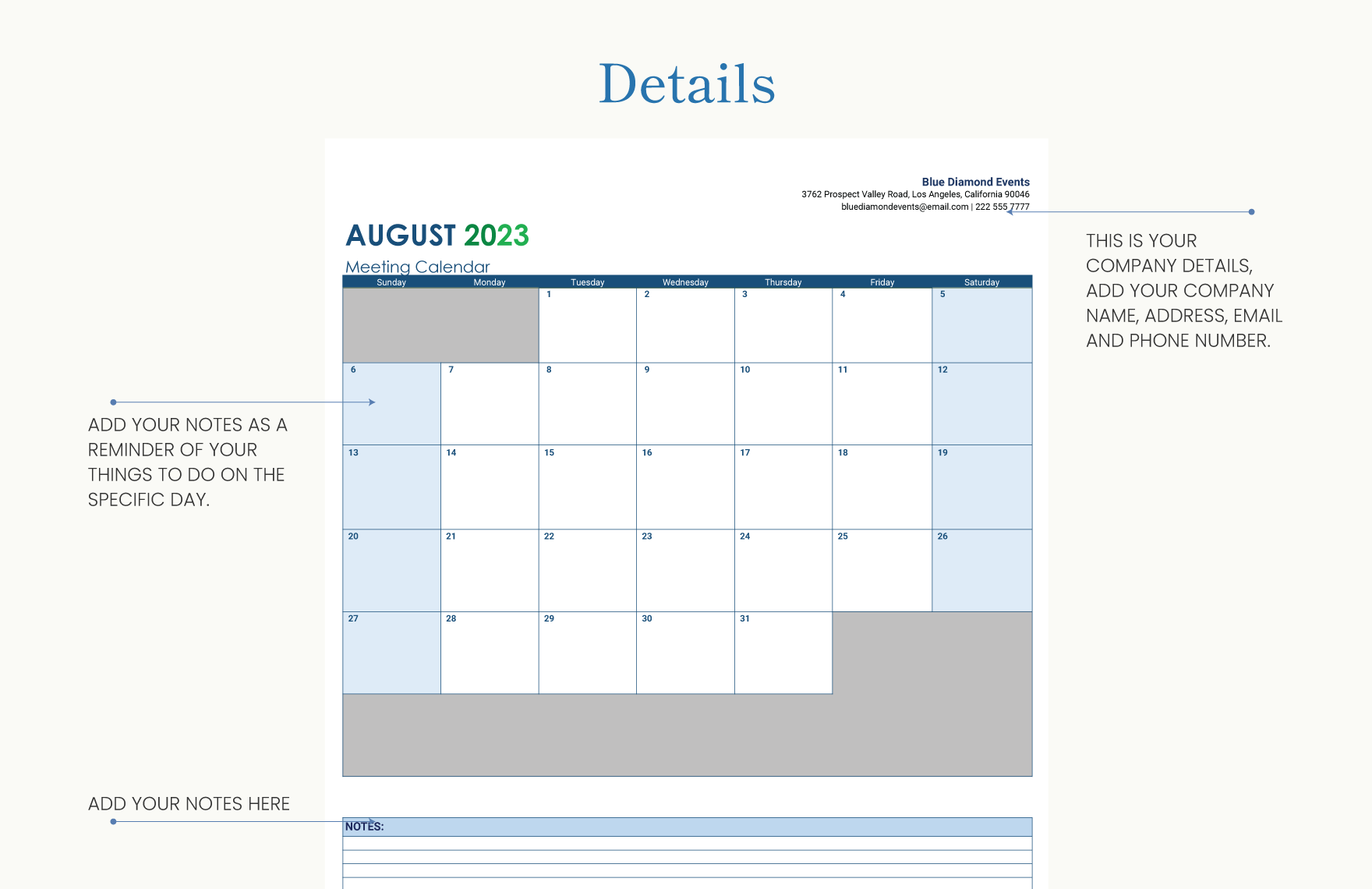
What is a Content Calendar Template?
A content calendar template is a pre-designed schedule that helps you plan, organize, and manage your content in advance. It's a powerful tool that enables you to visualize your content strategy, ensure consistency, and make data-driven decisions. By using a content calendar template, you can save time, reduce stress, and produce high-quality content that resonates with your audience.Benefits of Using a Content Calendar Template
Creating a content calendar template offers numerous benefits, including: Improved organization: A content calendar template helps you keep track of your content across multiple channels, formats, and teams.
Increased productivity: By planning ahead, you can reduce last-minute scrambles, minimize delays, and optimize your content creation process.
Enhanced collaboration: A shared content calendar template facilitates communication among team members, stakeholders, and freelancers.
Better analysis: A content calendar template allows you to monitor performance, identify gaps, and adjust your strategy accordingly.
Choosing the Right Content Calendar Template
With numerous template options available, selecting the right one can be overwhelming. Consider the following factors: Format: Decide on a digital or physical template, depending on your team's preferences and workflow.
Customization: Opt for a template that allows you to tailor it to your specific needs and branding.
Scalability: Choose a template that can grow with your content strategy and adapt to changing requirements.
Popular Content Calendar Template Types
Some popular content calendar template types include:| Template Type | Description | Benefits |
|---|---|---|
| Editorial Calendar | Focuses on blog posts, articles, and written content | Simplifies writing schedules, ensures consistency |
| Social Media Calendar | Manages social media posts across platforms | Streamlines social media publishing, improves engagement |
| Content Marketing Calendar | Integrates multiple content types, including blog posts, videos, and podcasts | Provides a holistic view of content strategy |
Creating Your Own Content Calendar Template
To create a content calendar template that suits your needs, follow these steps:- Define your goals: Identify your content objectives, target audience, and key performance indicators (KPIs).
- Choose a format: Select a digital tool, such as Google Sheets or Trello, or a physical planner.
- Determine your content types: Include blog posts, social media posts, videos, podcasts, or other formats relevant to your strategy.
- Set a schedule: Decide on a daily, weekly, or monthly schedule, depending on your content frequency.
- Add essential columns: Include columns for content title, description, format, channel, date, and status.
Example of a Content Calendar Template
Here's a simple example of a content calendar template:| Date | Content Title | Format | Channel | Status |
|---|---|---|---|---|
| March 1 | Blog Post: Spring Trends | Article | Website | Scheduled |
| March 3 | Social Media Post: Product Launch | Post | Facebook, Twitter | Draft |
| March 5 | Video: Customer Testimonial | Video | YouTube | In Production |
Tips for Effective Content Calendar Template Management
To get the most out of your content calendar template, consider the following best practices: Regularly review and update: Schedule regular check-ins to ensure your template remains accurate and relevant.
Assign responsibilities: Clearly define roles and responsibilities among team members.
Monitor performance: Track KPIs and adjust your strategy accordingly.
Common Challenges and Solutions
Some common challenges when using a content calendar template include: Information overload: Simplify your template by focusing on essential information.
Lack of collaboration: Use cloud-based tools to facilitate sharing and feedback.
Inconsistent updates: Establish a routine for regular updates and reviews.
Frequently Asked Questions
Here are some common questions about content calendar templates: Q: What is the best format for a content calendar template?
The best format depends on your team's preferences and workflow. Digital tools like Google Sheets or Trello are popular choices.
Q: How often should I update my content calendar template?
Regularly review and update your template to ensure it remains accurate and relevant.
Q: Can I use a content calendar template for multiple channels?
Yes, a content calendar template can be used to manage content across multiple channels, including social media, blog posts, and videos.
Putting it All Together
By creating a content calendar template, you can streamline your content creation, improve organization, and boost productivity. Remember to choose a template that suits your needs, customize it to your branding, and regularly review and update it to ensure it remains effective. With a well-crafted content calendar template, you'll be able to produce high-quality content that resonates with your audience and drives results.Related: A Practical Guide to Cheap Small Business Advertising Ideas
Related: Best Small Business Ideas for Ambitious Entrepreneurs
