
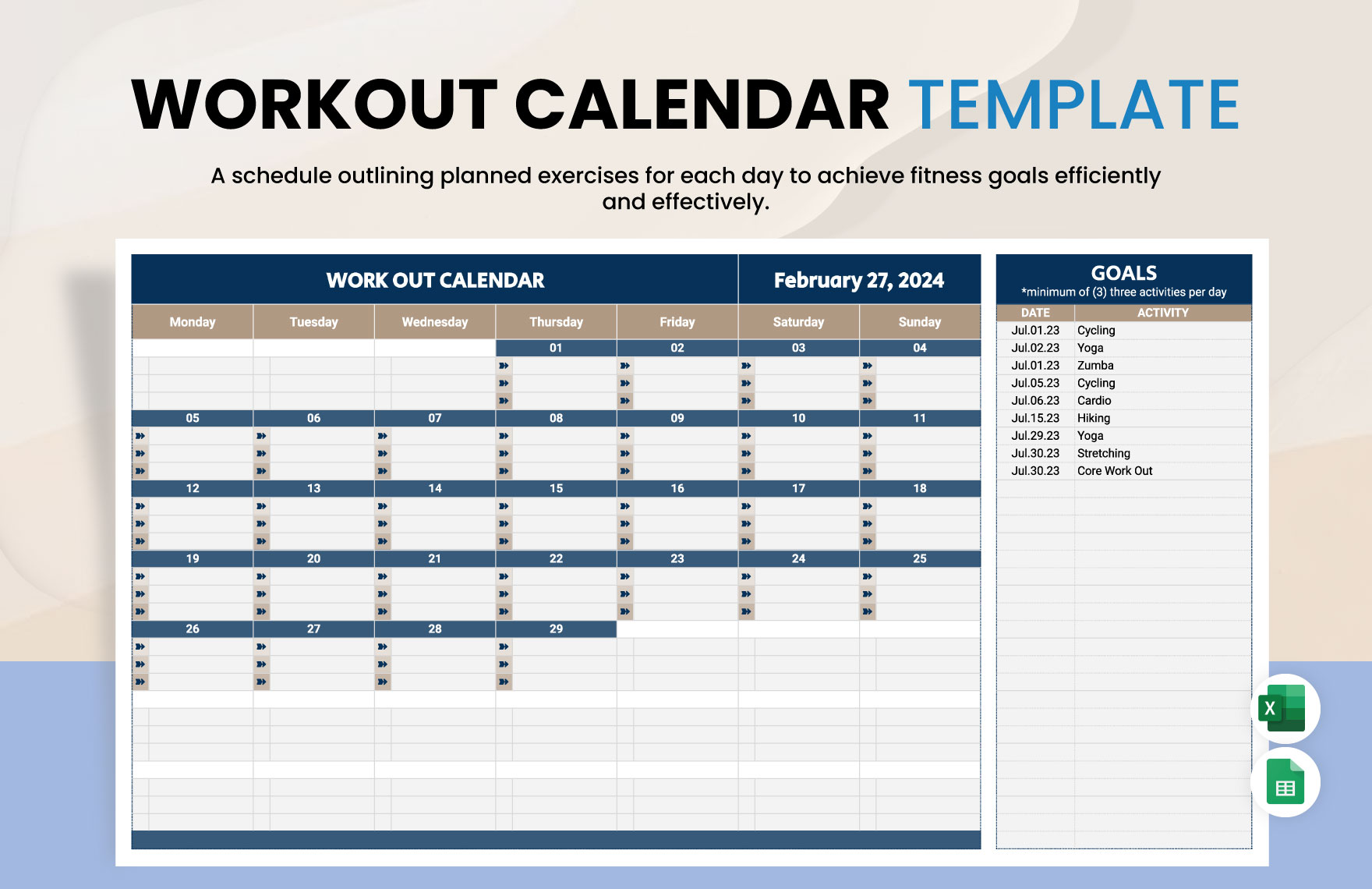
Getting Started with Your Free Workout Plan Template in Excel
Creating a workout plan can be overwhelming, especially with the numerous options and exercises to choose from. However, with a free workout plan template in Excel, you can streamline your fitness journey and achieve your goals efficiently. In this article, we'll guide you through the process of creating a customized workout plan template in Excel, helping you take control of your fitness journey.
Benefits of Using an Excel Template for Your Workout Plan
Using an Excel template for your workout plan offers several benefits. Firstly, it allows you to track your progress and make adjustments as needed. With a clear overview of your workouts, you can identify patterns, set realistic goals, and celebrate your achievements. Additionally, an Excel template provides flexibility, enabling you to customize your workout plan to suit your schedule, fitness level, and goals.
Choosing the Right Template for Your Needs
When selecting a free workout plan template in Excel, consider the following factors:
Your fitness goals: Are you looking to lose weight, build muscle, or increase endurance? Choose a template that aligns with your objectives.
Fitness level: Are you a beginner, intermediate, or advanced exerciser? Select a template that caters to your fitness level.
Schedule: How many days per week can you dedicate to working out? Opt for a template that accommodates your schedule.
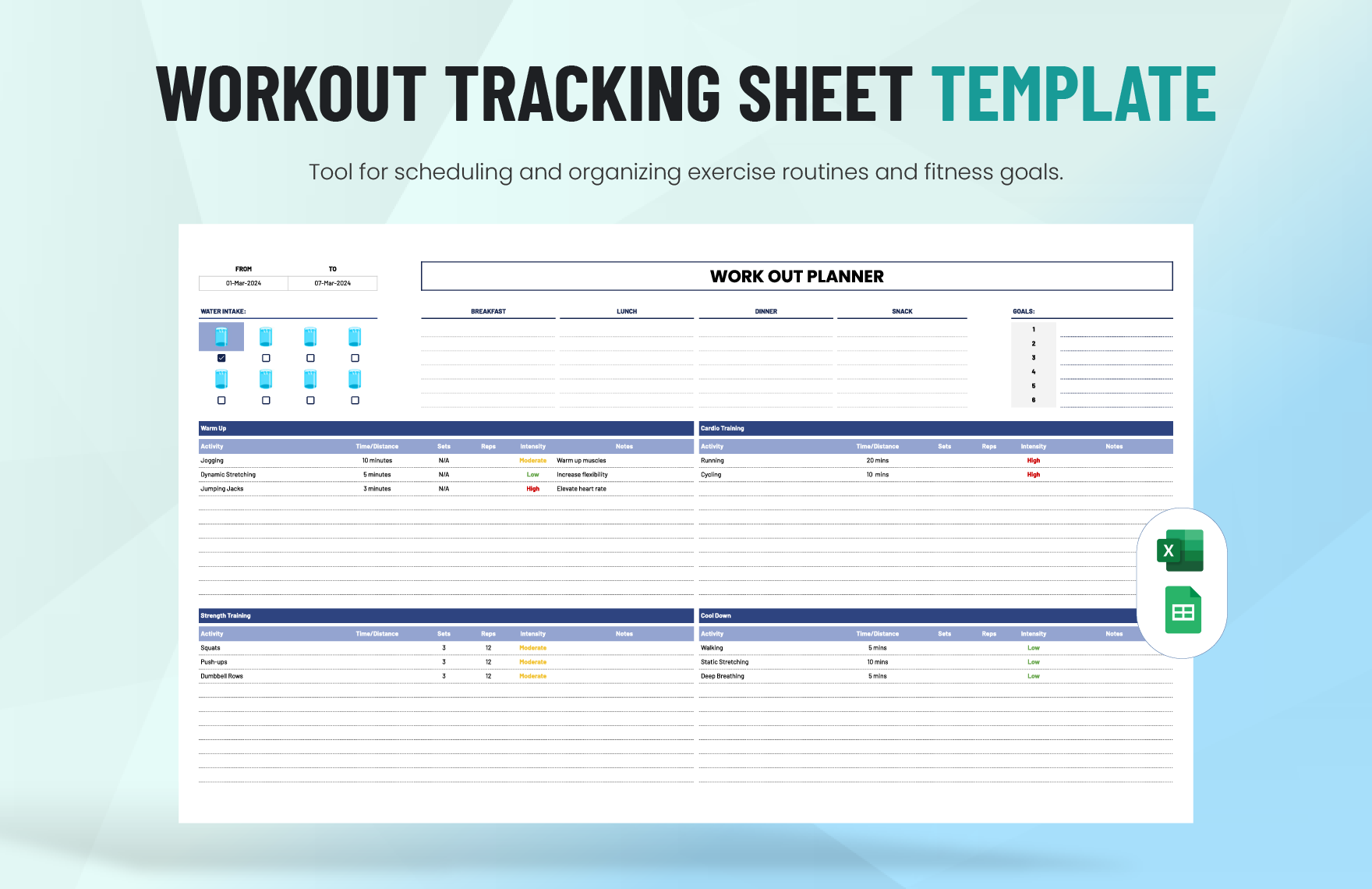
Creating Your Customized Workout Plan Template in Excel
To create your customized workout plan template in Excel, follow these steps:
- Open a new Excel spreadsheet: Start by opening a new Excel spreadsheet and giving it a descriptive name, such as "Workout Plan Template."
- Set up your worksheet: Create separate columns for the following:
- Add exercises: Populate your worksheet with exercises that align with your fitness goals and level. You can find numerous exercise databases online or use a pre-designed template.
- Customize your template: Adjust your template to fit your schedule and preferences. You can add or remove columns, change formatting, and include additional information, such as progress tracking or notes.
Example of a Basic Workout Plan Template in Excel
Here's an example of a basic workout plan template in Excel:
| Exercise | Sets | Reps | Weight | Rest Time | Date |
|---|---|---|---|---|---|
| Squats | 3 | 8-12 | 100 | 60 | 2023-02-20 |
| Lunges | 3 | 8-12 | 80 | 60 | 2023-02-20 |
| Leg Press | 3 | 10-15 | 120 | 90 | 2023-02-22 |
Tips for Using Your Free Workout Plan Template in Excel
To get the most out of your free workout plan template in Excel, consider the following tips:
Track your progress: Regularly update your template with your workouts, weights, and progress.Make adjustments: As you get stronger or more comfortable with exercises, adjust your template to reflect changes in your fitness level.
Stay consistent: Aim to work out at the same time every day or week to make your routine a habit.
Comparison of Free Workout Plan Templates in Excel
| Template | Features | Benefits |
|---|---|---|
| Basic Template | Simple design, easy to use | Great for beginners, straightforward tracking |
| Advanced Template | Includes progress tracking, exercise database | Suitable for experienced users, provides detailed insights |
| Customizable Template | Allows users to add/remove exercises, adjust formatting | Ideal for users with specific needs or preferences |
"The key to a successful workout plan is consistency and progression. With a free workout plan template in Excel, you can create a personalized plan that suits your needs and helps you achieve your fitness goals." - Fitness Expert
Common Mistakes to Avoid When Creating a Workout Plan Template in Excel
When creating a workout plan template in Excel, avoid the following common mistakes:
Overcomplicating the template: Keep your template simple and easy to use to ensure you stick to your workout plan.
Not tracking progress: Regularly update your template to monitor your progress and make adjustments as needed.
- Failing to adjust the template: As you get stronger or more comfortable with exercises, adjust your template to reflect changes in your fitness level.
Frequently Asked Questions (FAQs)
Q: How do I create a workout plan in Excel?
To create a workout plan in Excel, start by setting up a new spreadsheet with columns for exercise name, sets, reps, weight, rest time, and date. Populate your worksheet with exercises that align with your fitness goals and level.
Q: What is a good workout template?
A good workout template is one that is tailored to your fitness goals, level, and schedule. Look for a template that is easy to use, customizable, and provides a clear overview of your workouts.
Q: How do I plan a workout schedule?
To plan a workout schedule, determine your fitness goals, choose exercises that align with those goals, and schedule your workouts for specific days and times. Use a template or planner to stay organized and on track.
Q: Is there a free fitness planner?
Yes, there are numerous free fitness planners available online, including templates in Excel. Look for a planner that suits your needs and preferences, and don't be afraid to customize it to fit your lifestyle.
Conclusion
Creating a customized free workout plan template in Excel can be a game-changer for your fitness journey. By following the steps outlined in this article, you can create a personalized plan that suits your needs, helps you achieve your goals, and keeps you motivated. Remember to track your progress, make adjustments as needed, and stay consistent to achieve success.
