
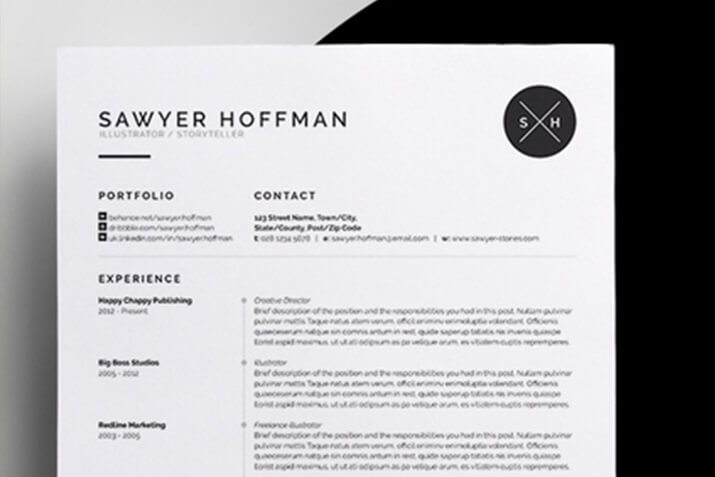
Why Customizing a Resume Template Matters
In a competitive job market, a well-crafted resume can make all the difference. A generic, one-size-fits-all resume template may not effectively showcase your unique skills, experience, and achievements. Customizing a resume template online allows you to tailor your CV to a specific job application, highlighting the qualifications and strengths that align with the position. This targeted approach not only increases your chances of passing through applicant tracking systems (ATS) but also helps you stand out from other applicants.
Choosing the Right Online Resume Builder
With numerous online resume builders available, selecting the right one can be overwhelming. Some popular options include Canva, LinkedIn Resume Builder, and Resume.io. When choosing an online resume builder, consider the following factors:
Template variety and quality: Look for a builder that offers a wide range of modern, professionally designed templates.
Customization options: Ensure the builder allows you to easily add, remove, or modify sections, as well as change font styles, colors, and layouts.
User interface and experience: Opt for a builder with an intuitive interface that makes it easy to navigate and make changes.
Export and sharing options: Consider a builder that allows you to export your resume in various formats (e.g., PDF, Word, PNG) and share it directly on social media or via email.
Designing Your Resume for Impact
A well-designed resume can help you make a strong impression on hiring managers and recruiters. Here are some key design elements to consider:
Font and typography: Choose a clear, easy-to-read font (e.g., Arial, Calibri, Helvetica) and use headings and subheadings to create visual hierarchy.
Color scheme: Select a palette that reflects your personal brand and is consistent with the industry or company you're applying to.
Layout and spacing: Balance text and white space to create a clean, uncluttered design that guides the reader's eye.

Best Practices for Customizing a Resume Template
When customizing a resume template online, keep the following best practices in mind:
Tailor your objective and summary: Align your objective and summary with the job description and requirements.
Emphasize achievements over responsibilities: Quantify your achievements and impact rather than just listing job responsibilities.
Use keywords and phrases: Incorporate relevant keywords and phrases from the job description to help your resume pass through ATS.
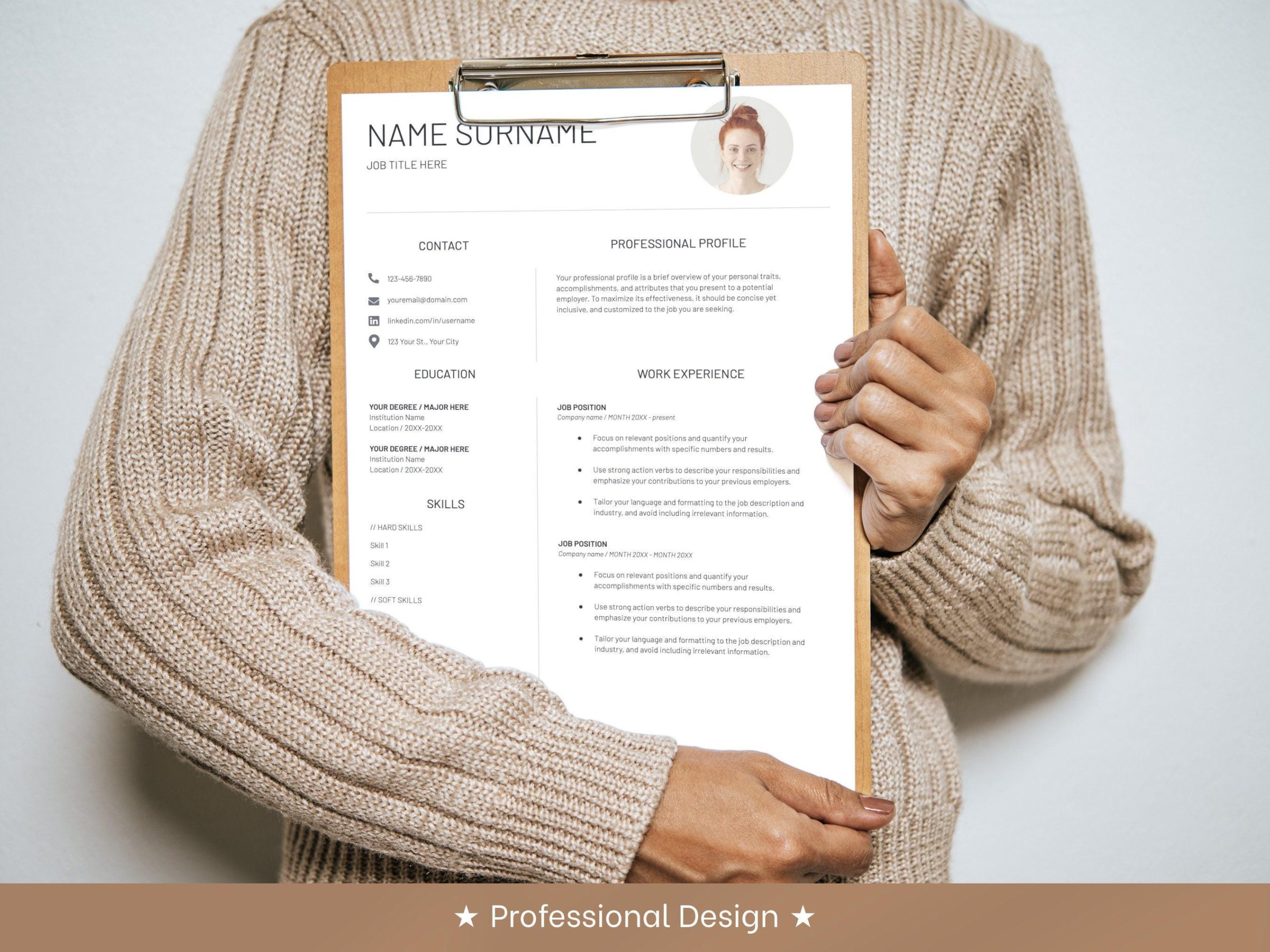
Comparison of Online Resume Builders
| Online Resume Builder | Template Variety | Customization Options | User Interface | Export and Sharing Options |
|---|---|---|---|---|
| Canva | High | High | Easy | PDF, PNG, Word, social media sharing |
| LinkedIn Resume Builder | Medium | Medium | Easy | PDF, Word, LinkedIn sharing |
| Resume.io | High | High | Easy | PDF, Word, PNG, social media sharing |
"A customized resume template can help you stand out from other applicants and increase your chances of landing an interview. By tailoring your CV to the specific job application, you can showcase your unique strengths and qualifications, and demonstrate your enthusiasm for the position." - Career Coach
Common Mistakes to Avoid
When customizing a resume template online, avoid the following common mistakes:
Using a generic template: Failing to tailor your template to the specific job application.
Inconsistent formatting: Inconsistent font styles, colors, and layouts throughout the resume.
Typos and grammatical errors: Failing to proofread and edit your resume carefully.
FAQs
Q: What is the best online resume builder for beginners?
Canva and Resume.io are user-friendly options that offer a wide range of templates and customization options.
Q: How do I choose the right template for my resume?
Consider the industry, company, and job description, as well as your personal style and brand.
Q: Can I use a resume template for multiple job applications?
While you can use a template as a starting point, it's essential to customize your resume for each job application to showcase your relevant skills and experience.
Conclusion
Customizing a resume template online can help you create a standout CV that showcases your unique strengths and qualifications. By choosing the right online resume builder, designing your resume for impact, and following best practices for customization, you can increase your chances of landing an interview and achieving your career goals.
Related: Free Online Adobe Resume Templates: What Actually Makes Sense?
