
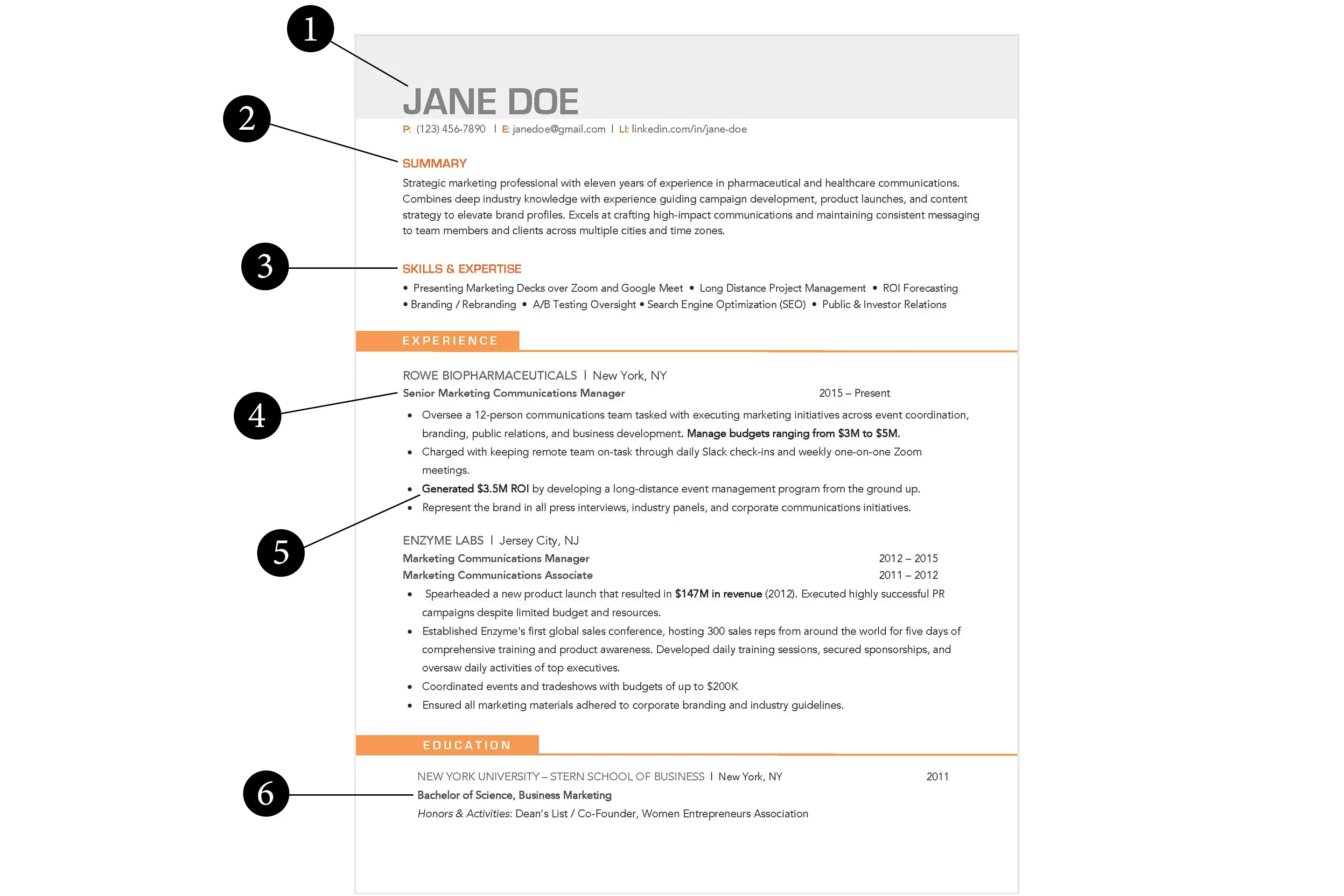
Understanding the Importance of a Customized Resume
When it comes to job hunting, a well-crafted resume can make all the difference. A customized resume template can help you stand out from the competition and increase your chances of landing an interview. But, with so many online tools and templates available, it can be overwhelming to know where to start. In this article, we'll explore the best ways to customize a resume template online and provide you with practical tips and tricks to make your resume shine.
Choosing the Right Online Resume Maker
With numerous online resume makers available, it's essential to choose the right one for your needs. Some popular options include Canva, Resume.io, and LinkedIn's Resume Builder. Each tool has its strengths and weaknesses, and the right choice for you will depend on your specific needs and preferences.
Canva: A Design Powerhouse
Canva is a popular design platform that offers a wide range of resume templates and a user-friendly interface. With Canva, you can easily customize your resume template with drag-and-drop functionality and a vast library of fonts, colors, and graphics.
Resume.io: A Specialized Resume Builder
Resume.io, on the other hand, is a dedicated resume builder that offers a range of templates and a straightforward interface. Resume.io provides a more structured approach to building your resume, with clear guidance on what information to include and how to format it.
LinkedIn's Resume Builder: A Professional Option
LinkedIn's Resume Builder is a great option if you're already using LinkedIn to job hunt. This tool allows you to create a resume that's optimized for LinkedIn's job search algorithm and can be easily shared with potential employers.
Customizing Your Resume Template
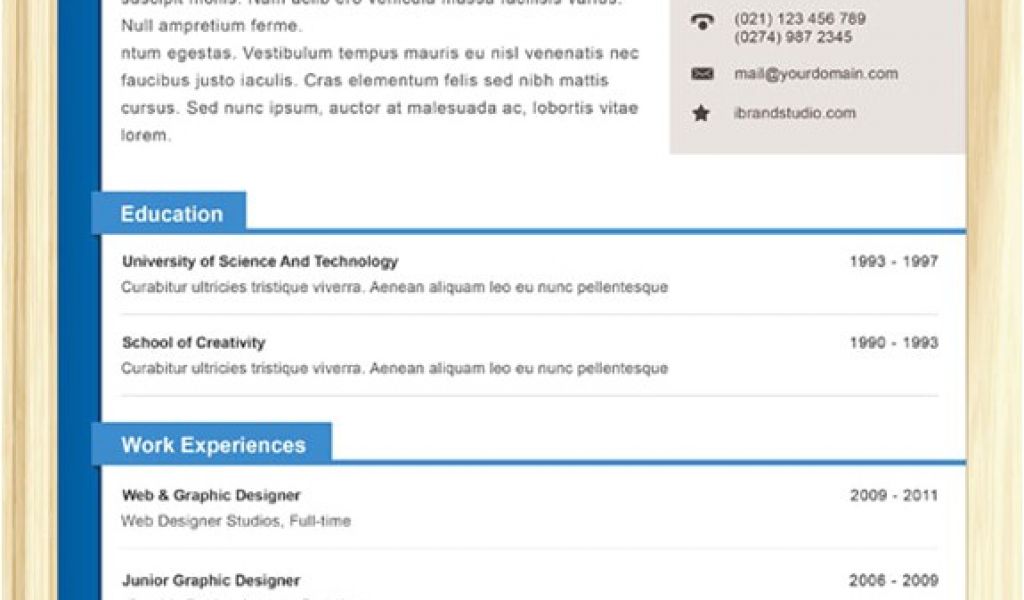
Once you've chosen an online resume maker, it's time to customize your template. Here are some key elements to consider:
Choose a clear and concise format: Use a clean and easy-to-read format with clear headings and bullet points.
Select a professional font: Stick to traditional fonts like Arial, Calibri or Helvetica.
Use relevant keywords: Tailor your resume to the job you're applying for by incorporating relevant keywords and phrases.
Highlight your achievements: Emphasize your achievements and accomplishments rather than just listing your job responsibilities.
Practical Tips for Customizing Your Resume
Here are some practical tips to help you customize your resume template:
Use action verbs: Use action verbs like "managed," "created," and "developed" to describe your achievements.
Quantify your achievements: Use numbers and statistics to demonstrate the impact of your work.
Emphasize transferable skills: Highlight the skills and qualifications that can be applied to different industries and roles.
Common Mistakes to Avoid
When customizing your resume template online, there are several common mistakes to avoid:
Don't overdesign: Keep your design clean and simple, and avoid overusing graphics and fonts.
Don't repeat yourself: Avoid repeating the same information in multiple sections of your resume.
Don't neglect proofreading: Carefully proofread your resume to catch spelling and grammar errors.

Comparison of Online Resume Makers
| Online Resume Maker | Templates | User Interface | Customization Options |
|---|---|---|---|
| Canva | 100+ | Drag-and-drop | Extensive library of fonts, colors, and graphics |
| Resume.io | 50+ | Structured approach | Guidance on what information to include and how to format it |
| LinkedIn's Resume Builder | 10+ | Straightforward | Optimized for LinkedIn's job search algorithm |
FAQs
Q: What is the best online resume maker?
The best online resume maker for you will depend on your specific needs and preferences. Canva, Resume.io, and LinkedIn's Resume Builder are all popular options.
Q: How do I customize a resume template online?
To customize a resume template online, choose an online resume maker, select a template, and then tailor it to your needs by adding your information, choosing a font and color scheme, and highlighting your achievements.
Q: What are some common mistakes to avoid when customizing a resume template online?
Common mistakes to avoid include overdesigning, repeating yourself, and neglecting to proofread.
Q: How do I make my resume stand out from the competition?
To make your resume stand out, focus on highlighting your achievements, using relevant keywords, and choosing a clear and concise format.
Conclusion
Related: Find Your Dream Job with a Free Resume Template for Word
Related: 5 Useful Free Email Marketing Tools to Boost Your Campaigns
Related: A Practical Guide to Free Printable Digital Planner Templates
