
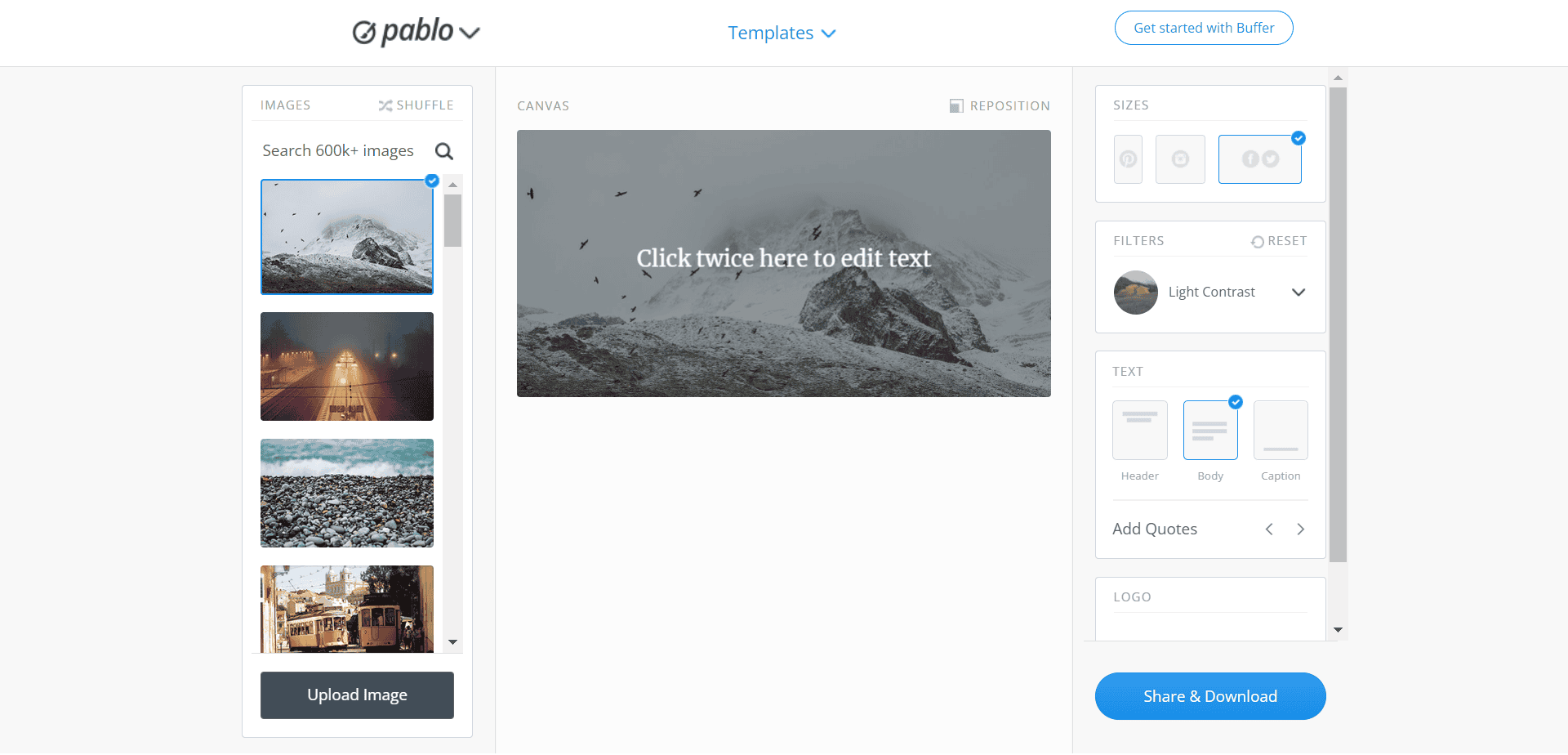
Finding the Right Free Online Design Tools
When you're on a tight budget or just starting out with design, finding the right tools can be overwhelming. The internet is flooded with options, but which ones actually deliver? As someone who's worked with various design tools over the years, I've learned that it's not just about finding something that's free, but also about finding something that meets your needs.
For individuals and small businesses, investing in expensive design software can be a significant burden. Fortunately, there are many free online design tools that can help you create professional-looking visuals without spending a dime. In this article, we'll explore some of the best free online design tools that can elevate your visual projects.
Graphic Design Tools for Non-Designers
Not everyone who creates visual content is a professional designer. However, with the right tools, you can still produce high-quality graphics. Here are some free online graphic design tools that are easy to use:
Canva: A popular choice for non-designers, Canva offers a wide range of templates, fonts, and graphics. Its drag-and-drop interface makes it easy to create social media graphics, presentations, and more.
GIMP: A free and open-source raster graphics editor, GIMP is a great alternative to Adobe Photoshop. It offers many of the same features, including layers, filters, and effects.
What to Look for in a Graphic Design Tool
When choosing a graphic design tool, consider the following factors:
Ease of use: How intuitive is the interface? Can you easily find the features you need?
Features: What kind of features do you need? Do you require advanced tools like layers and filters?
Templates and assets: Are there pre-made templates and assets available to help you get started?
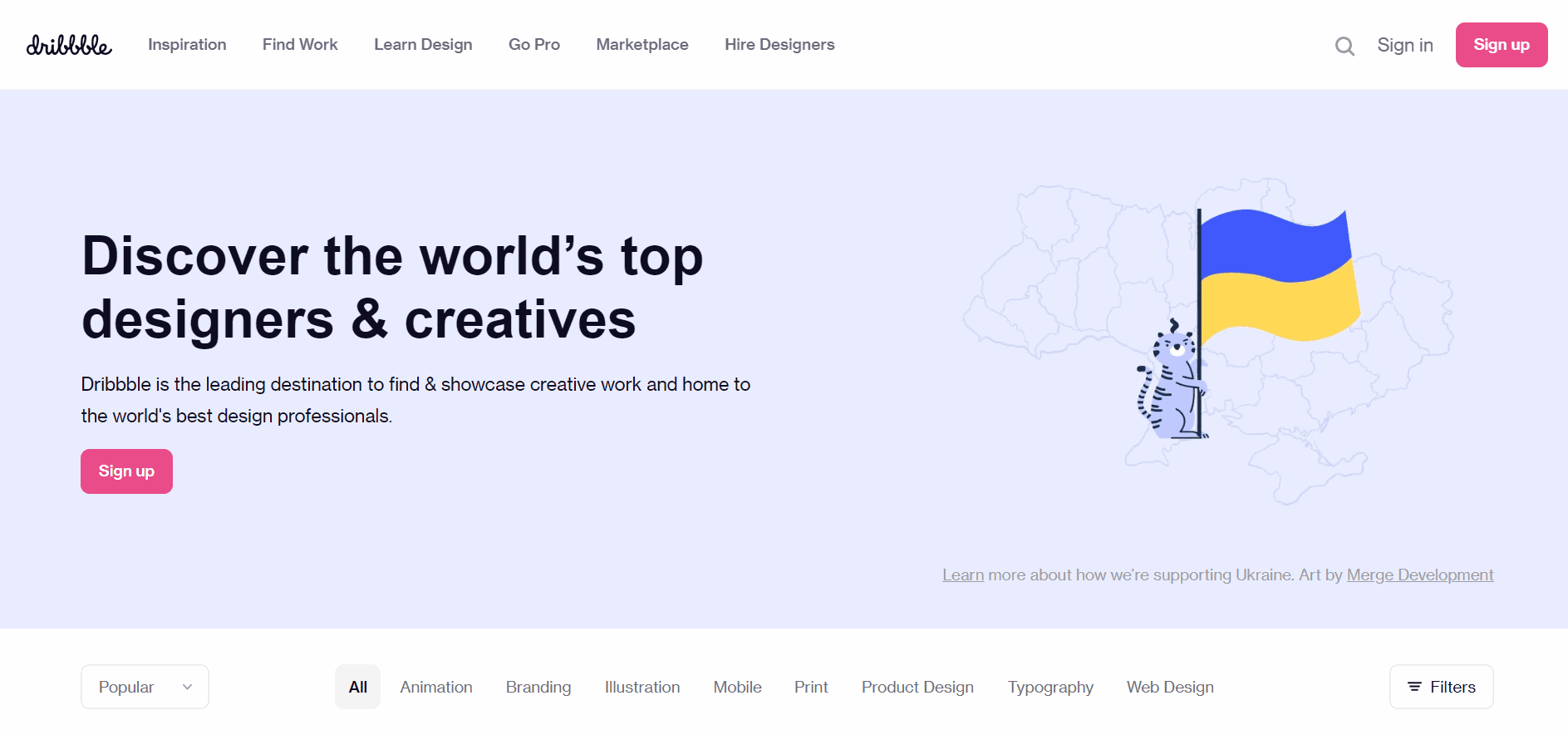
Digital Art and Illustration Tools
If you're looking to create digital art or illustrations, you'll need a tool that offers more advanced features. Here are some free online digital art and illustration tools:
Krita: A free and open-source painting and illustration tool, Krita offers a wide range of brush engines, including customizable brushes and textures.
Inkscape: A free and open-source vector graphics editor, Inkscape is a great alternative to Adobe Illustrator. It offers features like layers, paths, and effects.
Web Design and UI/UX Tools
If you're building a website or creating user interface (UI) and user experience (UX) designs, you'll need specialized tools. Here are some free online web design and UI/UX tools:
Figma: A cloud-based UI and UX design tool, Figma offers real-time collaboration and feedback. Its intuitive interface makes it easy to create wireframes, prototypes, and high-fidelity designs.
Webflow: A free online web design and development tool, Webflow offers a visual interface for building responsive websites.
Comparison of Web Design Tools
| Tool | Features | Ease of use |
|---|---|---|
| Figma | Real-time collaboration, wireframing, prototyping | High |
| Webflow | Visual interface, responsive design, CMS integration | Medium |
Tips for Choosing the Right Design Tool
With so many free online design tools available, it's essential to choose the right one for your needs. Here are some tips:
Identify your goals: What do you want to create? Graphic design, digital art, web design, or UI/UX?
Assess your skills: What's your level of design expertise? Do you need a tool with a gentle learning curve?
Read reviews and tutorials: Research the tool and read reviews from other users. Watch tutorials to see if it's easy to learn.
Real-World Example: Using Free Online Design Tools
Let's say you're a small business owner who wants to create social media graphics. You don't have a big budget, but you need professional-looking visuals. Using Canva, you can create custom graphics with its drag-and-drop interface and pre-made templates. You can also use GIMP to edit photos and create custom graphics.
Frequently Asked Questions
Q: What are the best free online design tools for beginners?
Canva, GIMP, and Krita are great options for beginners. They're easy to use and offer a wide range of features.
Q: Can I use free online design tools for commercial projects?
It depends on the tool and its licensing terms. Some tools, like Canva, offer commercial licenses for their assets. Others, like GIMP, are completely free to use.
Q: Are free online design tools as good as paid ones?
While paid design tools often offer more advanced features, free online design tools can still produce high-quality results. It ultimately depends on your needs and skills.
Conclusion
Finding the right free online design tools can be overwhelming, but by identifying your goals and assessing your skills, you can choose the right tool for your needs. Whether you're a graphic designer, digital artist, or web developer, there are many free online design tools that can help you create professional-looking visuals without breaking the bank. Experiment with different tools, read reviews, and watch tutorials to find the best fit for your next project.
