
A Practical Guide to Digital Resume Templates for Professionals
===========================================================
As a professional looking to advance your career, having a strong digital presence is crucial. One of the most important tools in your online arsenal is a well-crafted digital resume. In this guide, we'll explore the world of digital resume templates, discussing the benefits, tradeoffs, and best practices for creating a standout online resume.
Choosing the Right Digital Resume Template
When it comes to selecting a digital resume template, the options can be overwhelming. With numerous websites offering free and paid templates, it's essential to consider your specific needs and goals. Here are a few factors to keep in mind:
Industry and profession: Different industries and professions require unique resume styles. For example, a creative professional may benefit from a more visually-oriented template, while a corporate executive may prefer a more traditional layout.
Level of experience: Your level of experience will also impact your template choice. Entry-level professionals may prefer a simpler template, while more experienced individuals may opt for a more complex design.
Personal brand: Your digital resume should reflect your personal brand and style. Consider a template that aligns with your online presence and career goals.
Popular Digital Resume Template Options
Some popular digital resume template options include:
Resume.io: Offers a wide range of free and paid templates, with a user-friendly interface and drag-and-drop functionality.
Canva: Provides a vast library of customizable templates, with a focus on design and visual appeal.
LinkedIn Resume: Allows users to create a digital resume directly on the LinkedIn platform, with a range of templates and design options.
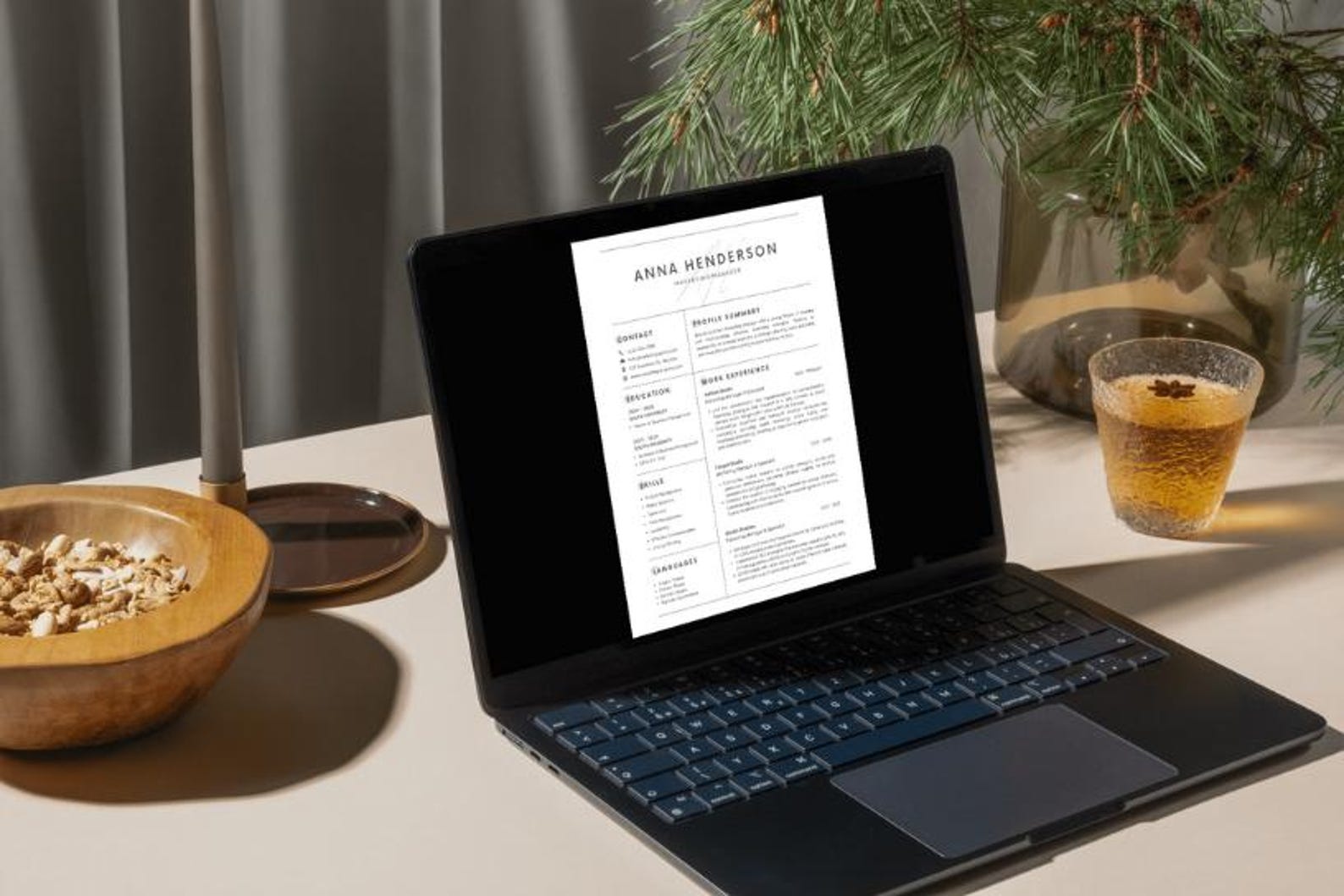
Designing a Visually Appealing Digital Resume
A well-designed digital resume is essential for making a strong impression. Here are some tips for creating a visually appealing resume:
Use a clear and concise format: Use clear headings, bullet points, and white space to make your resume easy to scan.
Choose a professional font: Stick to traditional fonts like Arial, Calibri or Helvetica, and avoid using too many fonts or font sizes.
Add relevant sections: Include relevant sections such as a summary, skills, experience, and education.
Balancing Design and Content
When it comes to designing a digital resume, it's essential to balance design and content. A resume that's too focused on design may neglect important content, while a resume that's too text-heavy may be overwhelming. Here are some tips for finding the right balance:
Use visual elements judiciously: Use images, charts, and graphs to break up text and highlight important information.
Prioritize content: Focus on the most important information, such as your work experience and skills.
Keep it concise: Keep your resume to one or two pages, depending on your level of experience.
Optimizing Your Digital Resume for Search
In today's digital age, it's essential to optimize your resume for search. Here are some tips for improving your resume's search visibility:
Use keywords: Use relevant keywords from the job posting in your resume, especially in your summary and skills section.
Use a clear and concise format: Use a clear and concise format to make it easy for search algorithms to scan your resume.
Save in a compatible format: Save your resume in a compatible format, such as PDF or Word.
Comparison of Digital Resume Platforms
| Platform | Features | Pricing |
|---|---|---|
| Resume.io | Wide range of templates, drag-and-drop functionality, export to PDF and Word | Free, paid options starting at $14.99 |
| Canva | Vast library of customizable templates, design and visual appeal | Free, paid options starting at $12.95 |
| LinkedIn Resume | Integrated with LinkedIn profile, range of templates and design options | Free |
Common Mistakes to Avoid
When creating a digital resume, there are several common mistakes to avoid:
Typos and grammatical errors: A single mistake can make a negative impression and hurt your chances of getting hired.
Poor formatting: A poorly formatted resume can be difficult to scan and may not showcase your skills and experience.
Lack of keywords: Failing to include relevant keywords can make it difficult for search algorithms to find your resume.
Frequently Asked Questions
Q: What is the best format for a digital resume?
The best format for a digital resume is PDF or Word, as they are widely compatible and easy to open.
Q: How long should my digital resume be?
Your digital resume should be one or two pages, depending on your level of experience.
Q: Can I use a template for my digital resume?
Yes, using a template can be a great way to get started with your digital resume. Just be sure to customize it to fit your needs and style.
Q: How do I optimize my digital resume for search?
Use relevant keywords from the job posting in your resume, especially in your summary and skills section.
Conclusion
Related: Crafting a Standout Resume: Free Online Adobe Templates
Related: What to Know About Free Resume Templates in Word
Related: Free Resume Template for Mac
