
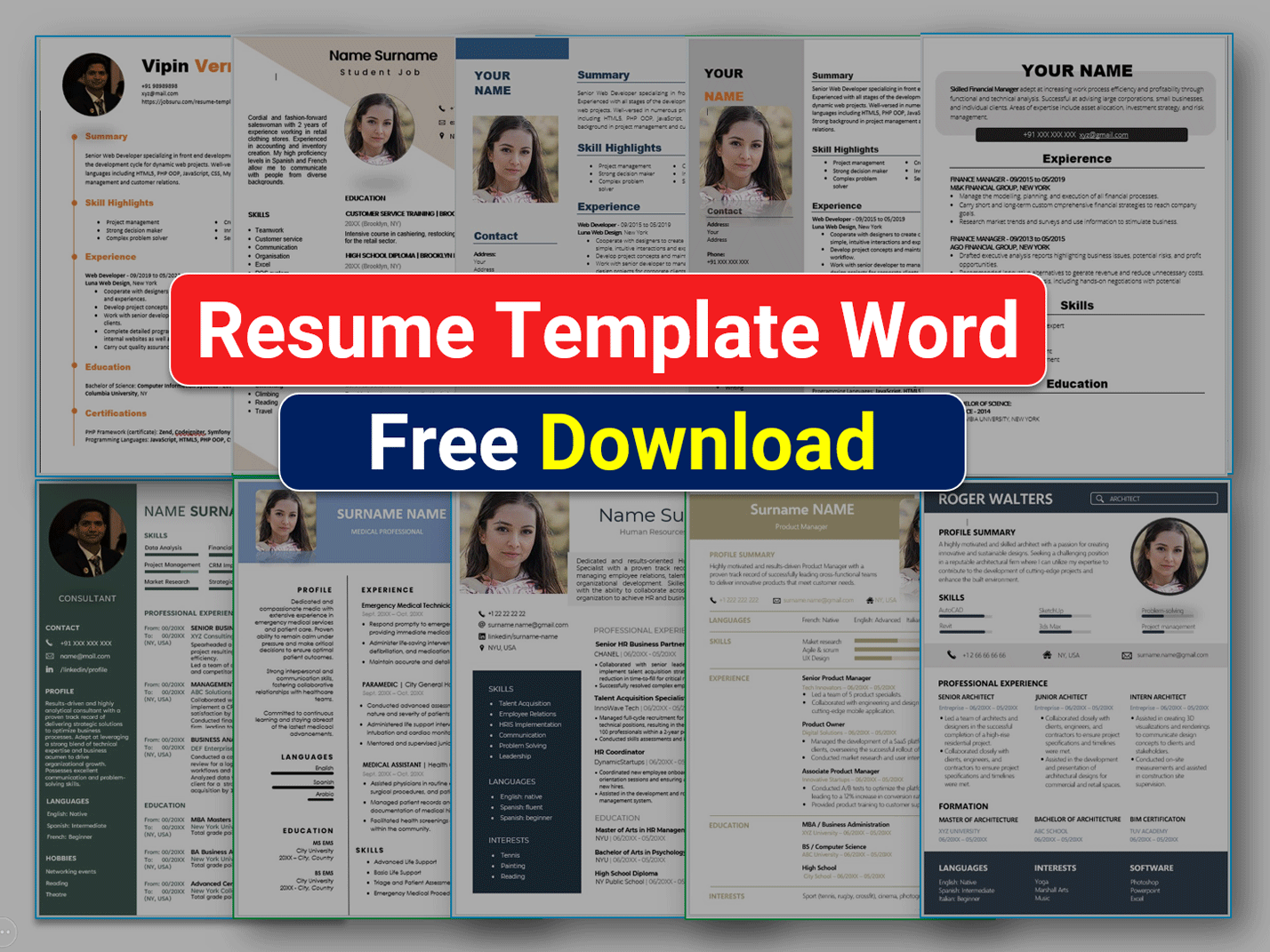
Finding the Right Resume Template
When you're on the hunt for a job, your resume is often the first impression you make on a potential employer. It's crucial to get it right. A well-designed resume can make all the difference in standing out from the competition. But, where do you start? You could spend hours crafting a resume from scratch, or you could use a template to give you a head start. The question is, where can you find a reliable and free resume template that downloads?
Benefits of Using a Resume Template
Using a resume template offers several benefits. For one, it saves you time. You don't have to worry about the layout or formatting; you can focus on filling in your information. Templates also provide a structure that is often favored by hiring managers and applicant tracking systems (ATS). A good template will guide you in showcasing your skills and experience in a clear and concise manner.
Top Sources for Free Resume Templates
There are numerous websites offering free resume templates. Here are some top sources:
- Canva: Known for its user-friendly design tools, Canva offers a wide range of free resume templates that you can easily customize.
- Microsoft Templates: Microsoft provides a variety of free resume templates that are compatible with Microsoft Word.
- Google Docs Templates: If you prefer working in Google Docs, you can find several free resume templates in the Google Docs template gallery.
- Resume Genius: This website offers a selection of free resume templates along with tips on how to write a resume.
- Hloom: Hloom provides a vast collection of free resume templates and examples.
Choosing the Right Template for You
With so many options available, choosing the right template can be overwhelming. Here are some tips:
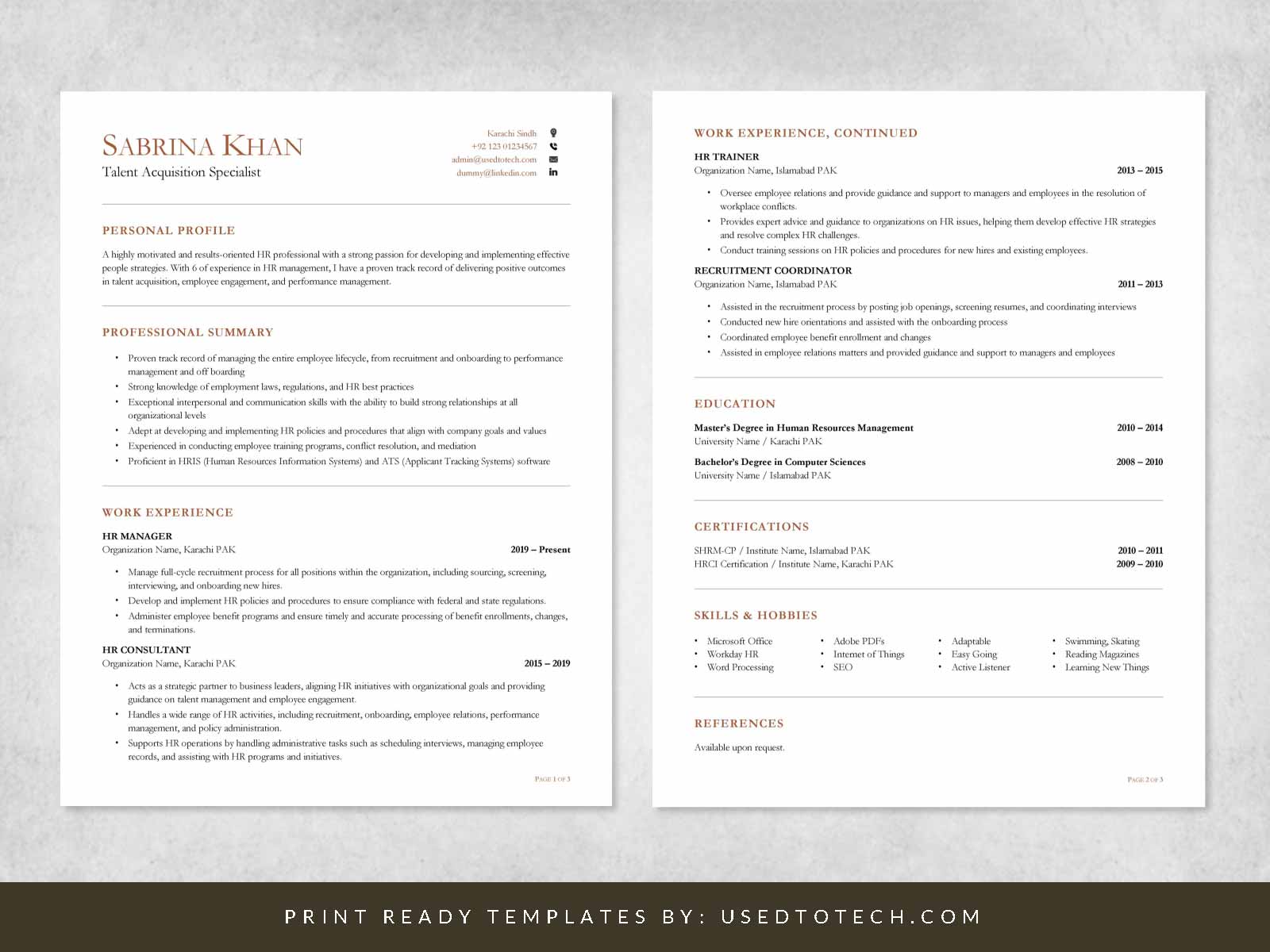
Consider Your Industry
- Creative Fields: If you're in a creative field, you might opt for a template that allows for more design flexibility.
- Corporate Fields: For more traditional or corporate fields, a clean and straightforward template is usually best.
Think About Your Experience
- Entry-Level: If you're just starting out, a template that emphasizes education and skills might be suitable.
- Senior-Level: For those with extensive experience, a template that allows for a detailed work history is preferable.
Customizing Your Template
Once you've downloaded a template, it's time to customize it. Here are the steps to follow:
- Add Your Contact Information: Make sure your name, email address, and phone number are up-to-date and professional.
- Highlight Your Skills: Tailor your skills section to the job you're applying for. Use keywords from the job description to help your resume pass through ATS.
- Detail Your Work Experience: List your work experience in reverse chronological order, focusing on achievements rather than responsibilities.
- Education: Include your educational background, highlighting any relevant courses or academic achievements.
Example of a Well-Structured Resume Section
Work Experience
- Marketing Manager, XYZ Corporation (2018-Present)
Common Mistakes to Avoid
When using a resume template, it's easy to fall into common pitfalls. Here are a few to avoid:
- Over-customization: While it's essential to personalize your resume, overdoing it can make it look cluttered or unprofessional.
- Generic Objective Statements: Avoid using generic objective statements. Instead, tailor your resume to the specific job you're applying for.
- Typos and Grammar Errors: A single typo can make a negative impression. Always proofread your resume multiple times.
Final Tips for a Stand-Out Resume
- Tailor Your Resume: Customize your resume for each job application.
- Use Action Verbs: Begin each bullet point with a strong action verb to describe your achievements.
- Quantify Your Achievements: Where possible, use numbers to demonstrate the impact of your work.
Frequently Asked Questions
Q: What file format should my resume be in?
The most common and preferred file format for resumes is PDF. It ensures that your resume looks exactly as you intended, across different devices and operating systems.
Q: How long should my resume be?
Ideally, your resume should be one to two pages long. Hiring managers often have to review many resumes, so make it easy for them to see your qualifications.
Q: Can I use a resume template for any job application?
While a good template can be versatile, it's best to tailor your resume (and the template) to each job application. This shows that you've taken the time to understand the requirements of the position.
Getting Started with Your Free Resume Template
Finding the perfect free resume template to download is just the first step. With a bit of customization and attention to detail, you can create a resume that not only looks professional but also effectively communicates your value to potential employers. Take the time to research, choose wisely, and make your resume work for you.
