
Understanding the Challenge of Resume Writing
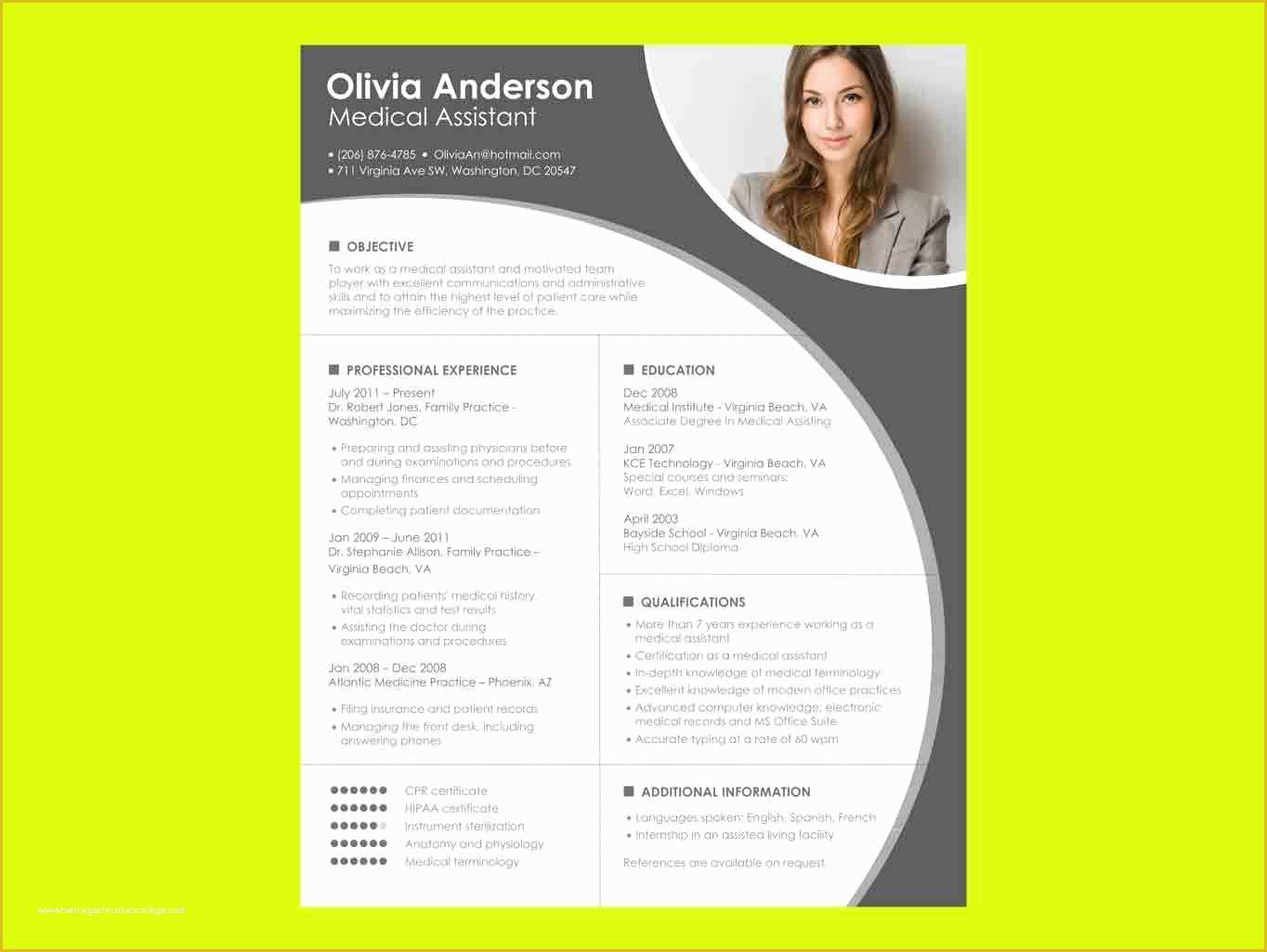
Writing a resume can be a daunting task, especially when you're trying to stand out in a competitive job market. A well-crafted resume is essential for making a strong first impression on potential employers. However, not everyone has the design skills or resources to create a visually appealing resume from scratch. This is where free resume templates in Word come into play. They offer a practical solution for individuals looking to create a professional-looking resume without the hassle or expense.
Exploring Free Resume Templates in Word
Microsoft Word offers a wide range of free resume templates that can be easily accessed and customized. These templates are designed to help users create a polished and professional resume in a matter of minutes. To access these templates, simply open Word, click on "File," and then select "New." From there, you can search for "resume" in the template search bar and browse through the various options available.
Types of Free Resume Templates
Word provides a diverse selection of free resume templates, catering to different industries, styles, and preferences. Some popular types of templates include:
Chronological templates: Ideal for those with extensive work experience, these templates highlight your career progression and achievements.
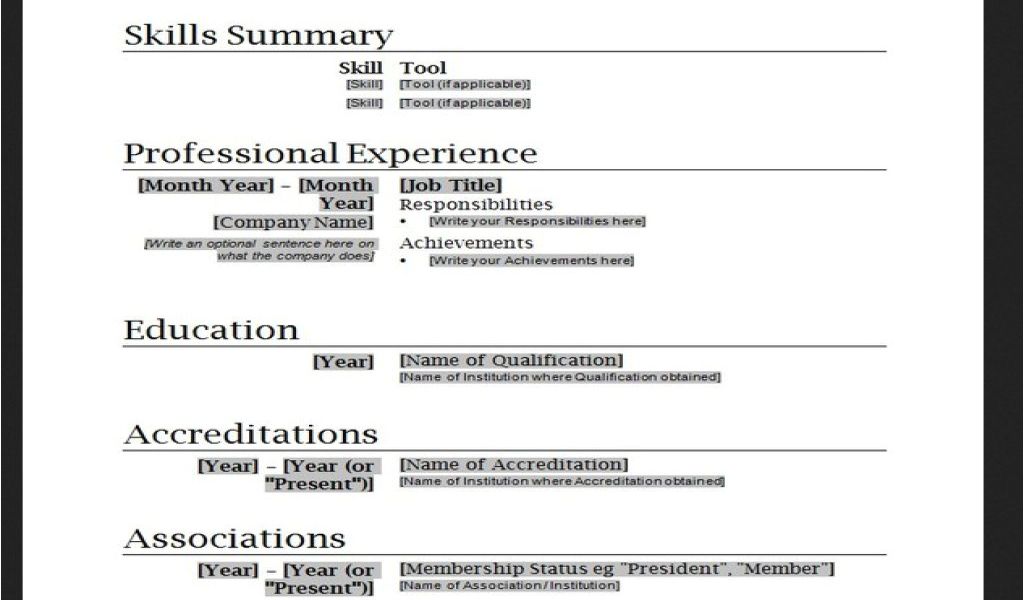
Functional templates: Suitable for individuals with gaps in their employment history, these templates focus on your skills and qualifications rather than your work history.
Combination templates: A mix of chronological and functional templates, these layouts provide a balanced view of your experience and skills.
Choosing the Right Template
With so many free resume templates available, selecting the right one can be overwhelming. Here are some tips to consider:
Consider your industry: Different industries have unique requirements and preferences when it comes to resume design. For example, a creative field may allow for more artistic freedom, while a corporate job may require a more traditional layout.
Think about your experience: If you're entry-level or have limited work experience, a functional or combination template may be a better fit. For those with extensive experience, a chronological template could be more suitable.
Keep it simple: Avoid templates with too much clutter or overly complex designs. You want your resume to be easy to read and scan.
Customizing Your Template
Once you've chosen a template, it's time to customize it to fit your needs. Here are some essential elements to include:
Contact information: Make sure your name, email address, phone number, and LinkedIn profile (if applicable) are up-to-date and easily visible.
Summary or objective: Write a brief summary or objective statement that highlights your experience, skills, and career goals.
Work experience: Tailor your work experience section to the job you're applying for, focusing on achievements and responsibilities that align with the position.
Education and skills: Ensure your education and skills sections are accurate and relevant to the job.
Pros and Cons of Using Free Resume Templates
| <strong>Pros</strong> | <strong>Cons</strong> |
|---|---|
| Time-saving and convenient | Limited customization options |
| Professional designs and layouts | May not stand out from the crowd |
| Free to use | May require a subscription to Word or Microsoft 365 |
| Easy to edit and update | Potential for overuse or generic feel |
Avoiding Common Mistakes
When using free resume templates, it's essential to avoid common mistakes that can make your resume look unprofessional or generic. Here are some pitfalls to watch out for:
Over-customization: While it's tempting to add many colors, fonts, or graphics, too much customization can make your resume look cluttered or unprofessional.
Lack of tailoring: Failing to tailor your resume to the specific job you're applying for can make it seem like you're not interested in the position or company.
- Typos and grammatical errors: A single mistake can make a negative impression and hurt your chances of getting hired.
Frequently Asked Questions
Q: Are free resume templates in Word really free?
Yes, Microsoft Word offers a range of free resume templates that can be accessed and customized without any additional cost.
Q: Can I use a free resume template for any job?
While free resume templates can be used for various jobs, it's essential to tailor your resume to the specific position and industry you're applying to.
Q: How do I make my resume stand out from the crowd?
To make your resume stand out, focus on highlighting your unique skills, achievements, and experiences. Use specific examples and metrics to demonstrate your value.
Q: Can I use a free resume template for a creative field?
Yes, but you may want to consider using a more creative or artistic template to showcase your skills and style.
Final Tips and Next Steps
Finding the perfect free resume template in Word is just the first step in creating a standout resume. Remember to customize your template, tailor your resume to the job, and avoid common mistakes. With a little practice and patience, you can create a professional-looking resume that helps you stand out in a competitive job market.
By following these tips and using free resume templates in Word, you can create a compelling resume that showcases your skills, experience, and achievements. Take the next step in your job search journey and start crafting a resume that opens doors to new opportunities.
Related: Plan Your Content with a Free Content Calendar Template
