
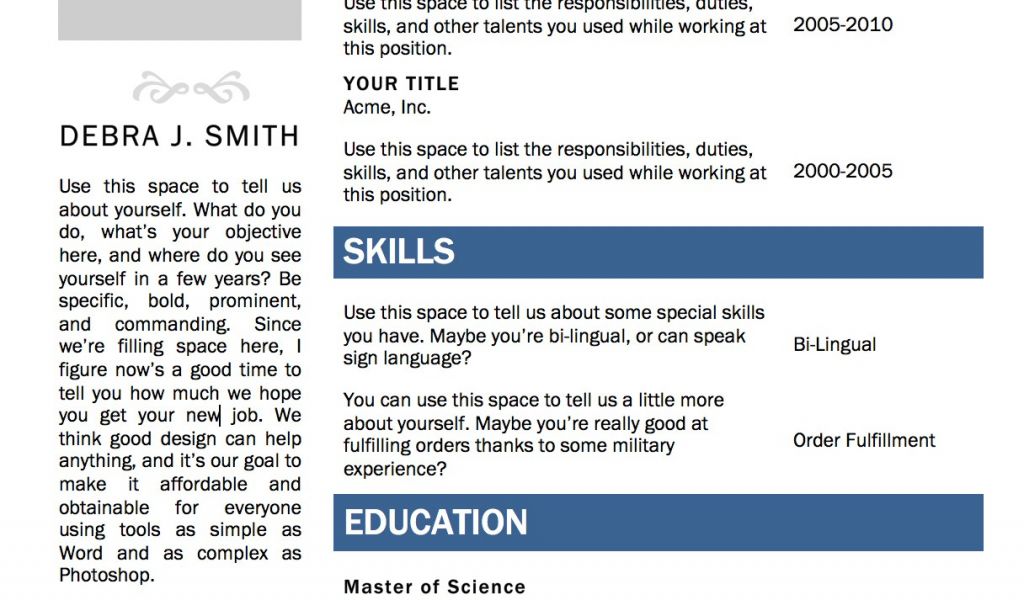
Understanding the Power of a Well-Crafted Resume
When it comes to job hunting, your resume is often the first impression you make on a potential employer. A well-crafted resume can make all the difference in standing out from the competition and landing an interview. However, creating a professional-looking resume from scratch can be a daunting task, especially if you're not design-savvy. This is where free Word resume templates come in – a lifesaver for those who want to create a stunning resume without breaking the bank.
Choosing the Right Template for Your Needs
With countless free Word resume templates available online, it's essential to choose one that aligns with your career goals, experience level, and personal style. Here are some popular types of templates to consider:
Chronological templates: Best for those with a steady work history, these templates highlight your work experience in reverse chronological order.
Functional templates: Suitable for those with gaps in their work history or limited experience, these templates focus on your skills and qualifications.
Combination templates: A hybrid of chronological and functional templates, these templates showcase both your work history and skills.
When selecting a template, consider the industry you're applying to and the level of formality you want to convey. For example, a creative field may allow for more artistic and playful templates, while a corporate job may require a more traditional and professional design.
Customizing Your Template for Success
Once you've chosen a template, it's time to customize it to fit your needs. Here are some essential sections to include:
Contact information: Make sure your name, email address, phone number, and LinkedIn profile (if applicable) are up-to-date and easily visible.
Professional summary: Write a brief overview of your experience, skills, and career goals. This section should entice the reader to read on.
Work experience: Tailor your work experience to the job you're applying for, highlighting relevant achievements and responsibilities.
Education: Include your educational background, relevant courses, and any certifications or licenses.
When customizing your template, remember to:
Use keywords: Incorporate relevant keywords from the job posting to help your resume pass through applicant tracking systems (ATS) and catch the eye of the hiring manager.
Quantify your achievements: Use numbers and statistics to demonstrate the impact you've made in your previous roles.
Keep it concise: Keep your resume to one or two pages, depending on your level of experience.
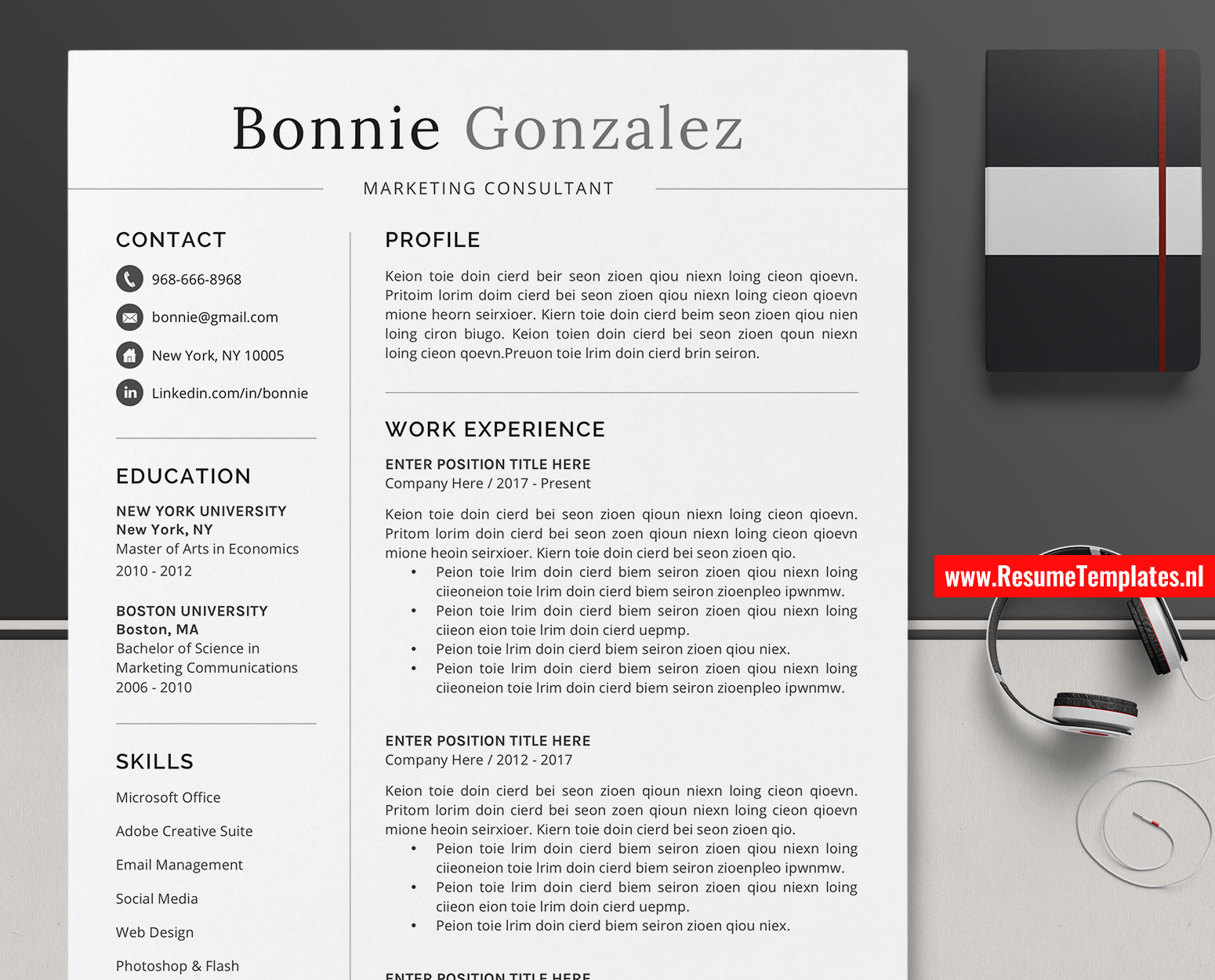
Comparison of Popular Free Word Resume Templates
| Template Name | Industry | Level of Formality | Customization Options |
|---|---|---|---|
| Microsoft Resume Template | Corporate | High | Limited |
| Resume Genius Template | Creative | Medium | Extensive |
| Canva Resume Template | Modern | Low | Highly customizable |
Insights from a Career Expert
"A well-crafted resume is not just a summary of your work experience; it's a marketing tool that showcases your value and potential as a candidate. When using a free Word resume template, make sure to customize it to fit your unique strengths and qualifications. Don't be afraid to add or remove sections to make it work for you." – Emily Chen, Career Coach
Avoiding Common Mistakes
When creating your resume, be aware of the following common mistakes:
Typos and grammatical errors: A single mistake can make a negative impression and raise doubts about your attention to detail.
Lack of relevance: Failing to tailor your resume to the job you're applying for can make it seem like you're not a strong fit.
- Poor formatting: Using a template that's difficult to read or navigate can make your resume look unprofessional.
Frequently Asked Questions
Q: What are the best free Word resume templates for beginners?
Some popular options include the Microsoft Resume Template, Resume Genius Template, and Canva Resume Template. These templates are user-friendly and offer a range of customization options.
Q: How do I choose the right font for my resume?
Stick to classic fonts like Arial, Calibri, or Helvetica. Avoid using fonts that are too ornate or difficult to read.
Q: Can I use a free Word resume template for a government job?
Yes, but make sure to choose a template that's formal and professional. Government agencies often have specific guidelines for resume formatting, so be sure to check the job posting carefully.
Q: How often should I update my resume?
Review and update your resume every 6-12 months, or whenever you make a significant career change.
Conclusion
Creating a standout resume doesn't have to break the bank. With free Word resume templates, you can create a professional-looking resume that showcases your skills and experience. By choosing the right template, customizing it to fit your needs, and avoiding common mistakes, you can increase your chances of landing an interview and securing your dream job.
Related: Free Resume Template for Download
Related: A Practical Guide to Small Business Ideas in South Africa
