
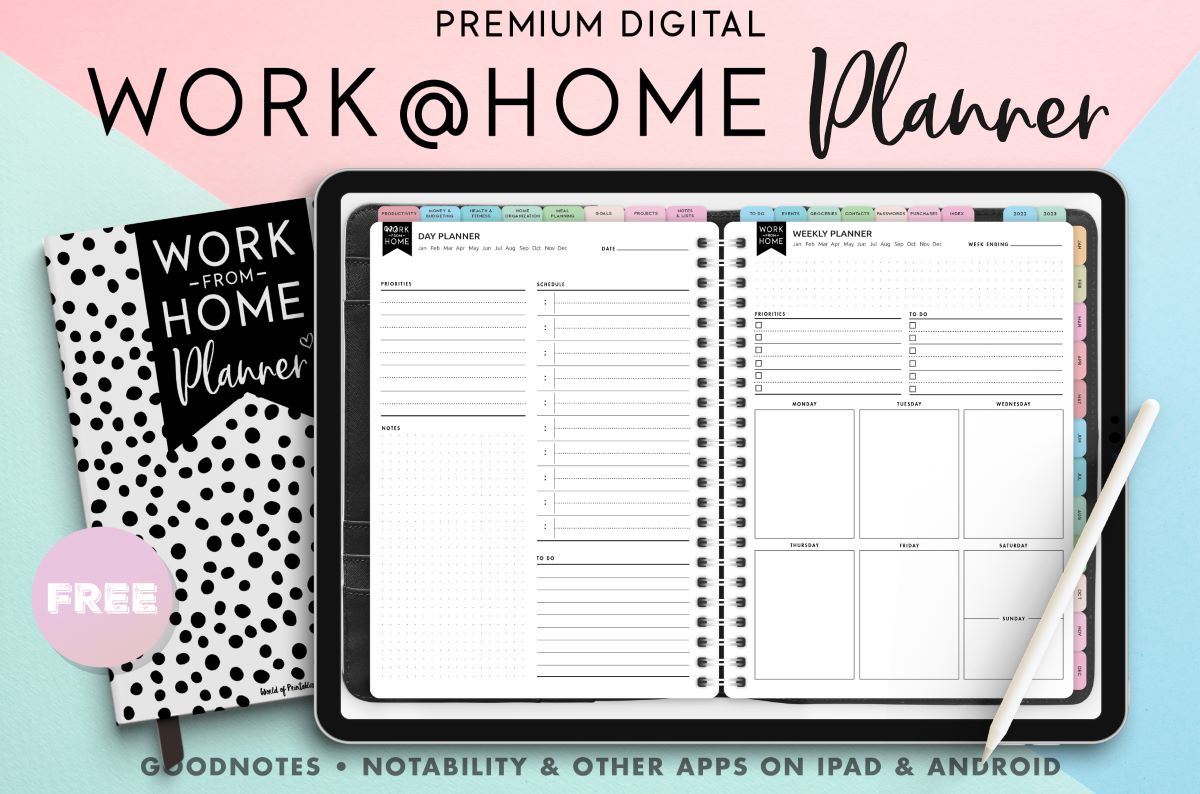
Understanding the Need for a Digital Planner
In our quest for a more organized and productive life, we often find ourselves juggling multiple tasks, appointments, and goals. The traditional pen-and-paper planner, while effective for some, can be limiting in today's fast-paced, tech-driven world. This is where digital planners come into play, offering a flexible, accessible, and often free solution to our organizational needs.
What Makes a Digital Planner Stand Out?
A digital planner is essentially a digital version of a traditional planner, but with the added benefits of accessibility across various devices, automatic reminders, and the ability to integrate with other digital tools. When looking for the best free digital planner, several factors come into play:
- Ease of Use: The planner should have an intuitive interface that makes it easy to navigate and use.
- Customization: A good digital planner allows you to tailor it to your specific needs, whether it's adding custom categories, colors, or layouts.
- Integration: The ability to integrate with other apps and services, such as calendar apps, email clients, and task management tools, can significantly enhance its utility.
- Accessibility: Cross-platform compatibility is crucial, ensuring you can access your planner on any device, anywhere, anytime.
Top Free Digital Planners to Consider
1. Google Calendar
While not a traditional planner, Google Calendar is an incredibly powerful tool for scheduling appointments, setting reminders, and organizing your time. It's free, accessible across all devices, and integrates seamlessly with other Google services.
2. Any.do
Any.do is a popular task management app that also offers features of a digital planner. It allows you to create and manage to-do lists, set reminders, and collaborate with others. Any.do offers a free version with substantial features.
3. Trello
Trello is a versatile project management tool that can also serve as a digital planner. It uses boards, lists, and cards to organize tasks and projects. Trello is free to use with optional premium features.
4. Evernote
Evernote is a note-taking app that can easily double as a digital planner. You can create notebooks, add tags, and use its powerful search feature to organize your notes and plans. Evernote offers a free version with some limitations.
5. Microsoft OneNote
OneNote is a digital note-taking app that can be used for planning. It allows you to organize your notes into notebooks, sections, and pages. OneNote is free to use, with some features limited to premium users.
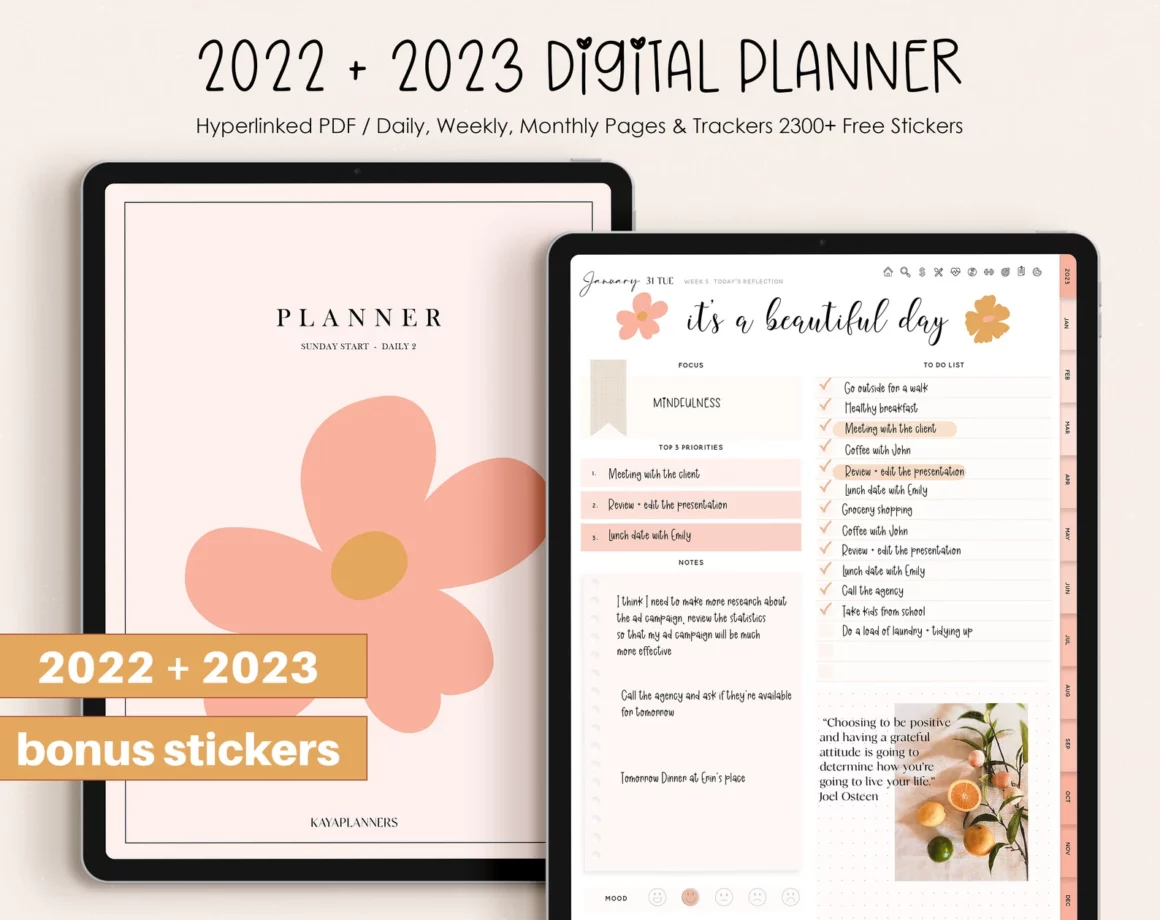
How to Choose the Best Free Digital Planner for You
Choosing the right digital planner depends on your specific needs and preferences. Here are some steps to help you make the right choice:
- Identify Your Needs: What do you primarily use a planner for? Is it for task management, scheduling, note-taking, or a combination of these?
- Explore Features: Look for digital planners that offer the features you need. Consider integration capabilities, customization options, and user interface.
- Test It Out: Most digital planners offer a free version or trial. Take advantage of these to test out the planner and see if it fits your workflow.
Maximizing the Benefits of Your Digital Planner
To get the most out of your digital planner, consider the following tips:
- Regularly Update Your Planner: Make it a habit to regularly update your planner with new tasks, appointments, and notes.
- Utilize Reminders: Set reminders for upcoming events and deadlines to stay on track.
- Review and Reflect: Regularly review your planner to reflect on your progress, adjust your plans, and set new goals.
Common Mistakes to Avoid
When using a digital planner, it's easy to fall into some common pitfalls:
- Overcomplicating Your Setup: Avoid overcustomizing or overcomplicating your planner setup. Keep it simple and intuitive.
- Not Backing Up Your Data: Ensure that your digital planner automatically backs up your data to prevent loss.
FAQs
Q: Can I use a digital planner on multiple devices?
Most digital planners are designed to be accessible across multiple devices, including smartphones, tablets, and computers.
Q: Are free digital planners secure?
Free digital planners typically have robust security measures in place, but it's essential to review their privacy policy and terms of service to understand how your data is protected.
Q: Can I integrate my digital planner with other apps?
Many digital planners offer integration with other apps and services, enhancing their functionality and your productivity.
Q: How do I choose between a traditional and digital planner?
Consider your lifestyle, preferences, and needs. If you're tech-savvy and always on the go, a digital planner might be more suitable.
Final Thoughts
Finding the best free digital planner is a personal journey that requires understanding your needs, exploring available options, and sometimes trial and error. By leveraging the power of digital tools, you can enhance your productivity, achieve a better work-life balance, and live a more organized life. Whether you're a student, professional, or simply someone looking to get their life in order, there's a digital planner out there for you. Take the first step today, and discover how a digital planner can transform your life.
