
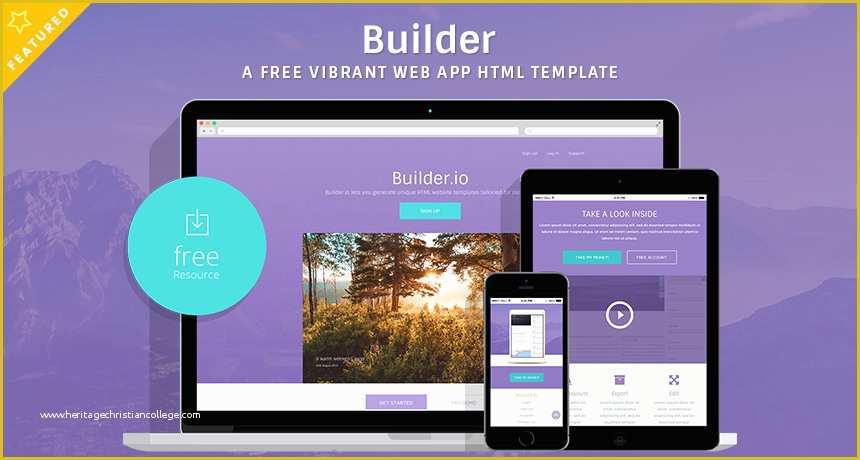
Understanding the Importance of Website Builder Templates
Creating a website can be a daunting task, especially for small businesses, freelancers, and individuals looking to establish an online presence. With so many options available, it's easy to get overwhelmed by the process. However, website builder templates can simplify the process, offering a range of pre-designed layouts and structures to get you started. In this article, we'll explore the world of free website builder templates, discussing their benefits, types, and how to choose the perfect one for your needs.
Benefits of Using Website Builder Templates
Website builder templates offer several advantages, making them an attractive option for those looking to create a website quickly and efficiently. Some of the key benefits include:
Time-saving: Templates save you time and effort, as you don't need to design your website from scratch.
Cost-effective: Free templates are, well, free, reducing the costs associated with website creation.
Professional designs: Templates are often designed by professionals, ensuring your website looks modern and visually appealing.
Customizable: Most templates are customizable, allowing you to add your personal touch and branding.
Types of Website Builder Templates
There are several types of website builder templates available, catering to different needs and industries. Some popular categories include:
Business templates: Designed for businesses, these templates often feature a professional and corporate look.
E-commerce templates: Tailored for online stores, these templates include features such as product showcases and shopping carts.
Portfolio templates: Ideal for creatives, these templates focus on showcasing work and projects.
Blog templates: Designed for bloggers, these templates often feature a clean and simple layout.
Choosing the Right Template for Your Needs
With so many templates available, selecting the right one can be challenging. Here are some factors to consider:
Purpose: Define the purpose of your website. Are you creating a business website, an online store, or a personal blog?
Industry: Consider your industry and the type of template that best suits your needs.
Customization: Think about the level of customization you require. Some templates offer more flexibility than others.
Responsiveness: Ensure the template is responsive, meaning it adapts to different screen sizes and devices.
Top Sources for Free Website Builder Templates
There are many sources offering free website builder templates. Here are some top options:
WordPress: The popular content management system (CMS) offers a vast library of free templates, known as themes.
Wix: The website builder platform provides a range of free templates, categorized by industry and type.
Weebly: Another popular website builder, Weebly offers a selection of free templates, including business and e-commerce options.
Template.net: A website offering a wide range of free templates for various website builders and platforms.
How to Download and Install Website Builder Templates
Once you've chosen a template, it's time to download and install it. The process varies depending on the website builder or platform you're using. Here's a general overview:
WordPress: Search for the template in the WordPress theme directory, then click "Install" and "Activate".
Wix: Browse the template gallery, click "Get" and then "Add to Site".
Weebly: Search for the template, click "Get" and then "Apply Template".
Practical Tips for Customizing Your Template
Customizing your template is crucial to making your website unique and reflective of your brand. Here are some practical tips:
Add your logo: Replace the template's logo with your own.
Change colors and fonts: Update the color scheme and typography to match your brand.
Add content: Populate your website with high-quality content, including text, images, and multimedia.
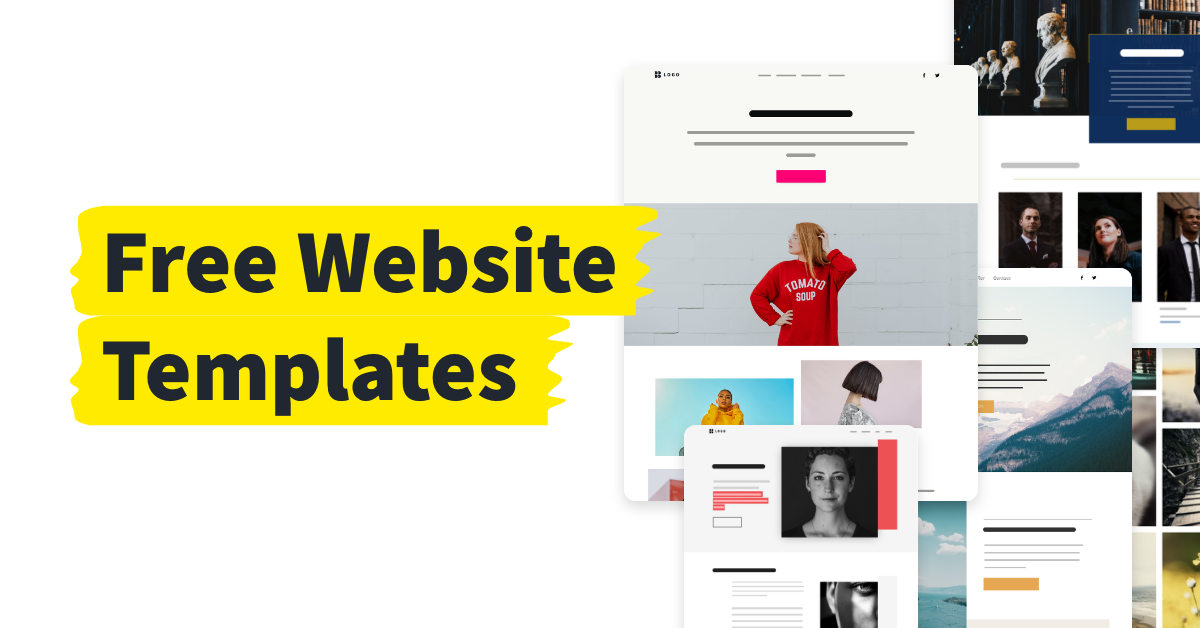
Common Mistakes to Avoid When Using Website Builder Templates
While website builder templates can simplify the website creation process, there are common mistakes to avoid:
Over-customization: Don't over-customize your template, as this can lead to a cluttered and confusing design.
Ignoring responsiveness: Ensure your template is responsive, as this will impact user experience and search engine rankings.
- Not updating content: Regularly update your content to keep your website fresh and engaging.
Comparison of Popular Website Builders
Here's a comparison table of popular website builders, highlighting their template offerings:
| Website Builder | Template Options | Customization | Responsiveness |
|---|---|---|---|
| WordPress | 10,000+ free themes | High | High |
| Wix | 500+ free templates | Medium | High |
| Weebly | 40+ free templates | Medium | High |
| Squarespace | 60+ free templates | Low | High |
FAQs
Here are some frequently asked questions about website builder templates:
Q: Are free website builder templates really free?
Yes, free website builder templates are indeed free, with no hidden costs or charges.
Q: Can I customize a free website builder template?
Yes, most free website builder templates are customizable, allowing you to add your personal touch and branding.
Q: Are free website builder templates responsive?
Many free website builder templates are responsive, but it's essential to check before selecting a template.
Q: Can I use a free website builder template for commercial purposes?
Check the licensing terms and conditions of the template, as some may have restrictions on commercial use.
Conclusion
Finding the perfect website builder template can be a challenge, but with the right guidance, you can create a professional-looking website quickly and efficiently. By understanding the benefits, types, and customization options of website builder templates, you can make an informed decision and establish a strong online presence.
Related: A Practical Guide to GoDaddy Website Templates Free
Related: What to Know About B2B Email Marketing Software Tips
