
Finding the Perfect Free Canva Resume Template
When it comes to creating a standout resume, the design and layout can make all the difference. Canva, a popular graphic design platform, offers a wide range of free resume templates that can help you create a visually appealing and effective resume. But with so many options available, what should you look for in a free Canva resume template?
Assessing Your Needs
Before diving into the world of free Canva resume templates, it's essential to assess your needs. What type of job are you applying for? What is your level of experience? What are your key skills and qualifications? Answering these questions will help you determine the type of template that best suits your needs.
For example, if you're a recent graduate or entering the job market for the first time, a simple and clean template may be the way to go. On the other hand, if you're a seasoned professional with a lot of experience, a more modern and sleek template may be more suitable.
Popular Free Canva Resume Templates
Canva offers a vast library of free resume templates, each with its unique design and layout. Here are a few popular options:
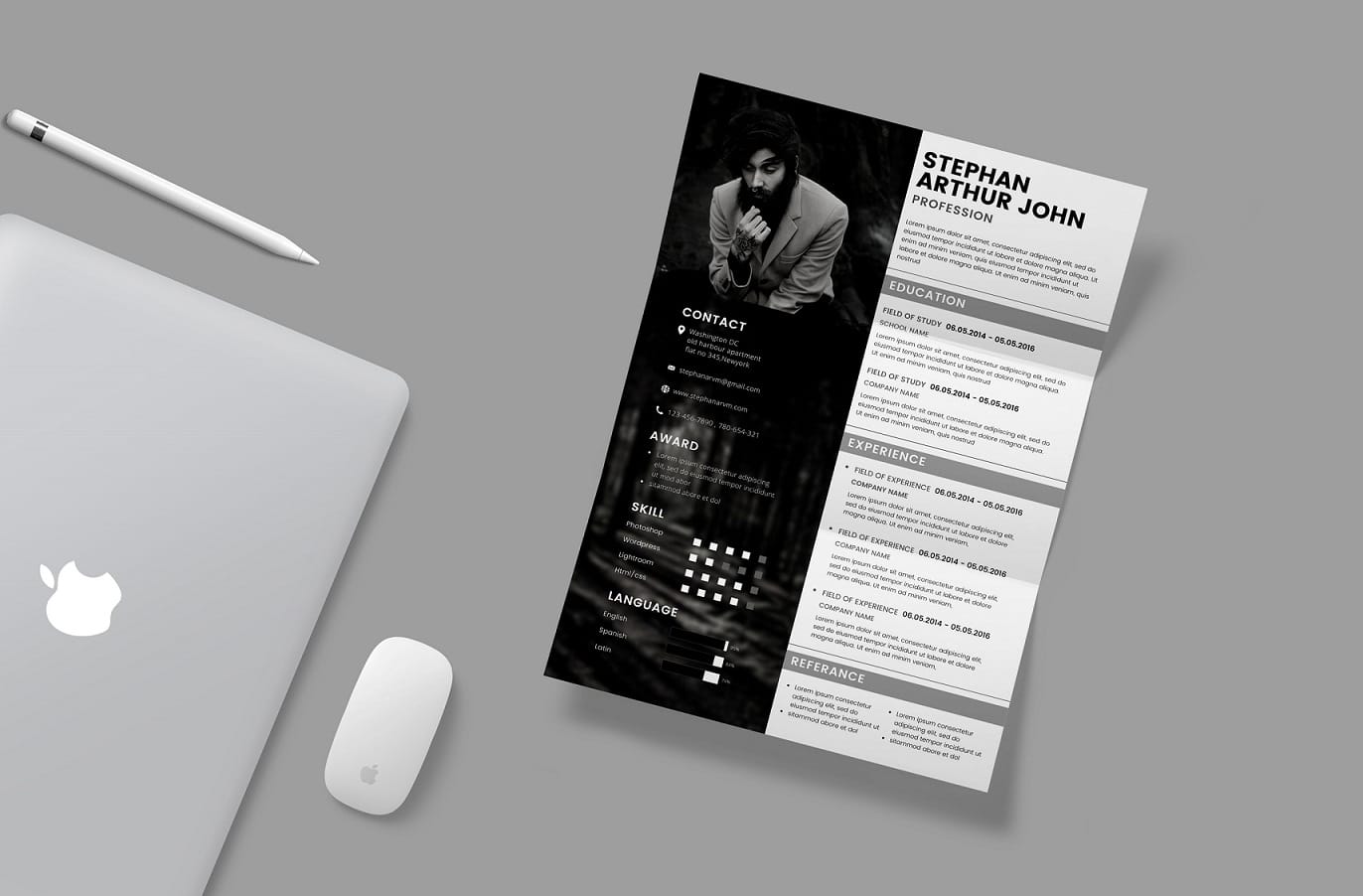
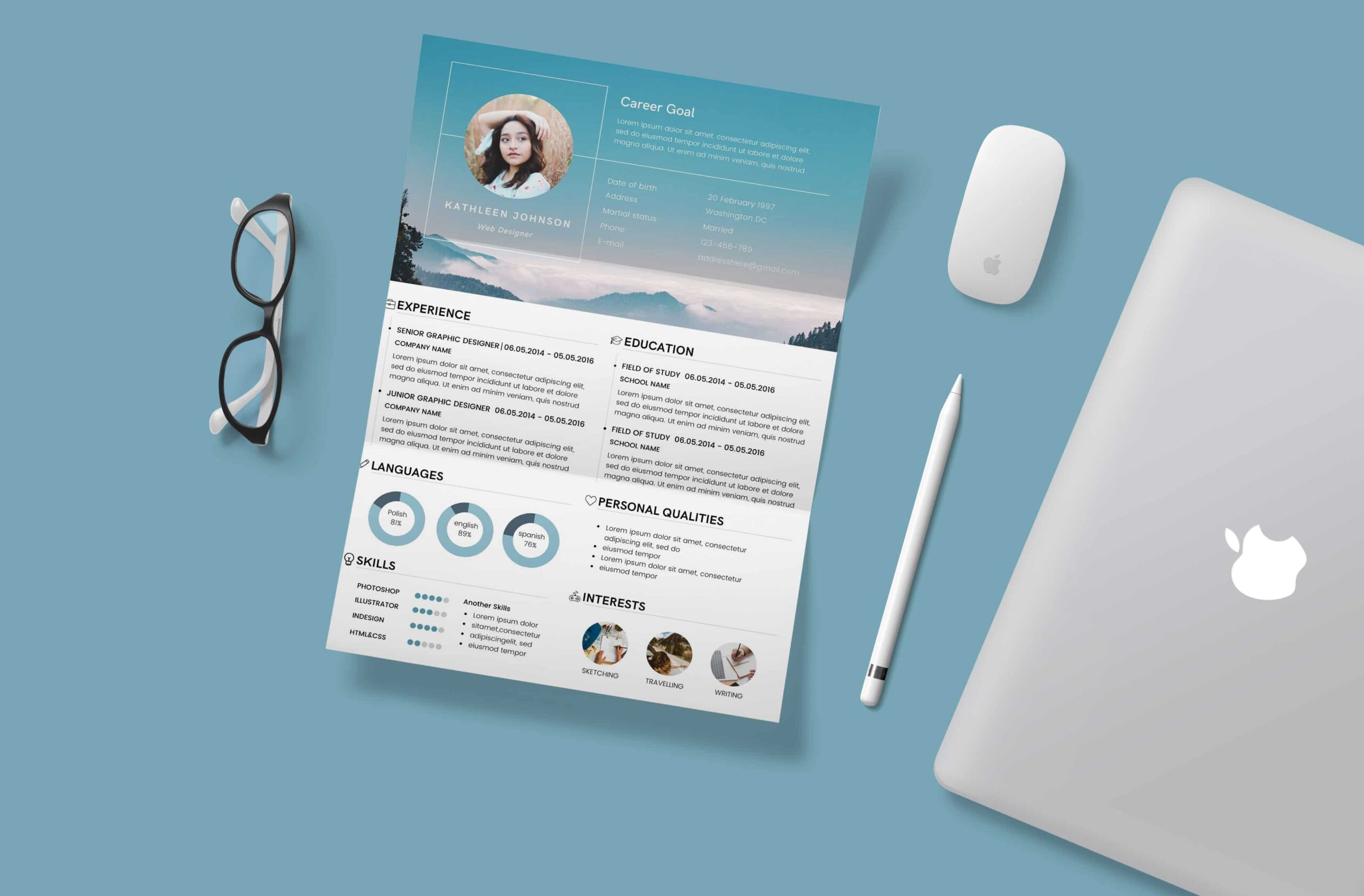
Modern Resume Template: A sleek and modern template with a clean design and clear typography.
Professional Resume Template: A traditional template with a professional layout and subtle color scheme.
Creative Resume Template: A bold and creative template with a unique design and eye-catching graphics.
What to Look for in a Free Canva Resume Template
When browsing through free Canva resume templates, there are several factors to consider:
Customizability: Look for templates that are easy to customize and edit. Canva's drag-and-drop interface makes it easy to add or remove sections, change fonts and colors, and upload your own images.
Readability: Choose a template with clear typography and a clean design that makes it easy for hiring managers to scan and read your resume.
Relevance: Select a template that is relevant to your industry or job type. For example, a creative template may be more suitable for a design or marketing job, while a traditional template may be better suited for a corporate or finance job.
Pros and Cons of Using Free Canva Resume Templates
Here are some pros and cons to consider when using free Canva resume templates:
Pros:
Cost-effective: Canva's free templates are, well, free!
Easy to use: Canva's drag-and-drop interface makes it easy to create and customize your resume.
Wide range of options: Canva offers a vast library of templates to choose from.
Cons:
Limited functionality: Free templates may have limited functionality and customization options.
Limited support: Canva's free templates may not come with extensive support or guidance.
Comparison of Free Canva Resume Templates
| Template Name | Customizability | Readability | Relevance |
|---|---|---|---|
| Modern Resume Template | High | High | High |
| Professional Resume Template | Medium | High | Medium |
| Creative Resume Template | High | Medium | High |
Tips for Using Free Canva Resume Templates
Here are some tips for getting the most out of free Canva resume templates:
Keep it simple: Avoid clutter and keep your resume concise and easy to read.
Use clear typography: Choose a clear and easy-to-read font, and use headings and subheadings to break up your content.
Tailor your template: Customize your template to fit your needs and the job you're applying for.
Common Mistakes to Avoid
When using free Canva resume templates, there are several common mistakes to avoid:
Over-customizing: Avoid over-customizing your template with too many fonts, colors, and graphics.
Not proofreading: Make sure to proofread your resume multiple times for spelling and grammar errors.
Not tailoring your resume: Customize your resume for each job you apply to, and make sure it aligns with the job requirements.
FAQs
Here are some frequently asked questions about free Canva resume templates:
Q: Are Canva's free resume templates really free?
Yes, Canva's free resume templates are completely free to use, with no hidden costs or charges.
Q: Can I customize Canva's free resume templates?
Yes, Canva's free resume templates are highly customizable, with a drag-and-drop interface and a wide range of fonts, colors, and graphics.
Q: Will a free Canva resume template help me get hired?
While a free Canva resume template can help you create a visually appealing resume, it's essential to tailor your resume to the job you're applying for and highlight your relevant skills and experience.
Conclusion
Finding the perfect free Canva resume template can be a daunting task, but by assessing your needs, considering customizability, readability, and relevance, and avoiding common mistakes, you can create a standout resume that helps you land your dream job. With Canva's vast library of free templates and easy-to-use interface, you can create a professional-looking resume that showcases your skills and experience.
Related: Mastering Free Online Email Marketing Tools Without
