
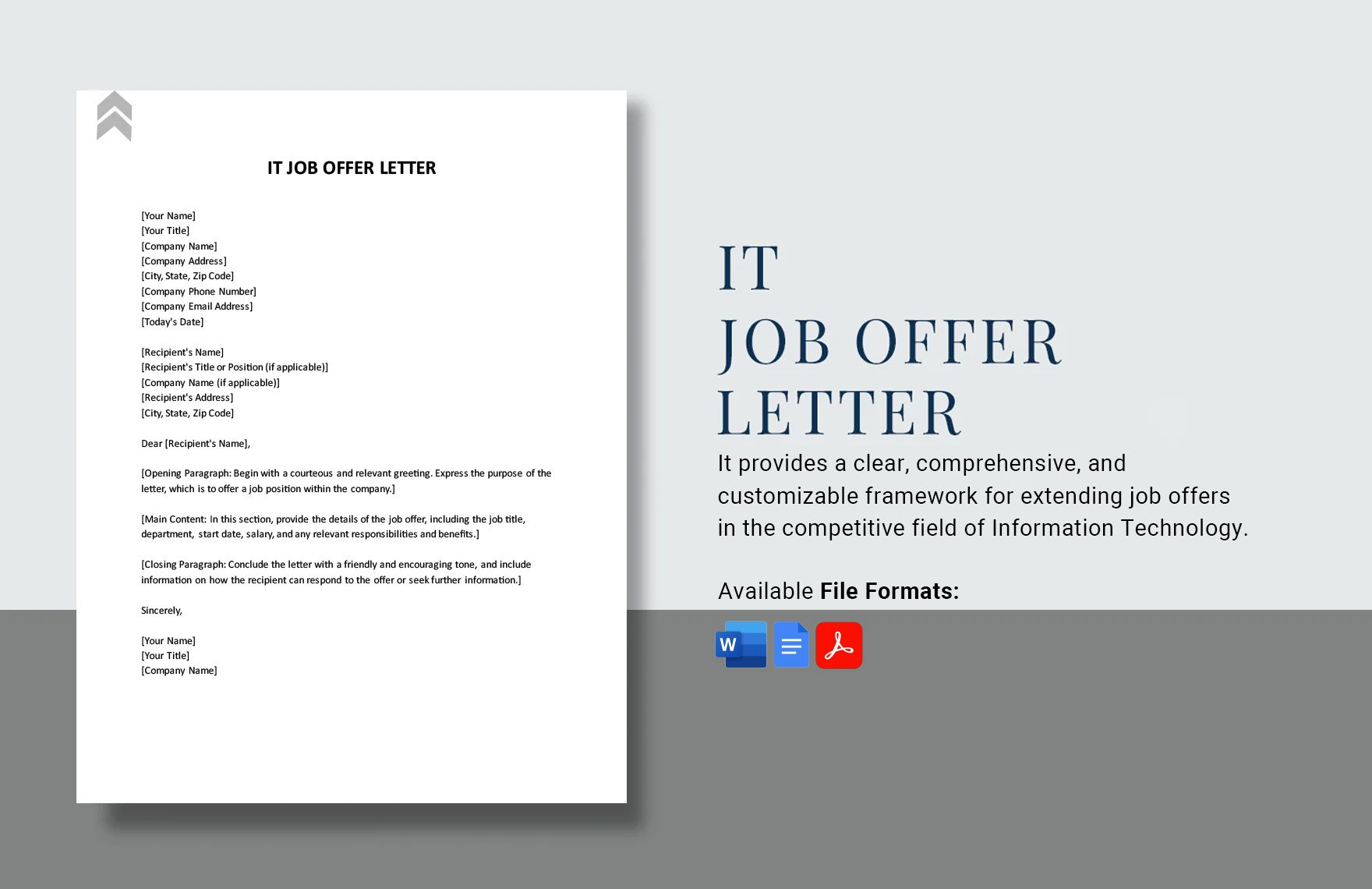
As you sit down to craft a job offer for a new hire, you want to make sure you're including all the essential details while also making a great impression on the candidate. But why start from scratch? A free job offer template in Word can be a lifesaver, saving you time and ensuring your offer letter looks professional.
What is a Job Offer Template?
A job offer template is a pre-designed document that outlines the terms of employment, including job responsibilities, salary, benefits, and other important details. It's a crucial tool for HR professionals, recruiters, and hiring managers, as it helps to streamline the hiring process and ensure compliance with company policies and labor laws.Benefits of Using a Free Job Offer Template in Word
Using a free job offer template in Word can bring numerous benefits to your hiring process. Here are just a few: Save time: With a template, you can quickly create a job offer letter without having to worry about formatting or content.
Ensure consistency: A template helps to ensure that all job offers include the same essential information, reducing the risk of errors or omissions.
Improve professionalism: A well-designed template can make your job offer letter look more professional, which can help to create a positive impression on the candidate.
Customize easily: A Word template is easy to customize, allowing you to add or remove sections as needed to fit your company's specific needs.
Essential Sections of a Job Offer Template
So, what sections should be included in a job offer template? Here are the essentials: Job details: Job title, department, manager, and location
Salary and benefits: Salary, bonuses, benefits, and any other perks
Terms of employment: Start date, probationary period, and any other conditions
Job responsibilities: Brief summary of the job duties and expectations
Company policies: Reference to company policies, such as confidentiality and non-compete agreements
Creating a Job Offer Template in Word
Creating a job offer template in Word is a straightforward process. Here's a step-by-step guide:- Open a new document in Word and give it a title, such as "Job Offer Template."
- Add a header with your company's logo and contact information.
- Create a table or use a template to organize the job details, salary and benefits, terms of employment, and job responsibilities.
- Add a section for company policies and any other relevant information.
- Save the template as a Word document or PDF.
Customizing Your Job Offer Template
Once you have a basic template, you can customize it to fit your company's specific needs. Here are a few tips: Add your company's branding: Include your company's logo, color scheme, and typography to make the template feel more personalized.
Tailor the language: Use language that's specific to your company and the job description to make the template feel more relevant.
Remove unnecessary sections: If there are sections that aren't relevant to your company or the job, remove them to keep the template concise.
Comparison of Free Job Offer Templates
There are many free job offer templates available online, but not all of them are created equal. Here's a comparison of a few popular options:| Template | Features | Customization |
|---|---|---|
| Microsoft Word Template | Basic template with essential sections | Easy to customize |
| TemplateLab | Variety of templates with different designs and layouts | Moderate customization |
| HR Bartender | Comprehensive template with detailed sections | Easy to customize |
Practical Tips for Using a Job Offer Template
Here are a few practical tips for using a job offer template: Use it for all job offers: Consistency is key when it comes to job offers. Use the template for all job offers to ensure that every candidate receives the same information.
Customize it for each job: While the template should be consistent, the job details and requirements will vary. Make sure to customize the template for each job to ensure that the information is accurate.
Keep it up-to-date: Review and update the template regularly to ensure that it remains compliant with labor laws and company policies.
Frequently Asked Questions
Q: What is a job offer template?
A job offer template is a pre-designed document that outlines the terms of employment, including job responsibilities, salary, benefits, and other important details.
Q: Why use a free job offer template in Word?
Using a free job offer template in Word can save you time, ensure consistency, and improve professionalism.
Q: What sections should be included in a job offer template?
Essential sections include job details, salary and benefits, terms of employment, job responsibilities, and company policies.
Q: Can I customize a job offer template?
Yes, most job offer templates are customizable, allowing you to add or remove sections as needed to fit your company's specific needs.
Final Checklist
Before you start using a free job offer template in Word, make sure to: Review and customize the template to fit your company's specific needs
Ensure that the template includes all essential sections
Use the template consistently for all job offers
- Keep the template up-to-date with labor laws and company policies
By following these tips and using a free job offer template in Word, you can streamline your hiring process, ensure compliance, and make a great impression on your candidates.
Related: Online Business Ideas for Women
Related: A Practical Guide to Small Business Ideas for Teens
