
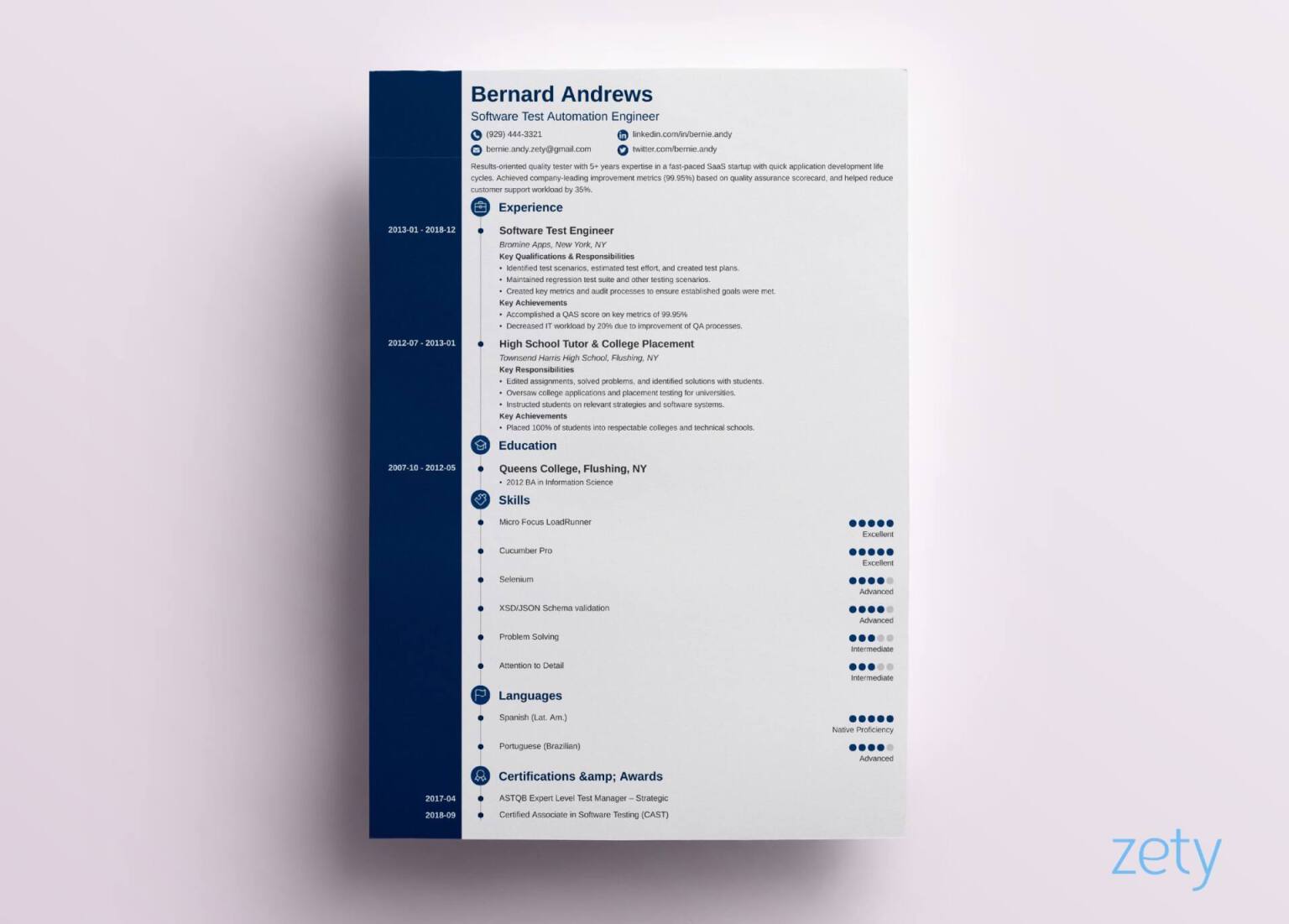
Why a Great Resume Template Matters
When you're job hunting, your resume is often the first impression you make on a potential employer. A well-crafted resume can be the difference between getting an interview and getting lost in the crowd. But what makes a resume stand out? It starts with a great template. A free online template for a resume can provide a solid foundation, but you need to choose one that fits your style and experience.
Exploring Free Online Resume Templates
The internet is awash with free online templates for resumes, but not all are created equal. Some are sleek and modern, while others are more traditional. Some cater to specific industries or job types. When searching for a template, consider the following:
Industry: If you're in a creative field, a more artistic template might be suitable. For corporate jobs, a clean and professional template is usually best.
Experience level: If you're entry-level, a simple template that highlights your education and skills might be ideal. For more experienced professionals, a template that showcases achievements and career progression is often more effective.
Top Sources for Free Online Resume Templates
Several websites offer high-quality, free online templates for resumes. Here are some top sources:
Canva: Known for its design flexibility, Canva offers a vast array of free resume templates that are easily customizable.
Microsoft Templates: Microsoft provides a range of free resume templates that are compatible with Microsoft Word, making it easy to edit and print.
Google Docs Templates: For those who prefer a cloud-based solution, Google Docs offers free resume templates that are easy to access and edit online.
How to Choose the Right Template
Choosing the right template can feel overwhelming, but here are some tips to help:
Keep it simple: Avoid templates with too much clutter or overly complex designs.
Ensure readability: Choose a template with clear headings, bullet points, and white space to make your resume easy to scan.
Customize: Select a template that you can easily customize to fit your needs and style.
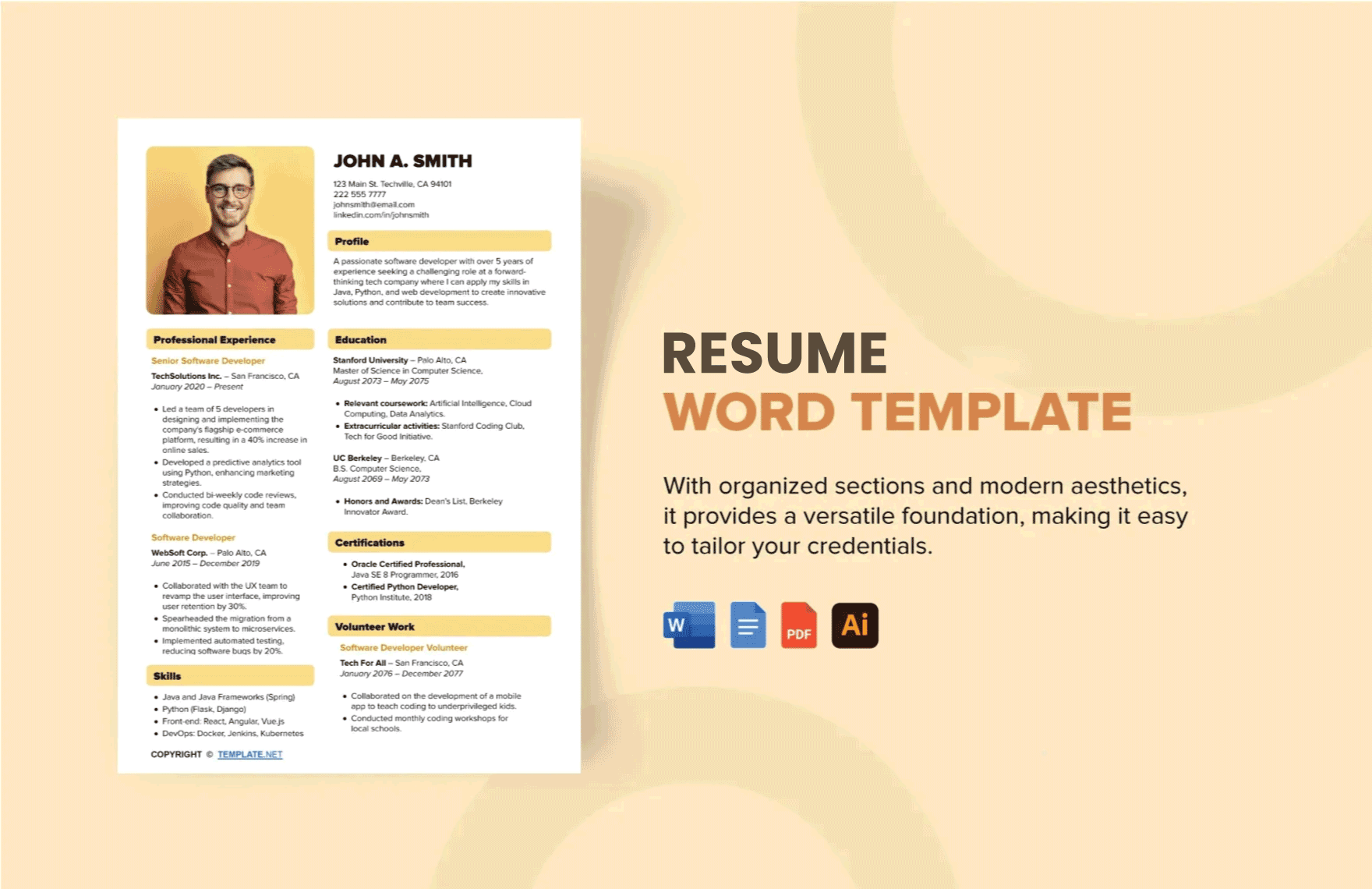
Customizing Your Template
Once you've chosen a template, it's time to customize it. Here are some key areas to focus on:
Contact information: Make sure your name, email address, and phone number are up-to-date and professional.
Summary/Objective: Write a compelling summary or objective statement that highlights your experience, skills, and career goals.
Work experience: Tailor your work experience section to the job you're applying for, focusing on achievements and skills that match the job requirements.
Common Mistakes to Avoid
When using a free online template for a resume, it's easy to fall into common pitfalls. Here are a few to avoid:
Over-customization: While it's essential to make your resume stand out, avoid over-customizing your template with too many fonts, colors, or graphics.
Lack of relevance: Ensure your resume is relevant to the job you're applying for by highlighting the skills and experiences that match the job requirements.
Comparison of Popular Resume Templates
| Template Source | Industry Suitability | Customization Ease | Compatibility |
|---|---|---|---|
| Canva | Creative, Professional | High | Web, PDF |
| Microsoft Templates | Corporate, Professional | Medium | Microsoft Word |
| Google Docs Templates | All industries | High | Google Docs |
"The key to a great resume is not just a beautiful template, but also the content and relevance to the job you're applying for. A well-crafted resume template can help you stand out, but it's the substance that lands the interview." - Jane Doe, Career Coach
Practical Tips for Making Your Resume Shine
To make your resume truly shine, consider the following practical tips:
Use action verbs: Begin each bullet point with a strong action verb like "managed," "created," or "developed."
Quantify achievements: Use numbers and statistics to demonstrate the impact of your work.
Tailor your resume: Customize your resume for each job you apply to, highlighting the skills and experiences that match the job requirements.
Frequently Asked Questions
Q: What is the best free online template for a resume?
The best template for you will depend on your industry, experience level, and personal style. Canva, Microsoft Templates, and Google Docs Templates are popular sources.
Q: How do I choose a resume template that fits my industry?
Consider the norms of your industry. Creative fields might suit more artistic templates, while corporate jobs often require clean and professional templates.
Q: Can I use a free online template for a resume on a job application?
Yes, but make sure to customize it to fit your experiences and the job requirements.
Q: How do I make my resume stand out from the competition?
Focus on achievements, use relevant keywords, and choose a template that is visually appealing and easy to read.
Final Tips for Success
Your resume is a critical tool in your job search arsenal. By choosing a great free online template for a resume and customizing it to showcase your skills and experiences, you can increase your chances of standing out to potential employers. Remember to keep it simple, relevant, and tailored to the job you're applying for. Good luck with your job search!
Related: Latest Resume Template Free
Related: 5 Useful Things to Know About Productivity Planner Templates
Related: What to Know About Free Freelance Work for Beginners
