
Free resume templates in Canva: What Actually Makes Sense?
Finding the Perfect Template
When you're on the hunt for a new job, your resume is often the first impression you make on potential employers. It's crucial to get it right. Canva, a popular design platform, offers a vast array of free resume templates that can help you stand out. But with so many options, how do you choose the right one?
Benefits of Using Canva's Free Resume Templates
Canva's free resume templates are a godsend for those who aren't design-savvy or don't have the budget for professional design services. Here are a few benefits:
Professional look: Canva's templates are designed by professionals, ensuring your resume looks polished and modern.
Customization: With a user-friendly interface, you can easily customize templates to fit your needs.
Time-saving: No need to start from scratch; pick a template and go.
Top Free Resume Templates in Canva
Here are some top free resume templates available in Canva:
Modern and Minimalist
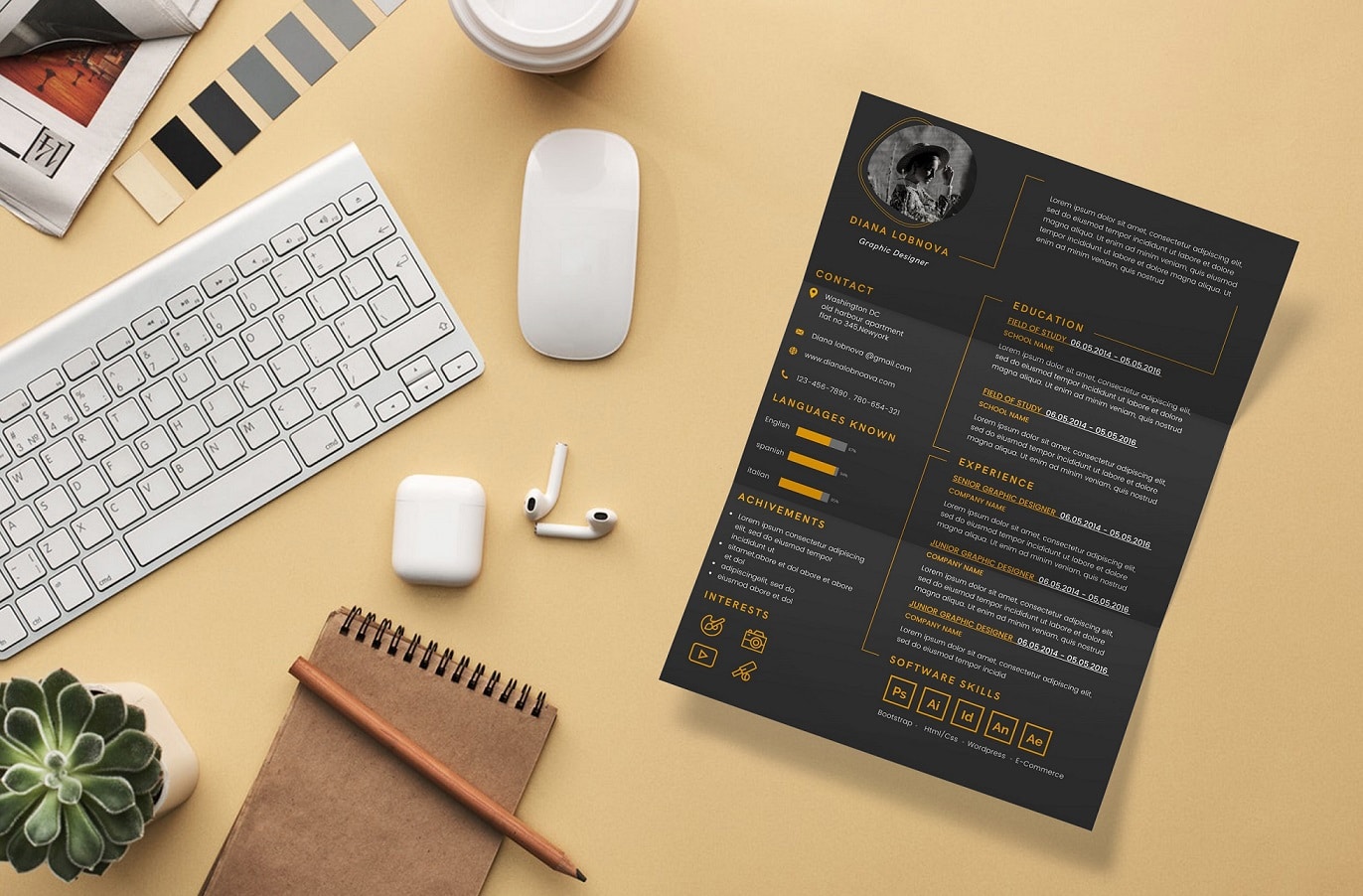
Simple yet effective: The "Resume" template by Canva is a great starting point. Clean lines, clear sections, and a professional font make it easy to read.
Customizable: Add your photo, change colors, and adjust typography to match your brand.
Creative and Bold
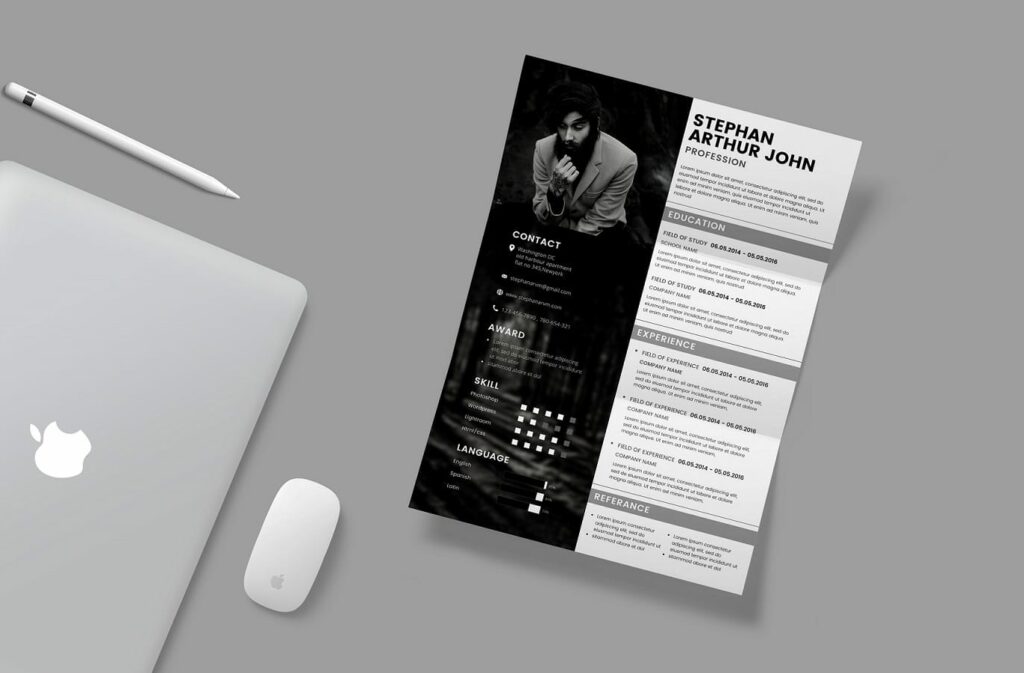
Make a statement: The "Creative Resume" template is perfect for those in creative fields. Use it to showcase your personality and skills.
Infographic elements: Incorporate charts, graphs, or icons to highlight achievements.
How to Choose the Right Template
With so many templates available, it's essential to consider a few factors:
Industry: Choose a template that fits your industry. For example, a creative field might call for a more vibrant design, while a corporate job might require something more traditional.
Experience level: If you're entry-level, a simpler template might be better. For more experience, you can opt for a more complex design.
Personal brand: Ensure the template aligns with your personal brand and style.
Customizing Your Template
Once you've picked a template, it's time to customize:
Content: Tailor your content to the job description. Use keywords and highlight relevant skills.
Layout: Adjust the layout to fit your needs. Move sections around, add or remove elements, and make sure it flows well.
Tips for Making Your Resume Stand Out
Here are some additional tips to make your resume shine:
Use action verbs: Begin bullet points with action verbs like "managed," "created," and "developed."
Quantify achievements: Use numbers to demonstrate impact. For example, "increased sales by 25% in 6 months."
Keep it concise: Keep your resume to one or two pages. Hiring managers often have to review many resumes.
Pros and Cons of Using Free Templates
Here's a quick rundown of the pros and cons:
Pros:
Cost-effective
Time-saving
Professional designs
Cons:
Limited uniqueness (since many users have access to the same templates)
May require design skills for customization
Comparison of Popular Free Resume Templates
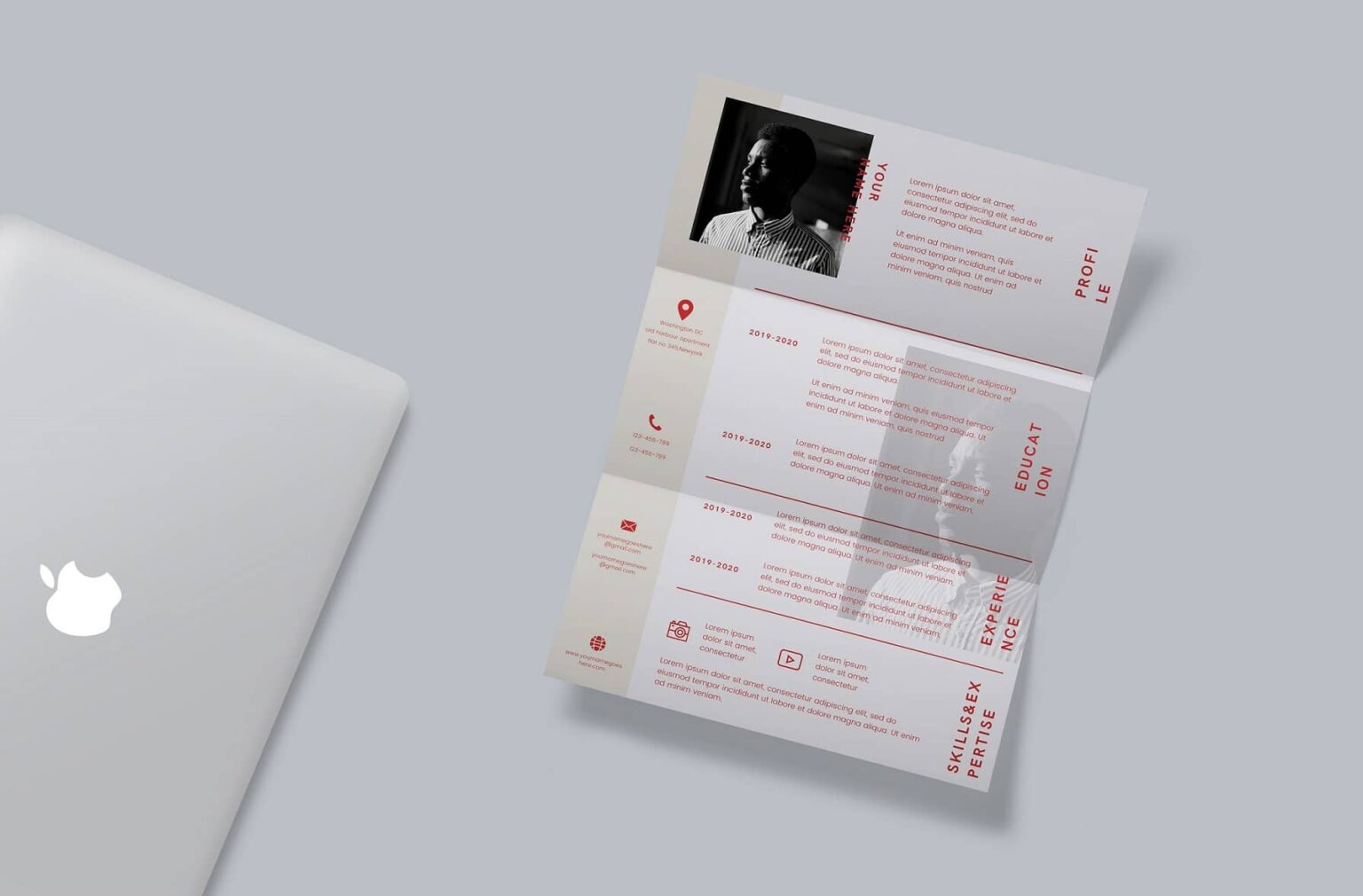
| Template Name | Industry Suitability | Customization Ease |
|---|---|---|
| Resume by Canva | Corporate, Finance | Easy |
| Creative Resume | Creative, Design | Medium |
| Modern Resume | Tech, Marketing | Easy |
Common Mistakes to Avoid
When using free resume templates, avoid these common mistakes:
Over-customization: Don't overdo it with fonts, colors, and graphics. Keep it professional.
Lack of relevance: Ensure your resume is tailored to the job description.
FAQs
Q: Are Canva's free resume templates really free?
Yes, Canva offers a wide range of free resume templates. You can use them without paying a dime, but some templates may offer premium features or elements for a fee.
Q: Can I use Canva's templates for a job application?
Absolutely! Canva's templates are designed to be used for job applications. Just make sure to tailor your content to the job description.
Q: Do I need design experience to use Canva's templates?
Not necessarily. Canva's interface is user-friendly, and you can easily customize templates without extensive design experience.
Q: Can I export my resume as a PDF?
Yes, Canva allows you to export your resume as a PDF, making it easy to share and print.
Final Tips and Next Steps
Your resume is a crucial tool in your job search. By leveraging Canva's free resume templates, you can create a professional-looking document that showcases your skills and experience. Remember to tailor your template to your industry, experience level, and personal brand. With a little creativity and customization, you'll be well on your way to landing your dream job.
When you're ready to take your job search to the next level, consider exploring other resources, such as interview preparation tips or job search strategies. Good luck!
Related: 5 Useful Things to Know About Free Resume Templates Downloads
