
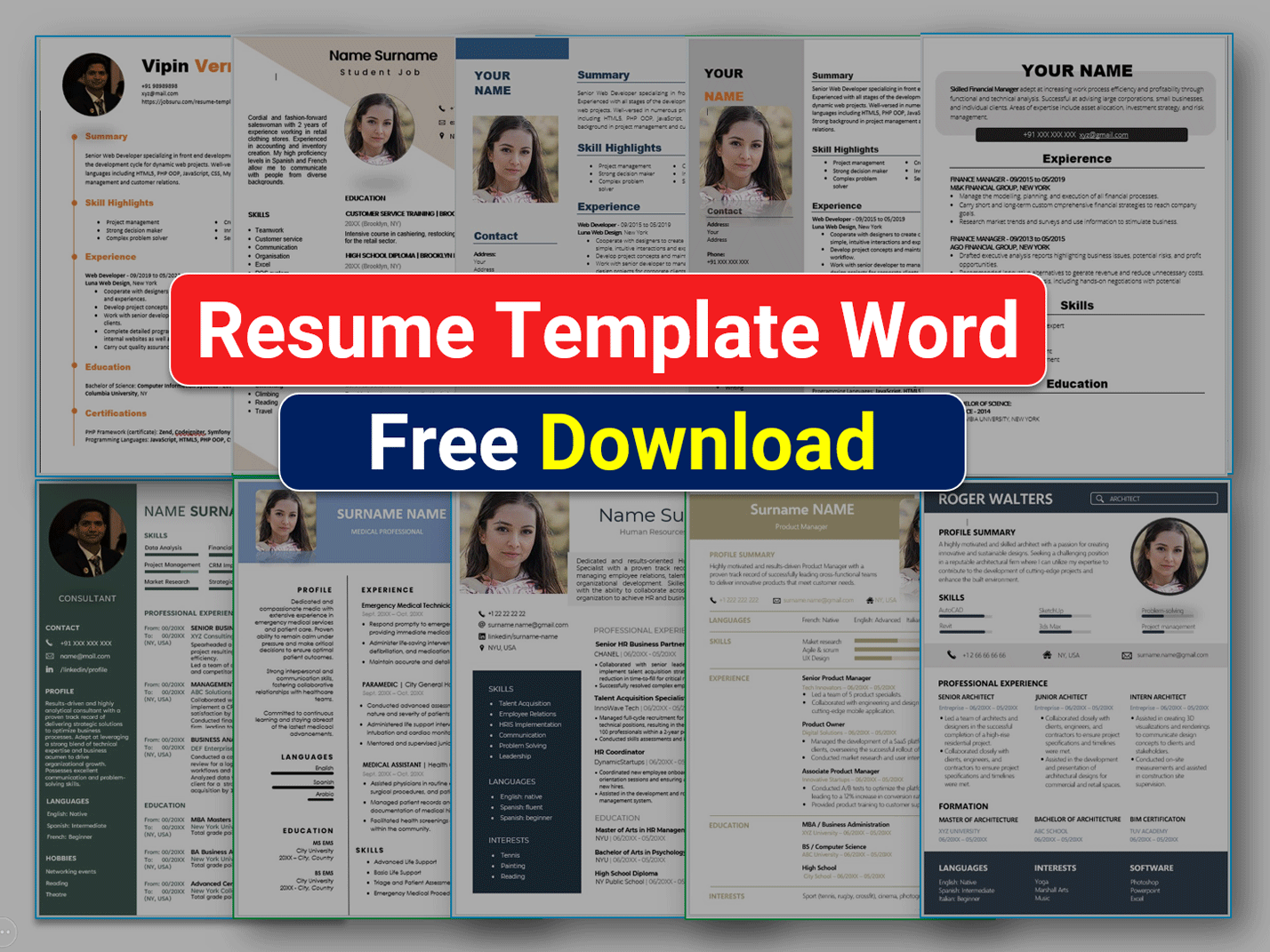
Finding the Perfect Free Resume Template
When you're on the hunt for a job, your resume is often the first impression you make on a potential employer. You want it to stand out, but you also want to make sure it's professional and showcases your skills and experience in the best light. A well-crafted resume can make all the difference in getting noticed by hiring managers and recruiters. But, not everyone has the design skills or resources to create a stunning resume from scratch. That's where free resume templates come in – a cost-effective solution to help you create a visually appealing resume.
Benefits and Drawbacks of Using Free Resume Templates
Using a free resume template can save you time and effort, and many templates are designed by professionals, ensuring a polished and modern look. However, there are some potential drawbacks to consider. For one, free templates may be widely available, which means they might not be as unique or distinctive as a custom-designed resume. Additionally, some templates may be difficult to customize, or they might not be optimized for applicant tracking systems (ATS).
Here are some pros and cons to consider:
| <strong>Pros</strong> | <strong>Cons</strong> |
|---|---|
| Saves time and effort | May not be unique or distinctive |
| Professionally designed | Difficult to customize |
| Cost-effective | May not be ATS-optimized |
Choosing the Right Free Resume Template
With so many free resume templates available for download, it can be overwhelming to choose the right one. Here are some tips to help you make the right choice:
Consider your industry: Different industries have different norms when it comes to resume design. For example, a creative field like graphic design or writing might allow for more experimentation with font and layout, while a more traditional field like finance or law might require a more conservative approach.
Think about your experience level: If you're just starting out, a simple and clean template might be best. If you're more experienced, you may want to choose a template that allows for more detail and complexity.
Choose a template that's ATS-friendly: Many companies use ATS to screen resumes before they even reach a human recruiter. Look for templates that are optimized for ATS, with clear headings and a straightforward layout.
Customizing Your Free Resume Template
Once you've chosen a template, it's time to customize it to fit your needs. Here are some tips:
Tailor your resume to the job: Use keywords and phrases from the job description to help your resume pass through ATS and catch the eye of the recruiter.
Use specific examples: Instead of just listing your job responsibilities, use specific examples to demonstrate your skills and accomplishments.
Keep it concise: Remember that recruiters and hiring managers often have to review many resumes, so keep yours concise and to the point.
![Professional Resume Template Free Download [Word & PSD] in 2026 ...](https://resumekraft.com/wp-content/uploads/edd/2019/03/Professional-Resume-Template-Free-1000x750.jpg)
Top Sources for Free Resume Templates
There are many websites that offer free resume templates for download. Here are some of the top sources:
Canva: Canva offers a wide range of free resume templates, from simple and clean to more elaborate and design-focused.
Resume Genius: Resume Genius offers a variety of free resume templates, along with tips and advice on resume writing and job searching.
Hloom: Hloom offers a vast collection of free resume templates, including some unique and creative designs.
Tips for Making Your Resume Stand Out
Even with a great template, your resume can still get lost in the crowd. Here are some tips for making it stand out:
Use action verbs: Use action verbs like "managed," "created," and "developed" to describe your achievements and responsibilities.
Include relevant sections: Make sure to include relevant sections like a summary or objective statement, education, work experience, and skills.
Use numbers and statistics: Use numbers and statistics to demonstrate the impact of your work. For example, instead of saying "increased sales," say "increased sales by 25%."
Common Mistakes to Avoid
When creating your resume, there are some common mistakes to avoid:
Typos and grammatical errors: A single typo or grammatical error can make a negative impression and hurt your chances of getting hired.
Poor formatting: Make sure your resume is well-formatted and easy to read, with clear headings and bullet points.
- Lack of relevance: Make sure your resume is tailored to the job and industry you're applying to.
Frequently Asked Questions
Q: What is the best free resume template?
The best free resume template is one that's clean, concise, and tailored to your industry and experience level.
Q: How do I choose a free resume template?
Consider your industry, experience level, and the job you're applying to when choosing a free resume template.
Q: Can I use a free resume template for any job?
While a free resume template can be a great starting point, it's best to tailor your resume to each job you apply to.
Q: How do I customize a free resume template?
Use keywords and phrases from the job description, specific examples, and a clear and concise format to customize your free resume template.
Final Tips and Next Steps
Your resume is often the first impression you make on a potential employer, so make it count. By choosing the right free resume template and customizing it to fit your needs, you can increase your chances of getting noticed and landing your dream job. Remember to keep it concise, use specific examples, and tailor it to each job you apply to. With a little effort and creativity, you can create a stunning resume that helps you stand out in a crowded job market.
Related: Business Ideas for Beginners
Related: Internet Email Marketing Tips
