
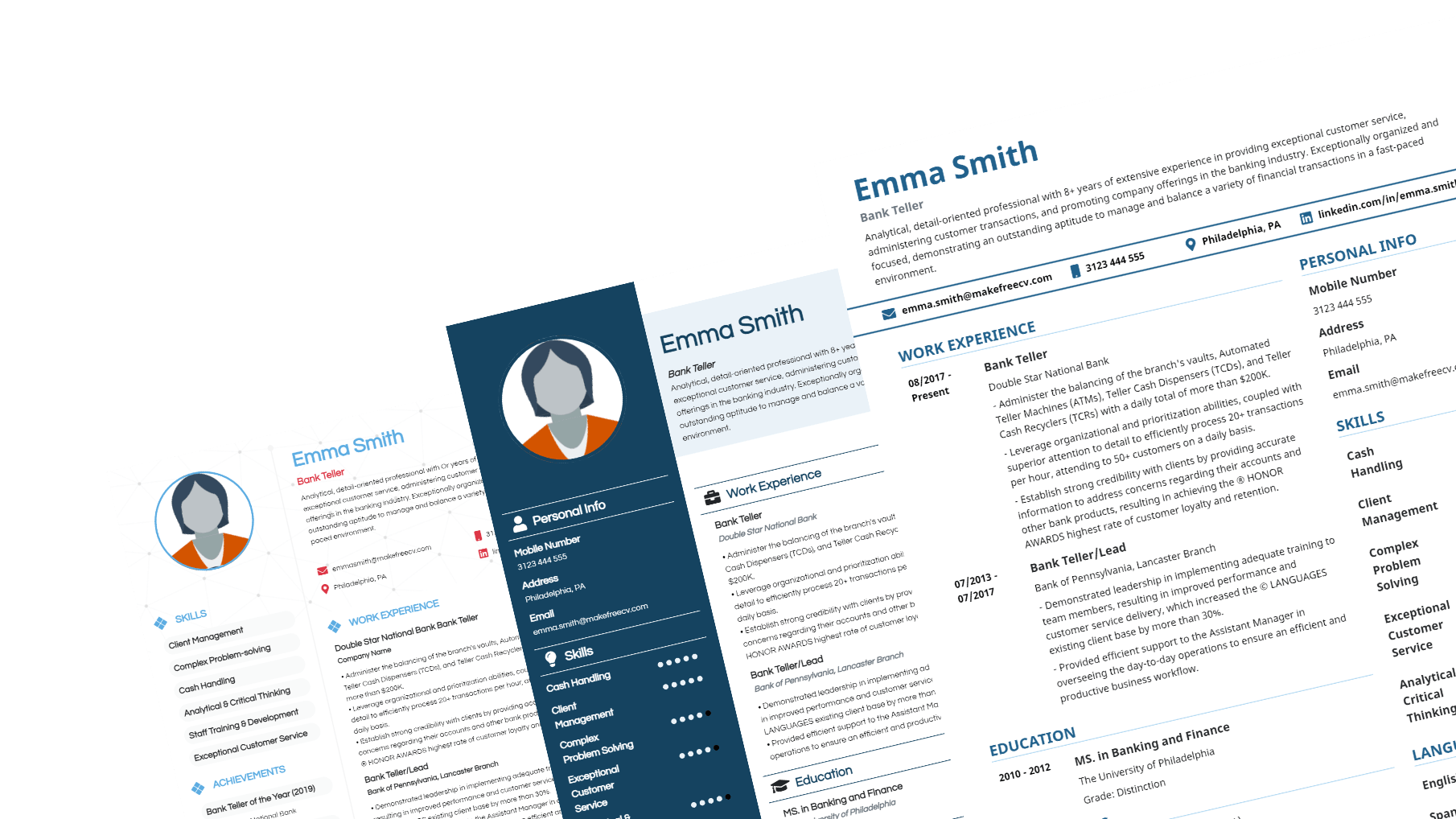
Finding the Perfect Free Resume Template Online
When it comes to landing your dream job, a well-crafted resume is essential. However, creating a resume from scratch can be daunting, especially if you're not sure where to start. That's where free online resume templates come in – a lifesaver for job seekers on a budget or those who want to streamline the resume-writing process. With countless options available, we'll guide you through the best free resume templates online and provide expert advice on how to choose and customize the perfect template for your next job application.
Benefits of Using Free Online Resume Templates
Using a free online resume template offers several benefits. Firstly, it saves you time and effort, allowing you to focus on highlighting your skills and experiences rather than worrying about the layout and design. Secondly, a professionally designed template ensures your resume looks polished and visually appealing, making a great first impression on potential employers. Finally, a well-structured template helps you organize your thoughts and present your information in a clear, concise manner.
Top Free Online Resume Templates
Here are some of the top websites offering high-quality, free online resume templates:
Canva: With a vast library of modern and stylish templates, Canva is an excellent choice for those who want a visually appealing resume. Their templates are easily customizable, and you can add your own fonts, colors, and graphics.
Resume Genius: This website offers a wide range of free resume templates, including some tailored to specific industries. Their templates are clean, professional, and optimized for applicant tracking systems (ATS).
Hloom: Hloom provides over 300 free resume templates, including some designed specifically for students and entry-level job seekers. Their templates are ATS-friendly and easy to customize.
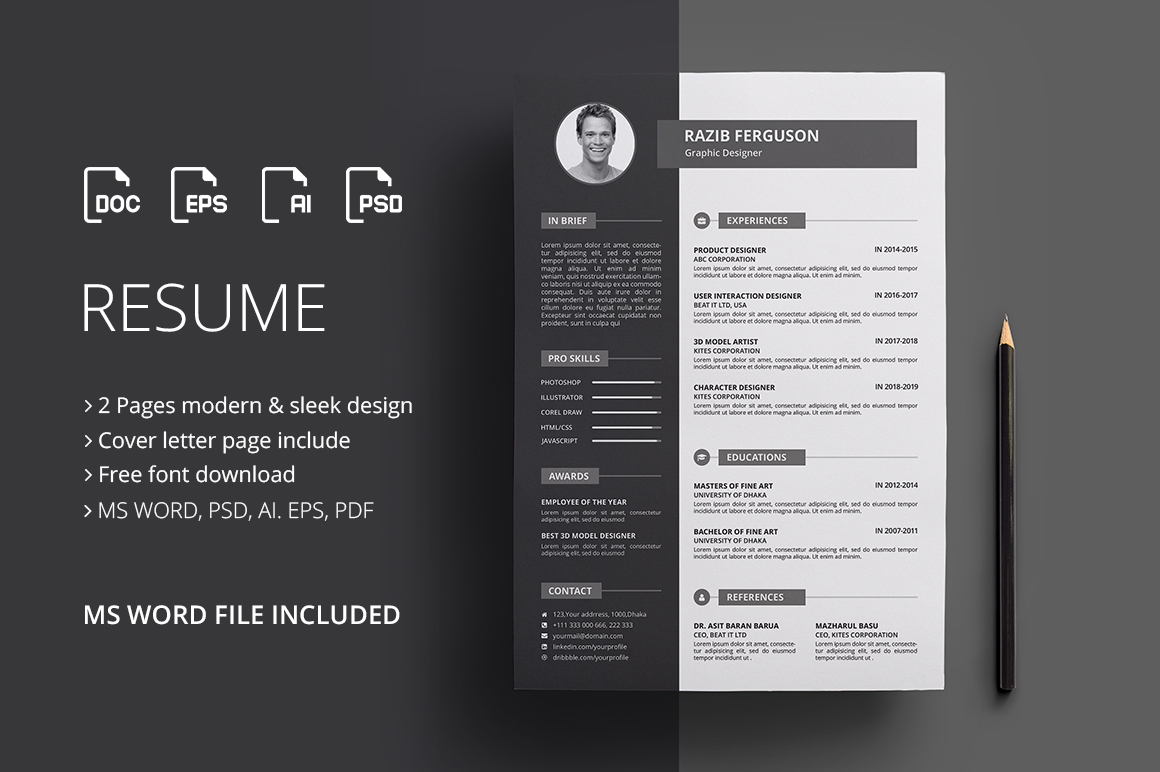
Choosing the Right Template for Your Resume
With so many free online resume templates available, choosing the right one can be overwhelming. Here are some factors to consider:
Industry: Select a template that's relevant to your industry. For example, a creative field may call for a more artistic template, while a corporate job may require a more traditional design.
Experience level: If you're entry-level, a simple and clean template may be best. For more experienced professionals, a template with a bit more flair can help you stand out.
Personal style: Choose a template that reflects your personality and style. If you're a creative person, a template with a bit of flair can help you showcase your skills.
Customizing Your Free Online Resume Template
Once you've chosen a template, it's essential to customize it to showcase your skills and experiences. Here are some tips:
Tailor your objective: Write a compelling objective statement that highlights your career goals and relevant skills.
Emphasize your achievements: Instead of just listing your job responsibilities, focus on the specific achievements and results you've achieved in your previous roles.
Use keywords: Use keywords related to the job you're applying for to help your resume pass through ATS and catch the eye of the hiring manager.
Common Mistakes to Avoid When Using Free Online Resume Templates
While free online resume templates can be a great resource, there are some common mistakes to avoid:
Over-customization: While it's essential to customize your template, avoid overdoing it. Too many fonts, colors, and graphics can make your resume look cluttered and unprofessional.
Lack of relevance: Make sure your template is relevant to the job you're applying for. A template that's too generic may not showcase your skills and experiences effectively.
Typos and errors: A single typo or error can make a negative impression on the hiring manager. Make sure to proofread your resume multiple times to catch any mistakes.
Real-Life Example: How a Free Online Resume Template Helped Land a Dream Job
Meet Jane, a marketing professional who was struggling to create a standout resume. She stumbled upon a free online resume template on Canva and decided to give it a try. With the template's clean design and easy-to-use interface, Jane was able to create a visually appealing resume that showcased her skills and experiences. She customized the template to fit her personal style and tailored her objective statement to the job she was applying for. The result? Jane landed her dream job at a top marketing firm.
Frequently Asked Questions
What are the best free online resume templates?
Some of the best free online resume templates can be found on Canva, Resume Genius, and Hloom. These websites offer a wide range of templates, from modern and stylish to traditional and professional.How do I choose the right template for my resume?
Consider your industry, experience level, and personal style when choosing a template. Select a template that's relevant to your industry and showcases your skills and experiences effectively.Can I customize a free online resume template?
Yes! Most free online resume templates are easily customizable. Add your own fonts, colors, and graphics to make the template your own.Are free online resume templates ATS-friendly?
Many free online resume templates are designed to be ATS-friendly. However, it's essential to check the template's compatibility with ATS before submitting your resume.Final Tips for Creating a Winning Resume
A well-crafted resume is essential for landing your dream job. By using a free online resume template and customizing it to showcase your skills and experiences, you can increase your chances of success. Remember to:
Keep it concise: Keep your resume to one or two pages, depending on your level of experience.
Use action verbs: Use action verbs like "managed," "created," and "developed" to describe your achievements.
- Proofread: Proofread your resume multiple times to catch any typos or errors.
By following these tips and using a free online resume template, you'll be well on your way to creating a winning resume that showcases your skills and experiences.
Related: Best Free Software Design Tools: What Actually Makes Sense?
Related: Free Resume Template for Fresh Graduates
