
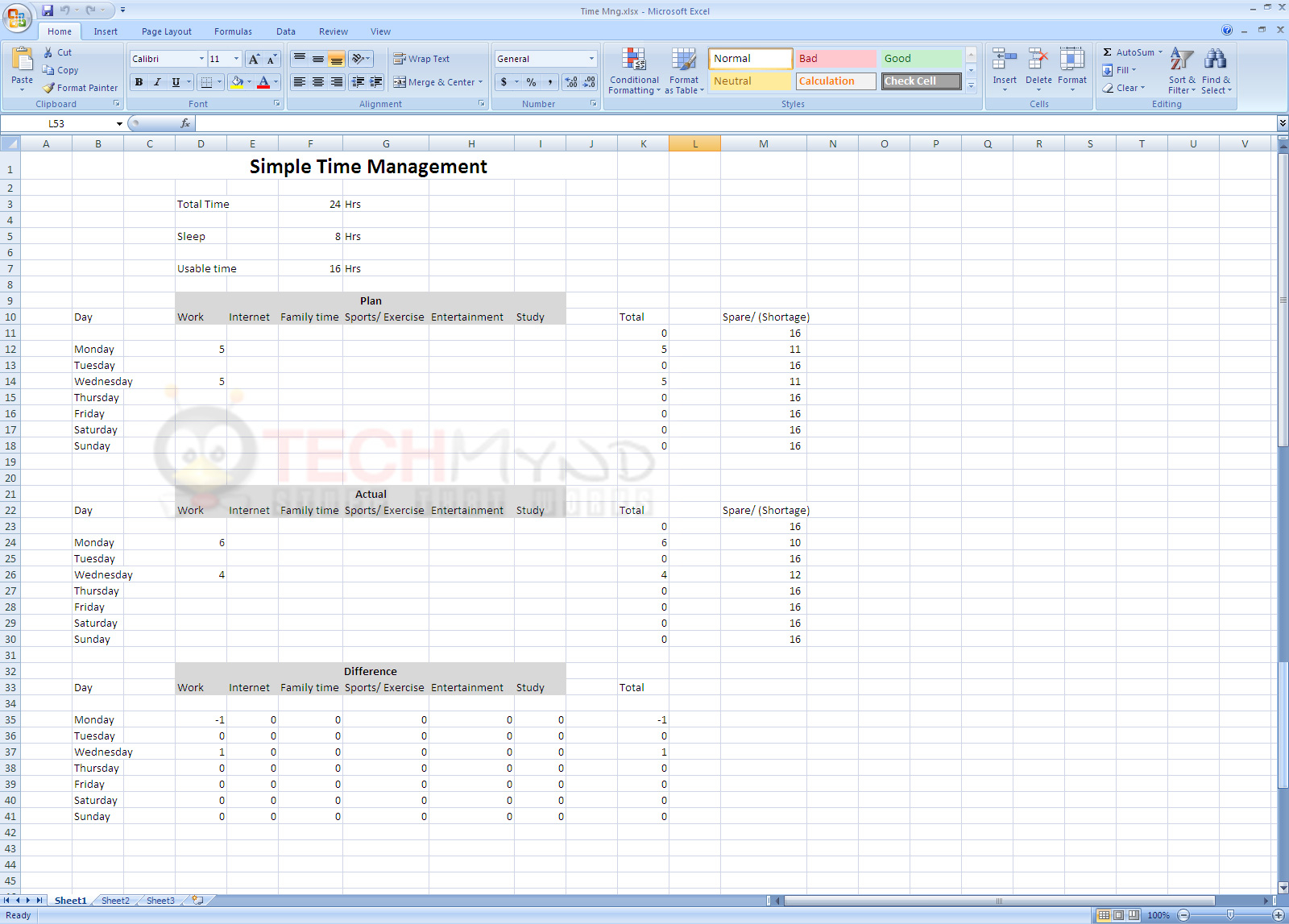
Finding the Right Time Management Template
Are you tired of feeling like there just aren't enough hours in the day? You're not alone. Managing time effectively is a challenge many of us face, but it's a crucial skill for achieving our goals. One tool that can help is a time management template in Excel. With so many options available, it can be overwhelming to choose the right one. In this article, we'll explore what makes sense when it comes to free time management templates in Excel.
Understanding Your Needs
Before diving into the world of templates, it's essential to understand your specific needs. What are your goals? What tasks do you need to manage? How much time do you have available each day? Knowing the answers to these questions will help you choose a template that works for you, not against you.
Assessing Your Goals
Take a moment to reflect on what you want to achieve with your time management template. Are you looking to:
Increase productivity?
Reduce stress?
Improve work-life balance?
Enhance focus?
Identifying your goals will help you prioritize features and choose a template that aligns with your objectives.
Popular Free Time Management Templates in Excel
There are countless free time management templates available in Excel, each with its unique features and benefits. Here are some popular options:
Basic Task List Template: A simple template for tracking tasks and deadlines.
Gantt Chart Template: A visual template for managing projects and timelines.
Time Tracking Template: A template for tracking how much time you spend on tasks.
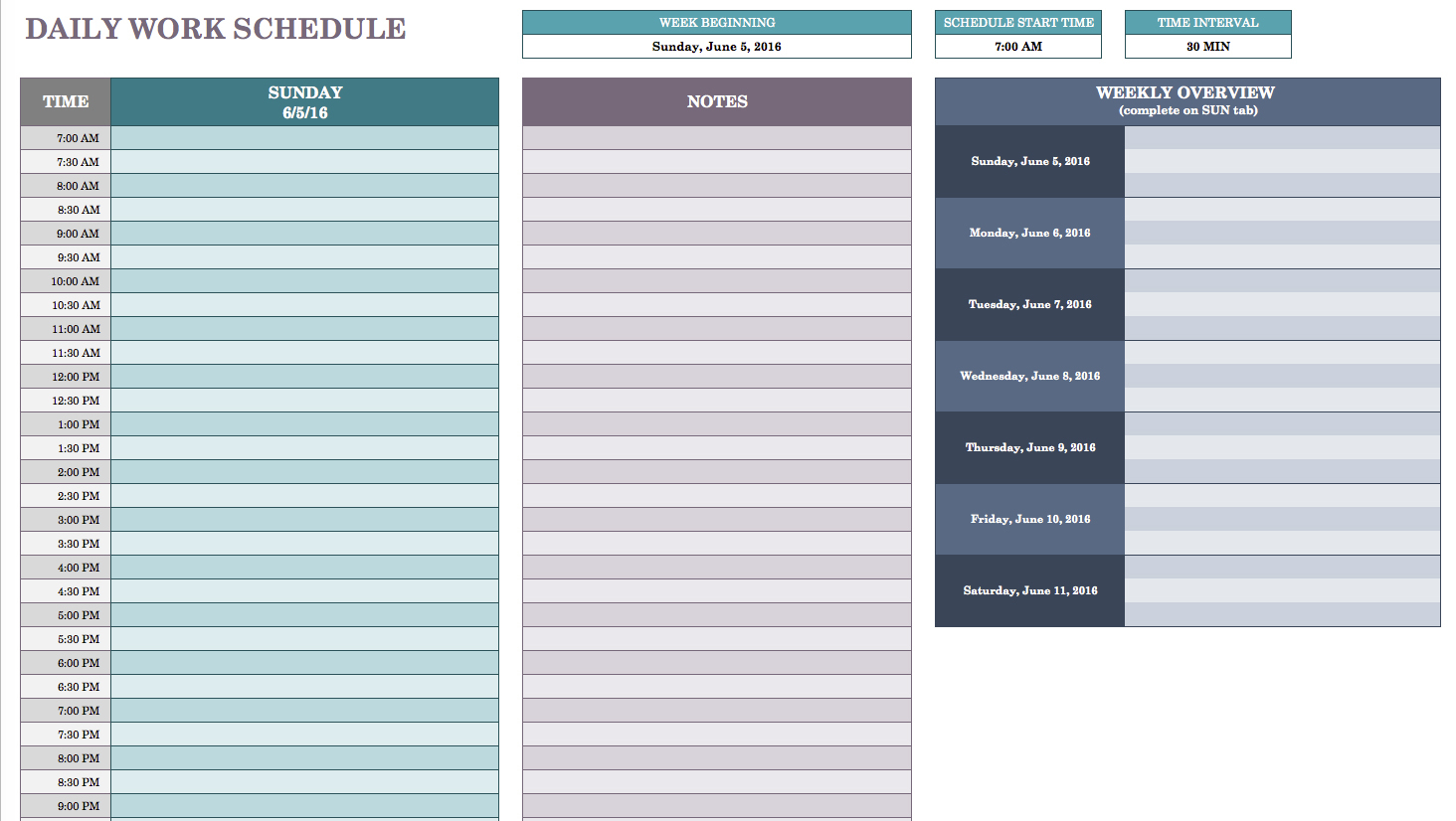
Schedule Template: A template for planning and organizing your daily or weekly schedule.
Comparison of Popular Templates
| Template | Features | Benefits | Drawbacks |
|---|---|---|---|
| Basic Task List | Task tracking, deadlines | Easy to use, simple | Limited features |
| Gantt Chart | Visual timeline, task dependencies | Great for projects, easy to understand | Can be complex |
| Time Tracking | Time logging, reporting | Accurate time tracking, insights | Can be tedious |
| Schedule | Daily/weekly planning, organization | Flexible, customizable | May not be detailed enough |
What to Look for in a Time Management Template
When evaluating a template, consider the following factors:
Ease of use: Is the template easy to understand and navigate?
Customization: Can you tailor the template to your specific needs?
Features: Does the template have the features you need to achieve your goals?
Compatibility: Is the template compatible with your version of Excel?
Creating Your Own Template
If you can't find a template that meets your needs, consider creating your own. Excel's flexibility allows you to design a template from scratch. Here are some tips to get you started:
Start with a clear goal: What do you want to achieve with your template?
Keep it simple: Avoid clutter and focus on essential features
Use formulas and formatting: Make the most of Excel's features to streamline your template
Case Study: Using a Time Management Template to Boost Productivity
Meet Sarah, a freelance writer struggling to manage her time effectively. She downloaded a basic task list template in Excel and started tracking her tasks and deadlines. With the template, Sarah was able to:
Increase her productivity by 30%
Reduce stress and feel more in control
Improve her work-life balance
Insight: The Power of Templates
"A good template is like a GPS for your productivity. It helps you stay on track, avoid distractions, and reach your goals." - Anonymous
Practical Tips for Using Time Management Templates
Here are some practical tips for getting the most out of your time management template:
Set realistic goals: Be honest about what you can achieve in a day or week
Prioritize tasks: Focus on high-priority tasks first
Track your time: Use your template to log your time and identify areas for improvement
Review and adjust: Regularly review your template and make adjustments as needed
FAQs
Q: What is the best free time management template in Excel?
The best template for you will depend on your specific needs and goals. Consider trying out a few different templates to see what works best for you.
Q: Can I customize a time management template in Excel?
Yes, most templates can be customized to some extent. Look for templates with flexible formatting and formulas.
Q: How do I choose the right template for my business?
Consider your business goals, the type of tasks you need to manage, and the level of complexity you're comfortable with.
Q: Can I use a time management template on my mobile device?
Yes, many templates can be accessed and edited on mobile devices using Excel apps.
Conclusion
Finding the right time management template in Excel can be a game-changer for your productivity. By understanding your needs, evaluating popular templates, and creating your own template, you can boost your efficiency and achieve your goals. Remember to keep it simple, prioritize your tasks, and track your time to get the most out of your template. With the right tools and a bit of practice, you can take control of your time and achieve a better work-life balance.
