
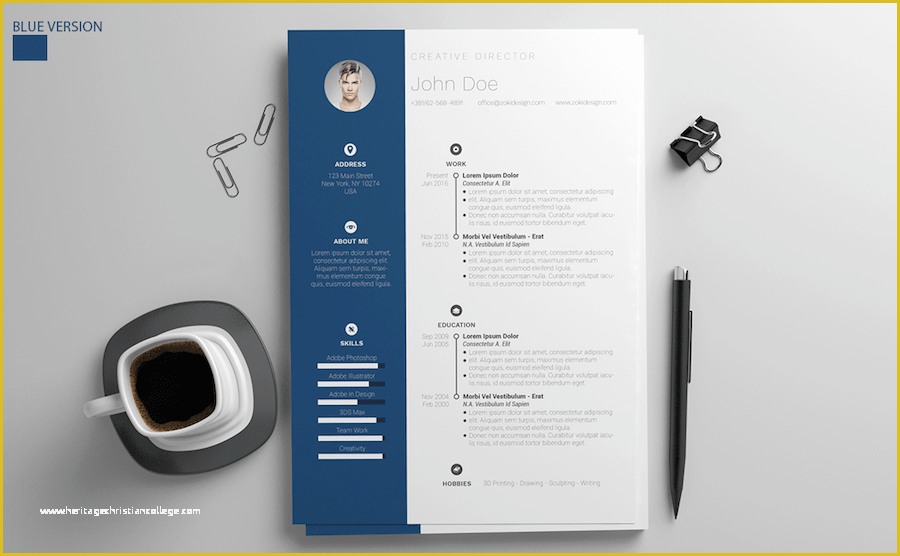
When you're on the hunt for a job, your resume is often the first impression you make on a potential employer. It's crucial to get it right. But not everyone has the design skills or resources to create a stunning resume from scratch. That's where free Word resume templates come in – a cost-effective solution to help you create a professional-looking resume. But with so many options available, what actually makes sense?
Finding the Perfect Template
The internet is flooded with websites offering free Word resume templates. But how do you sift through the noise and find a template that's both visually appealing and effective in showcasing your skills?
To start, consider your industry and the level of formality you're aiming for. For example, if you're in a creative field, you might opt for a template with a bit more flair. On the other hand, if you're in a more traditional sector, you'll want something clean and straightforward.
Benefits and Drawbacks of Free Templates
Free Word resume templates offer several benefits. They're easily accessible, customizable, and can save you a significant amount of time and money. However, there are some drawbacks to consider:
- Limited originality: Since these templates are available to everyone, your resume might end up looking like countless others.
- Compatibility issues: Some templates might not work well with older versions of Word or other software.
- Over-reliance on design: While a good design is important, your resume's content is ultimately what will land you an interview.
Choosing the Right Template
With thousands of free Word resume templates available, choosing the right one can be daunting. Here are some tips to help you make a decision:
Focus on Clarity and Readability
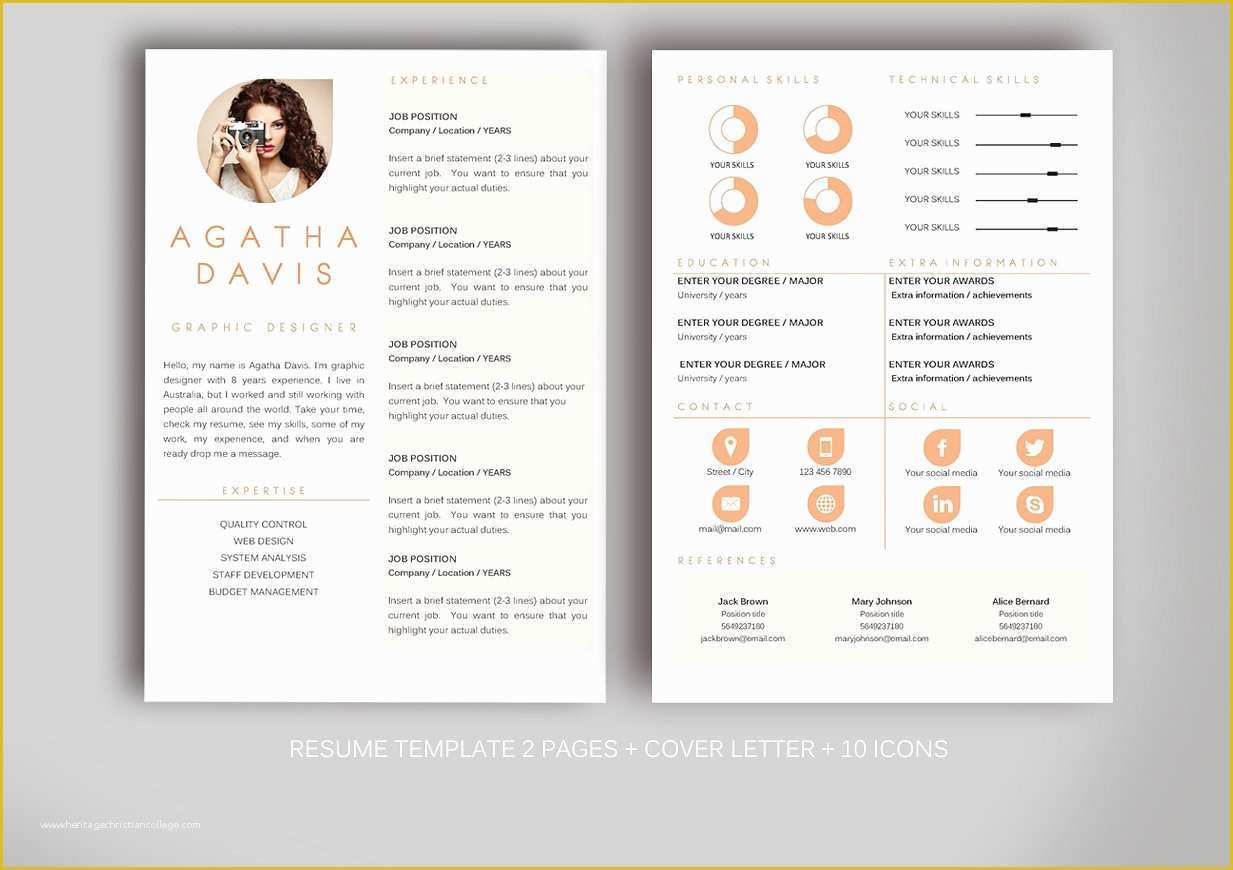
Your resume should be easy to scan. Look for templates with clear headings, bullet points, and white space to make your information stand out.
Consider Your Experience Level
If you're just starting out, a simple template that highlights your education and any relevant coursework or internships might be best. For more experienced professionals, a template that allows you to showcase a range of skills and accomplishments is preferable.
Think About ATS Compatibility
Many companies use Applicant Tracking Systems (ATS) to screen resumes before they even reach a human recruiter. Choose a template that's ATS-friendly, with clear headings and no unusual formatting that could confuse the software.
Customizing Your Template
Once you've chosen a template, it's time to make it your own. Here are some key areas to focus on:
- Tailor your objective: Customize your resume's objective or summary to fit the job you're applying for.
- Highlight relevant skills: Use the template's design to draw attention to your most relevant skills and experiences.
- Quantify your achievements: Where possible, use numbers to demonstrate the impact you've had in your previous roles.
Comparison of Popular Template Sites
Several websites stand out for their wide selection of free Word resume templates:
| <strong>Website</strong> | <strong>Template Variety</strong> | <strong>Customization Ease</strong> | <strong>ATS Compatibility</strong> |
|---|---|---|---|
| Microsoft Templates | High | High | Yes |
| TemplateArchive | Medium | Medium | Mostly |
| ResumeGenius | High | High | Yes |
Tips for Standing Out
Even with a great template, you'll want to ensure your resume stands out. Consider adding a professional summary at the top, highlighting any unique skills or experiences you bring to the table.
Common Mistakes to Avoid
- Overcomplicating the design: While you want your resume to stand out, overcomplicating the design can make it difficult to read.
- Not tailoring your resume: Failing to customize your resume for each job application can significantly reduce your chances of getting noticed.
Frequently Asked Questions
Q: Are free Word resume templates really free?
Yes, but some sites may offer premium options or require you to create an account.
Q: Can I use a free template for a job application?
Absolutely, but make sure to customize it for the job.
Q: Are free Word resume templates ATS-friendly?
Many are, but it's essential to choose one with clear formatting.
Q: Can I edit a template on a Mac?
Yes, most Word templates are compatible with Mac versions of Word.
Finalizing Your Resume
After selecting and customizing your template, take the time to proofread your resume multiple times. A single typo can make a negative impression on potential employers. Consider asking a friend or mentor to review it as well, for a fresh perspective.
Conclusion
Free Word resume templates can be a valuable tool in your job search, offering a cost-effective way to create a professional-looking resume. By understanding the benefits and drawbacks, choosing the right template, customizing it to fit your needs, and avoiding common mistakes, you can create a resume that helps you stand out in a competitive job market. With these tips and a bit of effort, you'll be well on your way to landing your dream job.
Related: What to Know About Resume Template Online Builders
Related: Resume Templates Free PDF: What Actually Makes Sense?
