
You've decided to build a website, but where do you start? With so many options, tools, and technical terms floating around, it's easy to feel overwhelmed. You're not alone. Many people struggle to create a website that effectively represents their brand or business. In this article, we'll share practical tips and insights to help you navigate the process with confidence.
Planning Your Website
Before you start building, it's essential to define your website's purpose and goals. What do you want to achieve with your website? Are you looking to: Showcase your products or services? Share your expertise or thought leadership? Build a community or forum? Drive sales or generate leads?Understanding your objectives will help you create a clear vision for your website and guide your design and development decisions. Take the time to research your target audience, their needs, and preferences. This will ensure your website resonates with them and meets their expectations.
Choosing the Right Website Platform
With numerous website platforms available, selecting the right one can be daunting. Popular options include WordPress, Wix, Squarespace, and Shopify. Each platform has its strengths and weaknesses, so it's crucial to evaluate your needs and choose a platform that aligns with your goals.Here's a brief comparison of these platforms:
| Platform | Ease of use | Customization | E-commerce capabilities | Cost |
|---|---|---|---|---|
| WordPress | 7/10 | High | Excellent | Free - $100+ |
| Wix | 9/10 | Medium | Good | $14 - $25/month |
| Squarespace | 8/10 | High | Good | $14 - $26/month |
| Shopify | 8/10 | Medium | Excellent | $29 - $299/month |
Consider factors like ease of use, customization options, e-commerce capabilities, and cost when making your decision.
Designing Your Website
A well-designed website is crucial for engaging visitors and conveying your brand's message. Here are some design tips to keep in mind: Keep it simple and intuitive: Ensure your website's navigation and layout are easy to understand.
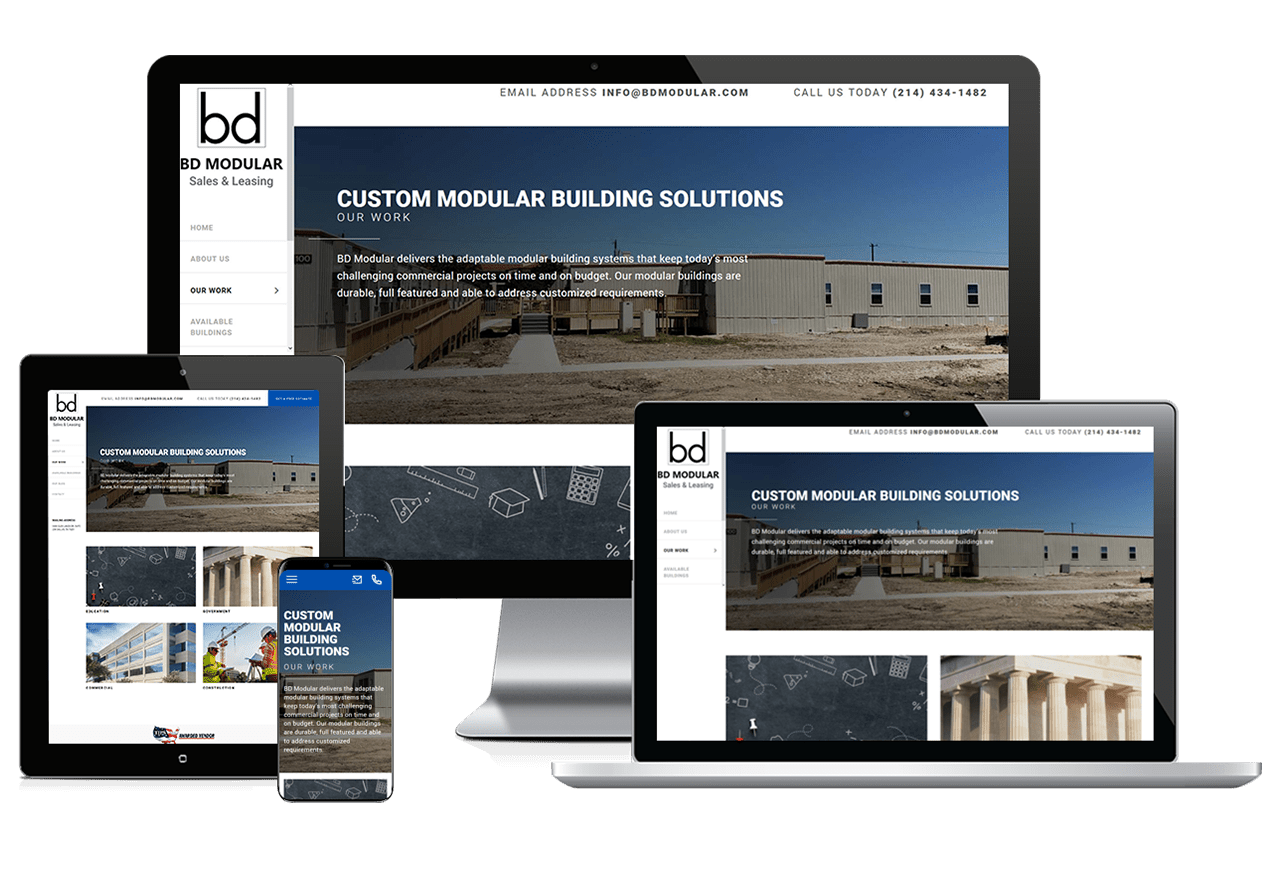
Use a responsive design: Your website should adapt to different screen sizes and devices.
Select a consistent color scheme and typography: These elements will help establish your brand's identity.
Use high-quality images and graphics: Visuals can make or break your website's aesthetic appeal.
Building Your Website
With your plan and design in place, it's time to start building your website. If you're using a website platform like Wix or Squarespace, you can take advantage of their drag-and-drop tools and templates. For more complex projects, you may need to use a content management system (CMS) like WordPress or hire a web developer.Optimizing Your Website for Search Engines
Search engine optimization (SEO) is critical for increasing your website's visibility and driving organic traffic. Here are some SEO best practices to follow: Conduct keyword research: Identify relevant keywords and phrases your target audience uses.
Optimize your page titles and meta descriptions: These elements will help search engines understand your content.
Use header tags and structured content: Organize your content with header tags (H1, H2, H3) and short paragraphs.
Regularly update your content: Fresh content will signal to search engines that your website is active and relevant.
Launching and Maintaining Your Website
Once you've built and optimized your website, it's time to launch it. Make sure to: Test your website thoroughly: Check for broken links, compatibility issues, and loading speed. Set up analytics and tracking: Monitor your website's performance and user behavior. Regularly update your content and plugins: This will ensure your website stays secure and fresh.Common Website Building Mistakes to Avoid
Here are some common mistakes to watch out for when building a website: Insufficient planning: Rushing into website building without defining your goals and target audience.Poor design and user experience: Creating a website that's difficult to navigate or visually unappealing.
Ignoring mobile responsiveness: Failing to ensure your website adapts to different screen sizes and devices.
- Neglecting SEO: Not optimizing your website for search engines, leading to poor visibility.
Frequently Asked Questions
Q: How much does it cost to build a website?
The cost of building a website varies widely, depending on the platform, design, and features. You can expect to pay anywhere from $100 to $10,000 or more.
Q: Do I need to know how to code to build a website?
Not necessarily. Many website platforms offer drag-and-drop tools and templates that don't require coding knowledge. However, having some coding skills can be beneficial for customization and advanced features.
Q: How long does it take to build a website?
The time it takes to build a website depends on the complexity of the project and your level of expertise. You can expect to spend anywhere from a few hours to several weeks or even months.
Q: How do I drive traffic to my website?
Driving traffic to your website requires a combination of SEO, content marketing, social media promotion, and paid advertising. Focus on creating high-quality content and promoting it through various channels.
Conclusion
Building a website can seem daunting, but with the right approach, you can create a site that effectively represents your brand or business. By following these tips and best practices, you'll be well on your way to launching a website that drives results. Remember to stay focused on your goals, target audience, and user experience. With patience and persistence, you can build a website that helps you achieve your online objectives.Related: Website Building Contract Tips
