
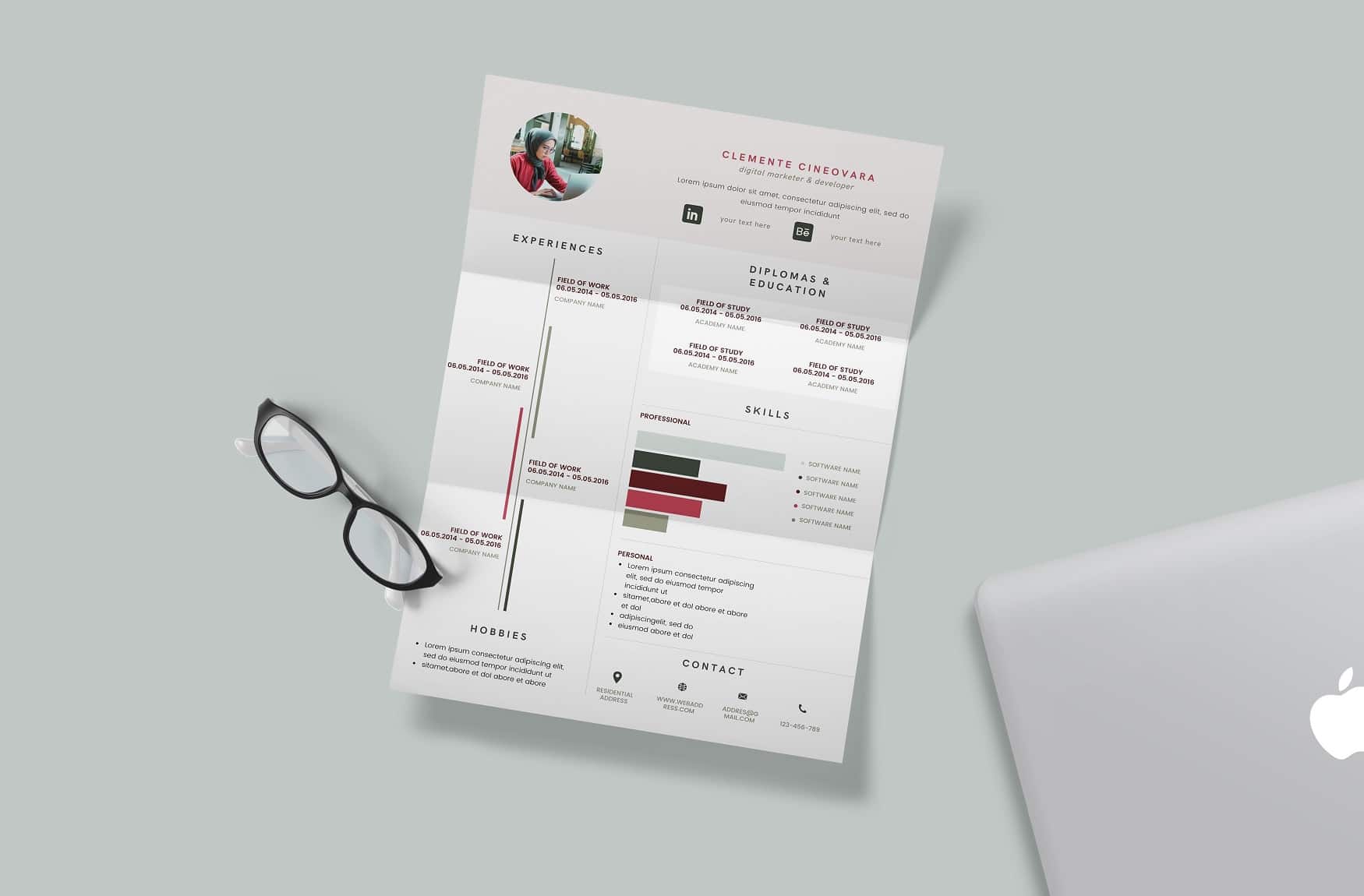
Finding the Right Resume Template
When you're on the hunt for a job, your resume is often the first impression you make on a potential employer. It's crucial that it stands out for all the right reasons. A well-designed resume can make a significant difference, but not everyone has the design skills or resources to create one from scratch. That's where Canva comes in, offering a wide range of free resume templates that you can download and customize to fit your needs.
Benefits of Using Canva Resume Templates
Canva is a popular design platform that provides users with a vast array of templates and design tools. Its resume templates are particularly useful because they are:
- Professionally designed
- Highly customizable
- Free to download and use
- Available in various formats
Using a Canva resume template can save you time and ensure your resume looks professional. You don't need to have extensive design experience; Canva's intuitive interface guides you through the customization process.
How to Download Free Canva Resume Templates
Downloading a free Canva resume template is straightforward:
- Sign Up or Log In to Canva: If you haven't already, create a Canva account. It's free and only takes a minute.
- Search for Resume Templates: Once logged in, type "resume templates" in the search bar. You'll be presented with a variety of templates, including some specifically labeled as free.
- Select Your Template: Browse through the templates and choose one that suits your style and industry.
- Customize Your Template: Canva allows you to customize your chosen template extensively. You can change fonts, colors, and add your information.
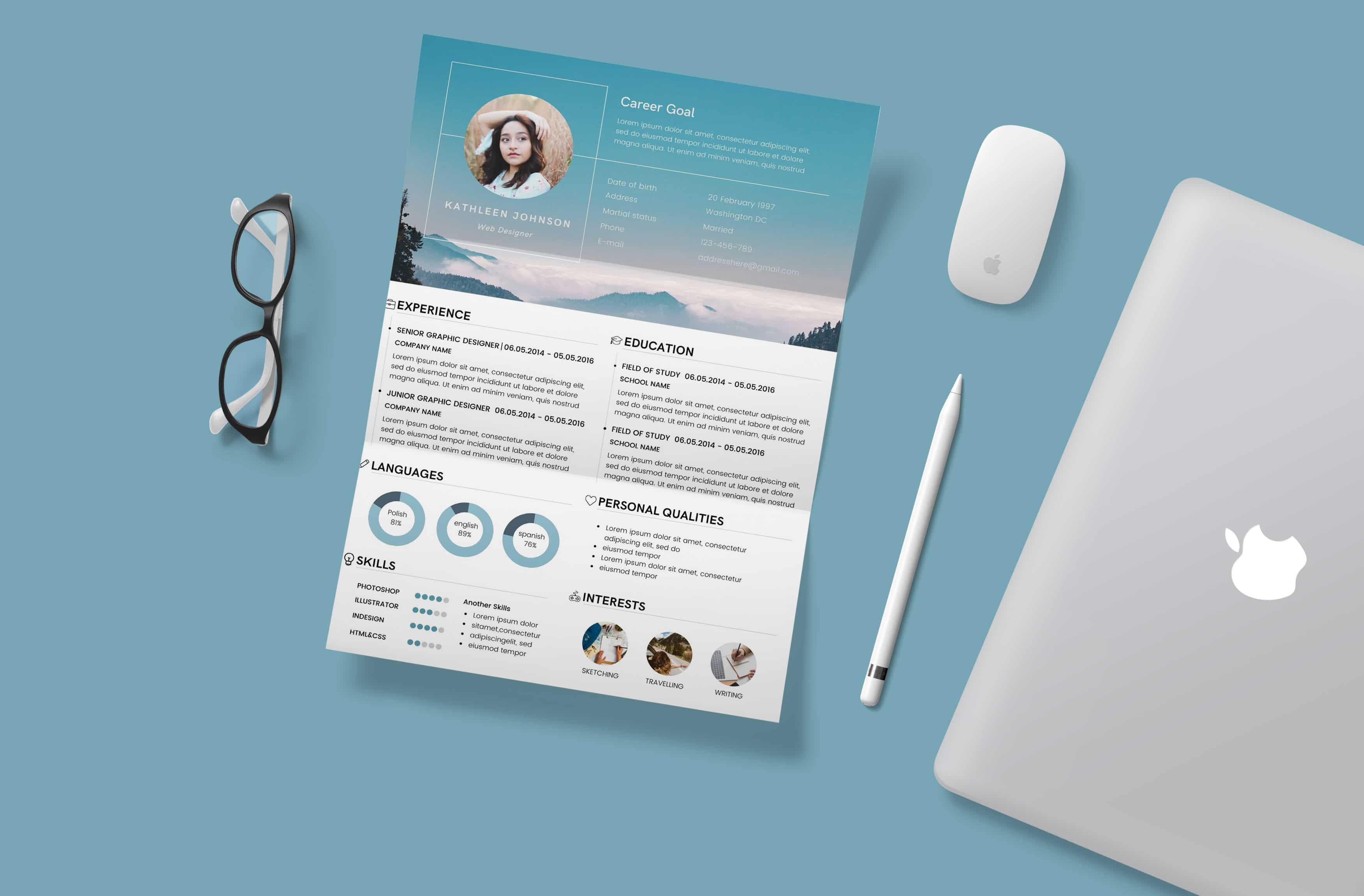
Customizing Your Resume Template
Customization is key to making your resume stand out. Here are some tips:
- Tailor Your Template to the Job: Adjust your resume to match the job description. Highlight relevant skills and experiences.
- Use Clear and Concise Language: Avoid jargon and overly technical terms. Your resume should be easy to read.
- Keep It Relevant: Only include information that's relevant to the job you're applying for.

Comparison of Canva Resume Templates
| <strong>Template Style</strong> | <strong>Description</strong> | <strong>Best For</strong> |
|---|---|---|
| Modern | Sleek and contemporary designs. | Creative and tech industries. |
| Professional | Traditional and formal layouts. | Corporate and finance sectors. |
| Minimalist | Simple and clean designs. | All industries, especially when you want to let your experience shine. |
Pros and Cons of Using Canva Resume Templates
Pros
- Ease of Use: Canva's drag-and-drop interface makes it easy to use, even for those with little design experience.
- Variety: Offers a wide range of templates and design elements.
- Cost-Effective: Many templates are free, and you can use Canva's free features without spending money.
Cons
- Limited Advanced Features: For more complex designs, you might find Canva's capabilities limited compared to professional design software.
- Overuse of Templates: If many candidates use the same template, it might not help you stand out as much.
Tips for Making Your Resume Shine
- Use Action Verbs: Start each bullet point with a strong action verb like "managed," "created," or "developed."
- Quantify Achievements: Where possible, include numbers to demonstrate the impact of your work.
- Proofread: A single typo can make a negative impression. Always proofread your resume multiple times.
Frequently Asked Questions
Q: Can I use Canva resume templates for any job application?
Yes, Canva offers a wide range of templates suitable for various industries and job types. However, it's essential to tailor your resume to the specific job you're applying for.
Q: Are Canva resume templates truly free?
Many Canva templates are free, but some may require a subscription or a one-time payment. Always check the pricing details before downloading.
Q: Can I edit Canva templates on my mobile device?
Yes, Canva has a mobile app that allows you to edit and customize templates on the go.
Q: How do I make my resume ATS-friendly?
To make your resume ATS (Applicant Tracking System) friendly, use standard fonts, avoid images and graphics, and incorporate keywords from the job description.
Final Tips
Creating a standout resume doesn't have to be daunting. With Canva's free resume templates, you can design a professional-looking resume in no time. Remember to customize your template to fit your personal brand and the job you're applying for. Use clear language, highlight your achievements, and don't hesitate to experiment with different designs until you find the one that works best for you. Your perfect resume is just a few clicks away.
Related: 5 Useful Things to Know About Starting Small Business Ideas
