
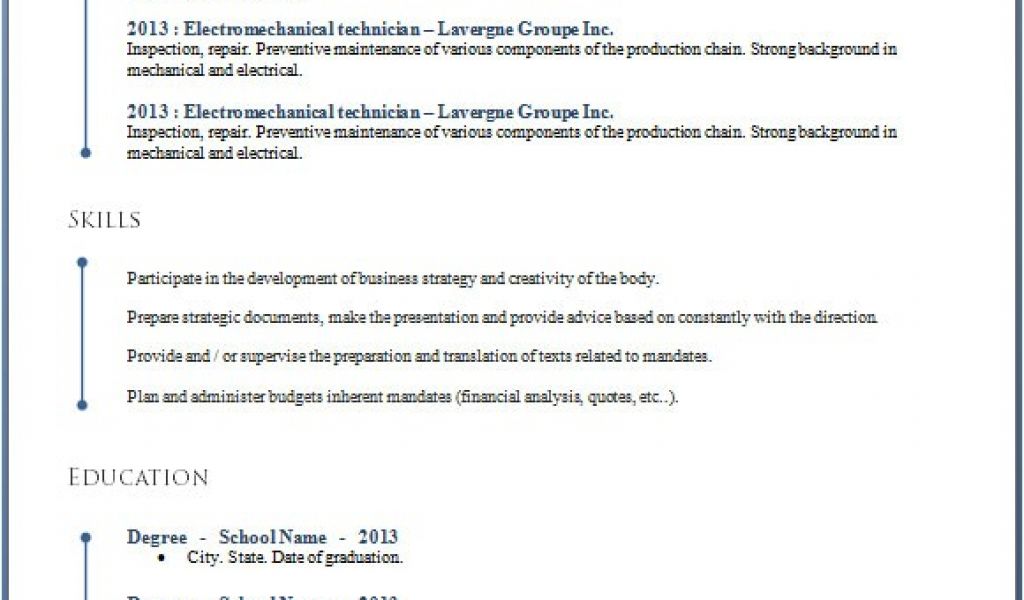
Understanding the Challenge of Finding the Right Resume Template
When you're on the hunt for a job, your resume is often the first impression you make on a potential employer. It's a crucial document that needs to highlight your skills, experience, and personality in a clear and concise manner. However, creating a standout resume from scratch can be daunting. This is where free resume templates in Word come into play. With thousands of options available, it can be overwhelming to find the perfect one that suits your needs.
Benefits of Using Resume Templates in Word
Using a resume template in Word offers several benefits. Firstly, it saves you time. Instead of starting from a blank page, you have a structured format that guides you through the process. Templates also ensure consistency in formatting, which is crucial for making a professional impression. Moreover, many templates are designed with specific industries or job roles in mind, helping you tailor your resume to your target position.
Exploring Free Resume Templates in Word
Microsoft Word offers a wide range of free resume templates that can be accessed directly from the application. To find them, open Word, click on "File," then "New," and search for "resume" in the template search bar. You'll be presented with numerous options, ranging from simple and professional to more creative and modern designs.
What to Look for in a Free Resume Template
When browsing through free resume templates in Word, consider the following factors:
- Industry Relevance: Choose a template that's relevant to your industry. For example, a creative field might benefit from a more vibrant and unconventional design, while a corporate job might require something more traditional and professional.
- Customization: Opt for a template that's easy to customize. You should be able to change colors, fonts, and layouts without much hassle.
- Readability: Ensure the template is easy to read. Avoid templates with too much clutter or overly complex designs.
Comparison of Popular Free Resume Templates in Word
| Template Name | Best for | Key Features |
|---|---|---|
| <strong>Modern Resume</strong> | Creative and Marketing | Sleek design, easy to customize, includes a skills chart |
| <strong>Professional Resume</strong> | Corporate and Finance | Traditional layout, clean fonts, highlights achievements |
| <strong>Creative Resume</strong> | Design and Media | Colorful, includes visual elements, great for showcasing creativity |
Customizing Your Chosen Template
Once you've selected a template, it's time to customize it. Here are some practical steps:
- Update Your Contact Information: Make sure your name, email address, phone number, and LinkedIn profile (if applicable) are up-to-date and professional.
- Tailor Your Objective: If your template includes an objective statement, tailor it to the job you're applying for. Focus on what you can bring to the position.
- Highlight Your Achievements: Use bullet points to list your achievements rather than just listing job responsibilities. Quantify your achievements wherever possible.
- Adjust the Layout: Don't be afraid to move sections around or add/remove sections as needed. Your resume should be concise but comprehensive.
Insight: Balancing Creativity with Professionalism
"The key to a successful resume is finding that sweet spot between creativity and professionalism. Your resume should reflect your personality but also demonstrate your ability to adhere to professional standards."
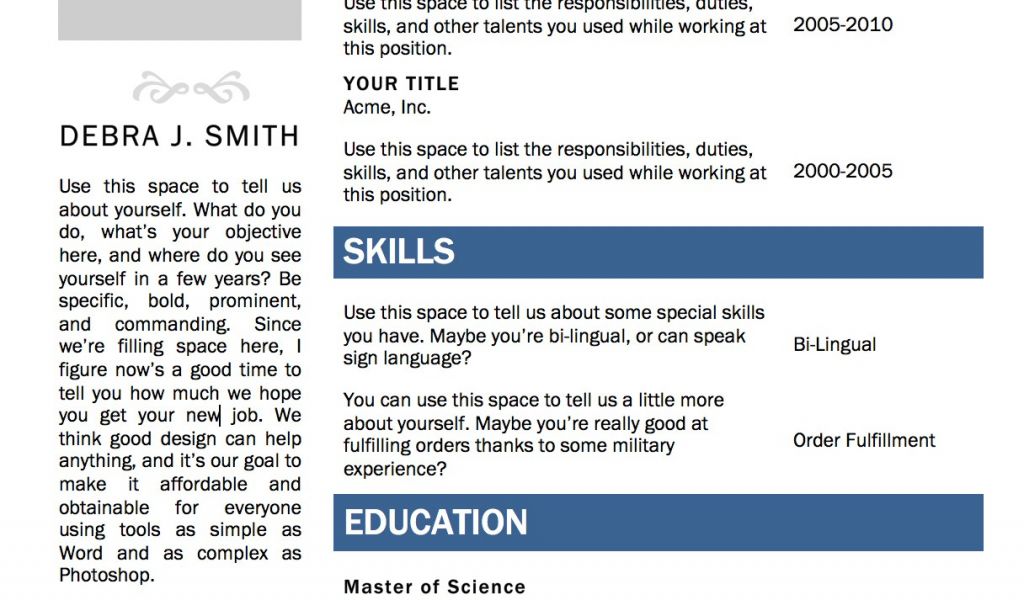
Common Mistakes to Avoid with Free Resume Templates
- Over-customization: While it's essential to personalize your template, overdoing it can make your resume look unprofessional or hard to read.
- Ignoring the Job Description: Failing to tailor your resume to the job description is a common mistake. Use keywords from the job posting to help your resume pass through applicant tracking systems (ATS) and catch the eye of the hiring manager.
FAQs
Q: Can I use free resume templates for any job application?
While free resume templates can be versatile, it's best to choose a template that's relevant to your industry or the specific job you're applying for.
Q: How do I know if a template is free?
When searching for templates in Word, filter your search to show only free templates. Always review the licensing terms to ensure you're allowed to use the template for personal or professional purposes.
Q: Can I edit a resume template in other software?
Most Word templates can be imported into other word processing software, but you might encounter formatting issues. It's best to edit your resume directly in Word or convert it to a compatible format.
Conclusion
Finding the perfect free resume template in Word requires a bit of exploration and customization. By understanding your needs, choosing a relevant template, and tailoring it to your experiences and the job you're applying for, you can create a compelling resume that helps you stand out in a competitive job market. Remember, your resume is a reflection of your professional brand, so take the time to make it shine.
