
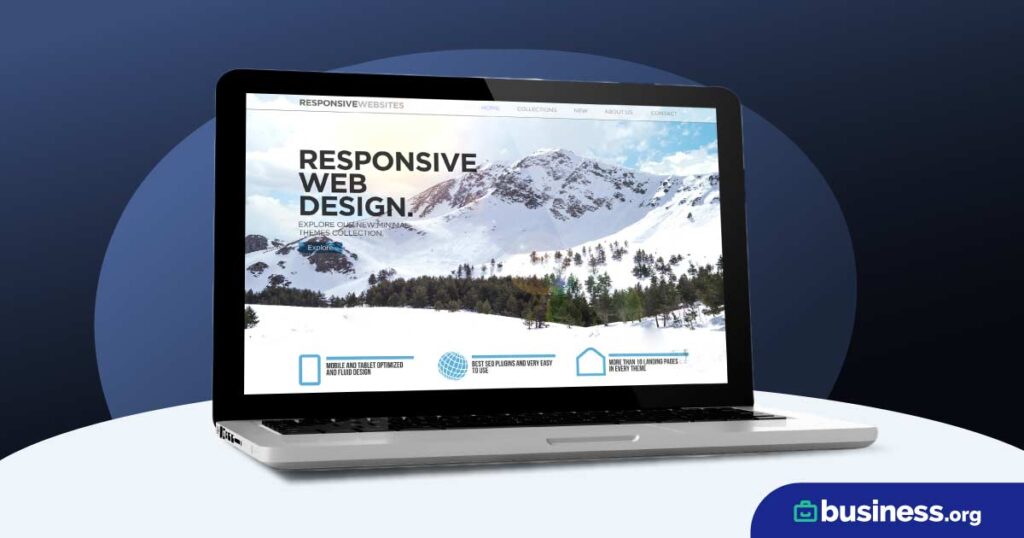
Getting Started with a Free Website for Your Small Business
As a small business owner, having an online presence is crucial for reaching new customers and growing your business. However, creating a professional website can seem like a daunting and expensive task. The good news is that there are several free website ideas and solutions that can help you establish an online presence without breaking the bank.
What You Need to Know About Free Website Options
Before we dive into the free website ideas, it's essential to understand what you're getting into. Free websites often come with limitations, such as limited design options, storage space, and bandwidth. However, these limitations can be acceptable for small businesses that are just starting out or want to test the waters.
Free Website Builders for Small Businesses
One of the easiest ways to create a free website is to use a website builder. Website builders offer drag-and-drop tools and templates that make it easy to create a professional-looking website without any coding knowledge. Some popular free website builders for small businesses include:
Wix: Offers a free plan with limited features, but still allows you to create a professional-looking website.
Weebly: Provides a free plan with limited storage space and bandwidth, but is easy to use and offers a range of templates.
WordPress.com: Offers a free plan with limited features, but is highly customizable and integrates well with social media.
Comparison of Free Website Builders
| Website Builder | Storage Space | Bandwidth | Customization Options |
|---|---|---|---|
| Wix | 500MB | Unlimited | Limited |
| Weebly | 500MB | Unlimited | Limited |
| WordPress.com | 3GB | Unlimited | High |
Using a Free Website Template
Another way to create a free website is to use a free website template. Website templates offer pre-designed layouts and styles that you can customize to fit your business needs. Some popular websites that offer free website templates include:
WordPress.org: Offers thousands of free website templates that you can download and customize.
TemplateMonster: Provides a range of free website templates for various industries and purposes.
ThemeForest: Offers a range of free and paid website templates for various industries and purposes.
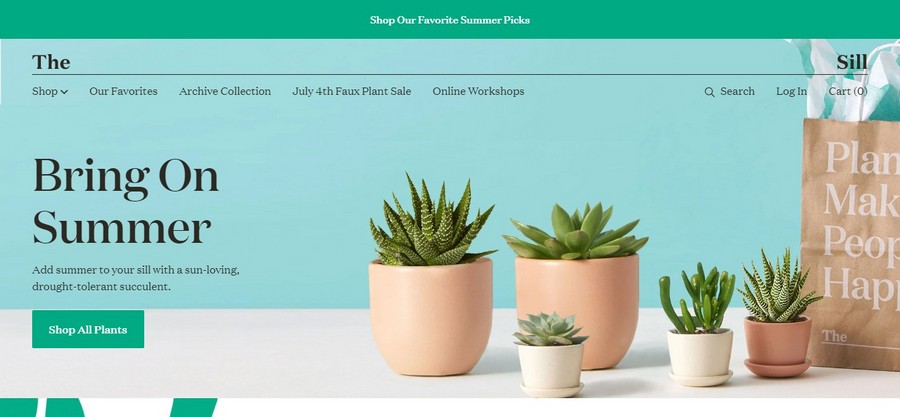
Free Website Hosting Options
Once you have created your website, you need to host it somewhere. Free website hosting options are available, but often come with limitations. Some popular free website hosting options include:
000webhost: Offers free website hosting with limited storage space and bandwidth.
InfinityFree: Provides free website hosting with unlimited storage space and bandwidth, but comes with ads.
AwardSpace: Offers free website hosting with limited storage space and bandwidth, but provides a range of features.
Practical Tips for Creating a Free Website
Creating a free website requires some planning and creativity. Here are some practical tips to help you get started:
Define your goals: What do you want to achieve with your website? Do you want to sell products, generate leads, or provide information?
Choose a simple design: Avoid clutter and focus on a simple, easy-to-navigate design.
Use high-quality images: Invest in high-quality images that reflect your brand and are optimized for web use.
Optimize for SEO: Use keywords, meta descriptions, and optimize images to improve your website's search engine rankings.
Common Mistakes to Avoid
When creating a free website, there are several common mistakes to avoid:
Using too many plugins: Too many plugins can slow down your website and create security risks.
Not optimizing for mobile: Ensure that your website is optimized for mobile devices to improve user experience.
Not testing for usability: Test your website for usability and make sure it's easy to navigate.
Real-World Examples of Free Websites
Several small businesses have successfully created free websites using the options outlined above. For example:
A local bakery used Wix to create a simple website that showcases their products and provides contact information.
A freelance writer used WordPress.com to create a professional-looking website that showcases their portfolio and services.
Frequently Asked Questions
Q: Can I really create a professional-looking website for free?
Yes, but it may require some creativity and planning. Free website builders and templates can help you create a professional-looking website.
Q: What are the limitations of free website builders?
Free website builders often come with limitations, such as limited storage space, bandwidth, and customization options.
Q: Can I use a free website for e-commerce?
Yes, but you may need to upgrade to a paid plan to access features such as payment gateways and inventory management.
Q: How do I optimize my free website for SEO?
Use keywords, meta descriptions, and optimize images to improve your website's search engine rankings.
Conclusion
Creating a free website for your small business is a great way to establish an online presence without breaking the bank. By using website builders, templates, and free hosting options, you can create a professional-looking website that meets your business needs. Remember to define your goals, choose a simple design, and optimize for SEO to get the most out of your free website.
Related: What to Know About Free Printable Resume Templates
Related: Free Resume Templates to Land Your Dream Job
Related: Website Templates Builder for Beginners: A Step - by - Step
