
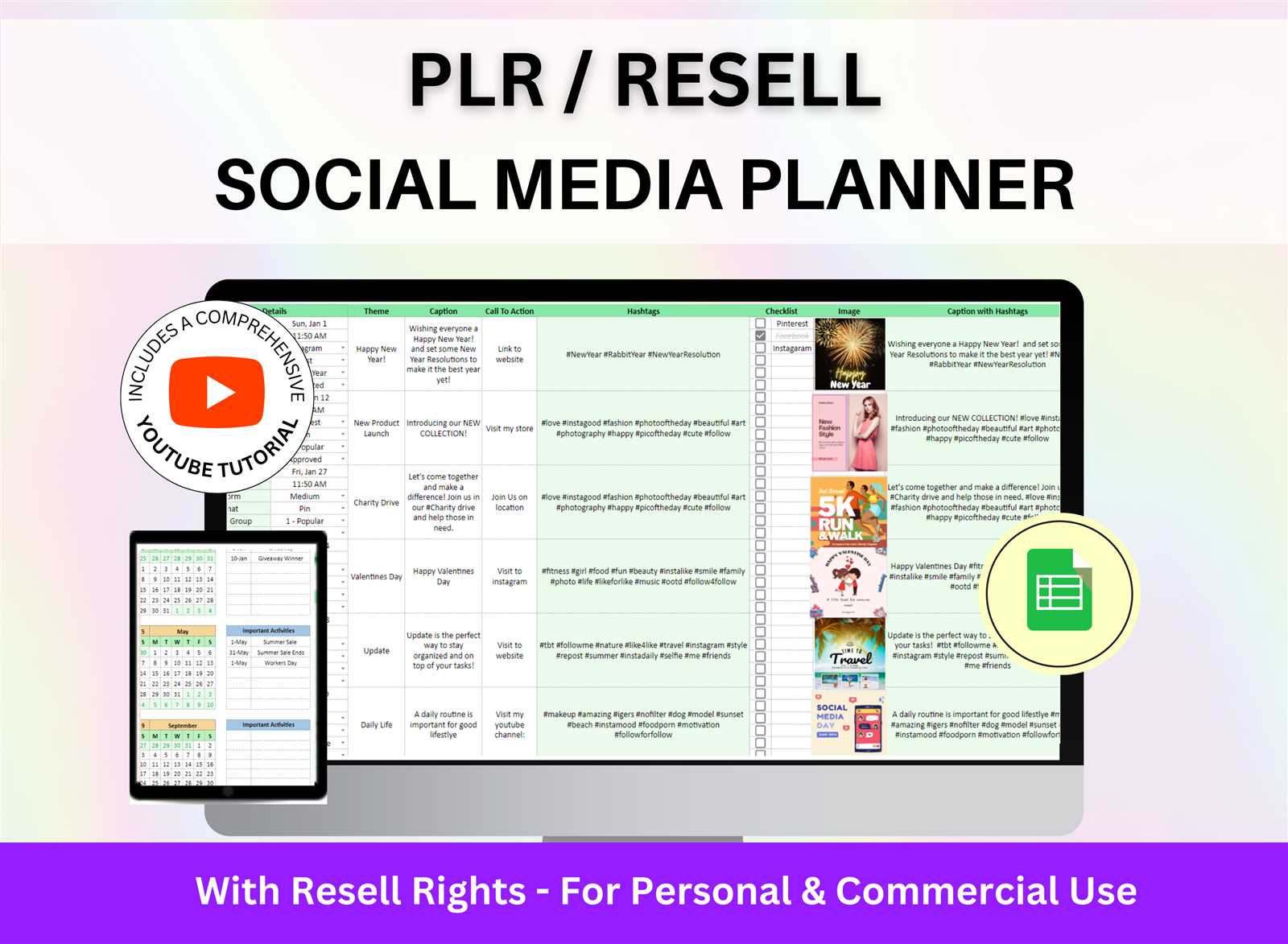
Why You Need a Content Planning Calendar
As a content creator, you're likely no stranger to the chaos of managing multiple projects, deadlines, and team members. A content planning calendar can be a lifesaver in this situation, helping you organize and streamline your workflow. But what makes a content planning calendar effective, and how can you create one that actually works for you?
Understanding Your Content Planning Needs
Before you start building your calendar, it's essential to understand your content planning needs. What type of content do you create? Who is your target audience? What are your goals and objectives? Take some time to reflect on these questions and jot down your answers. This will help you determine what features your calendar needs to have and what information you need to include.
For example, if you're a blogger, your calendar might need to include space for planning and outlining posts, as well as scheduling social media promotions. If you're a business owner with a team, your calendar might need to include assignments and deadlines for team members.
Choosing the Right Tools for Your Calendar
With your needs in mind, it's time to choose the right tools for your calendar. You can use a physical planner, a spreadsheet, or a specialized tool like Trello or Asana. The key is to find a tool that you're comfortable using and that fits your workflow.
Here are a few popular options:
Google Calendar: A simple and intuitive calendar tool that integrates with other Google apps.
Trello: A visual project management tool that uses boards, lists, and cards to organize tasks.
Asana: A task management tool that allows you to create and assign tasks, set deadlines, and track progress.
Setting Up Your Content Planning Calendar
Once you've chosen your tool, it's time to set up your calendar. Here are a few essential elements to include:
Content types: Create a list of the types of content you'll be creating, such as blog posts, social media posts, or email newsletters.
Publication dates: Schedule publication dates for each piece of content, taking into account factors like seasonality and holidays.
Deadlines: Set deadlines for creating and reviewing content, as well as for any necessary revisions.
Assignments: Assign tasks to team members, including writers, editors, and designers.
Tips for Effective Content Planning
Here are a few tips to keep in mind as you plan your content:
Keep it flexible: Your calendar shouldn't be set in stone. Leave room for changes and adjustments as needed.
Prioritize: Prioritize your content based on importance and urgency, and focus on the most critical tasks first.
Review and adjust: Regularly review your calendar and adjust as needed. This will help you stay on track and ensure that your content is aligned with your goals.
Common Mistakes to Avoid
Here are a few common mistakes to avoid when creating a content planning calendar:
Overcommitting: Don't try to do too much at once. Be realistic about what you can accomplish and prioritize your tasks accordingly.
Underestimating: Don't underestimate the time and effort required to create high-quality content. Make sure to leave enough time for research, writing, and editing.
Not reviewing: Don't forget to review and adjust your calendar regularly. This will help you stay on track and ensure that your content is aligned with your goals.
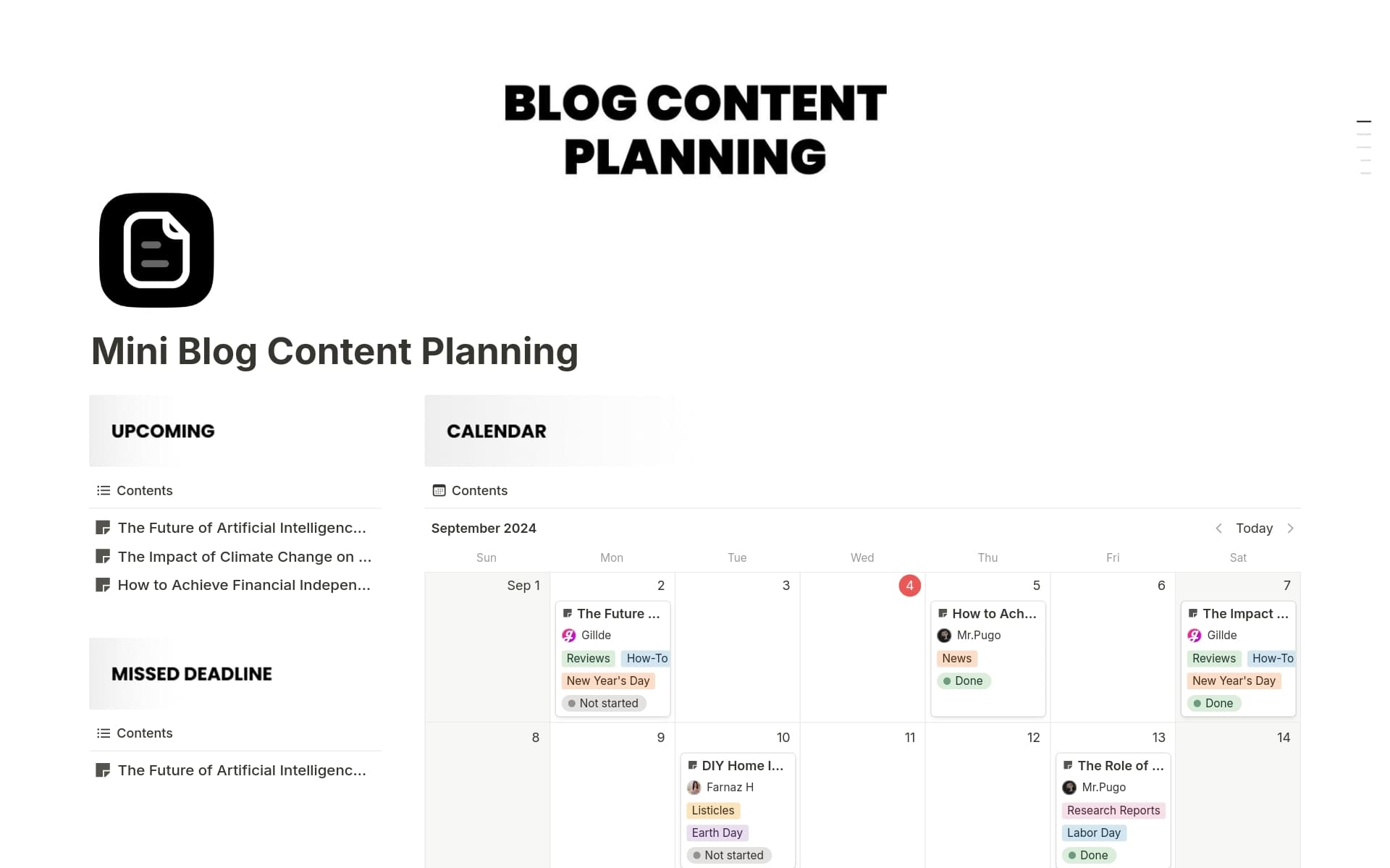
Comparison of Content Planning Tools
| Tool | Features | Pricing |
|---|---|---|
| Google Calendar | Simple and intuitive, integrates with other Google apps | Free |
| Trello | Visual project management, boards, lists, and cards | Free - $25/month |
| Asana | Task management, assignments, deadlines, and progress tracking | Free - $50/month |
Case Study: How a Content Planning Calendar Boosted Productivity
One company that implemented a content planning calendar saw a significant boost in productivity. By prioritizing tasks and focusing on the most critical content, they were able to:
Increase their content output by 25%
Reduce their editing time by 30%
Improve their team collaboration and communication
FAQs
Q: What is a content planning calendar?
A content planning calendar is a tool used to plan, organize, and schedule content in advance.
Q: Why do I need a content planning calendar?
A content planning calendar helps you streamline your workflow, prioritize tasks, and ensure that your content is aligned with your goals.
Q: What are some popular content planning tools?
Popular content planning tools include Google Calendar, Trello, and Asana.
Q: How often should I review and adjust my content planning calendar?
You should review and adjust your content planning calendar regularly, ideally on a weekly or monthly basis.
Conclusion
Creating a content planning calendar can seem daunting, but with the right tools and a little planning, you can streamline your workflow and boost your productivity. By understanding your needs, choosing the right tools, and setting up your calendar, you can create a system that works for you. Remember to keep it flexible, prioritize your tasks, and review and adjust your calendar regularly. With these tips and a little practice, you'll be well on your way to becoming a content planning pro.
Related: 5 Low Competition Online Business Ideas to Get Ahead Fast
Related: Find Your Perfect Fit: Free PDF Resume Templates
Related: Free Resume Templates for Professionals to Stand Out
